






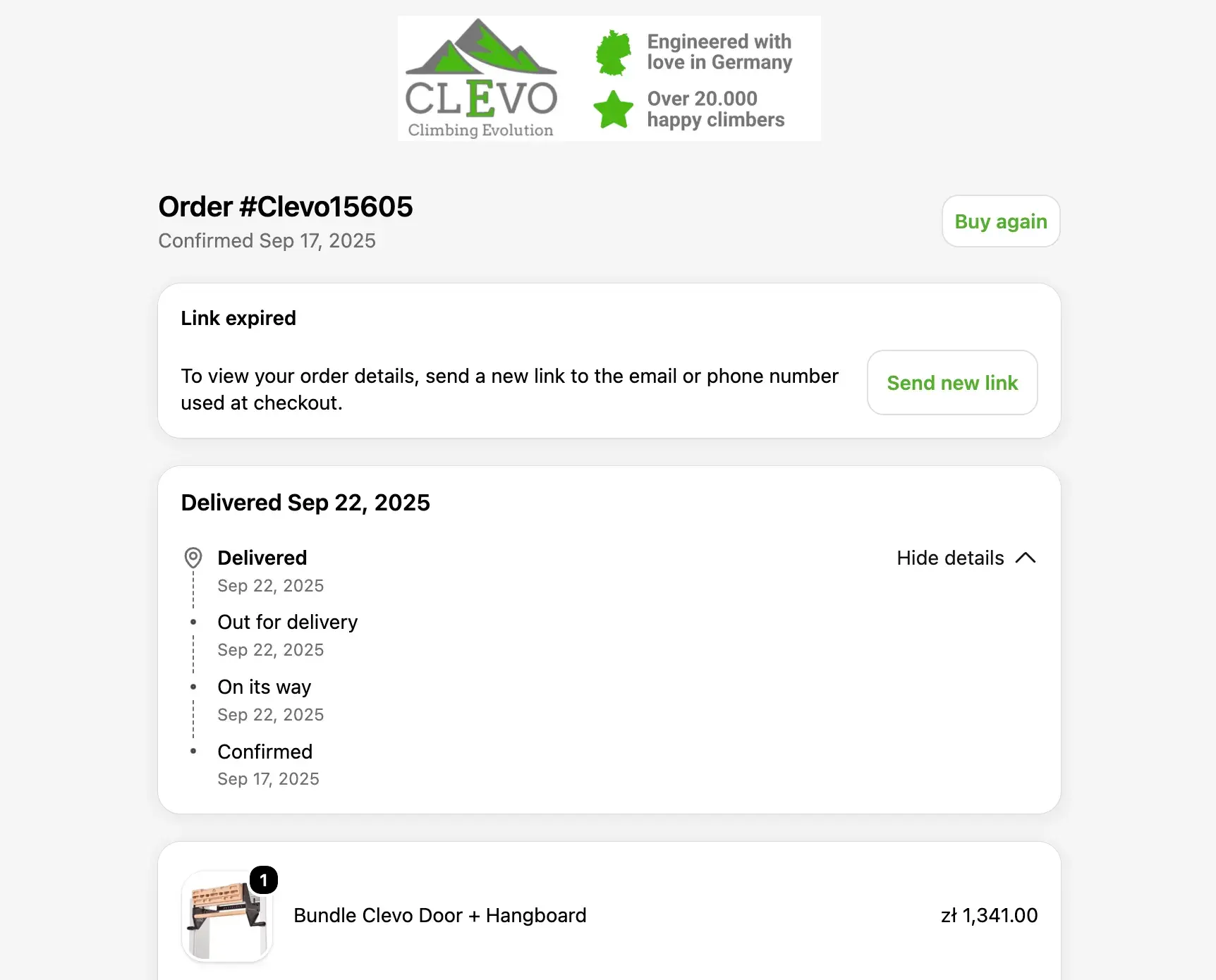
In an era where digital consumers are inundated with a daily barrage of promotional noise, flashy ad campaigns, and targeted marketing emails, a quiet revolution is happening in the inbox. Far away from the frantic discount offers and clearance notifications lie transactional emails: the silent, steadfast operational messages that confirm our purchases, reset our passwords, and track our deliveries.
While marketing emails are designed to persuade, create demand, and capture new commercial actions, transactional emails serve a fundamentally different purpose. They are one-to-one communications triggered by specific user interactions or system events. They do not try to sell; they try to assist.

Yet, as recent data underscores, the mechanics behind these mission-critical messages are facing unprecedented strain. According to 2026 research from Sinch Mailgun analyzing over 400 billion emails, an alarming 18% of messages fail to reach the primary inbox. For transactional communications, such a failure is not merely an inconvenience—it represents blocked account access, delayed revenue streams, and a sudden influx of avoidable support tickets.
As businesses scale, mastering the delicate ecosystem of transactional email architecture, compliance, deliverability, and design has transformed from a back-end IT task into a boardroom imperative.

Main Facts: Defining the Transactional Ecosystem
To understand the modern stakes of transactional email, one must first delineate its parameters. Unlike bulk marketing campaigns—where senders segment audiences and distribute mass content on a scheduled calendar—transactional emails are strictly event-driven.
The Core Characteristics
- One-to-One Architecture: Each message is dispatched to a single recipient because a specific event occurred within their account or session.
- Timely and Expected: Because the recipient initiates the trigger (e.g., clicking "forgot password" or completing a checkout), these emails are anticipated, yielding significantly higher open and engagement rates than standard marketing blasts.
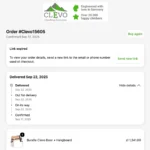
- Immediate Utility: The content leads with facts—receipt numbers, tracking links, verification codes, or expiration timelines—rather than promotional copy.
Infrastructure Separation: The Golden Rule
Industry leaders and major mailbox providers, including Yahoo and Google, mandate a strict structural separation between marketing and transactional traffic.

Sharing infrastructure between promotional campaigns and operational messages is a perilous gamble. Marketing emails frequently suffer from volume spikes, spam complaints, and high bounce rates. If a company routes password resets and order receipts through the same IP addresses or domains used for flash-sale promotions, a minor marketing complaint or blocklist penalty can inadvertently choke off critical account alerts. Consequently, top-tier organizations isolate their transactional traffic using dedicated subdomains, dedicated IP pools, and distinct DKIM domains.
Chronology: The Evolution of the Customer Journey and System Integration
The lifecycle of a transactional email begins long before it hits an inbox; it is the culmination of a precise technological choreography executed across a connected CRM and development stack.

Phase 1: The Trigger and Data Source
The journey starts with a validated event. For instance, a customer completes a purchase. Before any code executes, a payment processor (such as Stripe or PayPal) must confirm the transaction as successful. Once validated, an integration pipeline transmits the requisite variables—amount, currency, receipt ID, and timestamp—to the orchestration layer.
Phase 2: Choosing the Sending Path
Organizations typically choose from three primary transactional routing mechanisms:

- Single-Send APIs: Associate each email with a pre-existing contact in the CRM, automatically generating a contact record if one does not already exist.
- SMTP APIs: Ideal for application-rendered emails where automated contact creation would otherwise clutter the CRM database with unnecessary noise.
- Automated Workflows: Visual orchestration tools (such as HubSpot’s automation engine) that allow teams to branch messages based on language, geographic region, or subscription plan before final dispatch.
Phase 3: Template Construction and Version Control
Developers and marketers must collaborate to build dynamic templates using personalization tokens. Rigorous testing is mandatory; if a token lacks a value in the database, it renders blank, risking broken layouts or confusing instructions. Version control systems ensure that API schemas and integration code are tied to named template releases, allowing engineering teams to audit changes and execute safe rollbacks if a deployment causes rendering failures.
Supporting Data: The Metrics That Drive Deliverability
Deliverability is no longer a set-it-and-forget-it administrative chore. In the wake of tightened security mandates from major inbox providers, organizations must continuously track key performance indicators to ensure their operational messages bypass the spam folder.

The Mandate from Google and Yahoo
Google’s strict sender guidelines have fundamentally altered email architecture. Senders dispatching more than 5,000 messages daily to Gmail accounts must implement comprehensive authentication protocols, including:
- SPF (Sender Policy Framework): Verifies which mail servers are authorized to send email on behalf of your domain.
- DKIM (DomainKeys Identified Mail): Adds a cryptographic signature to headers, guaranteeing the message was not altered in transit.
- DMARC (Domain-based Message Authentication, Reporting, and Conformance): Tells receiving servers how to handle emails that fail SPF or DKIM checks.
Furthermore, these platforms require valid forward and reverse DNS configurations, mandatory TLS encryption, and strict adherence to RFC 5322 formatting standards.

Essential Performance KPIs
To maintain a pristine sender reputation, infrastructure managers must monitor a distinct set of metrics:
- Inbox Placement Rate: Ensuring messages land in the primary inbox rather than the promotional or spam tabs.
- Hard vs. Soft Bounces: Immediate suppression of hard bounces (permanent delivery failures) to protect sender reputation, and automated retries for soft bounces (temporary server blocks).
- Complaint and Block Rates: Tracking user spam reports and ISP blocklist triggers by mailbox provider to catch anomalies early.
- Latency: Measuring the time elapsed between the user action (e.g., password request) and inbox delivery. (Sinch data notes that 75% of shoppers expect order confirmations within five minutes).
Official Responses and Regulatory Compliance
Navigating the legal landscape of transactional email requires a nuanced understanding of international legislation, particularly regarding consent, data privacy, and commercial content integration.

The CAN-SPAM Act and International Standards
In the United States, the Federal Trade Commission (FTC) maintains a strict distinction between commercial and transactional/relationship emails. Under current guidelines, purely operational messages—such as receipts, security alerts, and service updates—do not legally require an unsubscribe link, provided their routing and header information are entirely truthful.
However, regulatory bodies warn against "mixed-purpose" emails. If a company injects promotional offers, cross-sells, or marketing language into a transactional message, the FTC and international equivalents (such as the UK’s Information Commissioner’s Office and Canada’s CASL) may classify the entire email as a commercial communication. This immediately triggers mandatory unsubscribe requirements and strict opt-in consent rules.

GDPR and Data Retention Realities
Under the European Union’s General Data Protection Regulation (GDPR), organizations must practice data minimization. Companies must not permanently store sensitive transactional artifacts—such as raw password reset tokens, security codes, or full credit card payloads—in their long-term logs. Exposing these logs creates catastrophic security vulnerabilities, inviting credential stuffing and data exfiltration attacks. Best practices dictate logging only the message ID, recipient identifier, template version, timestamp, and final delivery status.
Implications: Designing for Clarity, Accessibility, and Trust
When transactional emails are executed correctly, they act as trust-building touchpoints that cement customer loyalty. When poorly designed, they create friction, anxiety, and an unnecessary burden on customer support teams.

The Anatomy of an Ideal Transactional Email
- Lead with the Facts: The subject line must be instantly recognizable. Phrases like “Payment Received,” “Your Order Confirmation,” or “Password Reset Requested” eliminate ambiguity. Sensitive account data should never appear in the subject line.
- Above-the-Fold Priority: The core status, financial amount, expiration timeline, and primary call-to-action must be visible immediately without requiring the user to scroll.
- Uncompromising Accessibility: Templates must feature single-column responsive layouts, sufficient color contrast ratios (meeting WCAG 4.5:1 standards for normal text), and descriptive alt text for any embedded images.
- The Cross-Sell Trap: While low-risk transactions occasionally accommodate a tasteful, hyper-relevant cross-sell placed well below the primary operational content, sensitive emails—such as security alerts, failed payment warnings, and password resets—must remain entirely free of promotional distraction.
The Unified Future of CRM and Delivery
As digital touchpoints multiply, the organizations winning the inbox are those bridging the gap between marketing strategy and engineering execution. Modern platforms—exemplified by advanced CRM and email infrastructure suites like HubSpot—allow marketers to retain complete creative and strategic control over messaging templates while empowering developers to securely manage event triggers via robust APIs.
Ultimately, the best transactional email service operates as an invisible bridge. Customers never see the underlying server protocols, the DMARC records, or the CRM data syncs; they only experience the swift, secure arrival of the information they need, precisely when they need it. In the high-stakes theater of digital customer experience, that reliability is the ultimate competitive advantage.