









In the complex landscape of modern connectivity, consumers are frequently bombarded with technical jargon that can obscure the true nature of their internet experience. When shopping for service plans, upgrading network hardware, or troubleshooting connectivity issues, users often encounter two seemingly identical abbreviations: Mbps (Megabits per second) and MB/s (Megabytes per second). While they share a prefix and a similar phonetic profile, conflating these two units is a common error that leads to unrealistic expectations regarding download times and file transfer performance.
Understanding the fundamental physics of data transmission is no longer just for network engineers; it is a prerequisite for any digital citizen navigating the modern web.
Main Facts: The Binary Foundation
To grasp the difference, one must first look at the building blocks of computing: the bit and the byte.
What is a Bit?
The "bit" (a portmanteau of binary digit) is the smallest unit of data in computing. Represented as either a 0 or a 1, bits are the linguistic foundation of every piece of digital information, from the simplest email to the most complex 4K streaming video. When we discuss network bandwidth—the "pipe" through which your internet data flows—we are almost exclusively measuring the volume of these individual binary digits moving across a connection.
What is a Byte?
A "byte" is a grouping of eight bits. Historically, this grouping was established because eight bits are generally sufficient to encode a single character, such as a letter or a number, in standard text formats like ASCII. Because a byte is eight times larger than a bit, it is the standard unit for measuring file size and storage capacity. If you look at your computer’s hard drive or the size of a digital photograph, you are looking at bytes.
The Conversion Factor
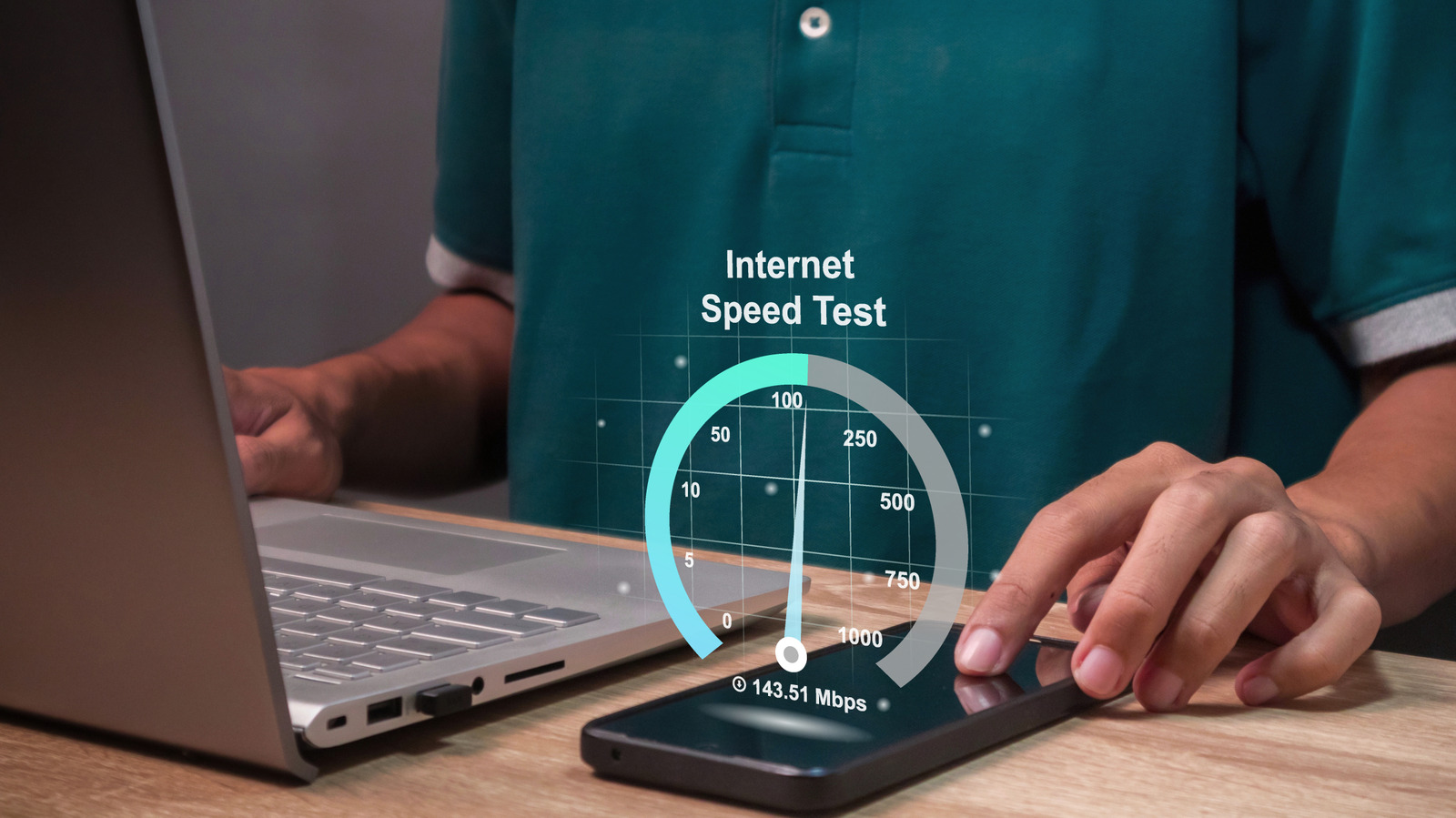
The critical takeaway for any consumer is the 8:1 ratio. Because there are eight bits in one byte, a network connection rated at 100 Megabits per second (Mbps) does not move 100 Megabytes of data in a second. Instead, it moves 12.5 Megabytes per second (MB/s).
Chronology: The Evolution of Speed Standards
The definitions and expectations surrounding these units have shifted dramatically alongside the evolution of the global internet infrastructure.
- The Early Era (1990s – Early 2000s): During the dial-up and early broadband era, speeds were often measured in kilobits per second (Kbps). A "high-speed" connection was often just 1.5 Mbps. At this scale, the difference between bits and bytes was negligible to the average user, as file sizes were similarly small.
- The Streaming Revolution (2010 – 2015): As streaming services like Netflix and YouTube gained prominence, the demand for higher bandwidth increased. The Federal Communications Commission (FCC) began to codify "broadband" standards, pushing the definition of high-speed internet to 25 Mbps down and 3 Mbps up.
- The Modern Gigabit Era (2016 – Present): Today, we have moved into the era of Gigabit internet (1,000 Mbps). With these high-velocity connections, the discrepancy between Mbps and MB/s has become highly visible. When downloading a 10 Gigabyte (GB) file on a 1 Gigabit connection, users notice the bottleneck caused by the conversion, turning a theoretical 125 MB/s transfer speed into a reality that is often constrained by other hardware limitations.
Supporting Data: Benchmarking Performance
To understand why these units are used differently, we must look at how they are applied in practical, real-world scenarios.
Broadband Standards (Mbps)
Internet Service Providers (ISPs) market their services using Mbps because it allows for larger-looking numbers that highlight the "capacity" of the connection. According to recent data from Ookla’s Speedtest Intelligence, the median download speed for fixed broadband in the United States has seen exponential growth. By late 2026, many households were regularly testing speeds exceeding 300 Mbps. These figures represent the bandwidth—the theoretical maximum width of the digital highway.
Storage and Transfer Rates (MB/s)
Conversely, software and hardware manufacturers—such as those producing solid-state drives (SSDs) or cloud storage platforms—use MB/s. When you drag and drop a file from your desktop to an external drive, your operating system will report the transfer speed in MB/s. This is because the system is calculating how many actual data files (bytes) are being written to the physical storage media per second.
Comparison Table: Mbps to MB/s
| Mbps (Network Speed) | MB/s (File Transfer Speed) |
|---|---|
| 100 Mbps | 12.5 MB/s |
| 250 Mbps | 31.25 MB/s |
| 500 Mbps | 62.5 MB/s |
| 1,000 Mbps (1 Gbps) | 125 MB/s |
Official Responses and Regulatory Perspectives
The FCC and various international telecommunications regulators have maintained the use of Mbps as the standard unit for reporting broadband health. Their reasoning is rooted in the "pipe" metaphor: regulators are concerned with the flow of raw data across the national infrastructure.
In official filings, such as the FCC’s Broadband Deployment Report, the emphasis is on the "bits" because it allows for granular monitoring of network saturation. However, there has been a growing movement among consumer advocacy groups to force ISPs to provide "estimated download times" in their marketing materials. These advocates argue that labeling a service as "100 Mbps" is opaque to the average consumer who simply wants to know: "How long will it take to download this 2GB movie?"
Implications for the Modern User
1. Managing Expectations
The most common point of frustration for consumers occurs when they purchase a "100 Mbps" plan, only to see their file transfer speeds hovering around 12 MB/s. Users often conclude that their ISP is "throttling" them or providing a fraudulent service. In reality, the user is experiencing the expected mathematical conversion. Understanding this prevents unnecessary frustration and calls to customer support.
2. Router and Hardware Limitations
Even if your ISP provides a 1,000 Mbps (1 Gbps) connection, you may never see 125 MB/s in a file transfer if your local network hardware is outdated. If you are using an older router with 10/100 Ethernet ports, you are hardware-locked to 100 Mbps (12.5 MB/s), regardless of the service you pay for. Ensuring your local infrastructure—cables, routers, and network interface cards—can handle the throughput is essential.
3. Cloud Synchronization
Cloud services like Google Drive, Dropbox, and iCloud also report in MB/s. When uploading large video projects or backups, users must look at their ISP’s upload speed (which is typically significantly lower than download speed) and convert that Mbps figure to MB/s to estimate the time required for a backup to complete.
4. The Future of Bandwidth
As we transition to Wi-Fi 7 and fiber-optic networks capable of multi-gigabit speeds, the conversation will shift from "Megabits" to "Gigabits." The math remains the same, but the scale of the numbers will continue to grow. For the consumer, the ability to mentally divide by eight will remain the most powerful tool in their digital arsenal.
Conclusion
The distinction between bits and bytes is more than a trivial technicality; it is a fundamental aspect of digital literacy. By understanding that ISPs measure the capacity of the pipe (bits) while computers measure the content moving through it (bytes), users can make better decisions regarding their internet service plans, network hardware, and data management workflows. As our reliance on high-speed, high-volume data continues to expand, maintaining this clarity will ensure that consumers remain in the driver’s seat of their digital experience, effectively navigating the speeds and storage capacities that power the modern world.