The Democratization of Cinema: How AI Video Tools Are Rewriting Hollywood’s Rules
SAN FRANCISCO — For over a century, the threshold for producing cinematic visual effects (VFX) was defined by towering budgets, sprawling soundstages, and battalions of specialized artists laboring over frame-by-frame rotoscoping and color grading. Today, that high-barrier paradigm is experiencing a seismic shift. Driven by rapid advancements in machine learning, a new wave of artificial intelligence video editing platforms is democratizing the craft, allowing independent creators, solo entrepreneurs, and small production teams to achieve Hollywood-grade aesthetics directly from a laptop.
Industry analysts note that generative AI and neural processing tools are no longer experimental novelties; they are becoming foundational elements of modern digital workflows. By automating tedious technical chores—such as background removal, smart masking, and audio cleanup—AI is effectively acting as an ultra-efficient virtual post-production department.
Yet, as these tools become more pervasive, filmmakers and tech developers face a shared imperative: navigating the delicate balance between algorithmic automation and human storytelling.
The Genesis of AI-Driven Post-Production
To understand where video editing is heading, it is helpful to examine how the technology evolved.
The Pre-Digital Era: Editing required physical film strips, razor blades, and optical printers. Optical effects were painstakingly baked directly into the negative during multi-pass shooting.
The Digital Revolution (Late 20th Century): Non-linear editing (NLE) systems like Avid and digital compositing software like Adobe After Effects revolutionized the industry by moving workflows onto computer hard drives. However, advanced VFX still demanded deep technical mastery.
The Early Machine Learning Phase (2015–2020): Early algorithmic interventions appeared mostly as rudimentary content-aware fill, basic automated stabilization, and preliminary facial recognition algorithms.
The Generative AI Boom (Present Day): Modern platforms integrate deep neural networks capable of text-to-video synthesis, real-time depth mapping, and complex semantic understanding of visual scenes. Today’s software doesn’t just assist with manipulation—it can generate entirely novel assets from scratch.
Landscape of Beginner-Friendly AI Video Tools
The current market offers a diverse array of applications tailored to different skill levels and budgets. Whether an editor needs to generate b-roll from a simple text prompt or execute complex color grading, several key platforms are leading the charge.
1. Envato VideoGen
Designed as an accessible text-to-video entry point, Envato VideoGen allows users to input descriptive prompts and generate short clips suitable for social media campaigns, presentations, and digital content. For creators operating without a dedicated production crew, it provides a streamlined path to visual ideation without requiring physical cameras or lighting setups.
2. Runway ML
Operating entirely within a web browser, Runway ML is celebrated for its intuitive approach to advanced video manipulation. It abstracts complex compositing tasks into simple clickable operations, making it a favorite playground for creators experimenting with motion tracking, green-screen elimination, and generative video styles.
3. Adobe Premiere Pro and Adobe Firefly
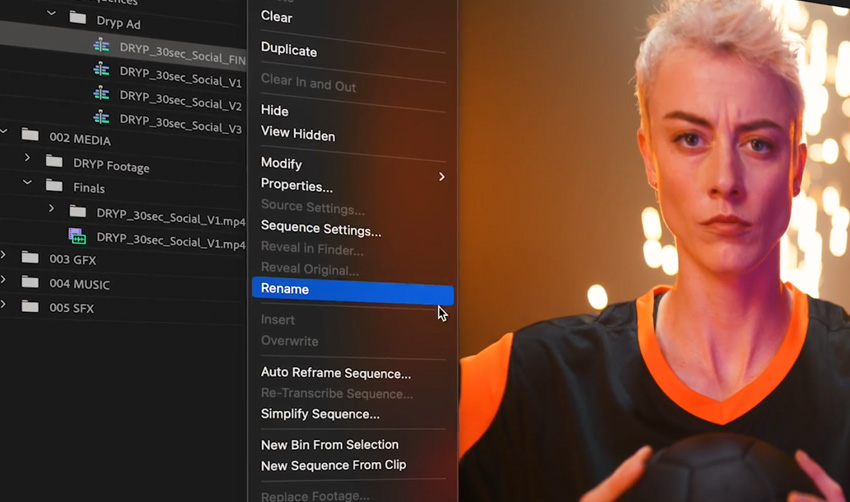
For editors embedded within traditional professional pipelines, Adobe’s integration of Firefly AI technology into Premiere Pro offers a hybrid model. Creators can leverage generative fill, automated audio cleanup, and color matching inside a familiar, industry-standard non-linear editor. This setup bridges the gap between fast AI automation and granular manual control.
4. DaVinci Resolve (Neural Engine)
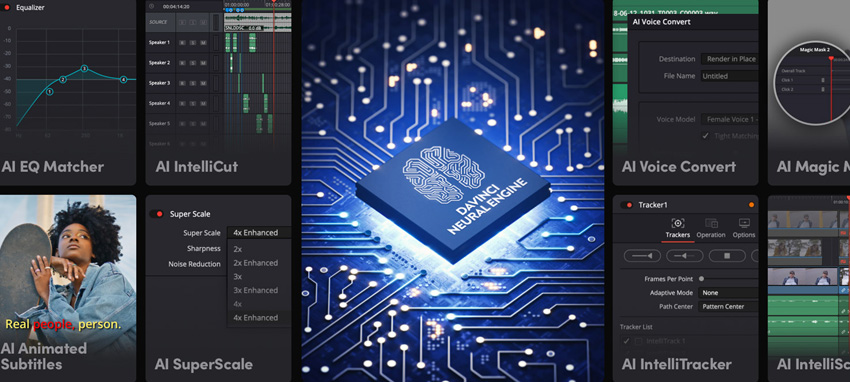
Renowned for its elite color grading heritage, Blackmagic Design’s DaVinci Resolve incorporates a powerful Neural Engine. Its AI capabilities handle resource-heavy tasks like face refinement, smart rotoscoping, and optical flow speed warping. Notably, its robust free version makes high-end computational tools available to budget-conscious independent artists.
5. CapCut
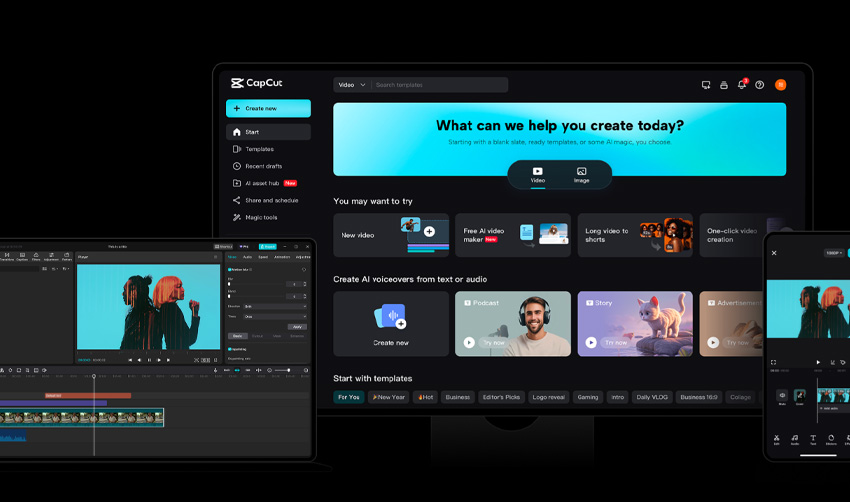
Evolving far beyond its mobile roots into a robust desktop editor, CapCut has become a staple for digital creators producing fast-paced cinematic shorts. Its automated captioning, background isolation, and motion tracking enable high-velocity publishing without sacrificing visual polish.
6. Canva Video Editor
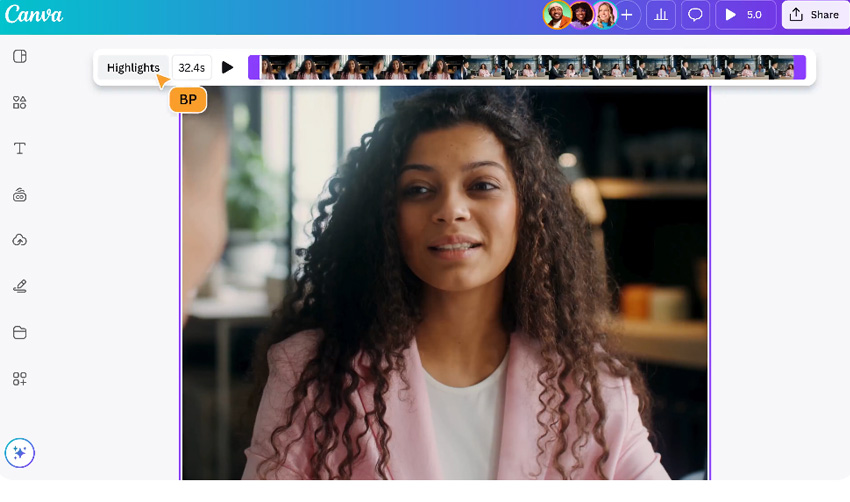
Targeting designers rather than traditional video editors, Canva’s platform simplifies storytelling through browser-based templates and AI-assisted elements. It allows users to produce professional presentations and promotional videos without touching a timeline or keyframe editor.
What is AI in Video Editing?
At its core, artificial intelligence in video editing functions as an advanced perceptual assistant. Unlike traditional software that simply executes static commands, machine learning models ingest massive datasets of visual media to understand context, light physics, human anatomy, and compositional rhythm.
When applied to digital footage, these systems can perform several complex operations autonomously:
Semantic Segmentation: Instantly identifying subjects within a frame and separating them from backgrounds without manual rotoscoping.
Predictive Color Grading: Analyzing lighting profiles across multiple clips to harmonize color science seamlessly.
Motion Estimation: Calculating pixel trajectories to smooth out erratic camera shakes or generate hyper-smooth slow motion.
Industry veterans emphasize that these capabilities do not eliminate the need for creative direction; rather, they eliminate the logistical friction that traditionally bogged down post-production schedules.
Step-by-Step Workflow: Achieving Cinematic Effects with AI
Integrating AI into a video production pipeline does not require abandoning traditional artistic principles. Successful implementation follows a structured methodology that pairs machine efficiency with human artistic vision.
Step 1: Establish a Foundation of Strong Footage and Story
No algorithm can rescue fundamentally poor storytelling or severely underexposed footage. Creators must begin with intentional framing, clear lighting, and a compelling narrative arc. The higher the quality of the source material, the more effectively neural tools can enhance it.
Step 2: Delegate Technical Cleanups to the Machine
Post-production traditionally consumes immense amounts of time on monotonous tasks. AI excels at lifting this burden:
Audio Restoration: Removing background hums, wind noise, and room echo with a single click.
Object Removal: Erradicating stray boom mics, modern clutter, or unwanted pedestrians from historical or narrative scenes.
Smart Masking: Isolating moving subjects instantly for targeted color correction or blurring.
Step 3: Apply Cinematic Polish
Once the technical housekeeping is complete, creators can use AI tools to inject mood, atmosphere, and cinematic depth. This includes deploying generative relighting tools to match subject lighting with virtual backgrounds or applying neural film emulation presets that mimic classic 35mm celluloid stocks.
Step 4: Perform Manual Refinement and Quality Control
The final and most crucial phase is the human touch. Automated tools occasionally generate artifacts, unnatural skin textures, or pacing inconsistencies. A final pass by a human editor—focusing on rhythmic pacing, emotional beats, and artistic restraint—ensures the final product resonates authentically with audiences.
Industry Implications and Official Perspectives
The rapid adoption of AI video technology has triggered widespread debate across the entertainment industry regarding labor dynamics, copyright considerations, and the definition of authorship.
The Creator Perspective
Independent filmmakers have largely embraced the technology, viewing it as a great equalizer. "Ten years ago, achieving a seamless sci-fi background plate required a specialized VFX house charging thousands of dollars per second," notes freelance director Marcus Vance. "Today, I can prototype an entire scene in an afternoon, pitch the concept to a client successfully, and execute the final cut within budget."
The Studio and Union Stance
Conversely, established trade unions and traditional craftspeople have expressed valid concerns regarding job displacement. Guild representatives have pushed for transparent data licensing practices and contractual protections to ensure human artists retain creative oversight and equitable compensation in an increasingly automated landscape.
Software Developers Respond
In official statements, major technology providers maintain that their software is designed to augment human potential rather than replace it. Adobe, Blackmagic Design, and Runway ML have consistently framed their AI features as collaborative "copilots."
"Our objective is to remove the cognitive and technical friction of editing," a lead product strategist at a major editing suite stated during a recent technology symposium. "We want artists to spend 90% of their time making creative choices and only 10% fighting software bugs or rendering timelines."
Conclusion: The Horizon of Digital Storytelling
The barrier to entry for cinematic visual effects has permanently lowered. What once demanded million-dollar facilities and months of painstaking labor is now accessible to anyone with a broadband connection, a creative vision, and a willingness to experiment.
As AI models continue to mature, the defining metric of a great video will not be the budget behind its production, but the clarity and resonance of its story. For creators willing to embrace these computational assistants while maintaining their distinct artistic voice, the future of cinema is not something to fear—it is something waiting to be built.
Frequently Asked Questions
Do I need prior editing experience to use AI video tools?
No. The vast majority of modern AI video editors are built specifically for beginners, automating complex technical steps such as masking, motion tracking, and color grading. You can achieve professional-grade results without ever opening legacy software like Adobe After Effects.
Are there free AI tools available for cinematic video effects?
Yes. Several platforms offer robust free tiers, including CapCut, Runway ML, and the free version of DaVinci Resolve. Creators should note, however, that free tiers may occasionally impose limits on export resolutions or processing speeds.
Which AI video editing tool is best suited for absolute beginners?
For newcomers looking to test concepts quickly, browser-based text-to-video tools like Envato VideoGen provide an intuitive starting point, making it easy to generate short cinematic clips or digital assets without a production crew.
Will artificial intelligence replace traditional VFX artists?
Industry consensus suggests otherwise. While AI handles repetitive, technical labor at unprecedented speeds, it lacks human intuition, emotional intelligence, and nuanced storytelling judgment. It functions best as an advanced assistant rather than a replacement for human artists.
How can I prevent my AI-generated videos from looking generic or "plastic"?
The key is restraint and manual refinement. Start with intentional source footage, use AI strictly for targeted enhancements and cleanup, and apply a final human-led editing pass to adjust pacing, grading, and emotional tone. Subtlety is vital to avoiding the over-processed "auto-generated" aesthetic.
What kind of hardware specifications are required for AI video editing?
Many modern tools—such as Runway ML, Canva, and VideoGen—operate entirely within web browsers and run smoothly on standard laptops. However, heavy localized software like DaVinci Resolve requires a dedicated graphics processing unit (GPU) and sufficient RAM to handle neural calculations fluidly.