








When site owners decide to accept payments on a WordPress website without the overhead of building a full eCommerce store, managing complex inventory, or configuring a shopping cart, they generally look for a streamlined solution. Whether you are charging a card for a bespoke service, collecting a project deposit, accepting a donation, or selling a single digital product, the core requirement is simplicity.
Broadly speaking, website owners have two clean paths to achieve this. The approach drastically changes how the transaction feels to the customer: you can either redirect them to a hosted external checkout page or keep them entirely on your domain using an embedded form.
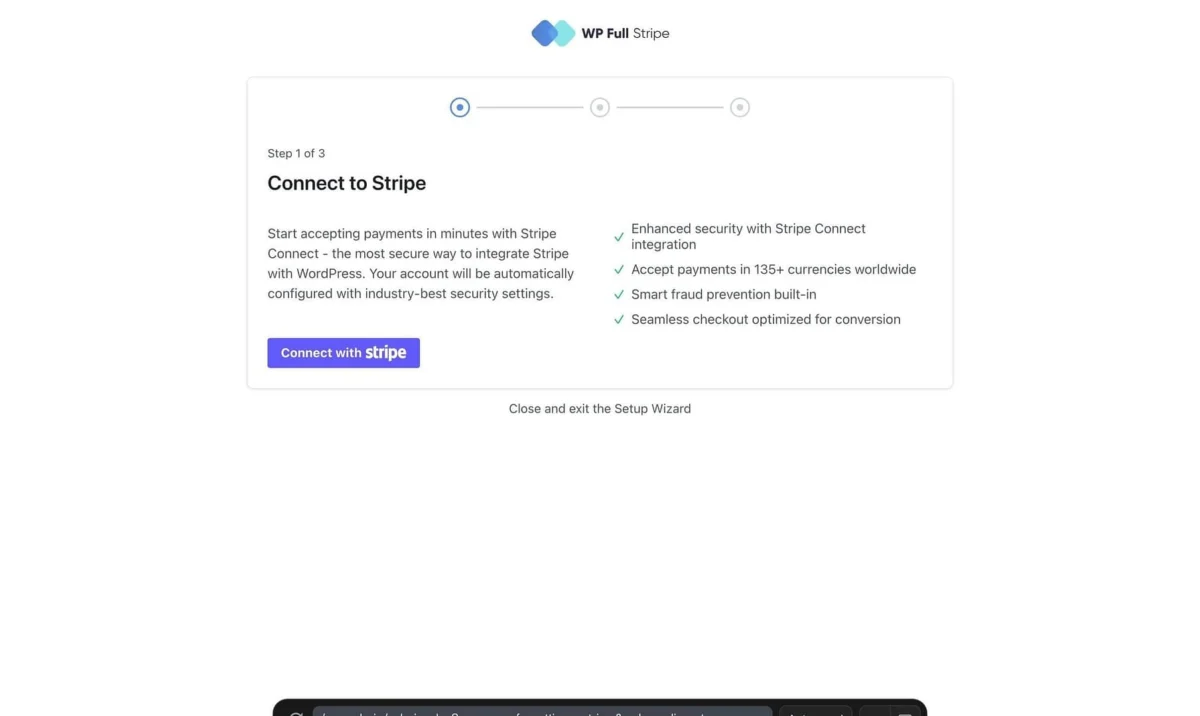
The first method leverages Stripe Payment Links, a native feature that lives entirely within your Stripe account dashboard. The second method relies on embedded form plugins—such as WPFullPay (developed by ThemeIsle)—which integrate the entire checkout process directly into your native site design.
This comprehensive analysis compares both options across setup times, branding capabilities, feature sets, and real-world costs. By examining these factors, site owners can map each option to the precise business scenarios where it genuinely excels.
Main Facts: Core Differences at a Glance
Before diving into the granular details, it helps to understand the foundational divergence between Stripe Payment Links and embedded WordPress payment forms.

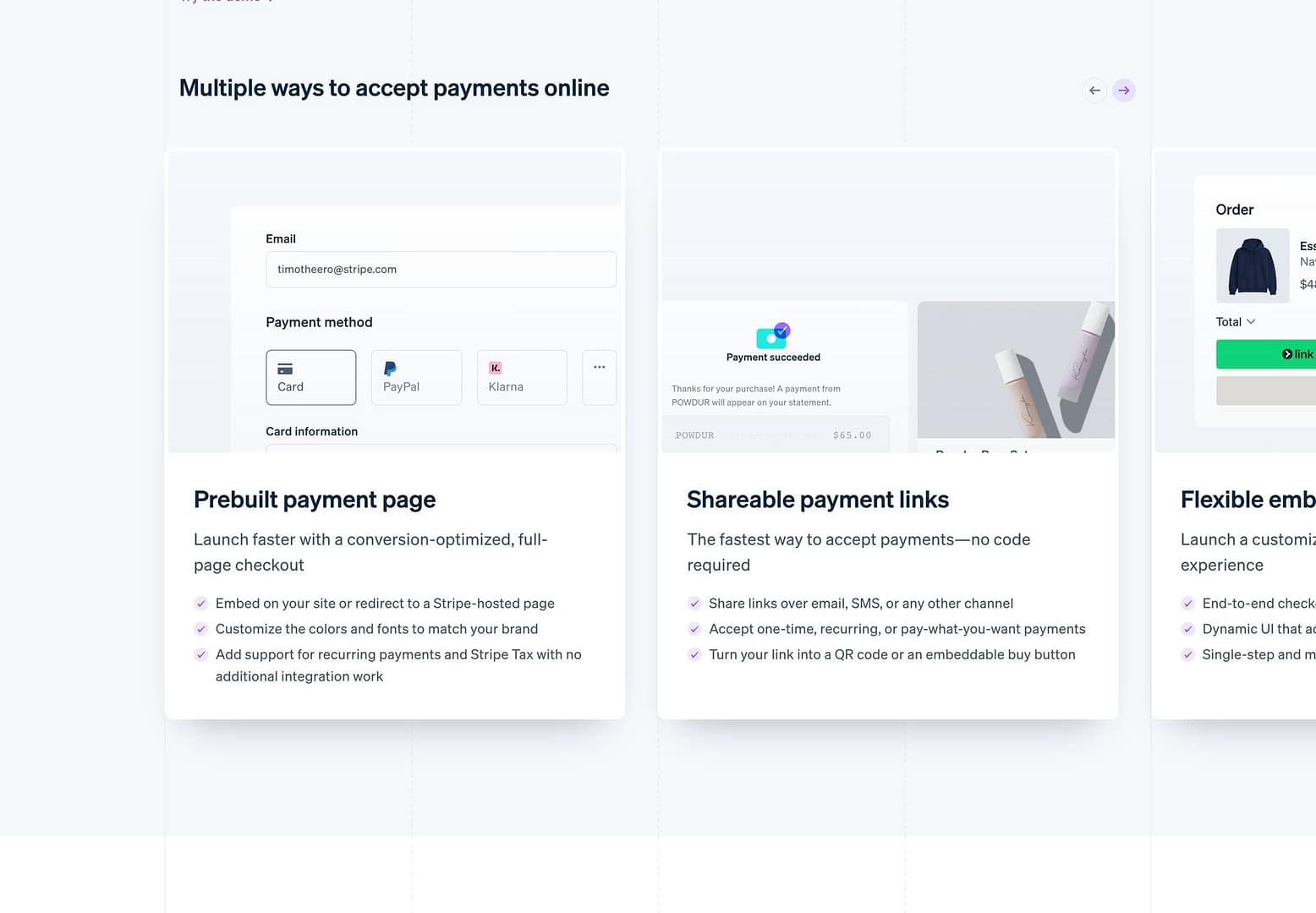
- Stripe Payment Links require zero installation on your WordPress site. They are generated directly inside your Stripe dashboard. When a user clicks the designated button or link, they are redirected to a secure, Stripe-hosted checkout page to complete the transaction.
- Embedded Form Plugins (such as WPFullPay or WP Simple Pay) reside within your WordPress backend. They allow you to build, style, and embed a fully functional checkout form directly into your site’s pages, ensuring the customer never leaves your domain.
- Cost Structures differ subtly based on volume. Payment Links incur only standard Stripe transaction fees (e.g., 2.9% + $30¢ for domestic US cards). Free tiers of embedded plugins often include an additional application fee (ranging from 3% to 5% per transaction) unless you upgrade to an annual software license.
- Administrative Control is split. Payment Links require you to check your Stripe dashboard for payment histories and customer management. Embedded plugins often log transactions directly within your WordPress
wp-admindashboard, offering a centralized hub for site management.
Chronology and Evolution of WordPress Payments
Historically, accepting credit card payments on WordPress meant navigating a complex maze of shopping cart setups, merchant account approvals, and heavy database overhead. Even for simple transactions—like a photographer collecting a deposit or a consultant charging for an hourly rate—site administrators had to install cumbersome eCommerce suites like WooCommerce, configure product inventories, and manage checkout paths filled with unnecessary friction.
Over the past decade, the fintech and WordPress ecosystems evolved to solve this specific micro-transaction dilemma:
- The API Era: Early developer-focused plugins allowed basic Stripe API connections, but they required technical proficiency to write shortcodes or configure JavaScript tokens safely.
- The Rise of Embedded Forms: Plugins like WP Simple Pay and WPFullPay emerged to democratize Stripe integrations. They introduced visual form builders inside the WordPress dashboard, enabling users to accept one-time and recurring payments via clean, on-site card fields without a full store setup.
- The Introduction of Stripe Payment Links: Stripe introduced Payment Links to bypass website infrastructure entirely. By allowing merchants to generate a secure checkout URL with zero code, Stripe eliminated the need for plugins altogether for basic sales scenarios.
- The Modern Hybrid Choice: Today, site owners face a deliberate architectural choice: embrace zero-infrastructure hosted links or invest in native form plugins that prioritize brand continuity and local administrative control.
Detailed Comparison: Feature by Feature
To determine which solution fits your digital ecosystem, let’s examine how each option performs across critical operational vectors.
1. Setup and Maintenance
- Payment Links (Speed: Under 10 Minutes): If you already maintain an active Stripe account, deploying a Payment Link requires minimal effort. You navigate to your Stripe dashboard, create a product, assign a price, copy the generated URL, and paste it into a WordPress button or text block. There are no plugins to update, no compatibility issues to troubleshoot after a WordPress core update, and no complex settings panels to configure.
- Embedded Forms (Speed: 1 to 2 Hours): Setting up an embedded form plugin requires a bit more intentionality. You must install the plugin, authenticate your Stripe account via API keys, design the form, place it on a dedicated WordPress page, and run rigorous testing. While straightforward, it introduces a software dependency that requires ongoing maintenance and occasional updates.
Pro Tip: Regardless of which route you choose, always execute a live $1 transaction before sharing your payment link or form with the public. A live-mode test ensures that webhooks, receipt emails, and backend processing function correctly—factors that test-mode environments cannot fully validate.
2. Branding and User Experience
The psychological impact of the checkout experience can significantly influence conversion rates.
An embedded form offers seamless brand continuity. The buyer remains within your digital ecosystem from the initial landing page text all the way through to the final thank-you message. The fonts, colors, and layout match your WordPress theme perfectly.
A Payment Link, by design, redirects the user to a stripe.com subdomain at the precise moment financial data is entered. While Stripe allows you to customize the hosted page with your company logo, brand colors, and custom domains on paid plans, the domain shift does occur.
- When it matters: Cold traffic purchasing a low-cost digital product from an unfamiliar brand may hesitate when redirected to an external domain.
- When it doesn’t matter: B2B clients paying an invoice or established community members making a donation already trust your organization, making the polished, highly recognizable Stripe checkout interface feel safe and professional.
3. Feature Capabilities
| Capability | Stripe Payment Links | Embedded Form (WPFullPay Free Tier) |
|---|---|---|
| One-time payments | Yes | Yes |
| Subscriptions / recurring billing | Yes | Yes |
| "Pay what you want" custom amounts | Yes | Yes |
| Donation goals and progress bars | No | Yes |
| Promo codes & discounts | Yes | Yes |
| Customer self-service portal | Hosted via Stripe | Built-in subscription portal |
Transaction logs in wp-admin |
No | Yes |
| Multiple unique forms | One link per product | Unlimited custom forms |
Supporting Data and Financial Analysis
Financial considerations often dictate the final decision between hosted links and embedded plugins.
Processing Fees vs. Application Fees
- Stripe Processing Fees: Both options are bound to Stripe’s standard merchant processing rates (typically 2.9% + $0.30 per successful card charge in the United States, with variations for international cards or alternative payment methods). Neither solution removes these foundational gateway fees.
- Plugin Application Fees: Free embedded form plugins often levy an additional platform fee. For instance, the free tier of WPFullPay includes a 5% application fee per transaction, while WP Simple Pay Lite assesses a 3% fee.
The Break-Even Calculation
For low-volume sites processing modest amounts monthly, a 3% to 5% application fee amounts to just a few dollars, making the free plugin tier extremely cost-effective. However, as sales volume scales, paying a percentage fee on every transaction becomes more expensive than purchasing an annual software license.
For example, purchasing an annual license for WPFullPay Basic (priced around €79.50 introductory, renewing at €159) eliminates the plugin’s transaction fee entirely. Site owners generating consistent monthly revenue will quickly cross the financial threshold where a licensed plugin costs less than cumulative application fees.

Official Perspectives and Operational Implications
When evaluating these tools from an administrative standpoint, consider how the operational workflow impacts your daily business activities.
Receipts, Refunds, and Record-Keeping
- Receipts: Both solutions allow Stripe to dispatch automated email receipts to your customers. Embedded plugins frequently offer additional, highly customizable notification emails sent directly from your WordPress environment.
- Refunds: Regardless of whether a payment originated from a Stripe Link or an embedded WordPress form, all refunds must be processed directly within the Stripe Dashboard.
- Record-Keeping: This is where administrative overhead diverges. With Payment Links, every transaction record lives exclusively inside your Stripe Dashboard. If a customer inquires about a payment status, you must search the Stripe interface. Conversely, embedded form plugins log transaction histories directly inside your WordPress
wp-adminpanel, allowing you to manage customer data alongside your standard site content.
When to Upgrade Beyond Both Options
It is vital to recognize the operational boundaries of these tools. Neither Stripe Payment Links nor simple embedded forms are designed to handle complex eCommerce mechanics. If your business model requires a multi-item shopping cart, complex inventory tracking, weight-based shipping calculations, or dynamic tax compliance across multiple jurisdictions, these lightweight solutions will fall short. In those scenarios, deploying a robust eCommerce engine like WooCommerce is the correct architectural choice.
Summary Recommendation Matrix
- Choose Stripe Payment Links if: You need to launch a payment mechanism immediately, want zero plugins to maintain, are comfortable redirecting users to a secure hosted page, and prefer managing transaction data directly inside your Stripe dashboard.
- Choose an Embedded Form Plugin if: Maintaining brand consistency on your own domain is a priority, you require donation progress bars or localized transaction logs within
wp-admin, and you manage recurring subscriptions that benefit from a dedicated customer self-service portal.