It is 4:00 PM on a Tuesday. You are on a crowded bus, halfway through your commute, and your smartphone is tucked away in your pocket. You don’t need to check it, but you do. Your thumb hits the fingerprint sensor, the screen glows to life, and your eyes instinctively dart to the top-right corner to check the battery percentage. If the number is below 40%, a subtle, creeping anxiety sets in. This is the "4:00 PM Panic," a modern digital phenomenon that has driven a generation of users to become amateur electricians, hoarding power banks, tangled charging cables, and scouring cafes for available wall outlets.
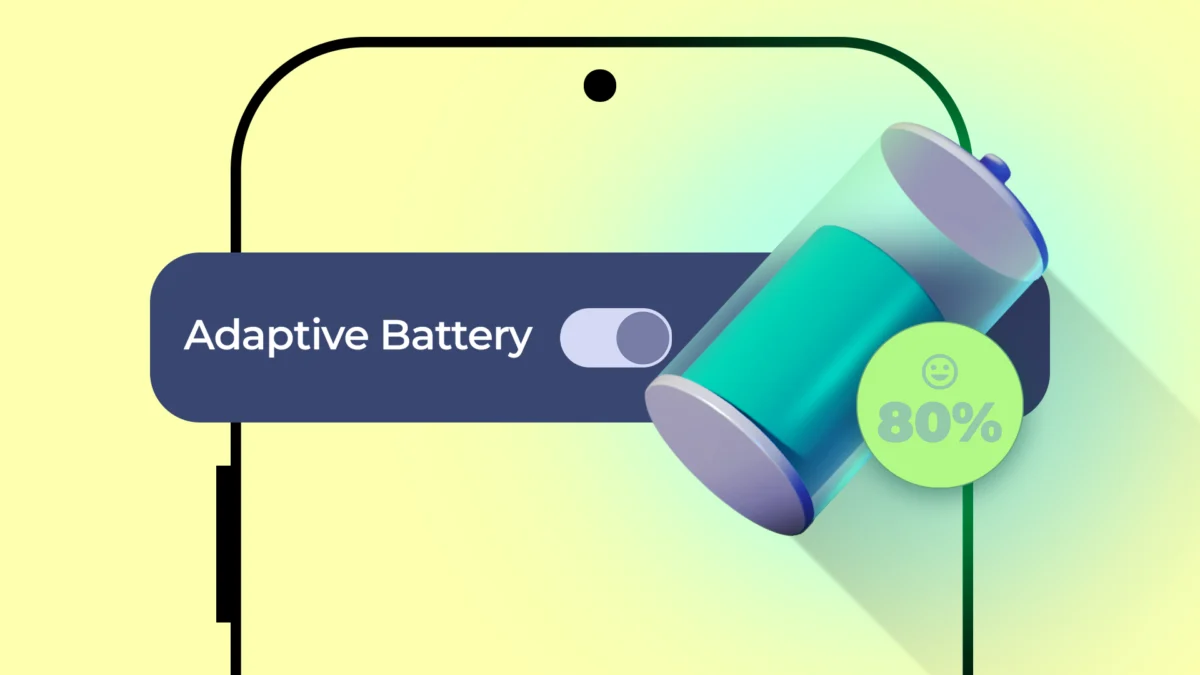
For years, I lived this life. I was a professional "battery hoarder," keeping multiple portable chargers in every bag and refusing to leave the house without a backup plan. That was my existence—until I realized that the solution wasn’t a bigger battery, but a smarter one. The catalyst for this change was an often-overlooked, AI-driven feature baked into the heart of the Android ecosystem: Adaptive Battery.
The Psychology of Battery Anxiety
The "4:00 PM Panic" is more than just a quirky habit; it is a well-documented psychological stressor. Surveys suggest that the average American begins to experience genuine physiological anxiety once their phone battery dips below 38%. We treat our smartphones as digital lifelines, and as the percentage bar turns from green to orange, we feel a tangible loss of control.
This anxiety often manifests as a "battery tax"—a lifestyle cost where we change our behavior to suit the needs of our hardware. We limit our usage, disable features, dim screens, and carry extra weight in our bags just to ensure we aren’t stranded with a dead device. For many, the ultimate goal of smartphone evolution has been "all-day battery life." But as hardware capacity hits physical limitations, software has stepped in to bridge the gap.

Understanding Adaptive Battery: The AI Silent Partner
Adaptive Battery is not a flashy, user-facing feature with a vibrant UI or a marketing campaign. It is a background service that works in total silence. By default, it is enabled on nearly every modern Android device, which is perhaps why it remains so profoundly underrated. Because it works without requiring any user input, most people never witness the "before and after" of its efficacy.
At its core, Adaptive Battery is a machine-learning-driven optimization engine. It does not simply kill background processes at random; it studies your behavior over a period of weeks. It creates a personalized map of your digital life, identifying which apps you rely on throughout the day and which ones you haven’t opened since your last vacation.
The Mechanism: App Standby Buckets
To understand how the AI manages your power, one must look at the "App Standby Buckets" introduced by Google. The system categorizes every application on your phone into one of five distinct priority levels, dynamically shifting them based on your usage patterns:
- Active Bucket: Apps currently in use or recently launched. These receive zero restrictions and full access to system resources.
- Working Set Bucket: Apps you use frequently but aren’t actively open. If you check social media every morning, the AI anticipates this and allows the app to refresh in the background just before you typically reach for it.
- Frequent Bucket: Apps used regularly but not daily—think of a recipe app or a specific fitness tracker. These receive moderate restrictions.
- Rare Bucket: Apps used infrequently. The system imposes strict background limits and restricts network access for these, pushing them to the back of the queue.
- Restricted Bucket: The lowest priority tier. These apps consume high system resources but are rarely opened. The AI severely throttles their ability to wake the processor, effectively putting them in a "deep sleep."
The Chronology of Optimization
Adaptive Battery is not a "plug-and-play" feature. It requires a period of "observation" to function effectively.

- Days 1–7 (The Observation Phase): Upon setting up a new device, the AI begins logging your habits. It notes when you open your email, when you start your fitness routine, and when you typically lock your screen for the night. During this time, battery life may actually feel slightly erratic as the system learns.
- Days 8–21 (The Pattern Recognition Phase): The algorithm begins to build predictive models. It starts to anticipate your needs, such as ensuring your workout app is ready to launch at 6:00 PM without having drained your battery during the preceding eight hours.
- Day 22 and Beyond (The Maintenance Phase): The system has locked in a rhythm. By this point, the battery drain curve shifts from a series of unpredictable "cliffs" to a smooth, predictable slope.
This is the point where the 4:00 PM Panic evaporates. You stop doing the mental math of "how much battery do I have left versus how long until I get home?" because the phone has learned to manage its energy expenditure to match your specific life rhythm.
Supporting Data and User Reception
While my experience with Adaptive Battery has been transformative, it is not a universal panacea. The technology relies heavily on the premise that the user has a routine.
In discussions across forums like Reddit and XDA Developers, a divide has emerged. Users with highly regimented schedules—the 9-to-5 workers who use the same apps at the same time every day—report near-perfect results. However, users with "chaotic" schedules—students with shifting class times, gig economy workers, or frequent travelers—sometimes report that the AI’s predictions are incorrect.
One user noted, "I’m wondering if it only works well for people on a very rigid and predictable schedule." This is a valid critique. If you suddenly change your habits, the AI may take several days to adjust, leading to instances where a needed app is throttled or, conversely, a background app is allowed to run wild.

Fine-Tuning the Invisible Hand
The beauty of modern Android is that while the AI is designed to be invisible, it is not autonomous to the point of being unchangeable. If you find that the AI is being too aggressive with a specific application, you have the power to intervene.
To manually override the AI:
- Navigate to your phone’s Settings.
- Select Apps and choose the app you wish to manage.
- Tap on Battery.
- Switch the setting from Optimized to Unrestricted (to let the app run freely) or Restricted (to force the AI to limit the app’s resource usage).
This manual control provides the necessary balance between machine-led convenience and human agency. If you are a power user who needs a specific tool to be ready at a moment’s notice, you can "pin" it to the Active bucket, ensuring the AI leaves it alone.
Implications for the Future of Mobile Hardware
The reliance on software-based power management signals a shift in the smartphone industry. As hardware battery density improvements remain incremental, software optimization has become the primary battleground for OEM manufacturers.
The implication is clear: the future of mobile longevity is not necessarily found in physically larger batteries, but in smarter resource allocation. When a phone can accurately predict the user’s intent, it can reduce the standby drain that plagues so many modern devices.
Conclusion: The Best Tech is Invisible
I used to believe that the hallmark of great technology was its ability to dazzle—the fastest refresh rate, the highest megapixel count, or the most vibrant display. I have since changed my mind. The best technology is the kind that you stop thinking about entirely.
Adaptive Battery is the definition of an unsung hero. It does not boast about its presence in a keynote speech, and it doesn’t provide a graph for you to brag about on social media. Its sole purpose is to be invisible, to allow the device to recede into the background, and to let the user live their life without the looming specter of a dead battery.
By reclaiming those hours of anxiety and the weight of unnecessary power banks, I have discovered that the most valuable feature on my phone isn’t the AI camera or the high-speed processor. It is the simple, quiet, and persistent intelligence that makes sure my phone is ready when I am—no matter what time it is.