


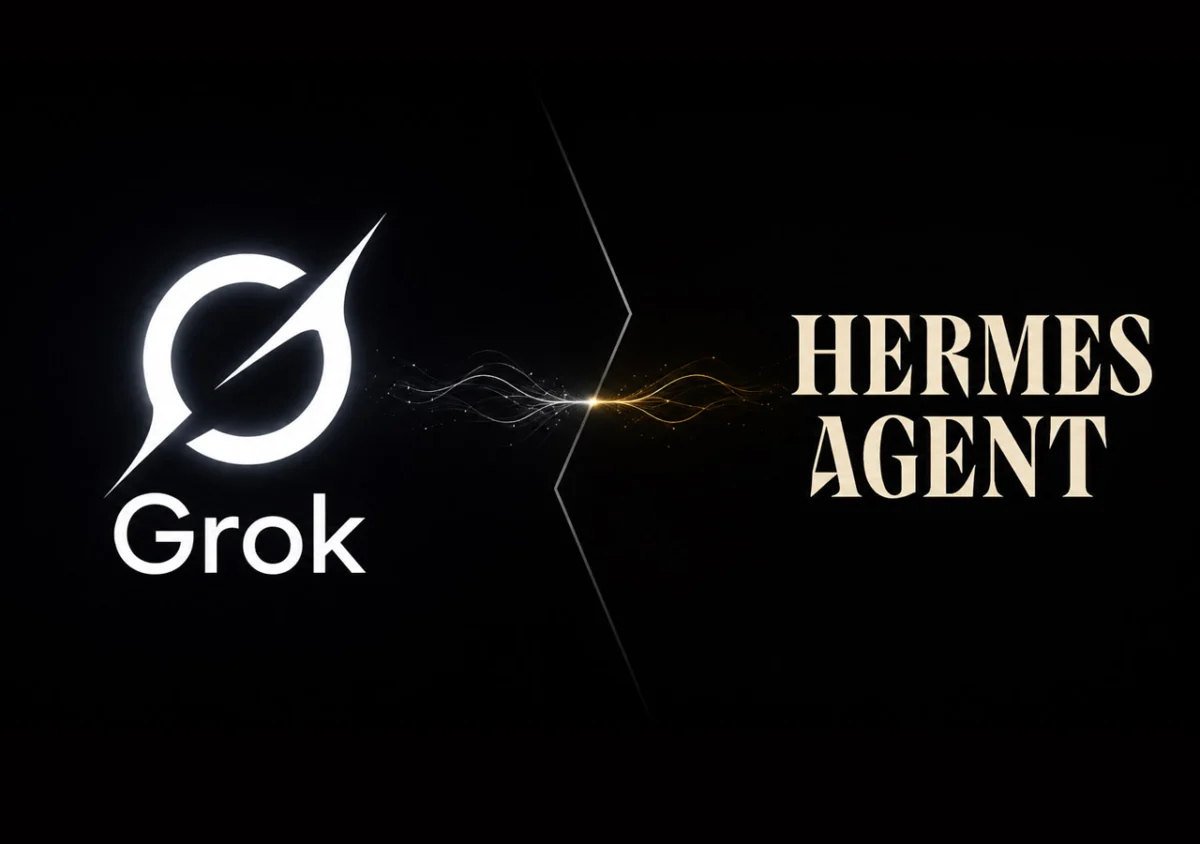
The landscape of artificial intelligence tooling is shifting rapidly toward user-centric convenience. For developers, power users, and enthusiasts alike, the friction of managing disparate API keys, billing tiers, and fragmented credentials has long been a minor yet persistent headache. Recognizing this, the integration of xAI’s Grok models into the Hermes Agent through an existing SuperGrok or X Premium+ subscription marks a significant step forward in streamlining developer workflows.
Rather than forcing users to generate, fund, and manually manage an XAI_API_KEY specifically for third-party agent development, Hermes now supports a seamless browser-based OAuth authentication flow (xai-oauth). This allows individuals who already pay for xAI’s consumer-tier services to harness advanced LLMs, multi-modal generation tools, and live search capabilities directly within their command-line agent environment—all without incurring separate API billing charges.
Main Facts: What the Hermes-Grok OAuth Integration Entails
At its core, the xai-oauth integration bridges the gap between consumer subscriptions and autonomous agent execution. The primary features, structural mechanisms, and capabilities of this integration include:
- Subscription-Based Access: Users can leverage their existing SuperGrok or X Premium+ subscriptions, authenticated securely via their connected X (formerly Twitter) account.
- Unified Credentials: The OAuth token is not restricted solely to text generation. It extends across Hermes’ direct xAI media tools, encompassing text-to-speech, image generation, video generation, and speech transcription. Furthermore, it automatically enables X search capabilities unless manually toggled off.
- Under-the-Hood Architecture: Hermes routes requests through xAI’s Responses-style endpoint (
https://api.x.ai/v1) by reusing its nativecodex_responsestransport layer. This ensures that advanced features such as step-by-step reasoning, robust tool calling, streaming responses, and prompt caching work natively out-of-the-box without requiring a custom adapter. - Default Model Configuration: The system defaults to
grok-4.3, pinning it prominently at the top of the model picker once authentication is successfully completed. - Token Persistence: Credentials are securely stored locally within the user’s environment at
~/.hermes/auth.json, with automated background token refreshing to prevent session drops.
Chronology: Evolution of Hermes Agent Authentication and xAI Support
To understand how this integration fits into the broader developer ecosystem, it is helpful to look at how authentication workflows for autonomous agents have evolved.
Phase 1: The Era of API Key Isolation
Historically, utilizing advanced frontier models inside terminal-based agents like Hermes required dedicated developer accounts. Users had to navigate developer portals, provision billing thresholds, and generate rigid, long-lived API keys. These keys then had to be manually injected into environment variables (such as XAI_API_KEY) or configuration YAML files. While functional, this created a strict wall between consumer-grade subscriptions (like ChatGPT Plus, Claude Pro, or SuperGrok) and developer-focused tooling, forcing power users to pay twice for essentially the same underlying intelligence.
Phase 2: The Rise of Browser-Based OAuth Interoperability
Recognizing the economic and operational friction of dual-billing, platforms began implementing OAuth-based session bridging. By leveraging secure, token-based browser handshakes, applications gained the ability to piggyback on active consumer web sessions or premium subscriber tokens. Hermes introduced its OAuth provider architecture to accommodate these credential types, treating subscription tiers as first-class citizens alongside traditional API keys.
Phase 3: Comprehensive Toolchain Integration
Most recently, the integration expanded beyond simple text generation. By fully mapping the xai-oauth credential set to xAI’s secondary endpoints, Hermes transformed a simple model-swapping mechanism into a holistic multi-modal pipeline. Users can now authenticate once and immediately access image, video, and audio generation tools that draw from the same subscription pool.
Supporting Data: Configuration, Endpoints, and Technical Specifications
For developers looking to implement, audit, or troubleshoot the integration, understanding the underlying configuration parameters is critical.
Core System Parameters
- Provider ID:
xai-oauth(with recognized aliases includinggrok-oauth,x-ai-oauth, andxai-grok-oauth). - Base API URL:
https://api.x.ai/v1 - Default Model:
grok-4.3 - Credential Storage Path:
~/.hermes/auth.json - Local Callback Port (for remote/SSH setups):
56121
Step-by-Step Configuration Reference
1. Interactive Model Picker Setup
To initiate the OAuth flow dynamically via the command line:
hermes modelSelect xAI Grok OAuth (SuperGrok / X Premium+) from the interactive list. This launches a browser window pointing to accounts.x.ai for authorization.
2. Direct Command-Line Authentication
If you wish to bypass the model selector and immediately trigger the auth flow:
hermes auth add xai-oauth3. Manual Configuration File (~/.hermes/config.yaml)
To hardcode the default model and provider without manual prompts:
model:
  default: grok-4.3
  provider: xai-oauth
  base_url: https://api.x.ai/v1
4. Handling Remote Environments (SSH & Port Forwarding)
When running Hermes on a headless remote server, cloud container, or SSH session, the browser callback requires proper port forwarding. On your local machine, run:
ssh -N -L 56121:127.0.0.1:56121 user@remote-hostThen, on the remote session, execute:
hermes auth add xai-oauth --no-browserCopy the generated URL into your local web browser. For browser-only remote environments (such as GitHub Codespaces, AWS Cloud Shell, or Gitpod) where SSH tunneling is unavailable, use manual paste mode:
hermes auth add xai-oauth --manual-pasteOfficial Responses and Platform Caveats
While the convenience of bypassing API keys is undeniable, early adopters and official documentation highlight several important caveats, constraints, and potential failure points that users should anticipate.
Tier Restrictions and HTTP 403 Errors
Official documentation notes that xAI’s backend infrastructure may selectively restrict OAuth API access depending on the specific user subscription tier. If a browser login completes successfully, but subsequent LLM inference returns an HTTP 403 Forbidden error, it indicates a subscription entitlement limitation rather than a broken token. In such scenarios, users are advised to fall back to traditional API billing:
export XAI_API_KEY=xai-...
hermes config set model.provider xai
Tool-Specific Defaults
Not all tools enabled by the OAuth token are active by default. For instance, video generation is disabled out of the box to prevent accidental credit or resource overages. Users must explicitly enable it via the tools configuration interface:
hermes toolsConversely, X search auto-enables whenever valid xAI credentials are detected, though it can be manually deactivated if real-time platform data scraping is unneeded for the user’s specific workflow.
Common Troubleshooting Matrix
- Token Expired / Refresh Failed: If refresh tokens are rotated or revoked by xAI’s authorization servers, Hermes prompts for re-authentication. Fix by running
hermes auth add xai-oauth. - Login Timeouts: The local callback listener operates within a strict time window. Ensure browser approvals are completed promptly.
- State Mismatches: Usually caused by browser extensions, strict corporate proxies, or redirect interferences altering the OAuth callback sequence.
- Health Diagnostics: To verify the current state of all authentication providers, run:
hermes doctorInspect the Auth Providers section to confirm the health and presence of
xai-oauth.
Implications: What This Means for the Future of AI Agents
The seamless integration of consumer-tier subscriptions into developer-centric autonomous agents carries profound implications for the broader artificial intelligence ecosystem.
1. Democratization of Advanced Agentic Workflows
Historically, building and testing multi-step agentic loops—where an AI agent writes code, queries databases, searches the web, and generates media—required maintaining multiple developer accounts with separate pre-paid balances. By allowing consumers to leverage the flat-rate subscriptions they already pay for (SuperGrok or X Premium+), the barrier to entry for experimenting with advanced local agents drops significantly. Students, independent developers, and hobbyists can now build sophisticated automation pipelines without worrying about micro-transactions draining their API wallets.
2. The Blurring Lines Between Consumer and Developer Software
For years, software ecosystems maintained a rigid wall between consumer applications (designed for end-users via web chats or mobile apps) and developer infrastructure (accessible strictly via SDKs and API keys). Integrations like Hermes’ xai-oauth signal a maturing shift toward subscription portability. As platforms realize that users want to access their purchased intelligence wherever they work—whether in a browser chat window, a desktop app, or a terminal-based autonomous agent—closed ecosystems are gradually opening up secure interoperability pathways.
3. Potential Economic and Architectural Shifts for AI Providers
For companies like xAI, permitting consumer subscription tokens to power external agent frameworks changes how usage is measured and monetized. While it drives immense utility and loyalty among power users, it also places higher compute demands on consumer-tier infrastructure. How providers balance the resource-heavy demands of autonomous agents (which often execute dozens of sequential reasoning steps per user prompt) against flat-rate subscription models will likely shape platform policies moving forward.
Conclusion
The integration of Grok OAuth into Hermes Agent represents a masterclass in reducing user friction. By respecting existing subscriptions, eliminating the chore of API key management, and extending support across multi-modal tools, it empowers developers to do more with what they already own. Whether deployed on a local workstation or orchestrated across a remote cloud cluster, the setup reinforces a growing industry standard: powerful AI tooling should adapt to the user’s workflow, not the other way around.