






In the fast-paced world of digital content creation, the difference between a amateurish home video and a polished, professional production often comes down to the efficiency of your workflow. For video editors and motion graphics designers, DaVinci Resolve has emerged as the industry standard, offering a robust suite of tools that rival high-end software like Adobe Premiere Pro and After Effects. However, mastering the intricacies of Fusion or complex keyframing can be a daunting task for even the most seasoned editors.

This is where the power of professional templates comes into play. By leveraging pre-built assets, editors can bypass hours of tedious animation work, allowing them to focus on storytelling and narrative flow. Below, we provide a comprehensive, curated collection of free DaVinci Resolve templates, alongside expert guidance on how to select, install, and optimize them for your next project.
The Evolution of Video Editing: Why Templates Matter
The democratization of video production has shifted the focus from technical mastery to creative output. As social media platforms and corporate brands demand higher volumes of high-quality video, the ability to produce content at speed has become a competitive advantage.
Chronology of the Template Ecosystem
- The Manual Era: Early editors spent hours manually creating lower thirds, title cards, and transitions using basic keyframe tools.
- The Plugin Revolution: The rise of third-party developers introduced specialized plugins, which, while powerful, often came with steep learning curves and high price tags.
- The Current Era of Accessibility: Platforms like Motion Array, Envato, and individual creators have embraced the "freemium" model, providing high-quality, professional-grade templates that allow users to achieve cinematic results with minimal effort.
Supporting Data: Efficiency and ROI
According to recent industry benchmarks, utilizing pre-built templates can reduce total editing time by approximately 30% to 40%. For a freelance editor working on a tight deadline, this efficiency doesn’t just save time—it increases the potential for higher project throughput and client satisfaction.
What to Look for in a DaVinci Resolve Template
Before downloading a template, it is essential to exercise a critical eye. A flashy preview does not always equate to a functional asset.
- Customization Flexibility: Can you easily change the font, color, and duration? If a template is "baked in," it may limit your brand identity.
- Performance Impact: Some high-end Fusion templates are resource-intensive. Ensure your hardware can handle the template’s complexity without constant frame-dropping.
- Version Compatibility: DaVinci Resolve evolves rapidly. Always verify that the template is compatible with your specific version (e.g., 17, 18, or 19).
- License Clarity: Not all "free" templates are royalty-free for commercial use. Always check the licensing terms to ensure you are legally protected for client work.
Opener Templates: Setting the Stage
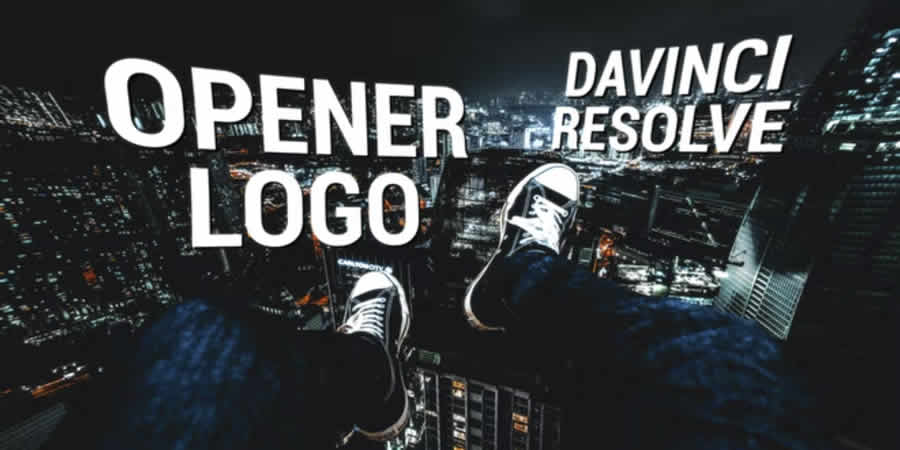
An opener is the "first impression" of your video. Whether it is a corporate presentation or a YouTube vlog, your opener must establish tone and branding instantly.
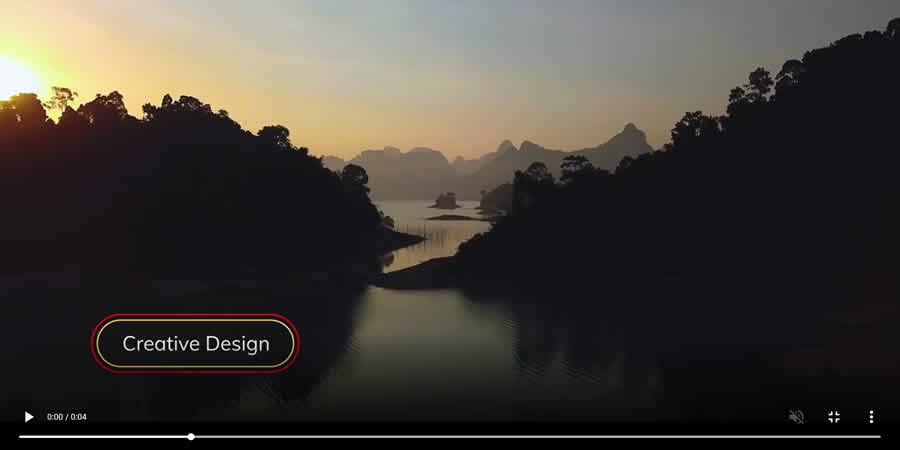
Modern Opener Logo Template
Perfect for business presentations, this template prioritizes clean lines and minimalist motion graphics. It allows for effortless logo integration, ensuring that your corporate identity remains the focal point.
Urban Opener Template
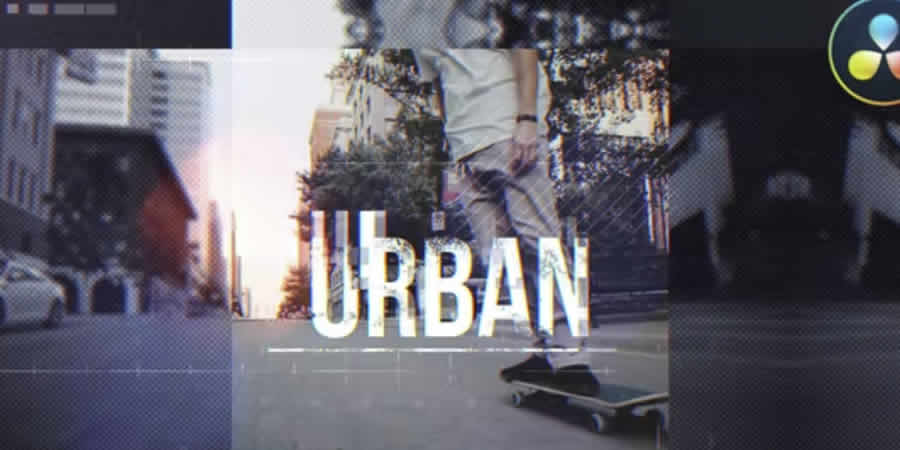
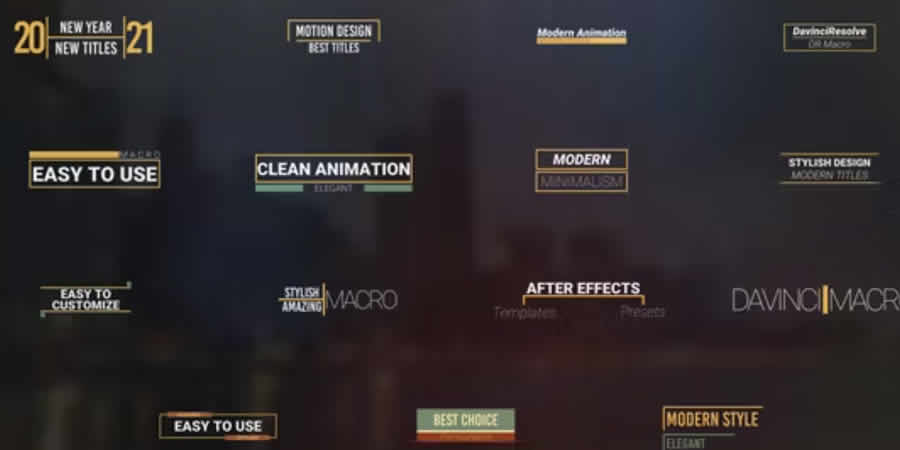
If your project demands high energy, this template is the solution. Featuring bold, aggressive typography and fast-paced cuts, it is ideal for sports highlights, music videos, or travel vlogs.
Dynamic 3D White Logo
For those looking to add depth to their brand, this 3D template uses clever lighting and shadow effects to make your logo pop off the screen.
Intro and Typography: Capturing Attention
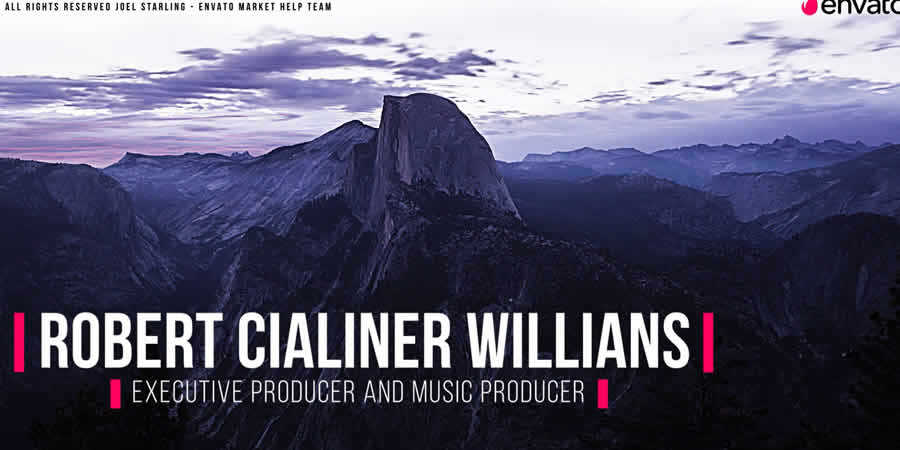
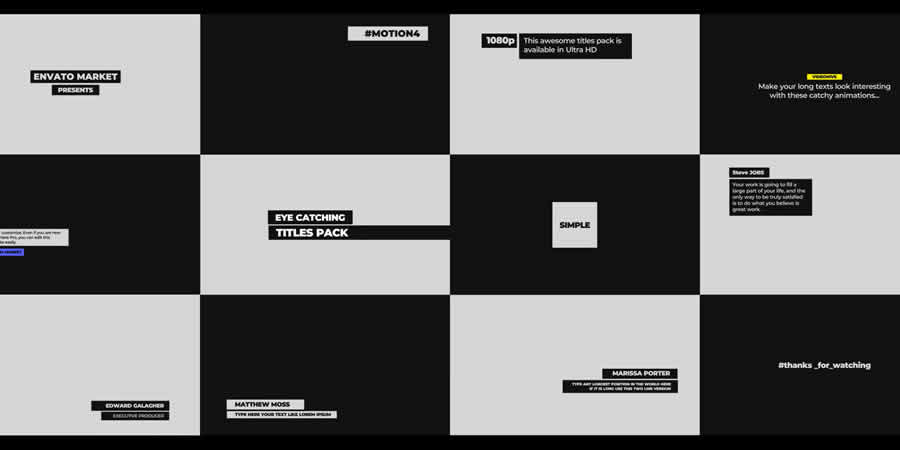
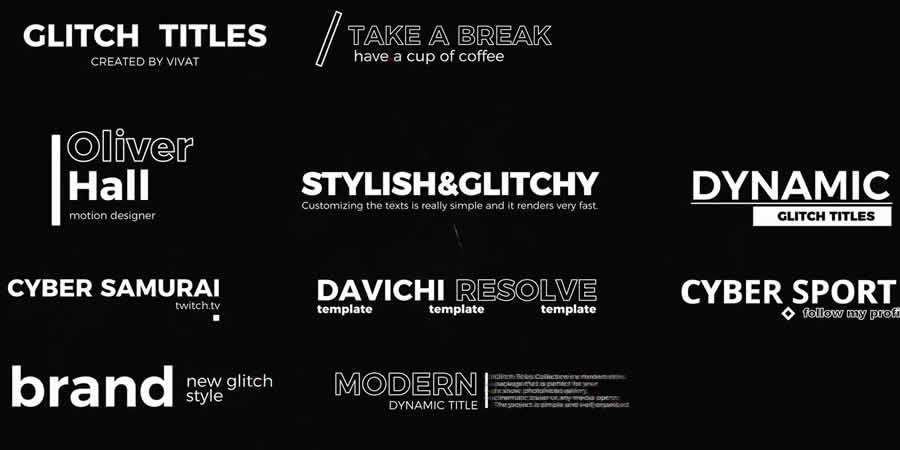
In the era of short-form content, you have roughly three seconds to grab your viewer’s attention. A stylish typography intro is the most effective way to communicate your video’s subject matter immediately.
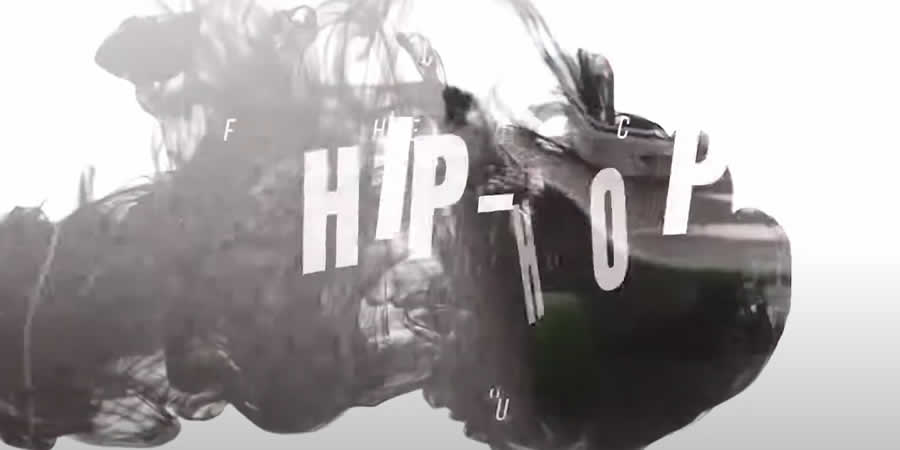
- Hip Hop Intro: Featuring rhythmic animations and street-style aesthetic, this is a must-have for content creators focused on youth culture and music.
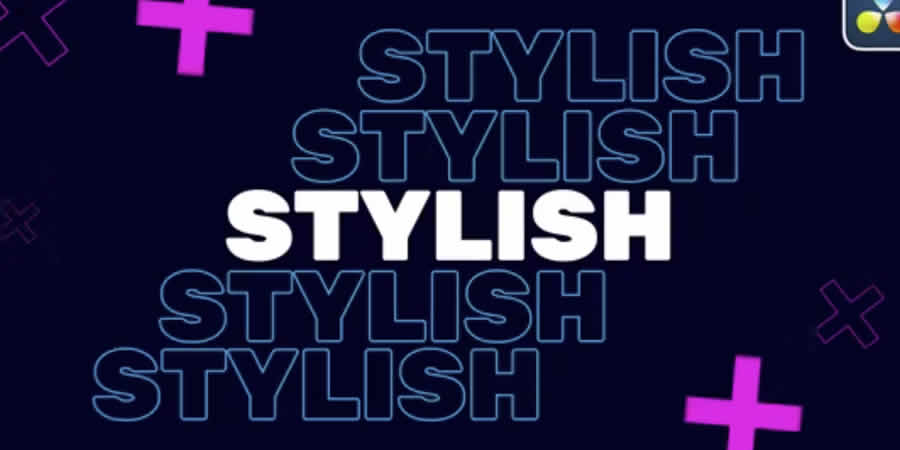
- Stylish Typography Intro: Utilizing bright, bold color palettes, this template is designed to break through the visual clutter of platforms like TikTok and Instagram.
Essential Lower Thirds: Providing Context
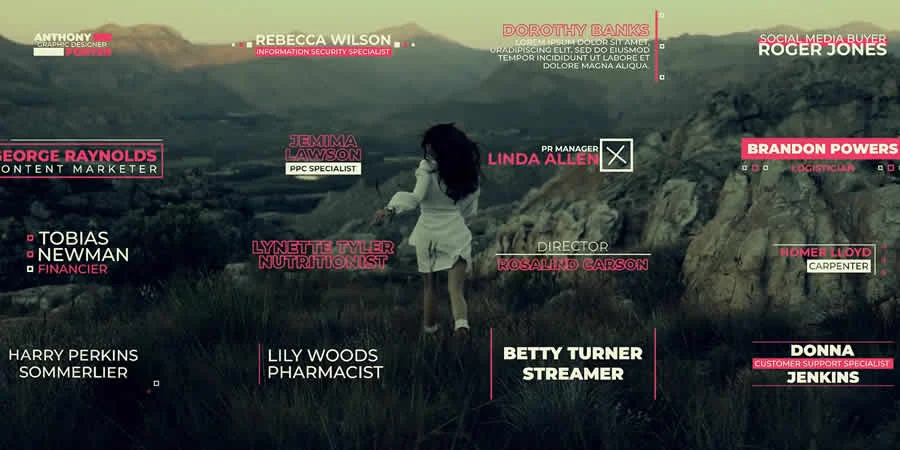
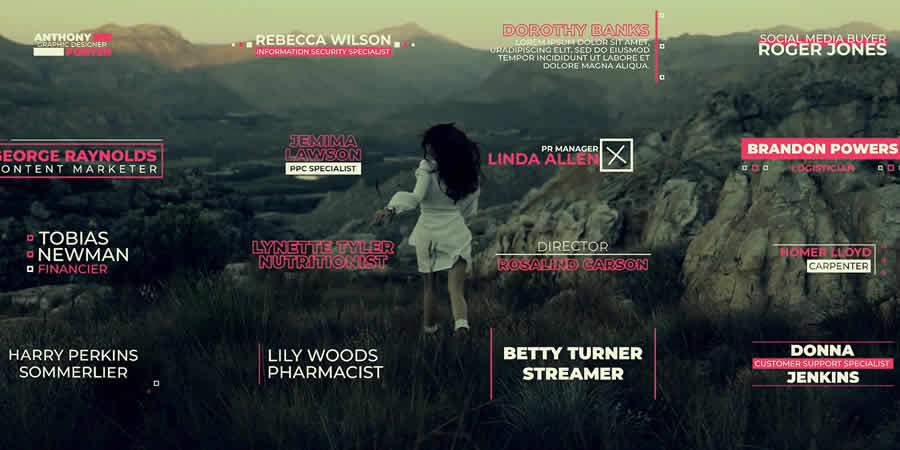
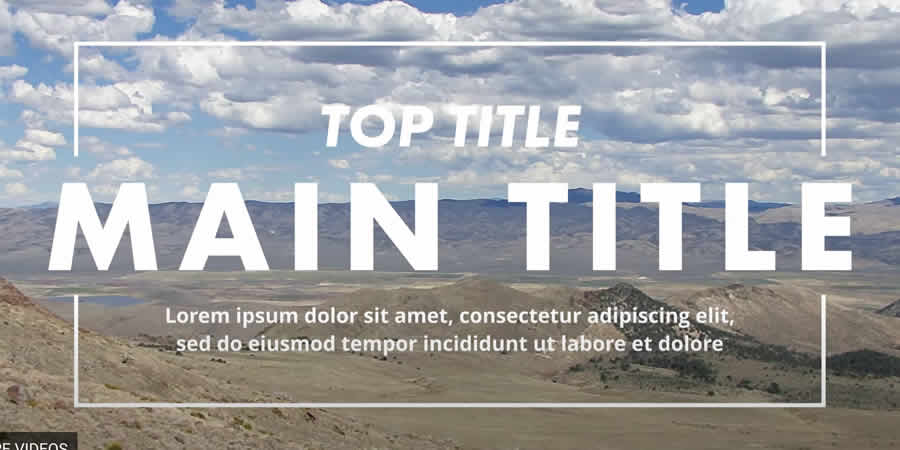
Lower thirds are the unsung heroes of professional video. They provide context—names, locations, and titles—without obstructing the main visual content.
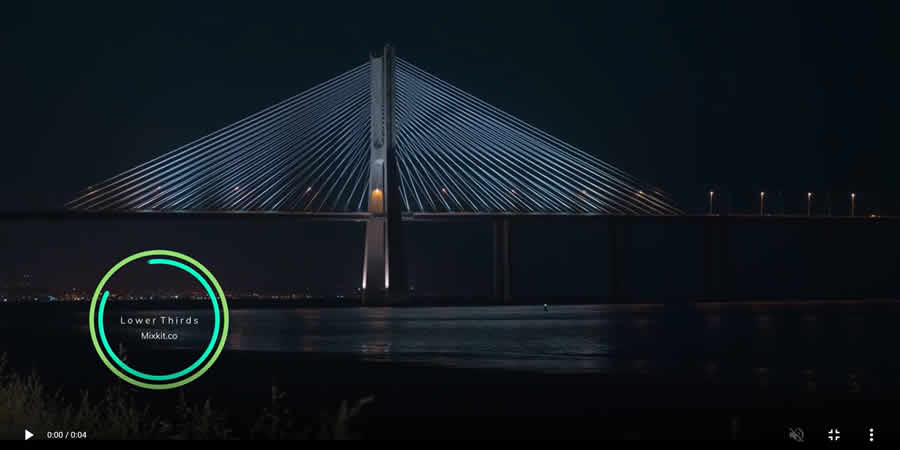
- Thin Border Lower Third: The epitome of "less is more." This subtle, elegant overlay is perfect for interviews and documentaries where the content must remain clear and unobstructed.
- Elegant 4K Lower Thirds: Designed for high-resolution displays, these titles offer crisp, sharp text that maintains its fidelity even on large-format screens.
- Subscribe Button Packs: A crucial tool for growth, these templates include animated call-to-action buttons that guide your audience toward engagement.
Cinematic Special Effects
Why settle for flat footage when you can add cinematic flair? These templates utilize DaVinci Resolve’s Fusion page to create advanced effects without requiring you to be a master of nodes.

- Diode Screen Effects: Replicate the look of vintage technology and digital glitches to give your footage a retro-futuristic vibe.
- Realistic Hits & Rumbles: Designed for action sequences, these camera-shake and impact effects add a visceral, tactile quality to your edits.
- Hallucination Effects: Perfect for experimental film or music videos, these supernatural filters push the boundaries of traditional color grading.
Transition Mastery
The best transitions are those that go unnoticed by the viewer, serving only to guide the eye from one shot to the next.
- 120+ Flat Transitions: A massive collection that provides enough variety for any project, ranging from subtle dissolves to clean wipes.
- Motion Blur Swipe: This adds a sense of speed and momentum to your cuts, ideal for fast-moving travel or sports footage.
- Distort & Twist: For creative storytelling, these transitions provide a surreal, dreamlike shift between scenes.
Technical Implementation: Installation and Optimization
How to Install Templates
Installing templates in DaVinci Resolve is a straightforward process, provided you follow these steps:
- Download and Unzip: Locate your downloaded file and extract the
.drfxor.settingfile. - Open Resolve: Navigate to the specific workspace (e.g., Edit or Fusion page).
- Drag and Drop: Simply drag the file into your library or the "Effects" panel.
- Restart: If the effect does not appear, restart the application to allow the database to refresh.
Performance Optimization Tips
If you find your system lagging while using complex templates, try these adjustments:
- Proxy Media: Generate proxies for your high-resolution footage before applying complex effects.
- Render Cache: Use the "Smart Render Cache" feature in your project settings to allow Resolve to pre-render difficult sections in the background.
- Limit Fusion Complexity: If you are using multiple Fusion-based templates in one sequence, consider rendering out individual clips with transparency (Alpha channel) to save processing power.
Final Recommendations: The Art of Restraint
While templates are powerful, the mark of a truly great editor is knowing when not to use them. An opener should never overshadow the content that follows; a transition should never call attention to itself unless that is the specific creative intent.
Before committing to a template, test it with your specific footage. Does the color grade of the template clash with your clips? Is the text readable on all backgrounds? Often, the best results come from taking a template and stripping it back to its core, adjusting the timing, and ensuring that it serves the story rather than distracting from it.
As you build your creative arsenal, remember to organize your downloads by category and keep a "favorites" folder. The digital landscape changes quickly, but a solid foundation of professional-grade assets will ensure that your video editing remains relevant, efficient, and, above all, compelling.

Whether you are a beginner or a veteran of the DaVinci Resolve interface, these tools provide the perfect starting point to elevate your craft. Explore these resources, experiment with their settings, and start creating content that leaves a lasting impression on your audience.