







Main Facts
The modern workplace relies heavily on generative artificial intelligence, yet professionals often waste valuable time manually re-entering prompts, formatting outputs, and copying data between browser tabs. To solve this efficiency bottleneck, Anthropic has introduced Claude Skills, a feature designed to transform recurring tasks into automated, self-contained instructions.
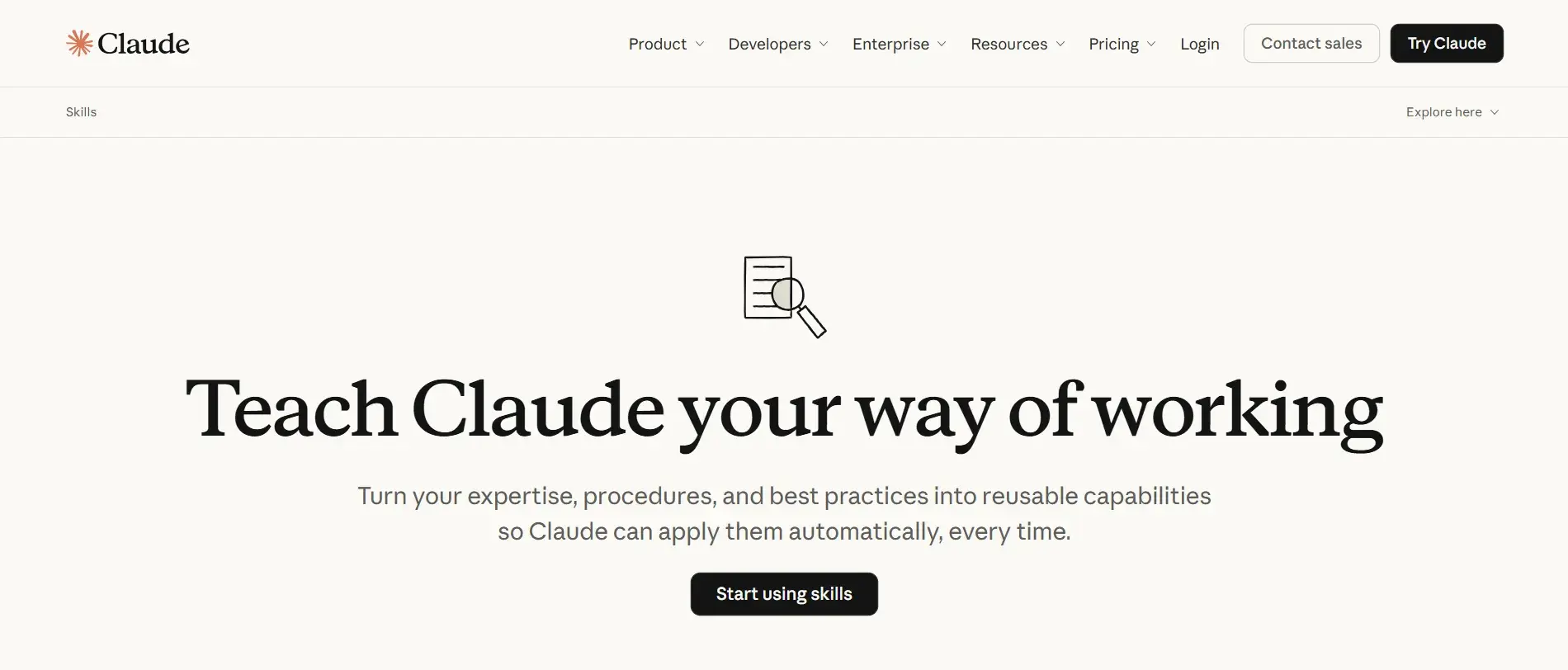
Unlike traditional custom prompts that must be pasted into every new chat window, Claude Skills are modular folders that teach Claude how to execute a specific workflow. They load automatically whenever a user’s prompt matches a defined skill capability. Available across all Claude plans, these skills operate via a "progressive disclosure" mechanism. This means Claude reads only the lightweight description of a skill to determine when it should be triggered, loading the heavier instruction files, reference documents, templates, or code scripts only when required.

Critically, building these workflow automation tools does not require a background in software engineering. For the vast majority of business applications, a professional simply needs to describe their workflow in plain English, allowing Claude’s built-in skill creator to generate the necessary files. When paired with advanced integrations—such as the official HubSpot connector for Claude—these skills can tap directly into live customer relationship management (CRM) databases, bridging the gap between static text generation and dynamic enterprise data execution.
Chronology of Development and Adoption
The rollout of custom automation features within generative AI platforms has evolved rapidly from basic chatbot prompt templates to complex agentic workflows.

- The Prompt Engineering Era: Initially, professionals relied on saving text templates in notes apps or text expanders, manually pasting context, brand guidelines, and execution steps into AI chats for every single task.
- The Introduction of Custom Instructions: Platforms evolved to allow persistent system prompts or custom instructions, though these often applied universally across all chats, leading to prompt pollution and reduced accuracy on unrelated tasks.
- The Launch of Claude Skills: Anthropic redefined task automation by introducing localized skill directories centered around a
SKILL.mdfile. This allowed modular, task-specific instructions to remain dormant until explicitly triggered by user intent. - Ecosystem Expansion and CRM Integration: The capability reached maturity with the advent of pre-installed marketing, sales, and service skill suites (pioneered by Anthropic and open-source contributors like Corey Haines), alongside enterprise-grade CRM integrations like the HubSpot connector, enabling real-time data ingestion for AI workflows.
Supporting Data and Technical Architecture
Understanding how Claude Skills function under the hood helps teams design reliable, high-performing automations. At their core, Claude Skills rely on a structured directory format that separates intent, instructions, reference material, and execution assets.
The Anatomy of a Claude Skill Folder
A standard custom skill is organized into a dedicated project folder containing up to four distinct components:

SKILL.md(Required): The central file containing YAML front matter (name and description) followed by step-by-step Markdown instructions.references/(Optional): External markdown or text documents (such as brand voice guides, channel benchmarks, or compliance policies) that Claude reads selectively based on conditional logic in the instructions.assets/(Optional): Template skeletons (like a brief format or report outline) that Claude copies and fills out during execution.scripts/(Optional): Deterministic code files (such as Python, Bash, or Node.js scripts) used for strict calculations, data parsing, or file transformations.
The Three-Tier Progressive Disclosure Model
To prevent context window overload, Claude accesses a skill in three progressive layers:
- Level 1 (Session Start): Claude reads only the name and description from the YAML front matter of every installed skill to index available capabilities.
- Level 2 (Trigger Match): When a user’s request aligns with a skill’s description, Claude loads the full body of the
SKILL.mdfile to execute the primary steps. - Level 3 (Deep Reference): Claude opens specialized reference files or assets only when explicitly commanded by conditional statements within the instructions (e.g., "Before writing the summary, read references/brand-voice.md").
Writing Reliable Triggers
Because the skill description acts as the sole routing rule for Claude, its formulation dictates success rates. Optimization best practices dictate writing descriptions in the third person, front-loading the primary action verb within the first five words, providing multiple semantic variants (e.g., listing alternate phrasings like "release notes," "changelog," and "what shipped"), and implementing explicit "do NOT use" clauses to eliminate false positives in multi-skill environments.

Official Perspectives and Industry Responses
Industry leaders and software architects have heavily endorsed the modular nature of Claude Skills, noting that they bridge the divide between non-technical knowledge workers and advanced AI automation.
Marketers and sales operations experts emphasize that structured skills eliminate human error in repeatable processes. Aaron Beashel, a marketer at Converly.io, highlights the utility of open-source skill repositories, noting that leveraging pre-trained frameworks shapes Claude’s outputs so that ad copy, email subject lines, and social media posts align tightly with professional standards rather than generic AI tropes.

Similarly, sales automation strategists like Federico Donatone, founder of Growth Cab, utilize customized skills to streamline post-call workflows. By pairing real-time call transcripts with a "recap-call" skill, reps can automatically draft personalized follow-up emails, apply company tone rules, and route data cleanly into CRM pipelines.
From a governance standpoint, enterprise IT departments welcome the granular permission controls inherent to the architecture. Because skills are sandboxed and can be audited line-by-line, security teams can vet third-party or community-built plugins before deploying them across organization-wide directories.

Implications for Marketing, Sales, and Service Operations
The deployment of Claude Skills carries profound implications for day-to-day productivity across customer-facing departments.
Marketing: Driving Brand Consistency at Scale
Marketing teams frequently struggle with brand drift, missed brief requirements, and inconsistent UTM link parameters.

- Campaign Brief Generators: By inputting product launch notes and target channels, marketers can generate comprehensive briefs complete with KPIs, audience segments, and execution plans—often supercharged by real-time web research add-ons.
- Content QA and Brand Voice Audits: Skills can run drafted copy against markdown reference files containing banned phrases, accessibility rules, and tone guidelines, spitting out line-level pass/fail audit reports in minutes.
- UTM Governance: Automated link audits catch malformed or missing tracking parameters before campaigns go live, protecting attribution integrity.
Sales: Personalized Outreach and Lead Triage
Sales representatives spend significant time manually qualifying inbound leads and preparing for client discovery calls.
- Lead Routing and Scoring: Utilizing the HubSpot connector for Claude, skills can assess incoming leads against ideal customer profiles (ICPs) using live CRM records, recommending priority tiers and owners instantly.
- Discovery Call Prep: Reps can prompt Claude with "prep me for the [company name] call," prompting the skill to research the target organization, surface industry-specific pain points, and formulate tailored questioning frameworks.
Service: Streamlining Ticket Handoffs
Customer support operations benefit from consistent routing and seamless transitions from service inquiries to sales opportunities.

- Ticket-Routing Checklists: Decision-tree logic embedded in support skills helps tickets reach the correct department faster while generating immediate first-response templates.
- Expansion Opportunity Briefs: When support tickets hint at upsell potential or custom feature requests, skills pull recent account usage and open deals directly from the CRM, creating concise handoff briefs for account executives.
Conclusion and Next Steps
Claude Skills represent a pivotal shift in how teams interact with artificial intelligence, moving away from repetitive manual prompting toward systemic, automated workflows. By combining plain-English instructions with robust enterprise integrations like the HubSpot connector for Claude, organizations can ensure their AI initiatives are deeply informed by real-time customer data.
To begin, teams should select a single, highly repeatable workflow, draft a focused SKILL.md file following the progressive disclosure guidelines, and measure the time saved. As teams master their first custom automations, expanding into multi-skill libraries and hybrid deployment models will unlock unprecedented levels of operational efficiency across marketing, sales, and service domains.