For many users, the modern computing experience is defined by the “walled garden.” Apple users enjoy the seamless integration of AirDrop and Handoff, while those deep within the Google and Microsoft ecosystems are often steered toward proprietary solutions like Quick Share and Phone Link. However, for those of us who prefer a more modular, privacy-conscious, and hardware-agnostic setup, these “official” tools can feel restrictive—or worse, intrusive.
While the industry continues to push for expensive, proprietary hardware configurations—such as high-end Googlebooks—a more versatile, open-source solution has emerged as the definitive answer for the power user. KDE Connect, a powerful, free, and open-source project, offers a bridge between Windows and Android that arguably surpasses the utility of its corporate-backed counterparts. By stripping away the need for mandatory cloud accounts and intrusive telemetry, KDE Connect represents a shift toward user-centric interoperability.
The Evolution of Cross-Platform Interconnectivity
The quest for a unified workflow between mobile and desktop has been a long-standing challenge in the tech industry. Initially, users relied on third-party cloud storage solutions like Dropbox or Google Drive to shuttle files back and forth. Then came the era of native integration. Microsoft introduced "Phone Link" to tether Android devices to Windows, while Google refined "Quick Share" (formerly Nearby Share) to allow for peer-to-peer file transfers.
These tools are undoubtedly convenient for the average consumer. They provide a "plug-and-play" experience that requires little technical knowledge. However, they come with a hidden price: the requirement for account synchronization, data harvesting, and, often, a lack of deep system-level control.
KDE Connect, which began its life as a niche tool for the Linux community, has steadily matured into a robust cross-platform powerhouse. Its migration to Windows in recent years was a watershed moment for power users. Unlike Microsoft’s Phone Link, which demands a Microsoft account, or Quick Share, which is deeply integrated into Google Play Services, KDE Connect operates on a decentralized, peer-to-peer architecture.
Chronology of a Workflow Revolution
The transition away from proprietary ecosystems often happens in phases. For many, the journey begins with a frustration regarding notification management.
- The Discovery Phase: Users initially seek a way to keep their phones in their pockets while working on a laptop. They install Microsoft Phone Link, only to realize the feature set is limited or that it drains battery life due to constant background sync with the cloud.
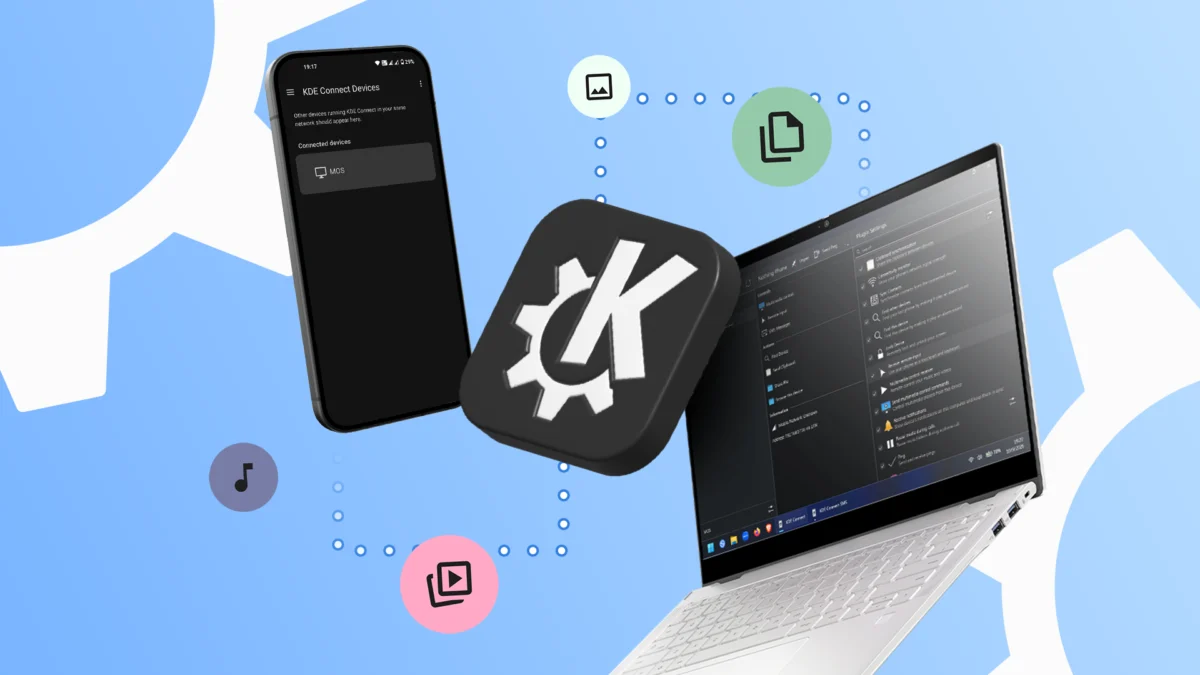
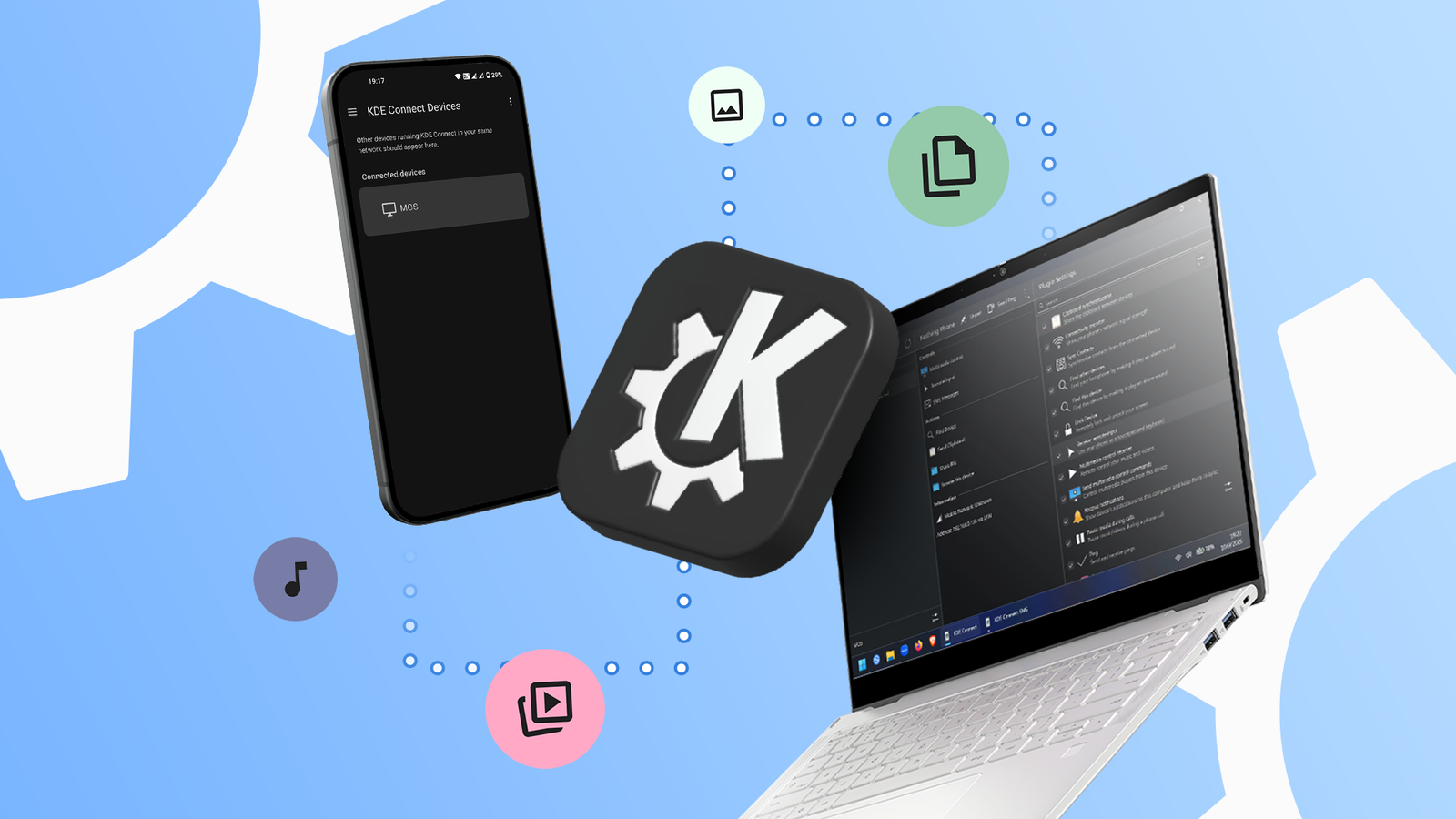
- The Open-Source Shift: Upon discovering KDE Connect, users are often surprised by the sheer depth of the application. By installing the app on both a Windows machine and an Android phone—and ensuring both are on the same local network—the devices essentially merge into a single, cohesive unit.
- Refinement: After the initial setup, users begin to customize their experience, disabling unnecessary plugins (like the presentation remote if it isn’t needed) to optimize performance.
- The "Ah-ha" Moment: This occurs when a user realizes they can copy text on a Windows desktop and paste it instantly into an Android app, or use their phone as a trackpad to control a presentation on their laptop.
The Power of Open Source: Beyond Feature Parity
What separates KDE Connect from the corporate status quo is its philosophy. It doesn’t just copy the features of Phone Link; it reimagines how a phone and a computer should communicate.
Notification Syncing and Clipboard Sharing
One of the most friction-inducing aspects of multitasking is the constant context switching between devices. KDE Connect eliminates this by mirroring notifications. When an Android alert triggers, the user can read and respond directly from their Windows desktop. Furthermore, the shared clipboard feature—where text copied on a desktop is immediately available on a mobile device—is a productivity force multiplier. It turns two disparate devices into a singular, fluid workspace.
File Transfer and Remote Input
Quick Share is effective, but it is often limited by its interface and reliance on Google services. KDE Connect treats file transfers as a simple, local network operation. There is no need for QR codes or PINs if the devices are already paired. Moreover, the ability to turn an Android phone into a mouse, keyboard, or multimedia controller provides a "Plan B" for hardware failures or specific productivity use cases that standard apps simply do not support.
Supporting Data and Technical Realities
To appreciate why KDE Connect is gaining traction, one must look at the technical requirements. Because it operates over local Wi-Fi, it avoids the latency issues associated with cloud-based relays.
| Feature | Microsoft Phone Link | Google Quick Share | KDE Connect |
|---|---|---|---|
| Account Required | Yes (Microsoft) | Yes (Google) | No |
| Cross-Platform | Limited (Win/Android) | Limited (Android/Win) | Excellent (Linux, Win, Android, macOS, iOS) |
| Privacy Policy | High Data Collection | High Data Collection | Minimal/None |
| Remote Input | No | No | Yes |
While the setup is not as "hand-holding" as a commercial app, the benefit is absolute control. The app requires several Android permissions—accessing files, notifications, and the clipboard—but because it is open source, these permissions are transparent. The code is audited by the community, ensuring that the app is not exfiltrating personal data to a corporate server.
Implications for the Modern Digital Life
The adoption of tools like KDE Connect has significant implications for how we perceive digital ownership. When we rely solely on Google or Microsoft, we are "tenants" in their ecosystems. If they decide to deprecate a feature, change a privacy policy, or restrict access, the user is left with no recourse.

The Learning Curve as an Investment
Admittedly, KDE Connect is not "plug-and-play." It requires the user to understand basic network configurations and permissions. The interface, which still carries some of the aesthetic DNA of its Linux origins, may feel less "polished" than the slick, dark-mode-heavy UI of a Microsoft product. However, this learning curve is an investment in autonomy.
Overcoming the Network Barrier
The primary hurdle for KDE Connect is its reliance on a shared local network. When traveling, this can be inconvenient. However, for those who regularly use a mobile hotspot, the fix is trivial: by connecting both the laptop and the phone to the phone’s own hotspot, the peer-to-peer connection is restored, allowing the user to maintain their workflow even in transit.
Official Stance and Community Development
The development team behind KDE Connect represents the pinnacle of community-driven software. Unlike commercial products that receive updates based on market research or corporate roadmap shifts, KDE Connect evolves through bug reports, feature requests, and direct user feedback.
When a user identifies a bug, it is addressed by developers who use the software themselves. This creates a feedback loop that is significantly faster and more responsive than the bureaucratic processes found in major technology corporations. The implication is clear: software built by the community, for the community, is often more stable and more aligned with the actual needs of the end-user.
Conclusion: Reclaiming the Workflow
In an era where the hardware industry pushes for $1,000-plus "Googlebooks" to achieve a semblance of device harmony, KDE Connect serves as a refreshing reminder that the power is still in the hands of the user. By utilizing the devices we already own—whether they are aging Windows laptops or budget-friendly Android phones—we can create a high-performance, integrated ecosystem that rivals the biggest players in the industry.
While the "shackles" of the major tech giants offer ease of use, they do so at the cost of your data and your freedom to choose. KDE Connect is not just an app; it is a declaration of independence for your digital life. It is, ultimately, the most efficient way to ensure that your devices work for you, rather than the other way around.