










In the competitive landscape of modern graphic design, the difference between a good concept and a winning presentation often lies in the delivery. For designers tasked with creating corporate badges, event credentials, or membership identification, the challenge is not just the typography or color palette—it is the ability to bridge the gap between a flat digital file and a tangible, real-world object. This is where the high-fidelity ID card mockup has become an indispensable asset in the designer’s toolkit.
By transforming static designs into immersive, photorealistic scenes, these mockups allow clients to visualize the final product long before it hits the printer. Whether you are aiming for the clinical precision of a studio-style shot or the organic, lifestyle feel of a dynamic scene, the right mockup provides the context, credibility, and polish necessary to secure project approval.
The Evolution of Presentation: From Flat Files to 3D Realism
The history of design presentation has evolved from physical mood boards to simple digital screenshots. However, as brand identity has become more holistic, the need for "physicality" in digital portfolios has skyrocketed. A flat rectangle on a screen lacks the weight, lighting, and environmental interaction of a badge hanging from a lanyard or resting on a desk.
The Role of Smart Objects and Layered PSDs
The technical shift toward Adobe Photoshop’s "Smart Object" functionality has fundamentally changed the workflow for branding professionals. By embedding a design into a pre-rendered, high-resolution scene, designers can swap out logos, color schemes, and ID photos in seconds. This ensures that the mockup is not just a one-off image, but a dynamic template that can be used across multiple client iterations.
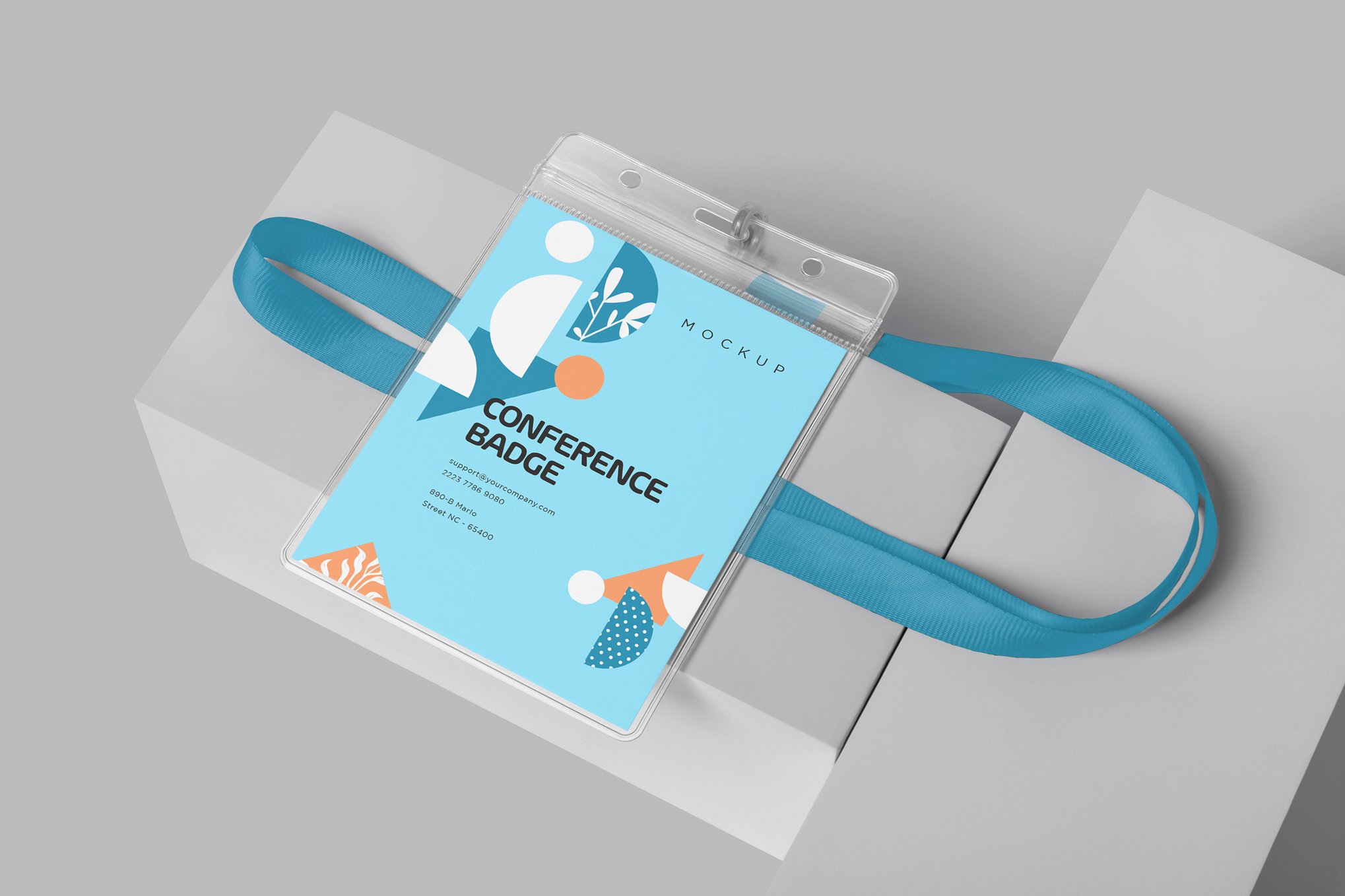
Curated Professional Mockups: Elevating Your Portfolio
To help designers navigate the sea of available resources, we have categorized the most effective, high-resolution ID card mockups that offer the best balance of aesthetic appeal and technical utility.
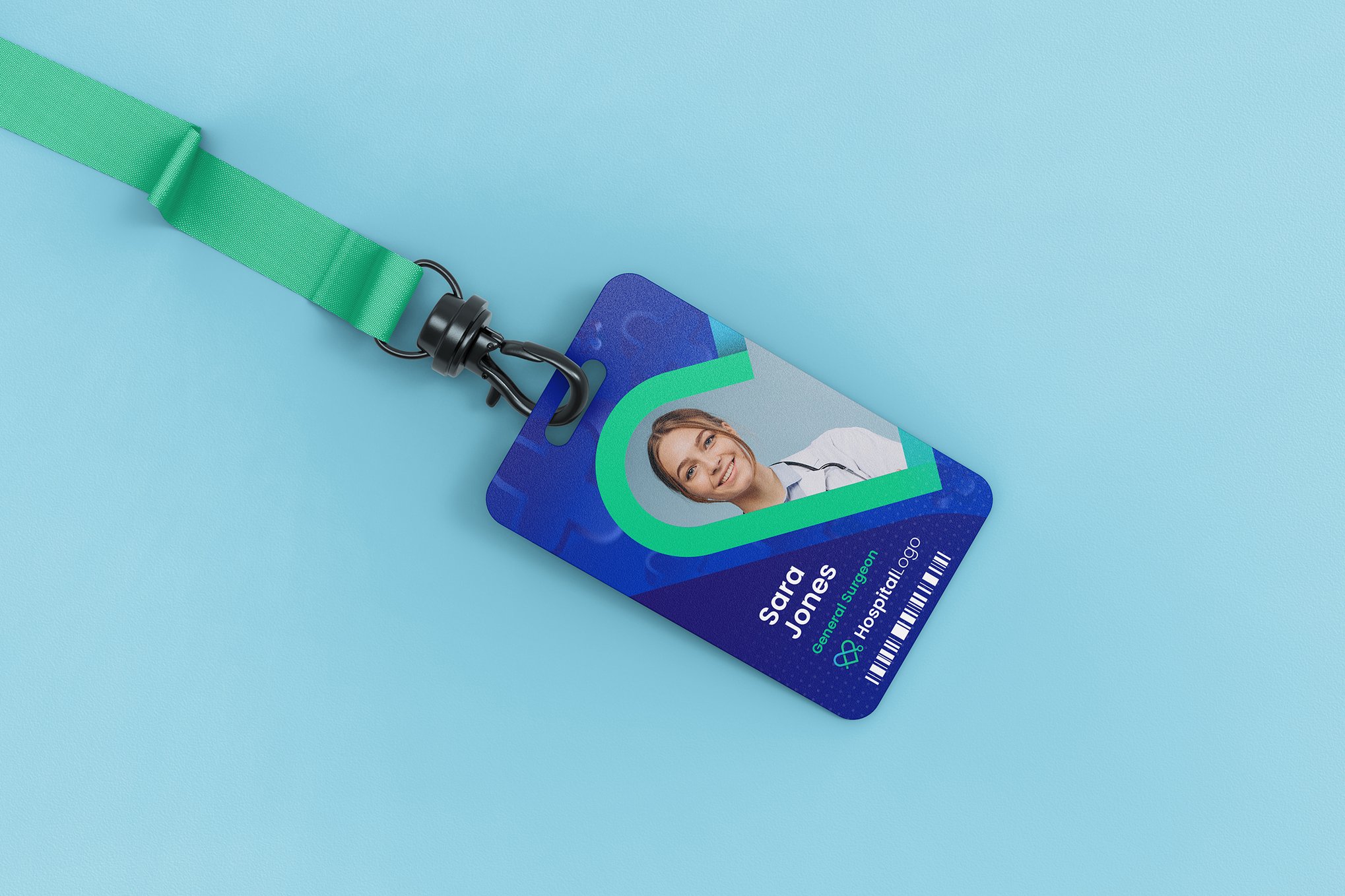
1. The Bold ID Card Mockup
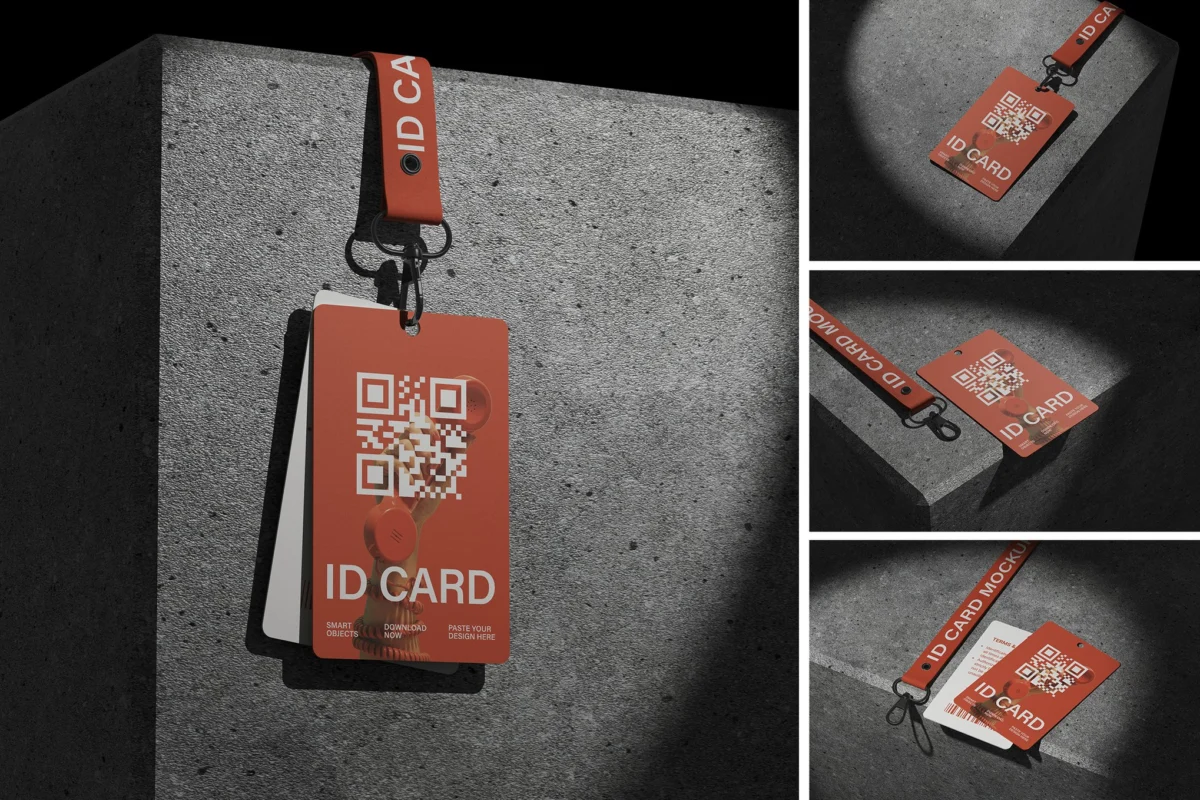
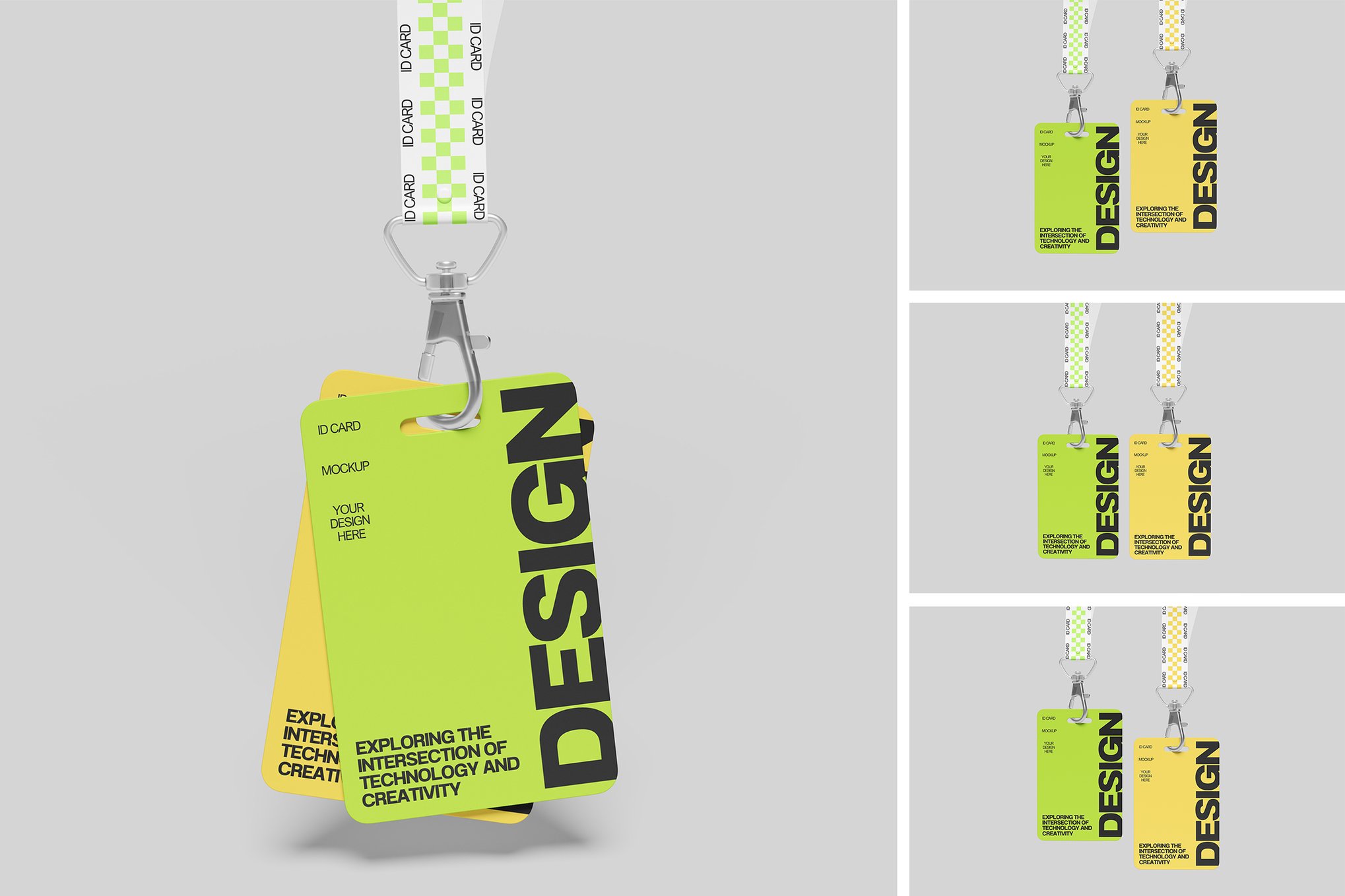
For those who prioritize impact, the Bold ID Card Mockup offers a 3D perspective that brings depth to any badge design. Its strength lies in its high-resolution rendering and meticulous layer organization, making it a favorite for agencies dealing with high-stakes corporate branding.
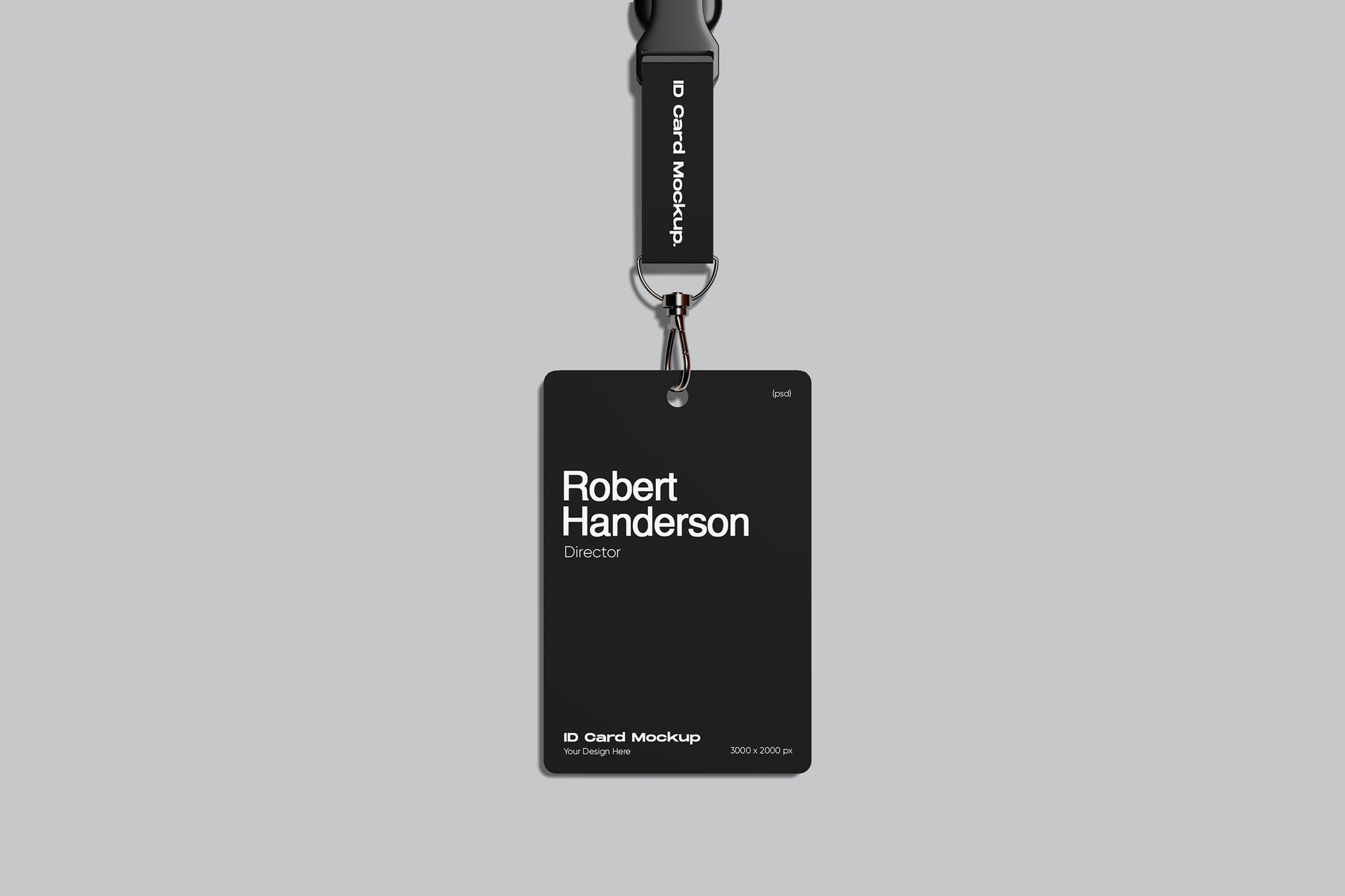
2. The Modern ID Card Mockup (4000 x 3000 px)
Precision is the hallmark of the Modern ID Card Mockup. At 300 DPI, it is designed for those who require print-ready quality in their digital presentations. It is particularly effective for user-testing scenarios where the brand image must remain consistent across all touchpoints.
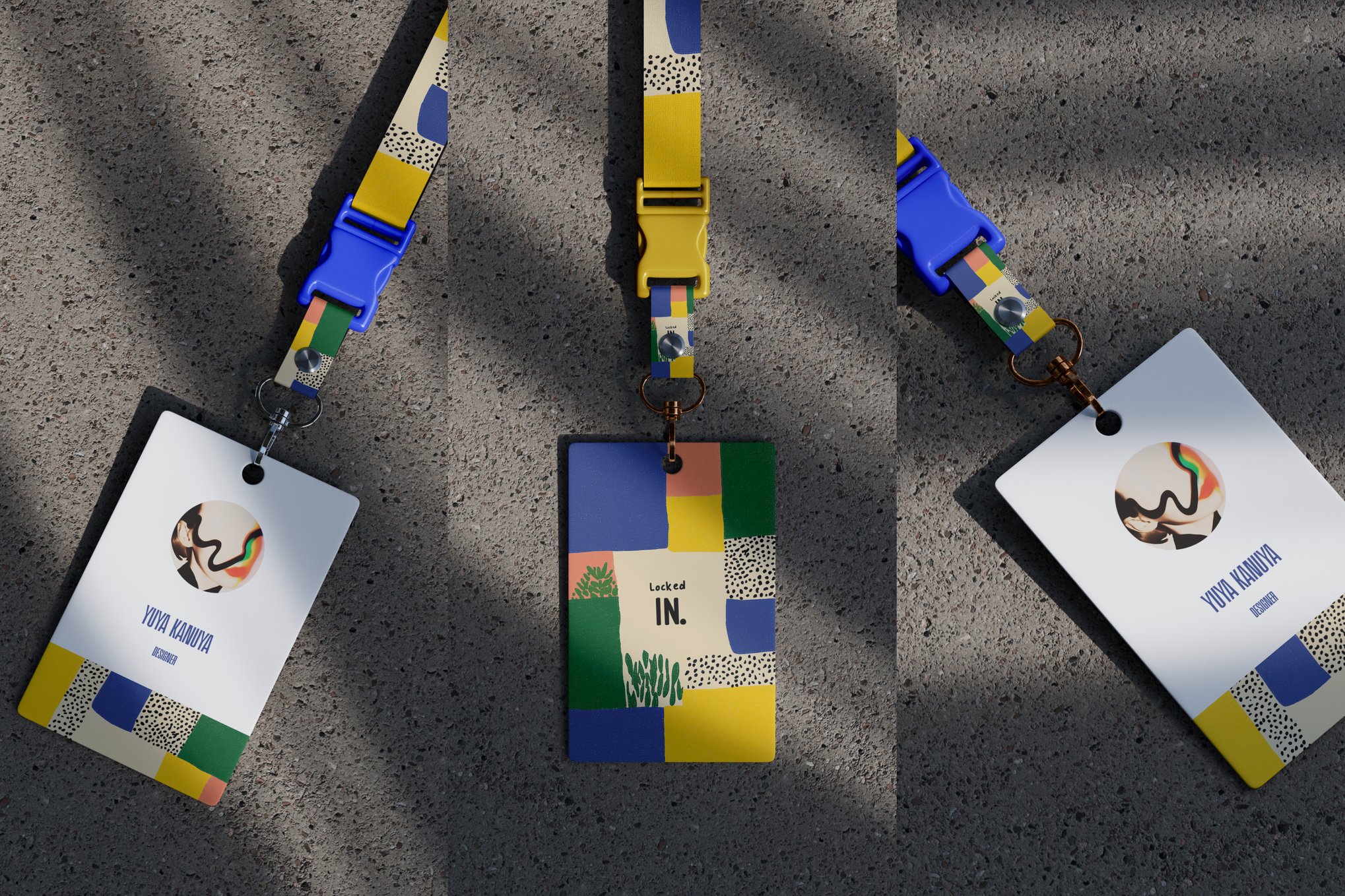
3. The Professional ID Card Badge Collection
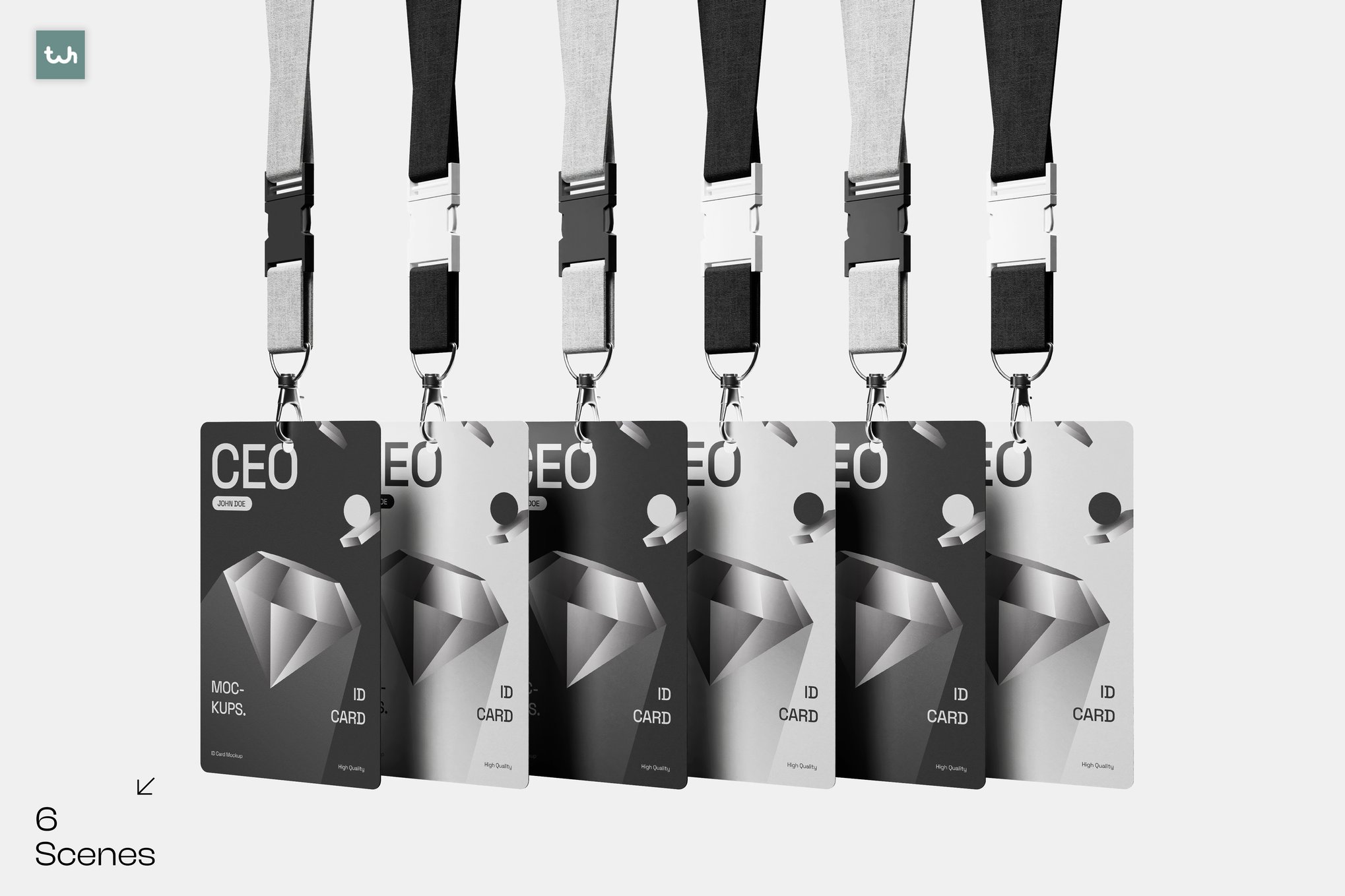
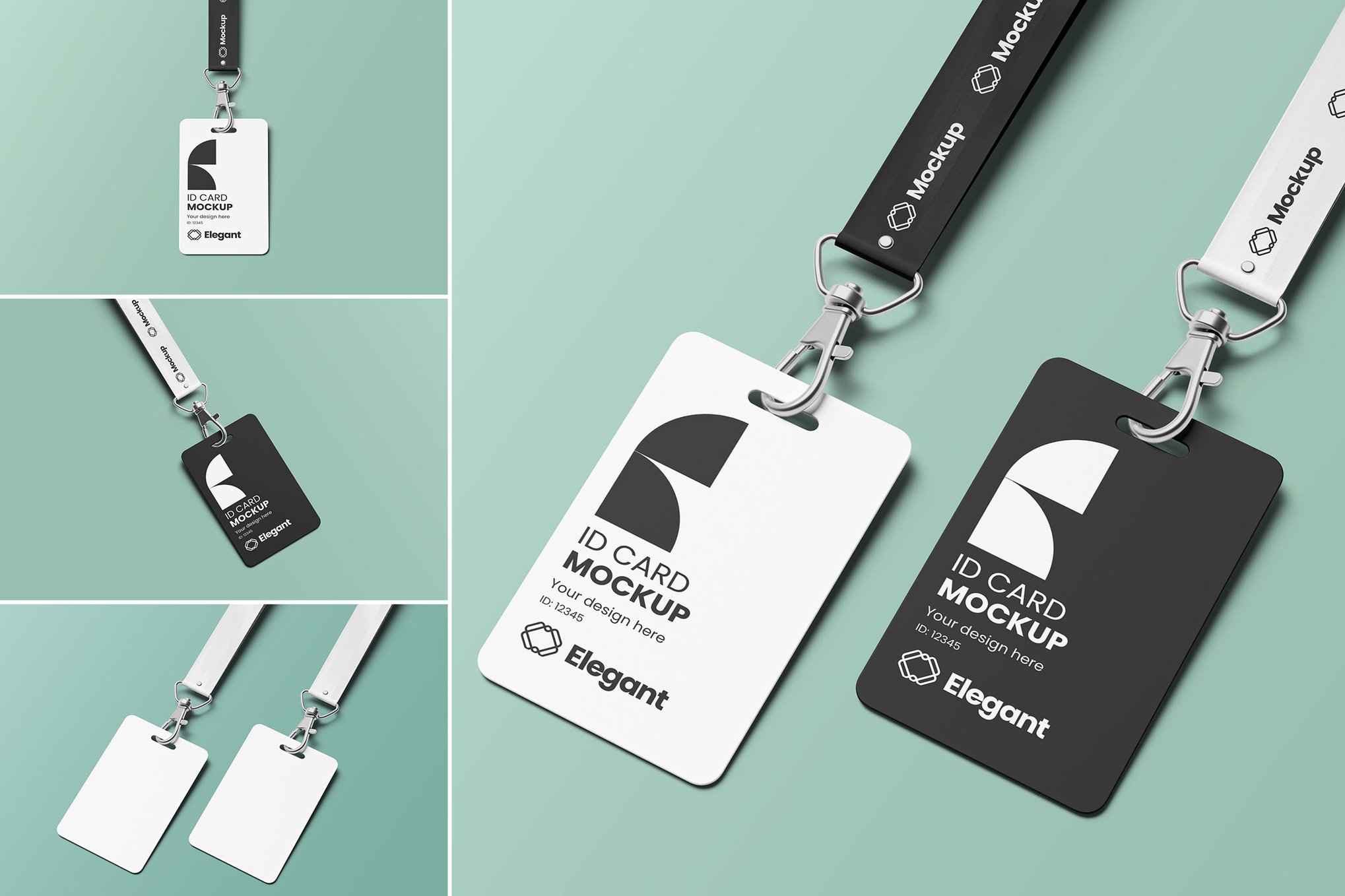
Minimalism often yields the best results. This collection provides five distinct, high-resolution PSDs that include varied perspectives—from close-ups of card covers to the subtle texture of lanyards. It is an essential asset for designers who need to show the "full package" of an ID system.
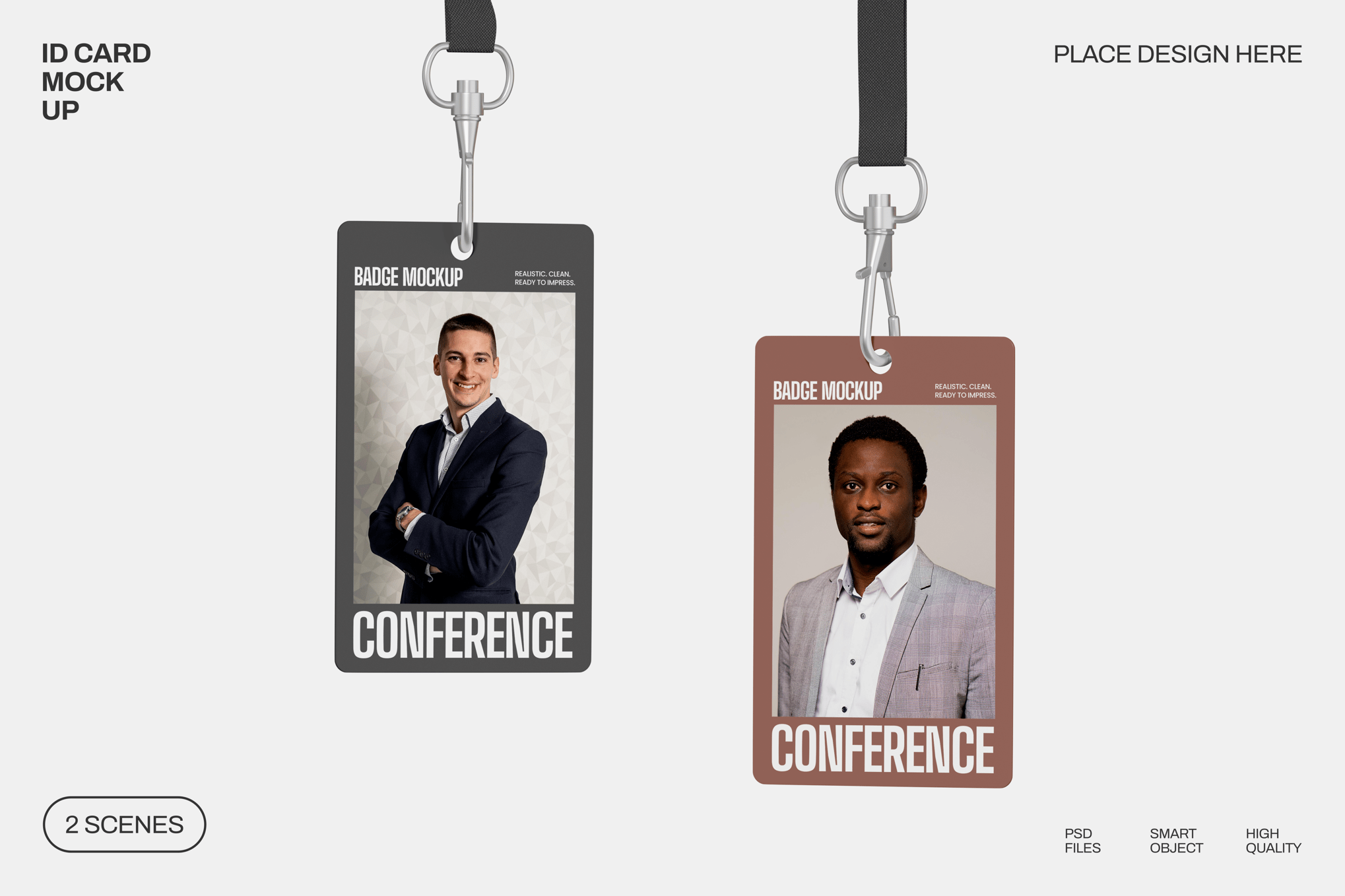
4. Company ID Card Mockup: Versatility Redefined
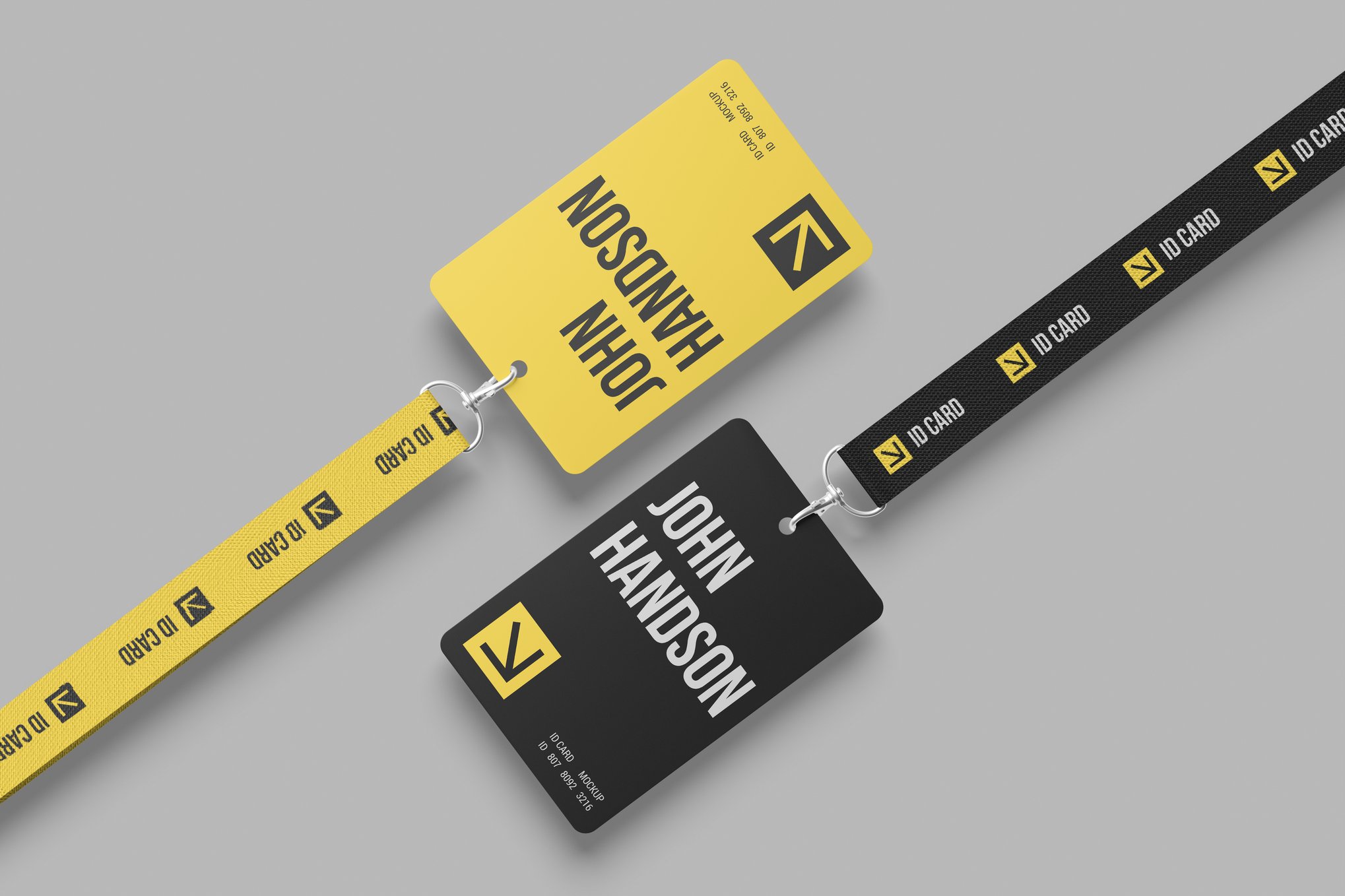
This template is engineered for adaptability. Whether your brand uses a light, airy palette or a dark, moody aesthetic, this mockup’s editable ribbon colors and background layers allow for seamless integration. It handles high-contrast designs with ease, maintaining sharpness throughout.
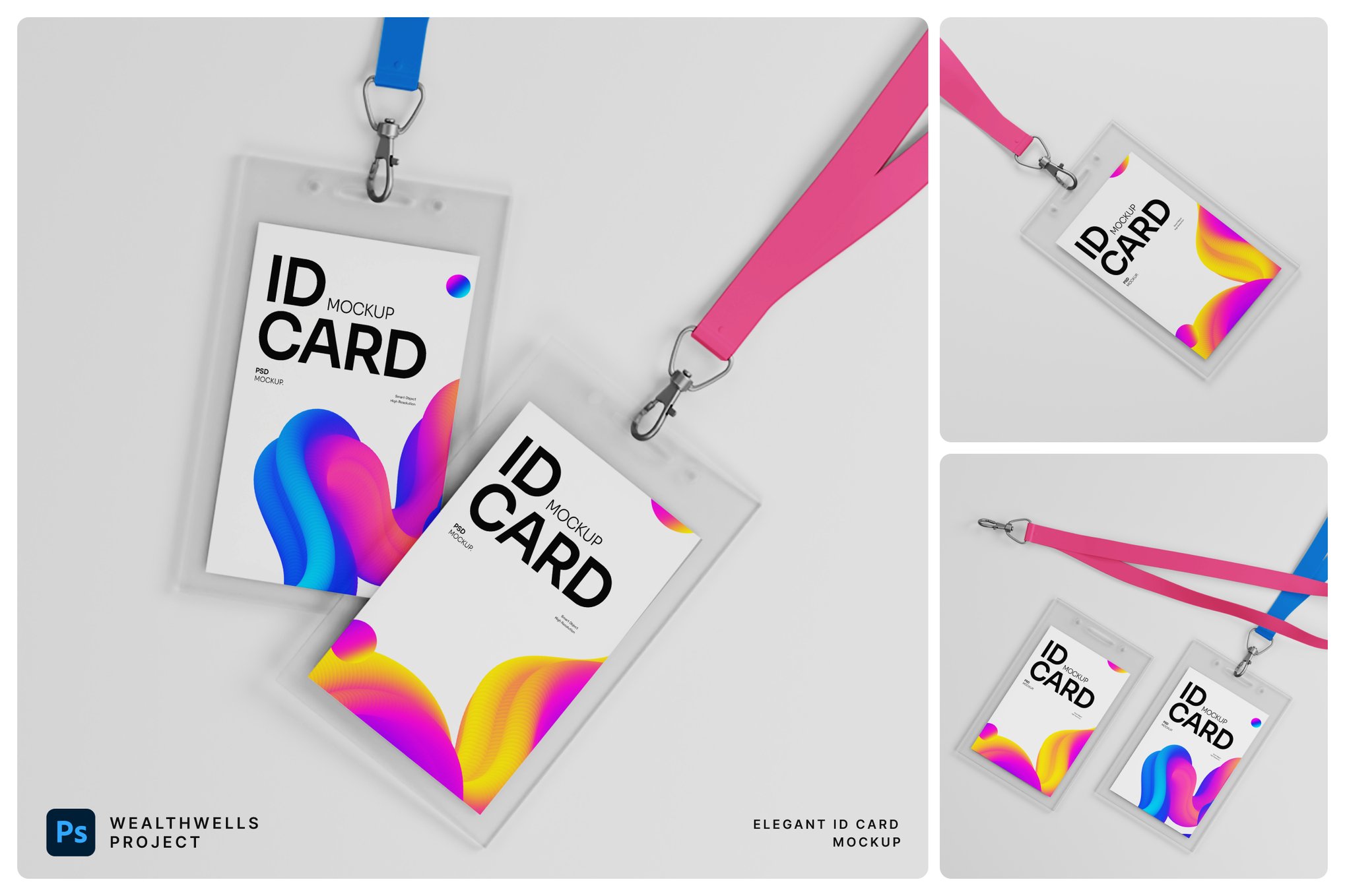
5. Minimalist Card ID Mockup
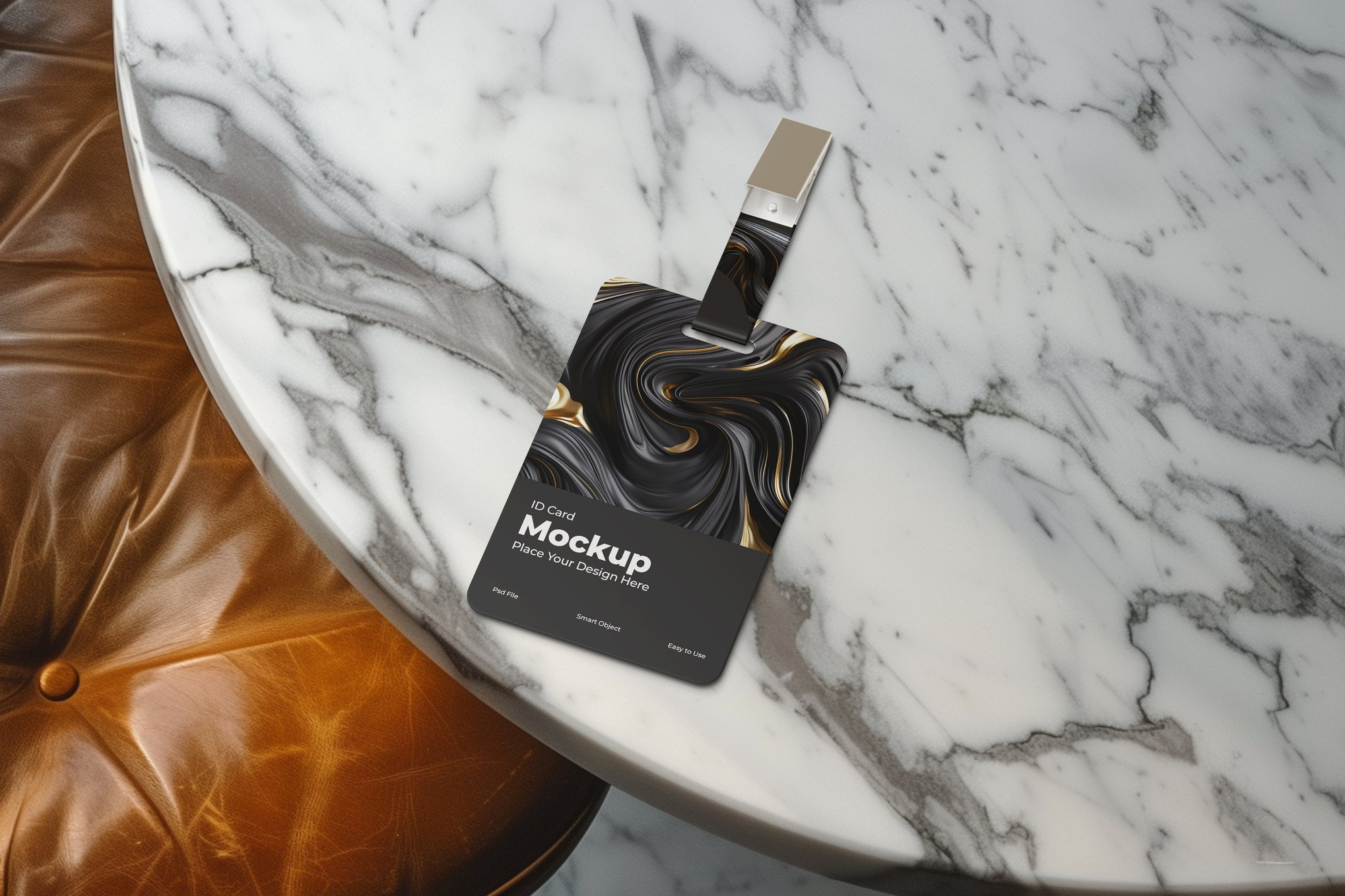
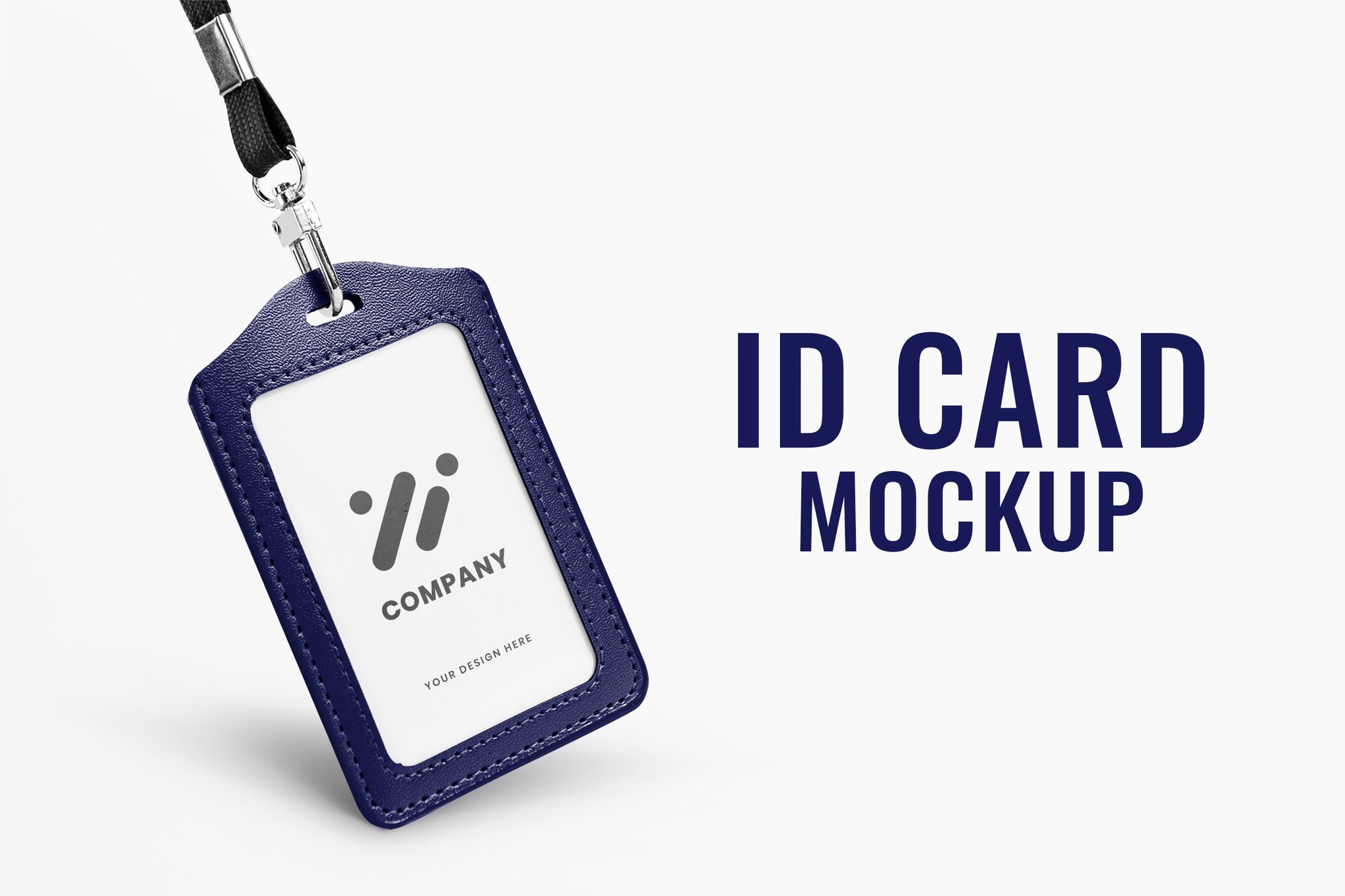
Sometimes, the design should speak for itself. The Minimalist Card ID Mockup is stripped of unnecessary clutter, focusing on a clean, photo-quality surface. With its real-texture background, it offers an authentic look that feels less like a template and more like a photograph.
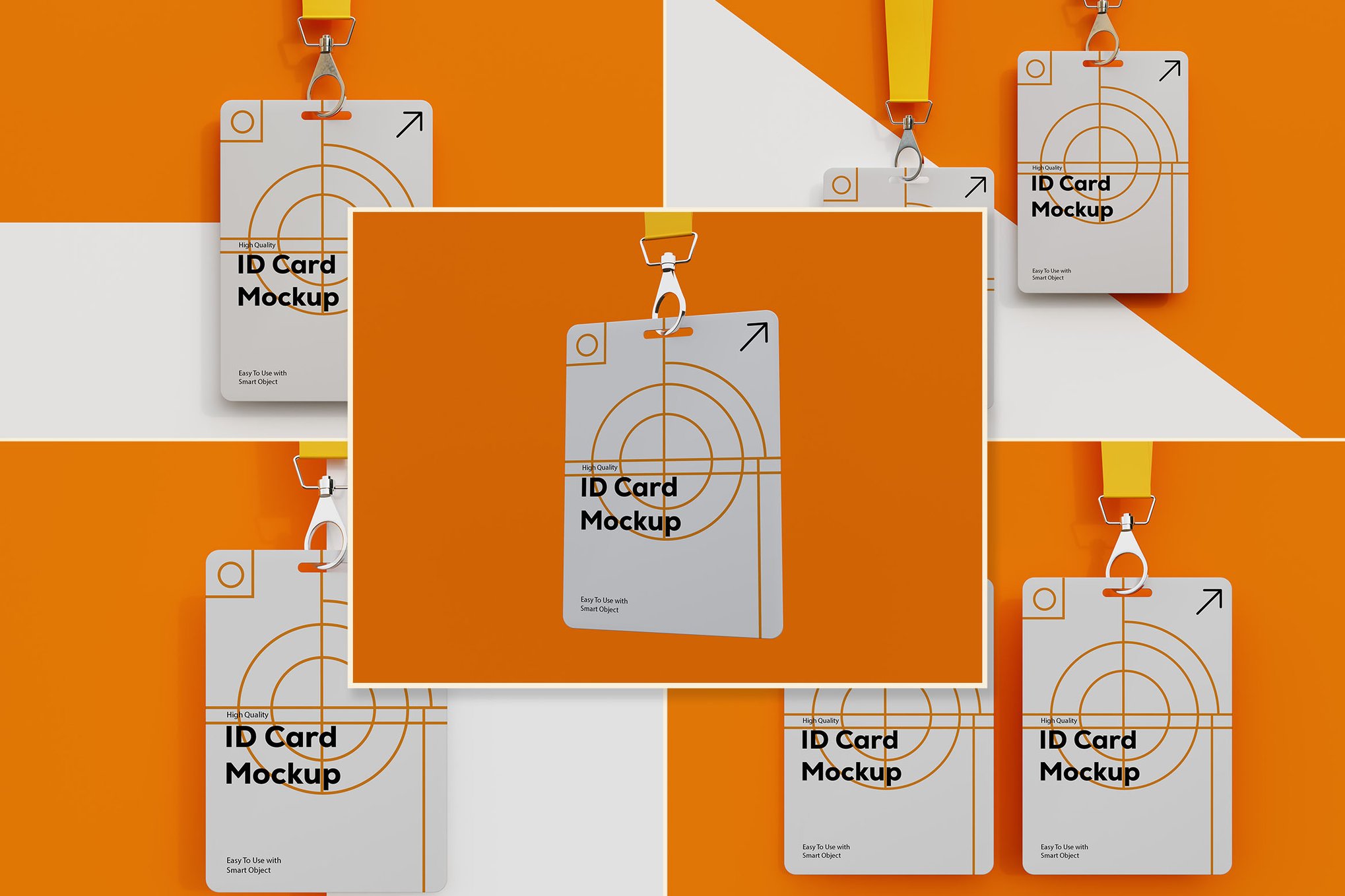
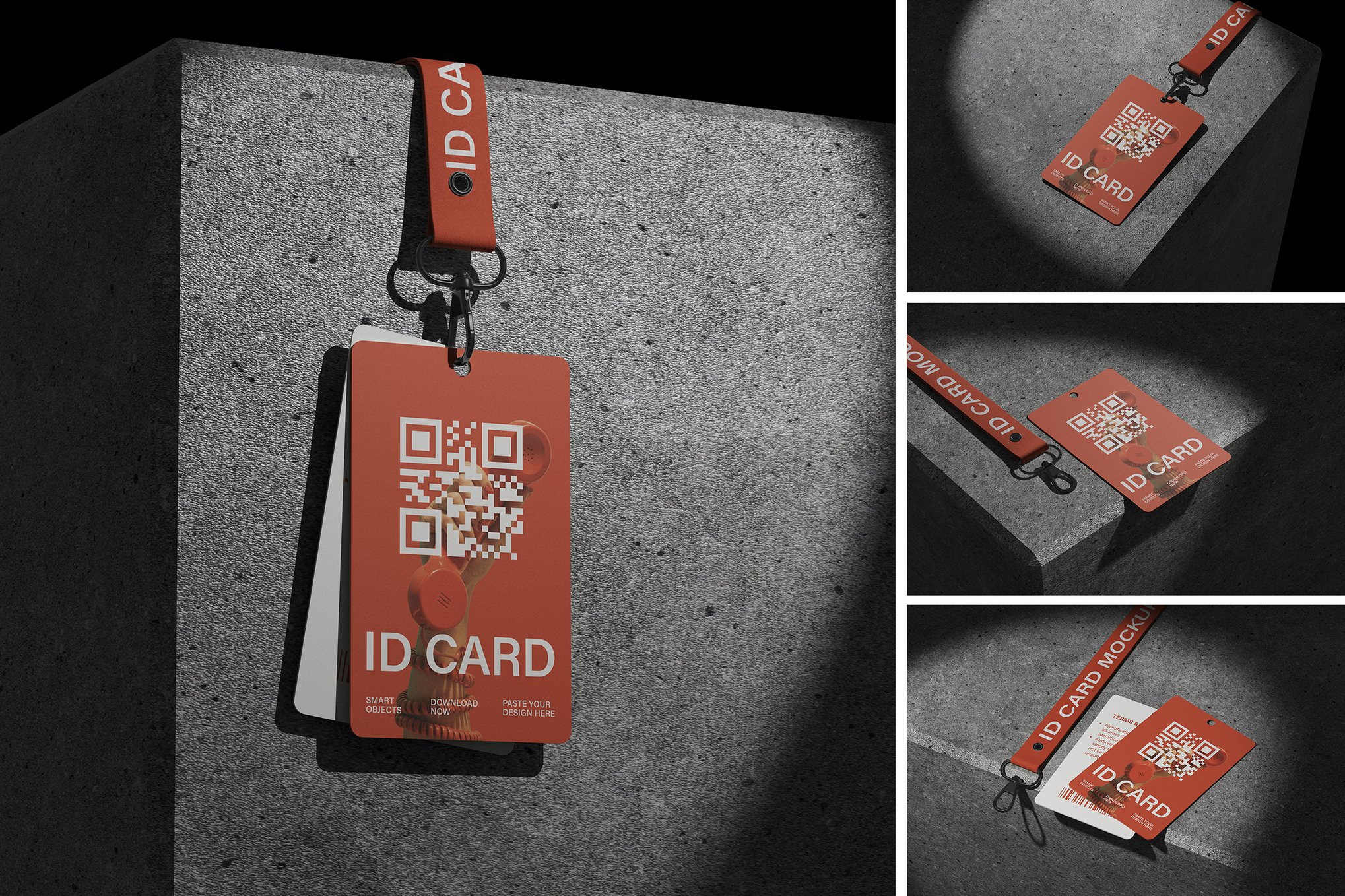
6. The Shadow Overlay Collection
Aesthetics are driven by light. The ID Card with Shadow Overlay Mockup utilizes natural light play to create depth. By casting soft, organic shadows across the card, it adds a layer of realism that is often missing from basic, flat-lit mockups.
Supporting Data: Why Presentation Matters
Market research in the design industry suggests that clients are 60% more likely to approve a design when it is presented in a context-aware environment. When a client sees their logo on a physical badge, they stop viewing it as a "graphic" and start viewing it as a "product."
This transition from subjective critique to objective evaluation is the core value proposition of the mockup. Furthermore, the use of high-resolution (3000px+) assets ensures that the presentation holds up even on large-screen boardroom displays, preventing the pixelation that often plagues lower-quality templates.
The Importance of High-Resolution Assets
When choosing a mockup, resolution is not merely a number—it is a guarantee of quality. Most industry-standard mockups now utilize 300 DPI to ensure that if a design is meant for high-quality printing, the digital proof will reflect that same level of detail.
- Customization: The ability to edit backgrounds and lighting is non-negotiable.
- Asset Management: Organized PSD layers save hours of "hunting and pecking" for the right adjustment layer.
- File Format: Ensure that your chosen mockups are optimized for the latest version of Adobe Photoshop CC to take advantage of advanced features like linked smart objects.
Free Resources for Emerging Designers
While premium mockups offer extensive features, the open-source community has provided excellent, cost-effective options for students and freelancers.
- Free Simple ID Cards Mockup: Perfect for side-by-side comparisons, this allows designers to show both the front and back of an ID card in one frame.
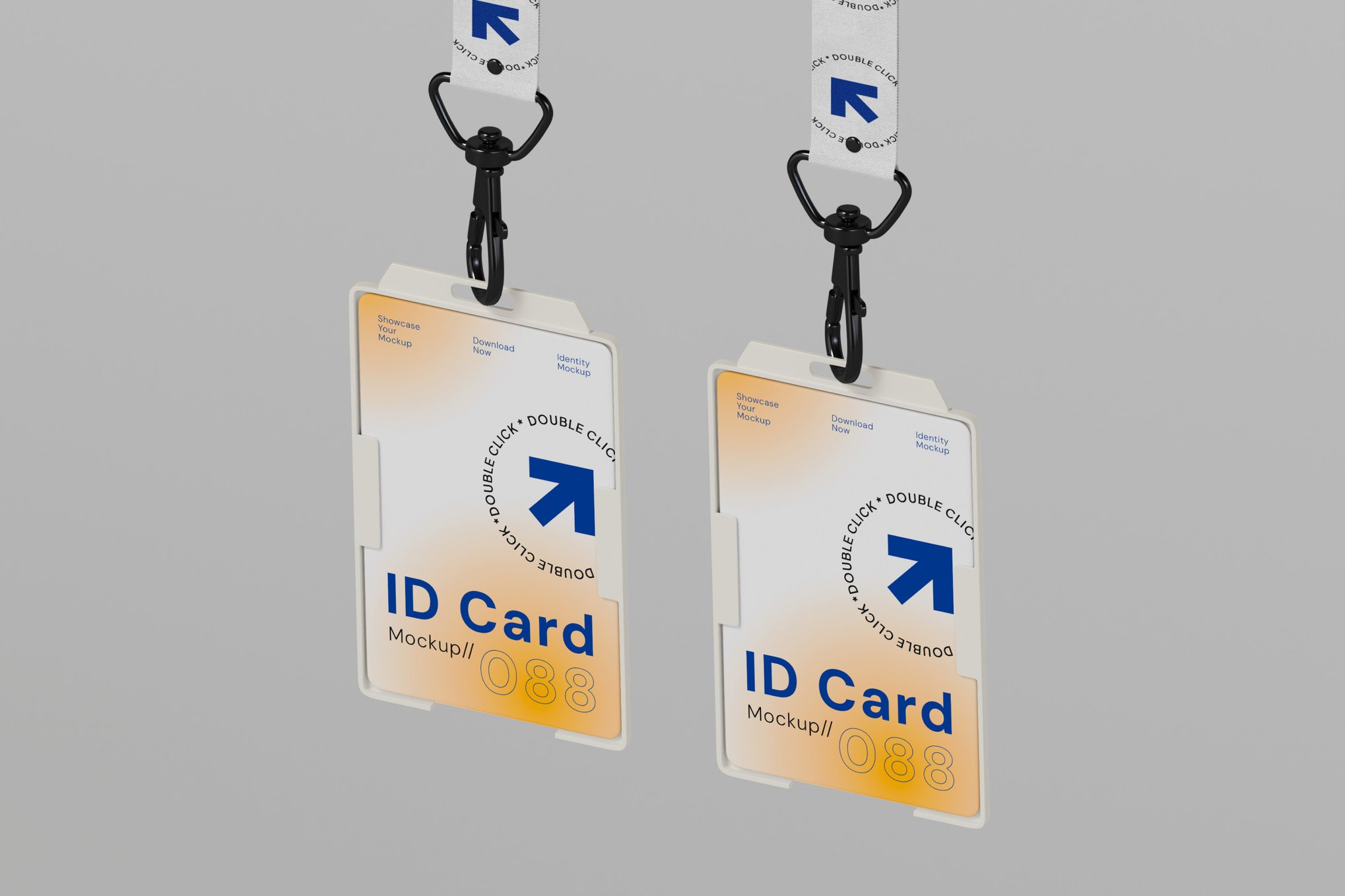
- Free ID Card Holder Mockup: A flexible, modular approach that lets users arrange the scene to fit their unique presentation needs.
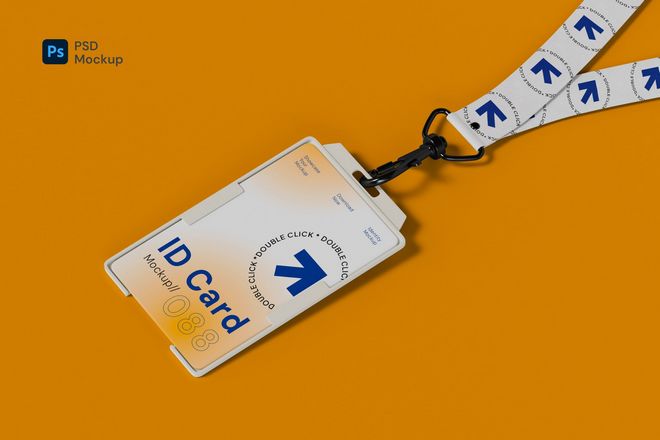
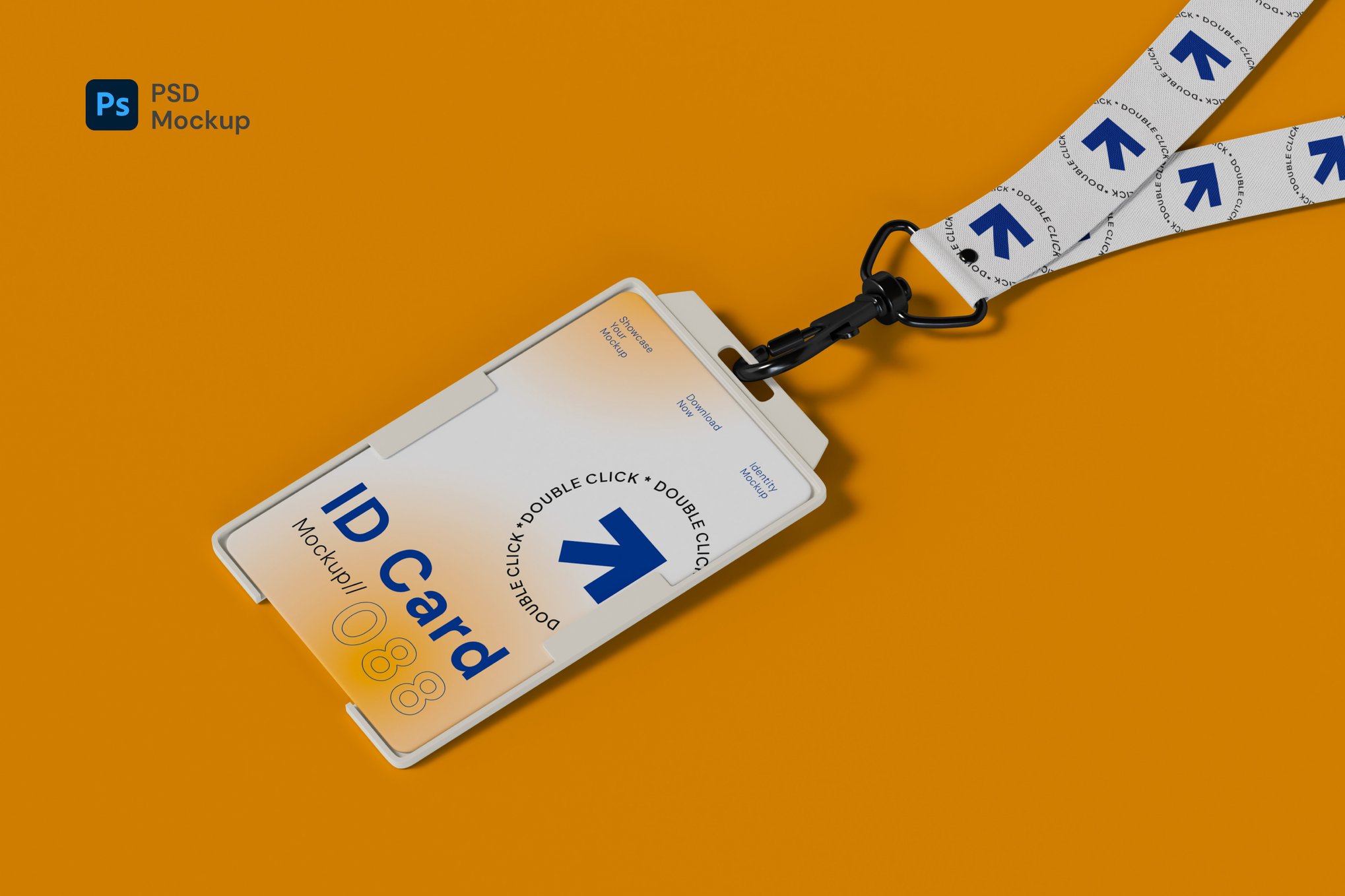
- Free Employee ID Card Holder (PSD): Includes a lanyard mockup, providing a complete, ready-to-present employee badge aesthetic.
- Free Hanging ID Card Mockup: An excellent choice for event-based branding, focusing on the vertical orientation typical of convention passes.
Implications for Future Design Workflows
As we look toward the future, the integration of AI-assisted lighting and automated scene generation is the next frontier for mockup technology. However, the fundamental need remains: we must humanize our designs.
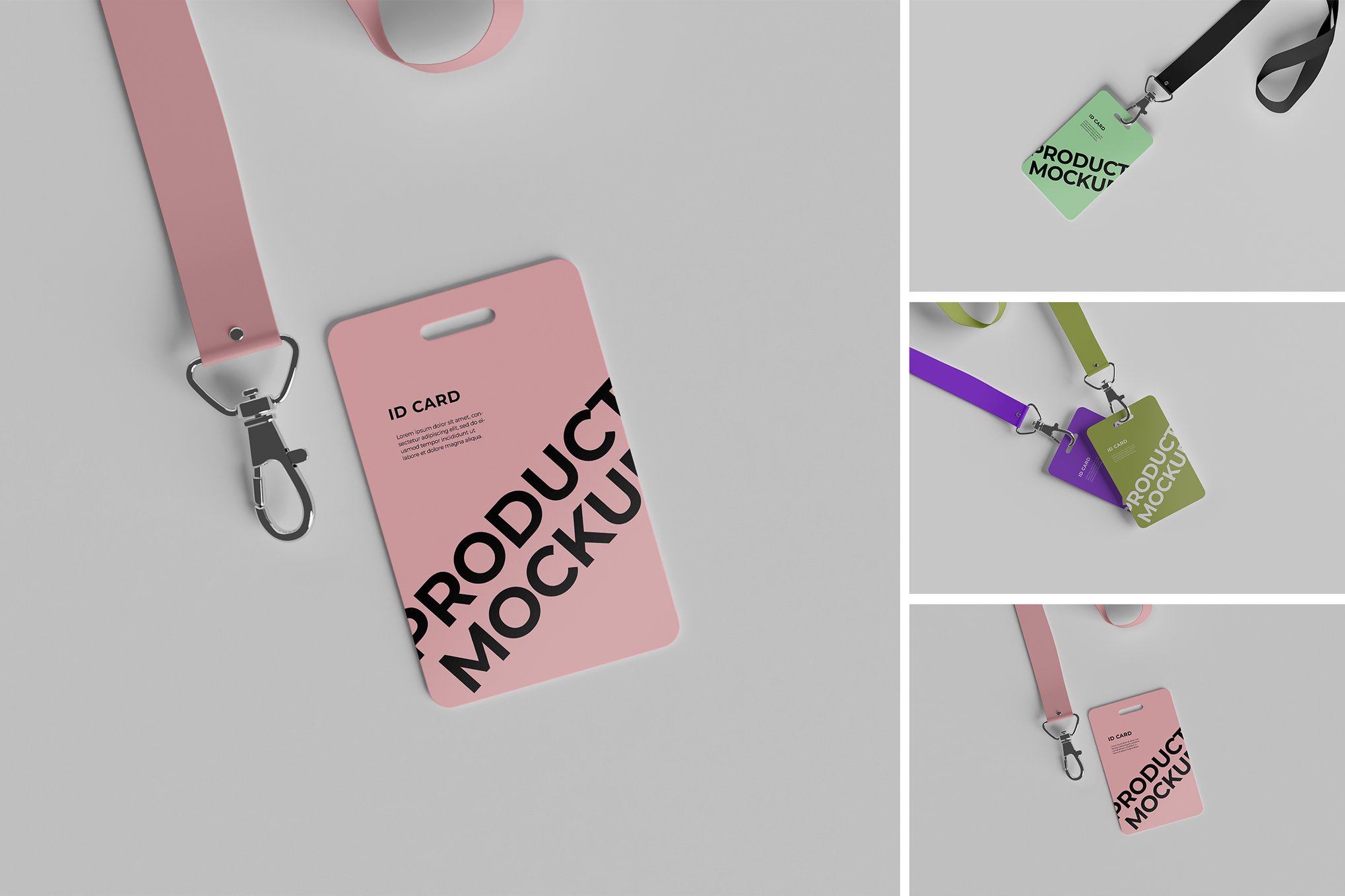
The psychological impact of seeing a design "in the wild" cannot be overstated. It builds trust. It confirms to the client that the designer has considered not just the color and font, but the material, the clip, and the way the card catches the light in a crowded office or a busy event hall.
The Verdict: Choosing the Right Tool
Selecting the right mockup requires an understanding of the end-use. If you are presenting to a high-end corporate firm, go for the Professional ID Card Mockup with its diverse, high-detail scenes. If you are a freelancer building a portfolio of event passes, the Hanging ID Card Mockup provides the specific context you need to stand out.
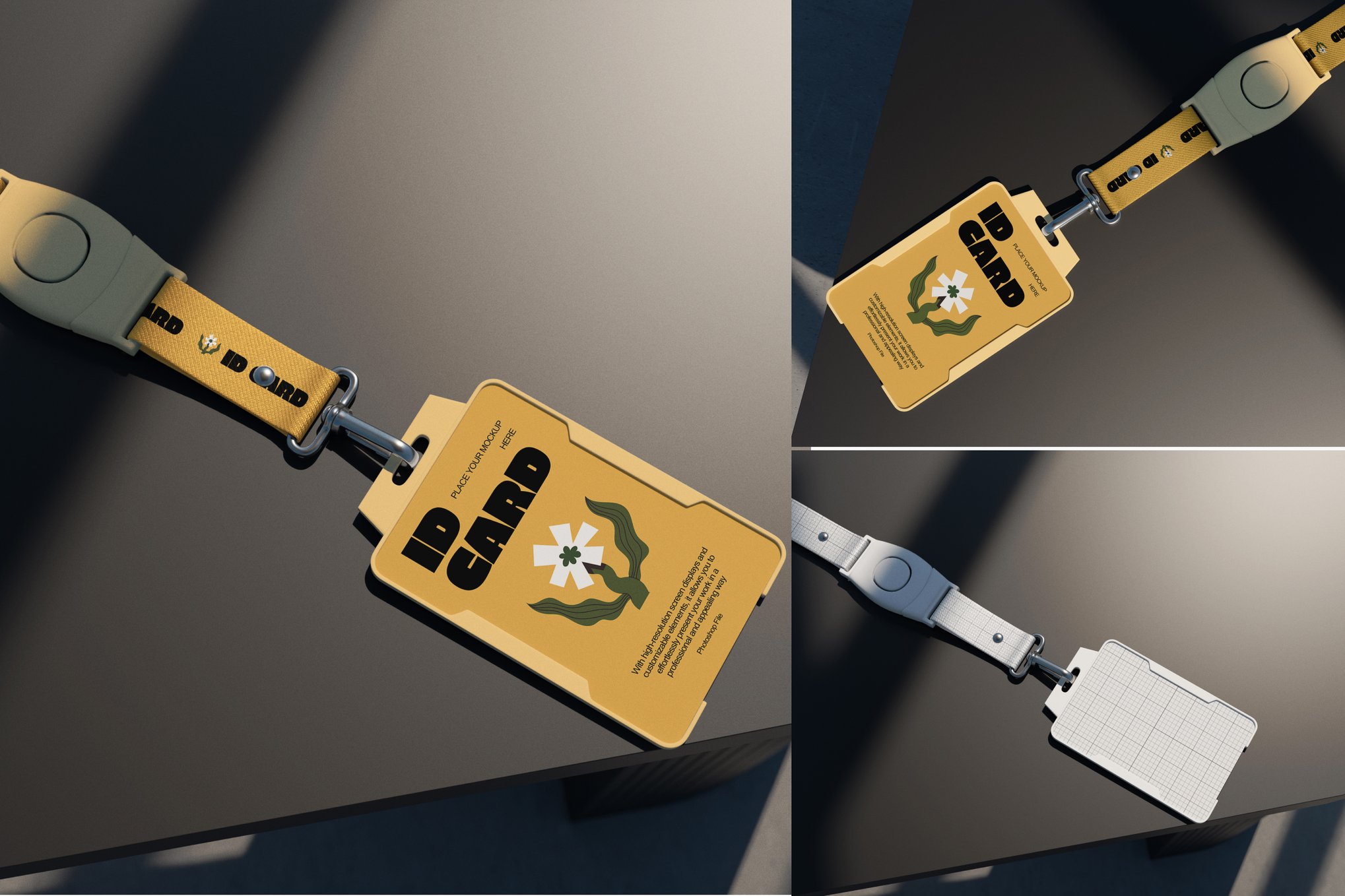
Ultimately, the best mockups are those that disappear. They act as a stage for your design, highlighting its strengths without drawing attention to themselves. When the viewer forgets they are looking at a digital mockup and starts analyzing the design itself, you know you have succeeded.
Conclusion
The professional designer understands that their work is only as good as its presentation. In an era where digital presence is the first point of contact, providing a tangible, realistic experience through high-quality mockups is a necessity. By investing in—or carefully selecting—these tools, you ensure that every project you submit communicates not just your skill, but your professionalism, your attention to detail, and your ability to bring a vision to life.
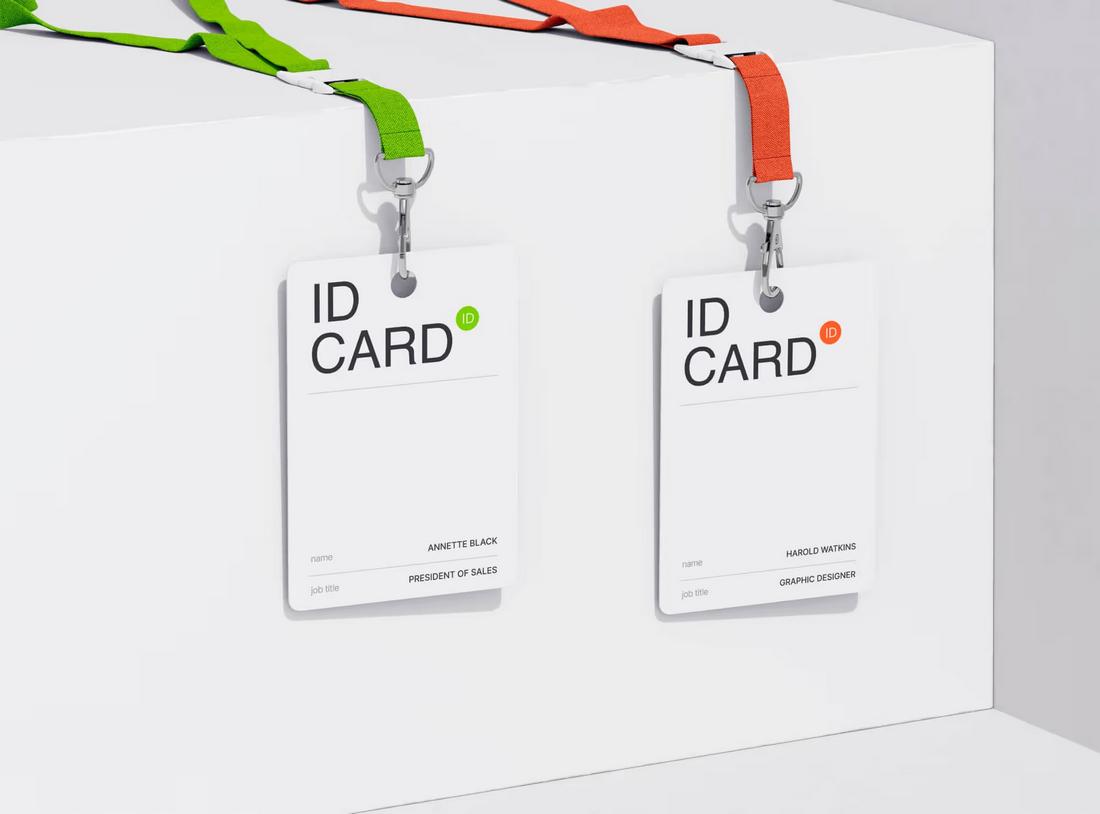
Whether you are working on a sleek corporate identity or a creative, colorful event badge, the right mockup is the bridge between a sketch and a standard. Use these resources to elevate your work, impress your clients, and secure your place in a competitive industry.



