





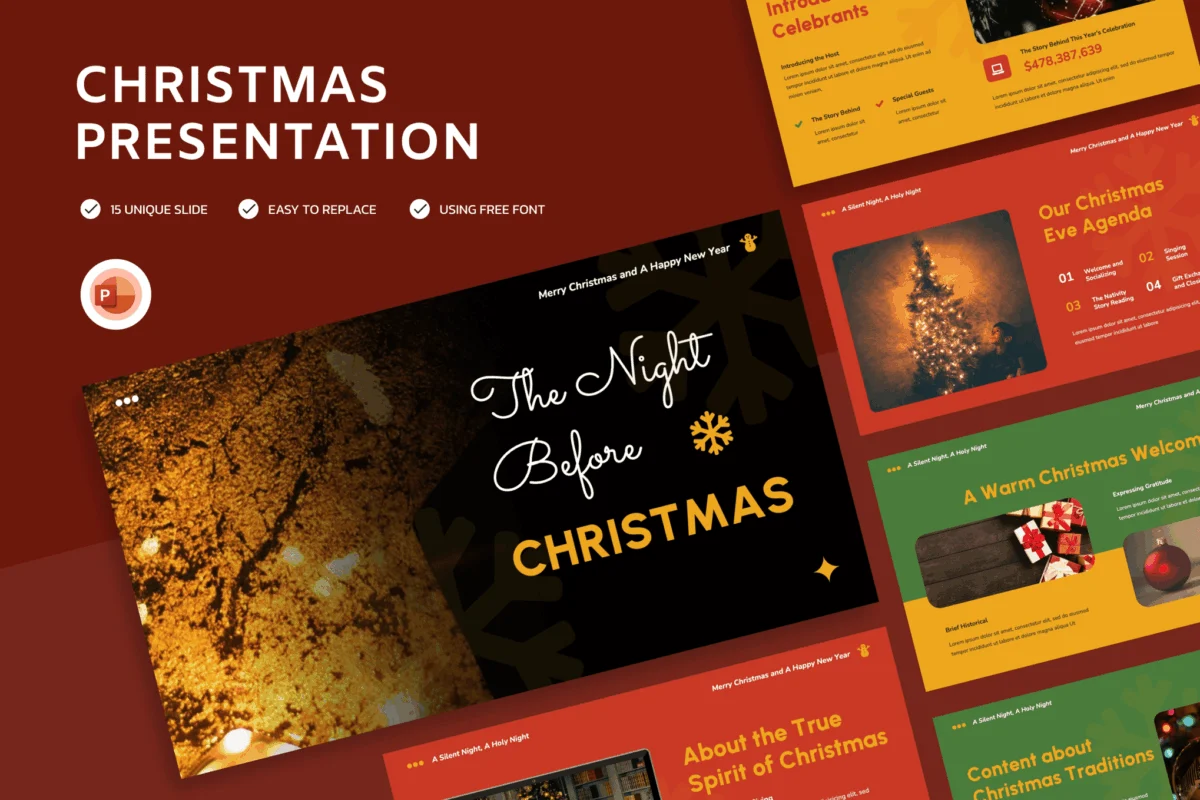
As the calendar turns toward December, the professional landscape undergoes a subtle but profound transformation. Office walls are adorned with tinsel, end-of-year review meetings take on a celebratory tone, and presentations shift from dry, data-heavy slabs of text to visually resonant storytelling. Incorporating a Christmas-themed PowerPoint template is one of the most effective ways to bridge the gap between corporate professionalism and seasonal cheer.
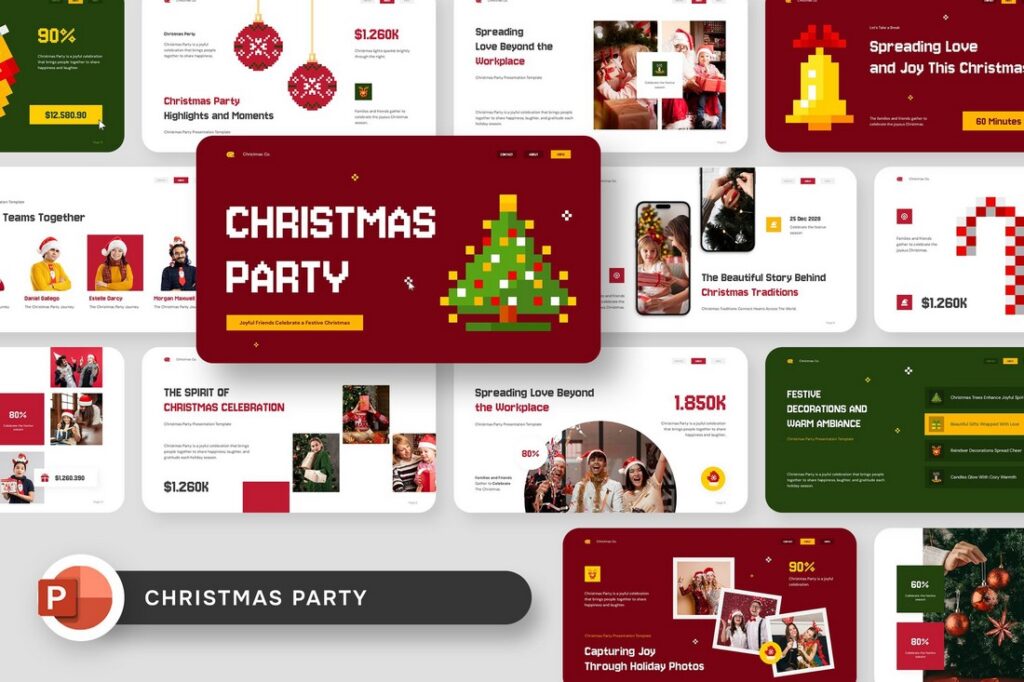
Whether you are delivering a year-end performance review, hosting a community holiday event, or presenting a new marketing campaign for the festive season, the right visual aesthetic can significantly enhance audience engagement. By utilizing pre-designed, high-quality assets, presenters can avoid the time-consuming task of graphic design while ensuring a polished, cohesive look that captures the spirit of the holidays.
The Evolution of Festive Presentation Design
The demand for high-quality, holiday-themed slide decks has grown in tandem with the rise of remote work and digital communication. In an era where digital fatigue is a genuine challenge, a well-designed, festive slide deck serves as a visual "pattern interrupt." It signals to the audience that the content is timely, thoughtful, and human-centric.
Historically, business presentations were expected to be stark and monochrome. However, modern workplace culture has shifted toward authenticity. Using festive templates—adorned with snowflakes, warm winter color palettes, or minimalist holiday illustrations—does not undermine professional credibility. Instead, it demonstrates an attention to detail and a commitment to creating an immersive experience for stakeholders.
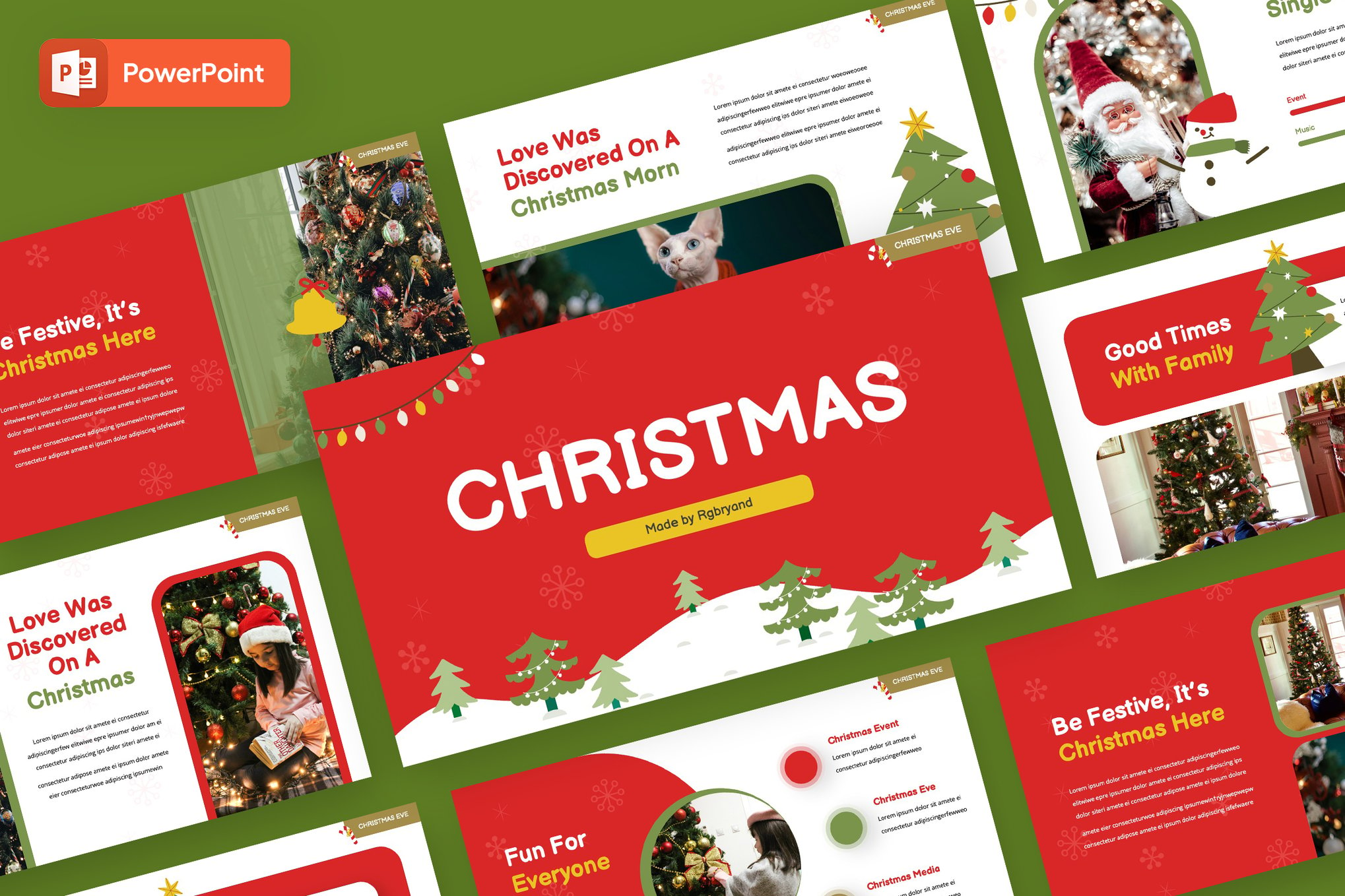
Chronology of Seasonal Engagement
To maximize the impact of a holiday presentation, timing is everything. The adoption of these themes typically follows a specific seasonal arc:
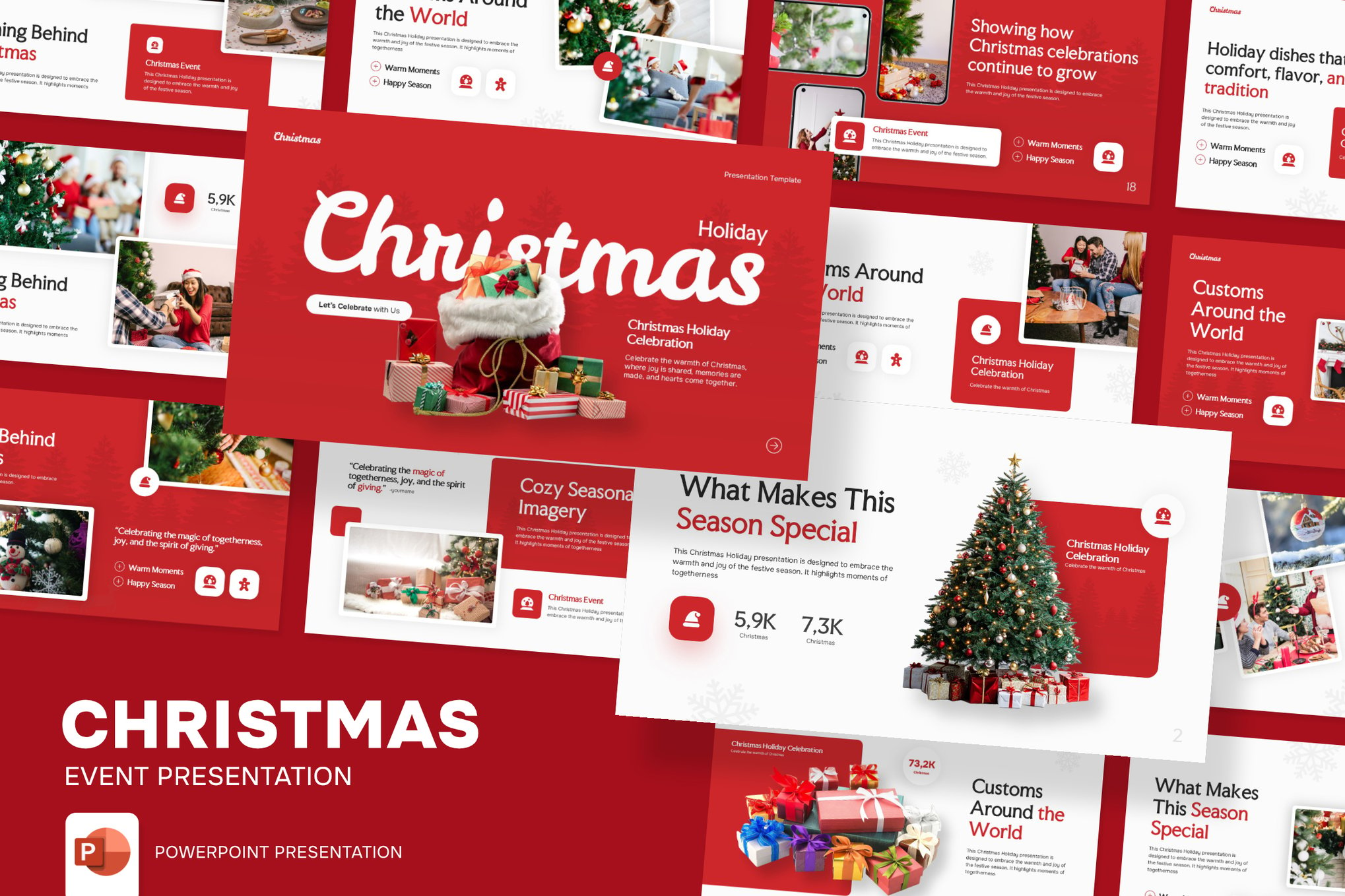
- Early December (The Kick-off): Presentations at this stage often focus on project status updates and Q4 goal setting. Professional yet understated templates, such as those featuring metallic gold or deep forest green, work best to balance business objectives with the onset of the season.
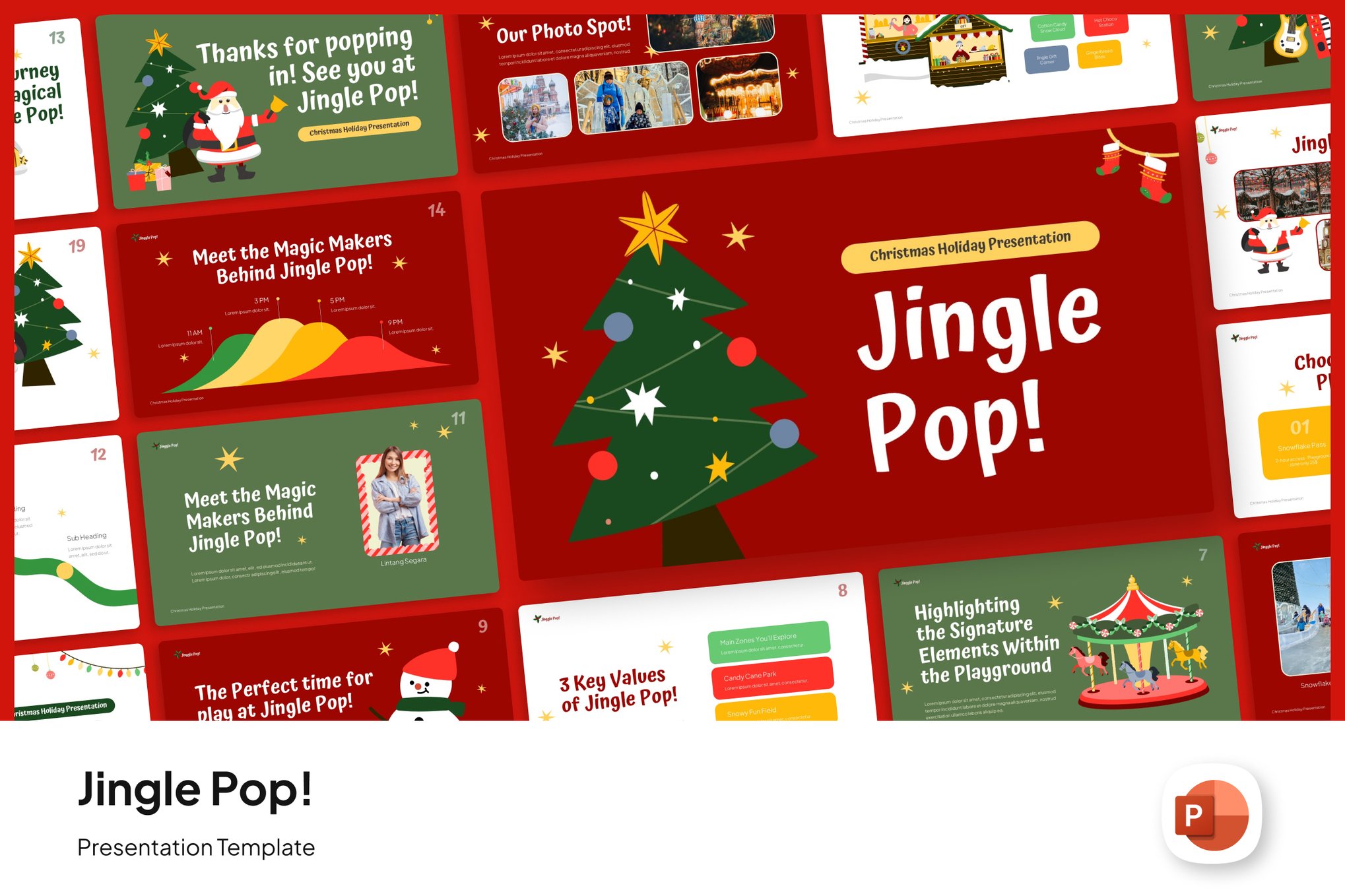
- Mid-December (The Celebration): This is the peak period for holiday parties, school recitals, and team-building events. Here, "creative" and "bold" templates with vibrant illustrations of ornaments, lights, and festive motifs are highly effective at boosting morale.
- Late December (The Retrospective): As the year draws to a close, year-end reports and strategy sessions for the upcoming year take center stage. Clean, modern, and minimalist templates that incorporate subtle winter imagery help keep the focus on data while maintaining a celebratory, forward-looking atmosphere.
Curated Selection: Top-Tier Premium Templates
For those seeking professional-grade designs that offer extensive customization, the following templates represent the gold standard in the current marketplace.
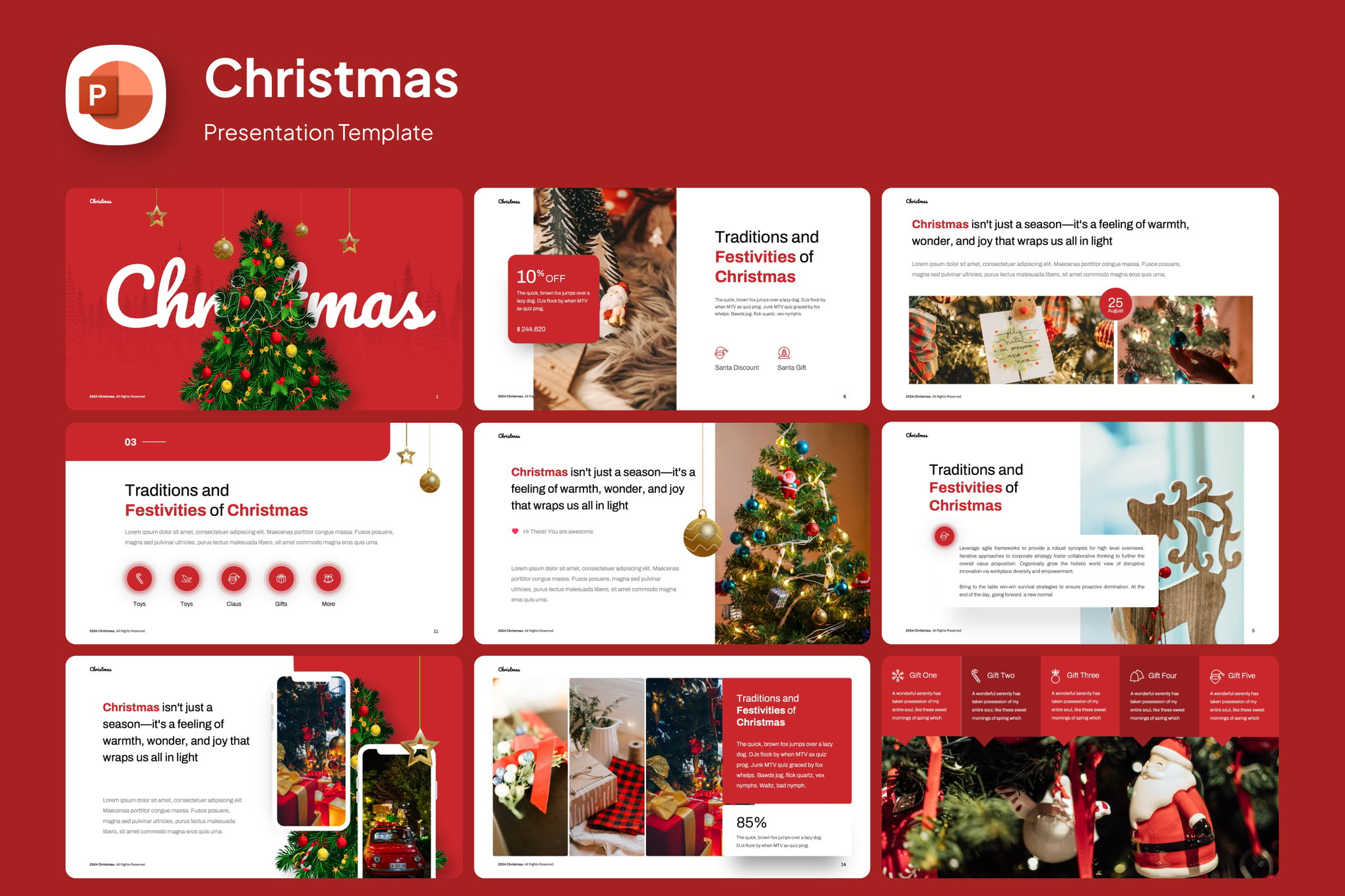
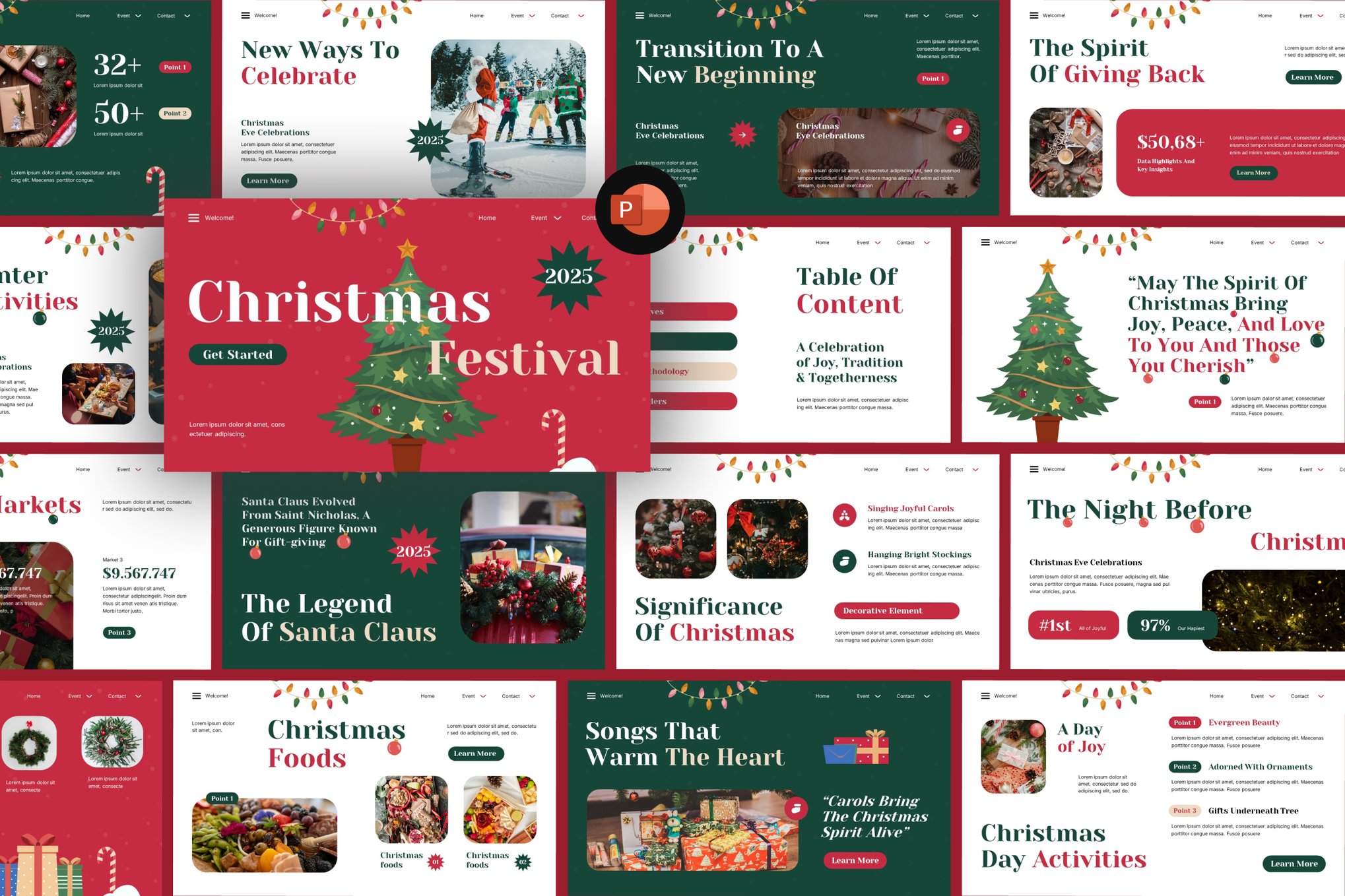
1. Christmas Festival PowerPoint Template
This template is the quintessential choice for large-scale campaigns. It provides a robust suite of modern infographics, charming illustrations, and fully editable layouts. It is particularly well-suited for businesses that need to present data without sacrificing the "warmth" of the holiday season.
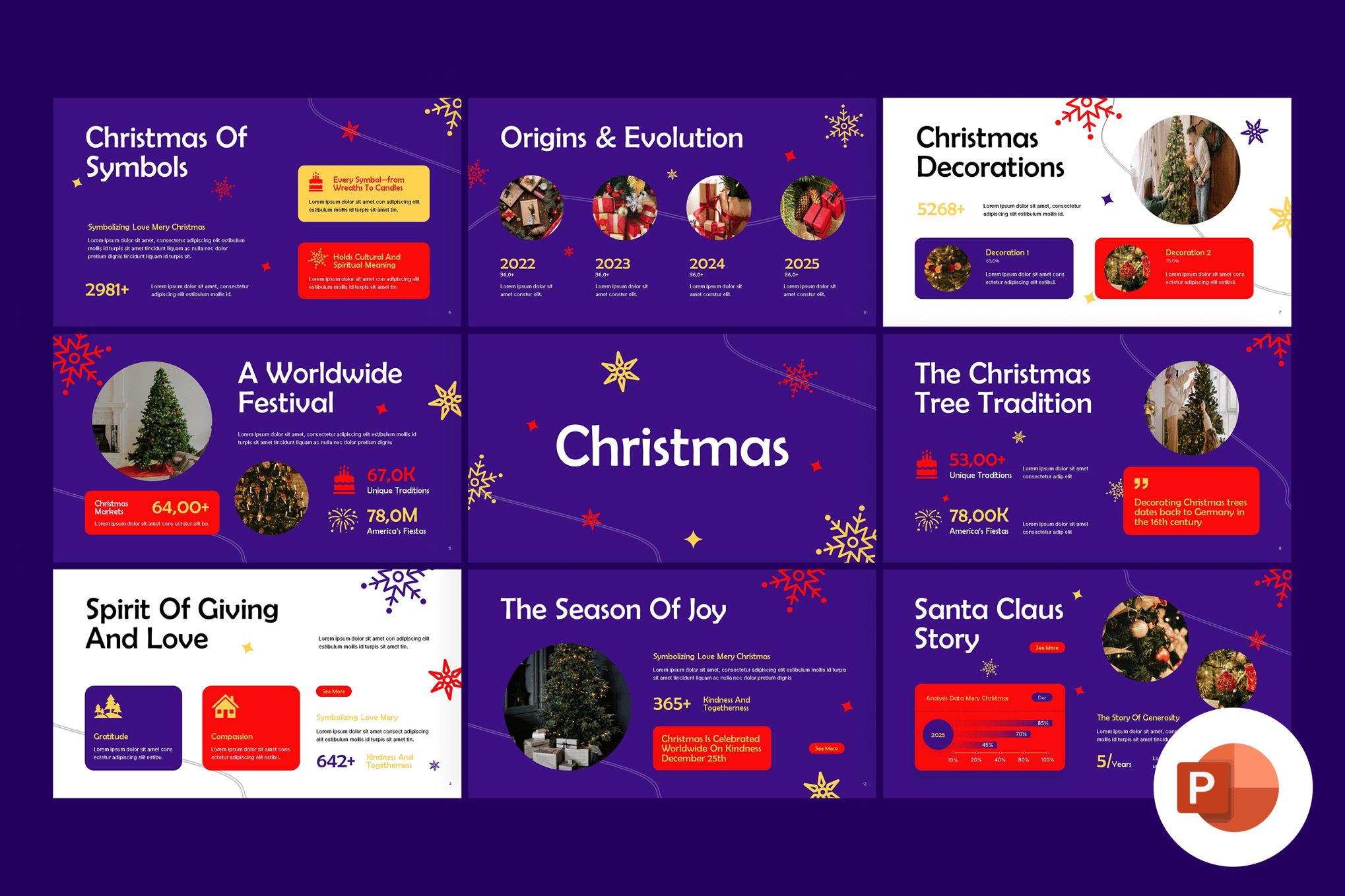
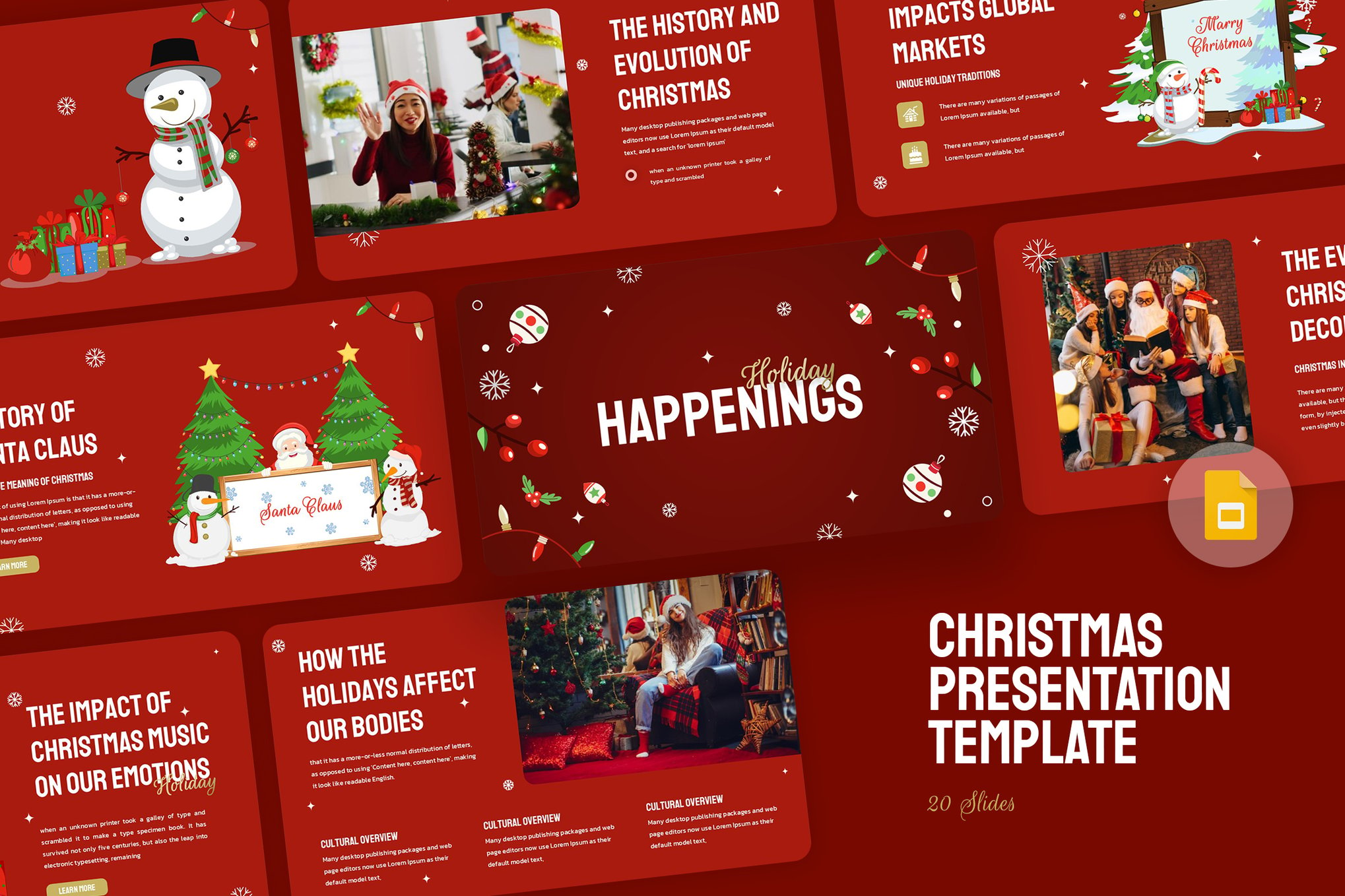
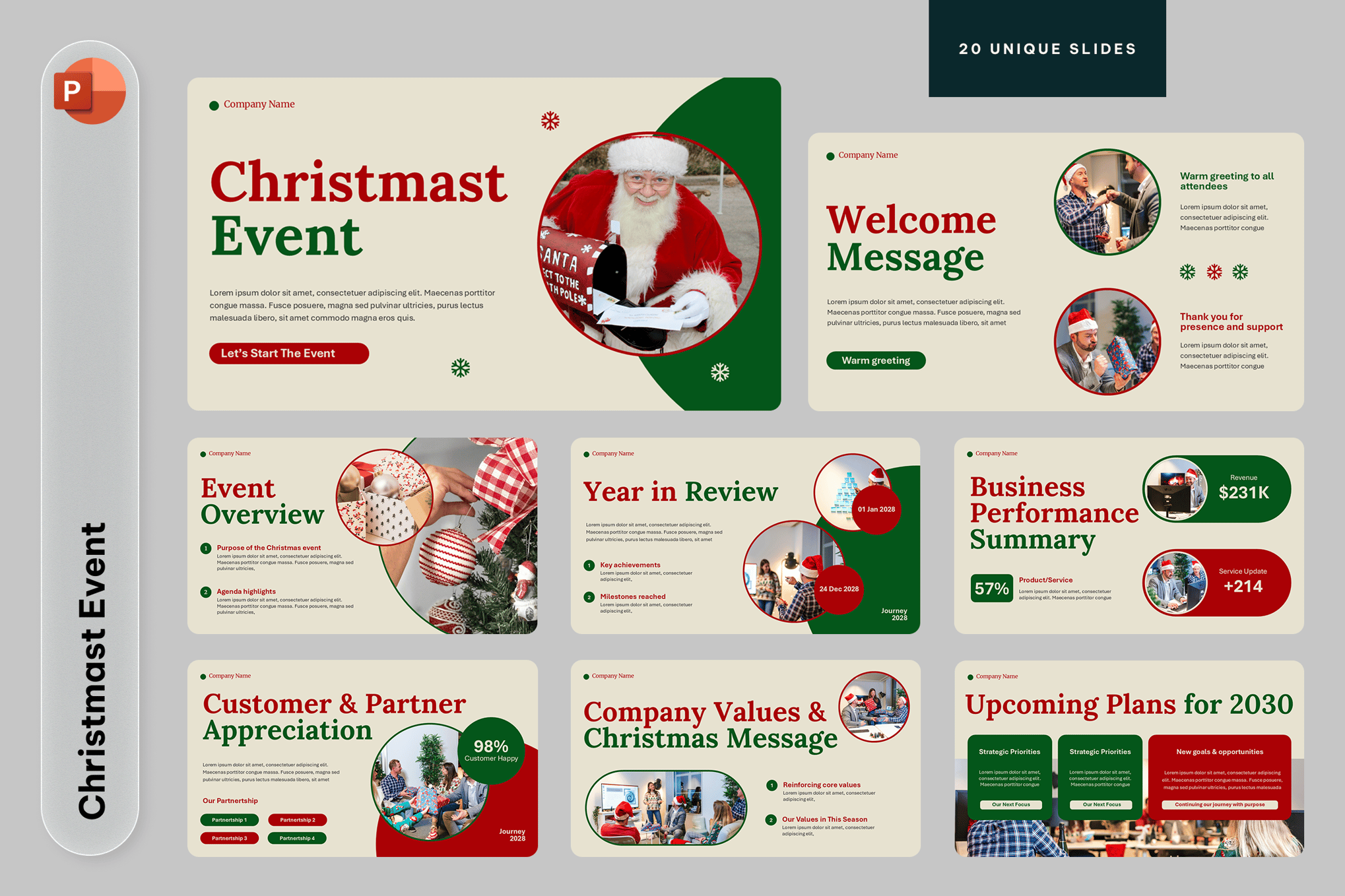
2. Merry Christmas PowerPoint Presentation Template
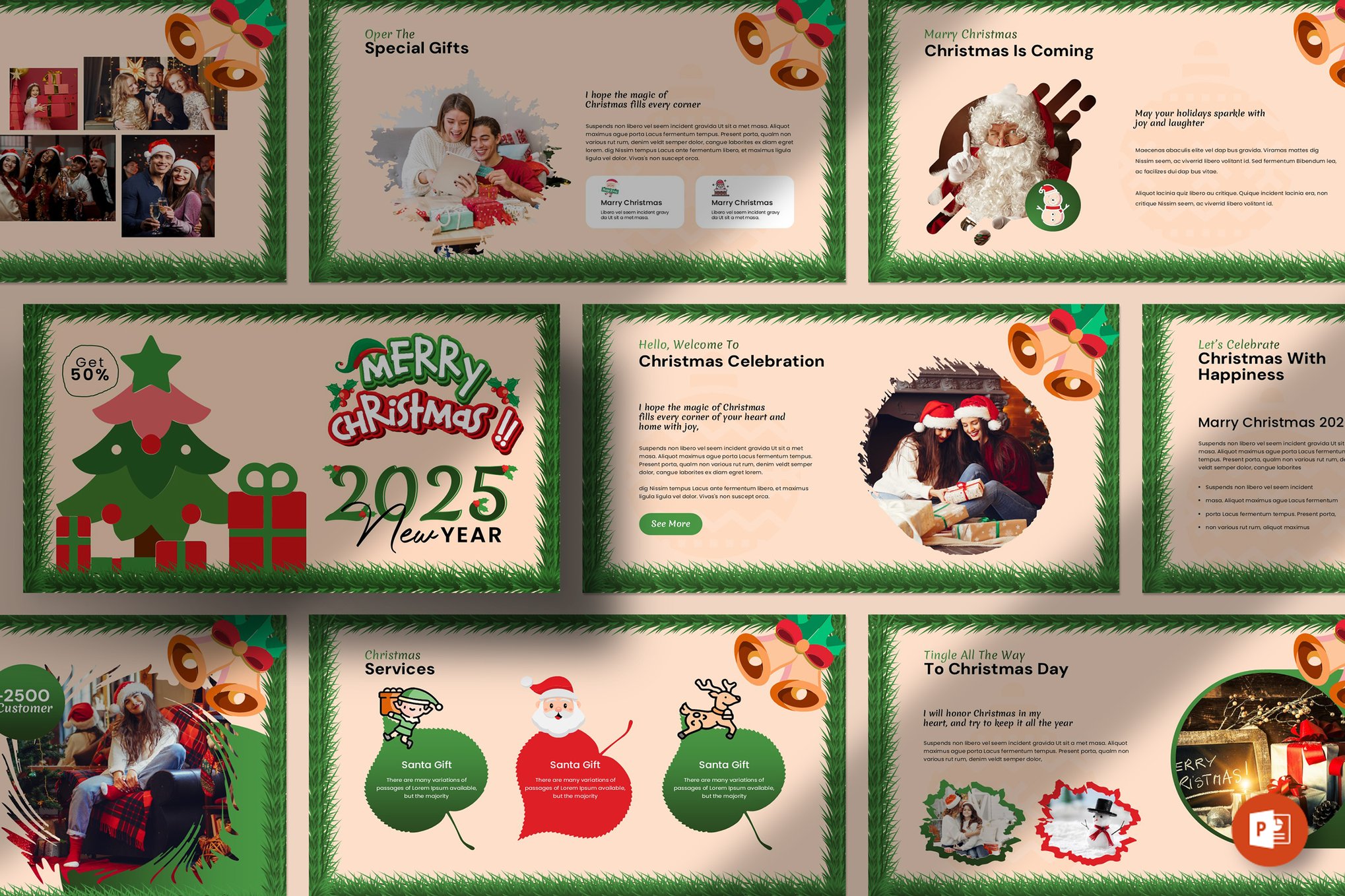
Boasting 20 unique slides, this template is designed for ease of use. With a 16:9 aspect ratio and drag-and-drop image functionality, it allows users to integrate their own photography or product shots seamlessly into a festive framework.
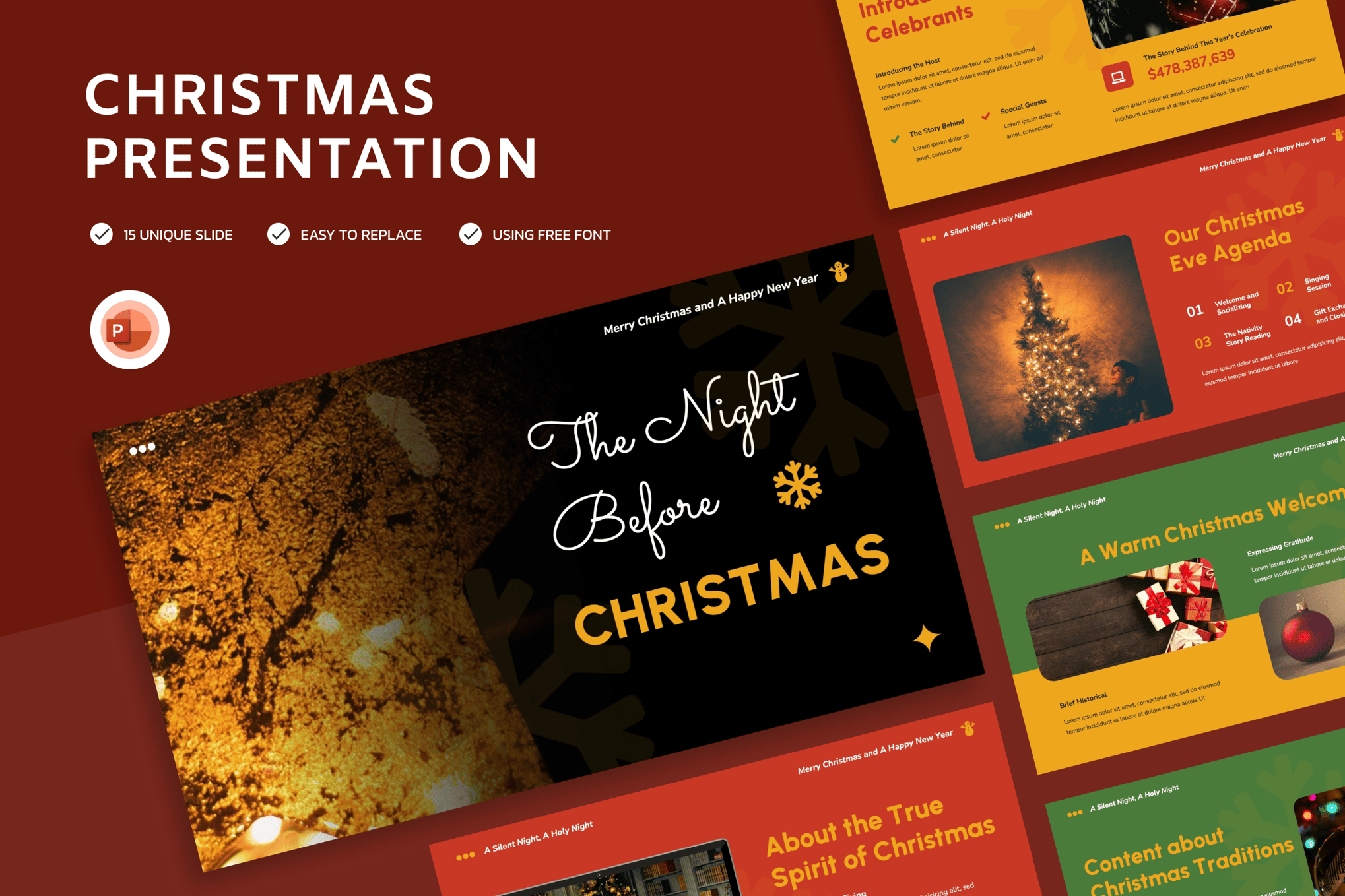
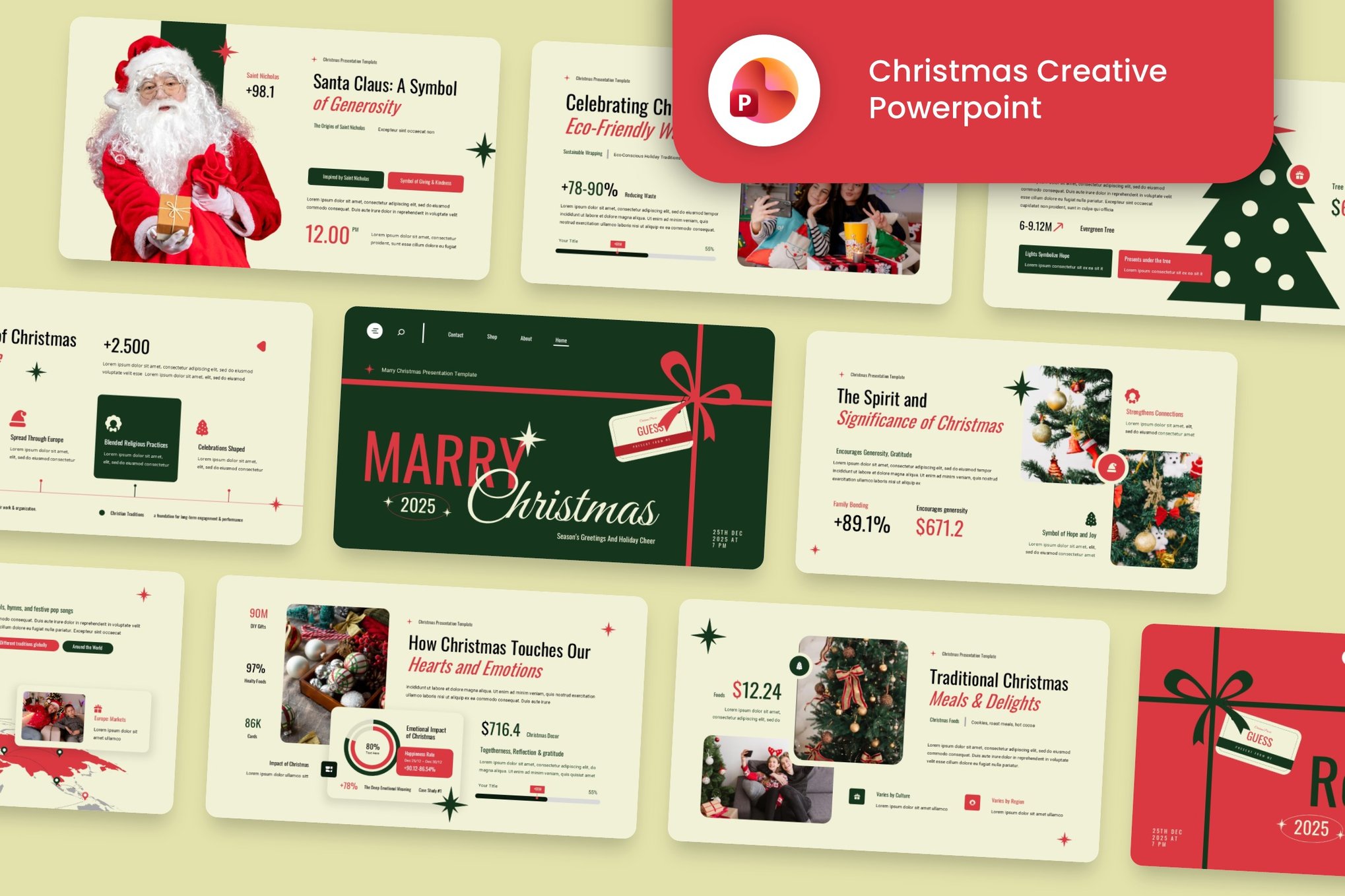
3. Creative Christmas PowerPoint Template
For those who prioritize versatility, this 30-slide deck is a powerhouse. It includes device mockups—perfect for showcasing a new app or website launch during a holiday pitch—and a clean, high-resolution aesthetic that looks professional on both projector screens and laptop displays.
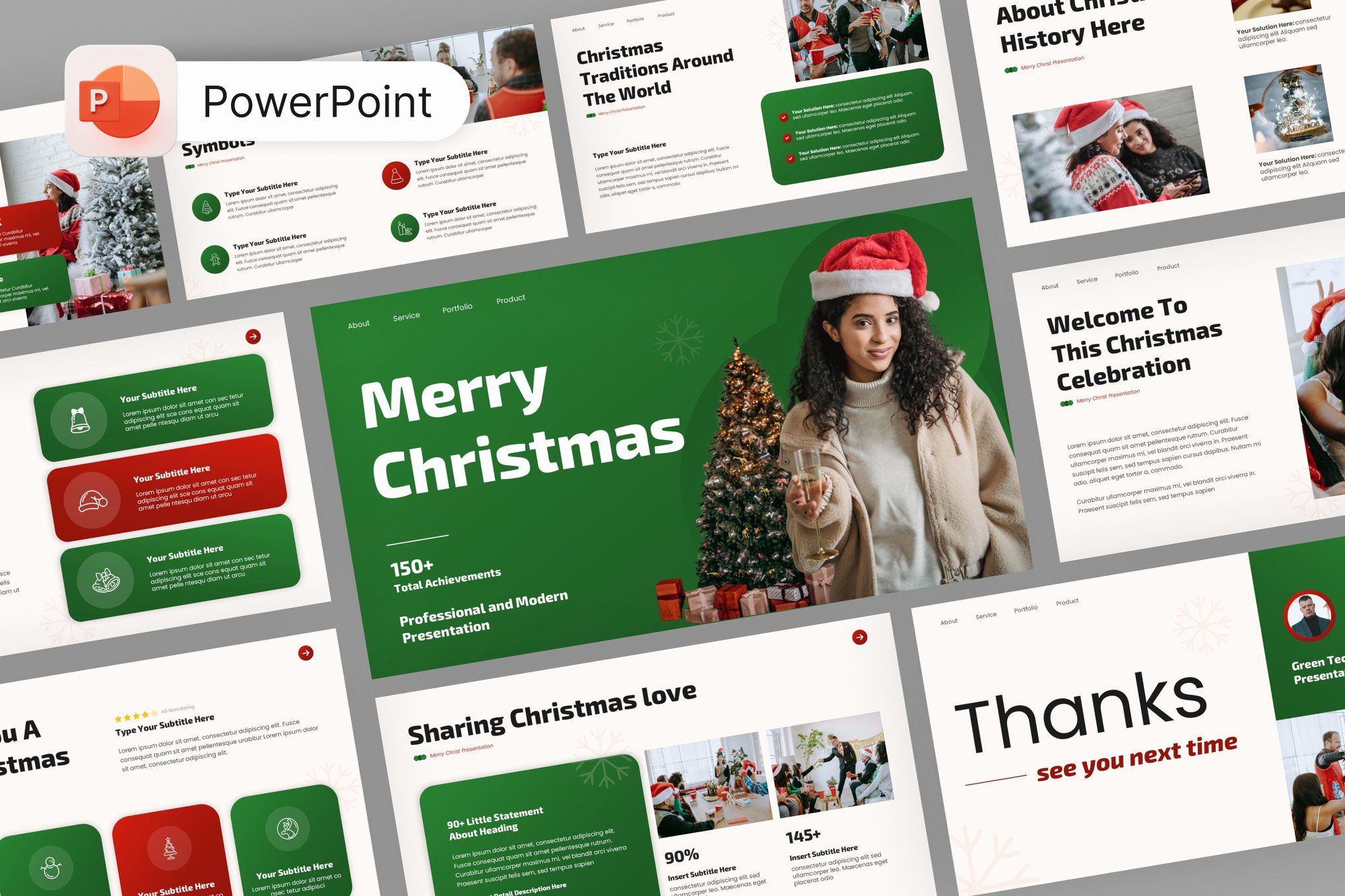
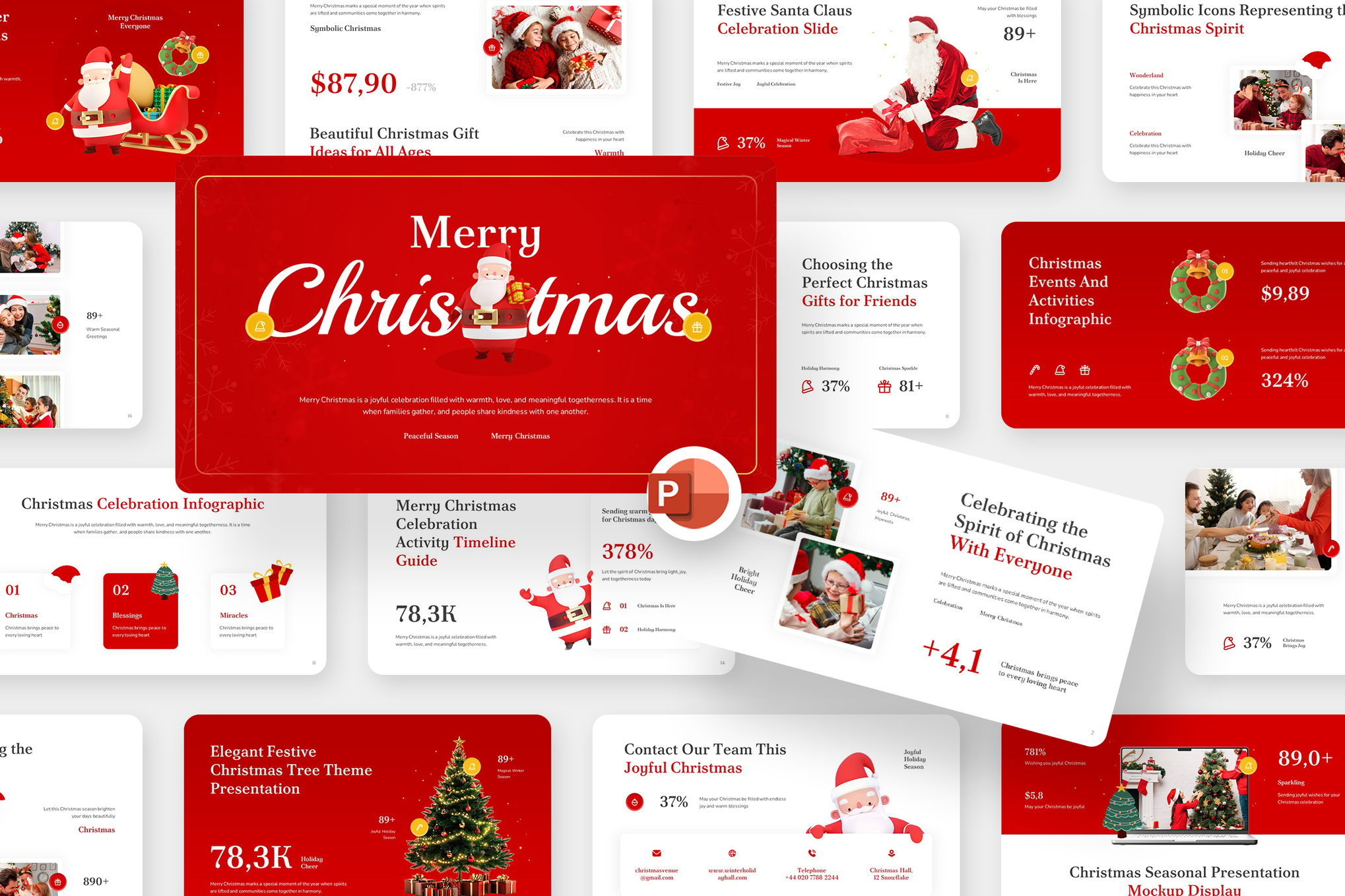
4. Festive Christmas PowerPoint Presentation
This option is favored for its clean, modern design. It excels in corporate environments where the goal is to add a touch of "seasonal flair" without overwhelming the audience with excessive decoration. Its drag-and-drop features are a significant time-saver for busy professionals.
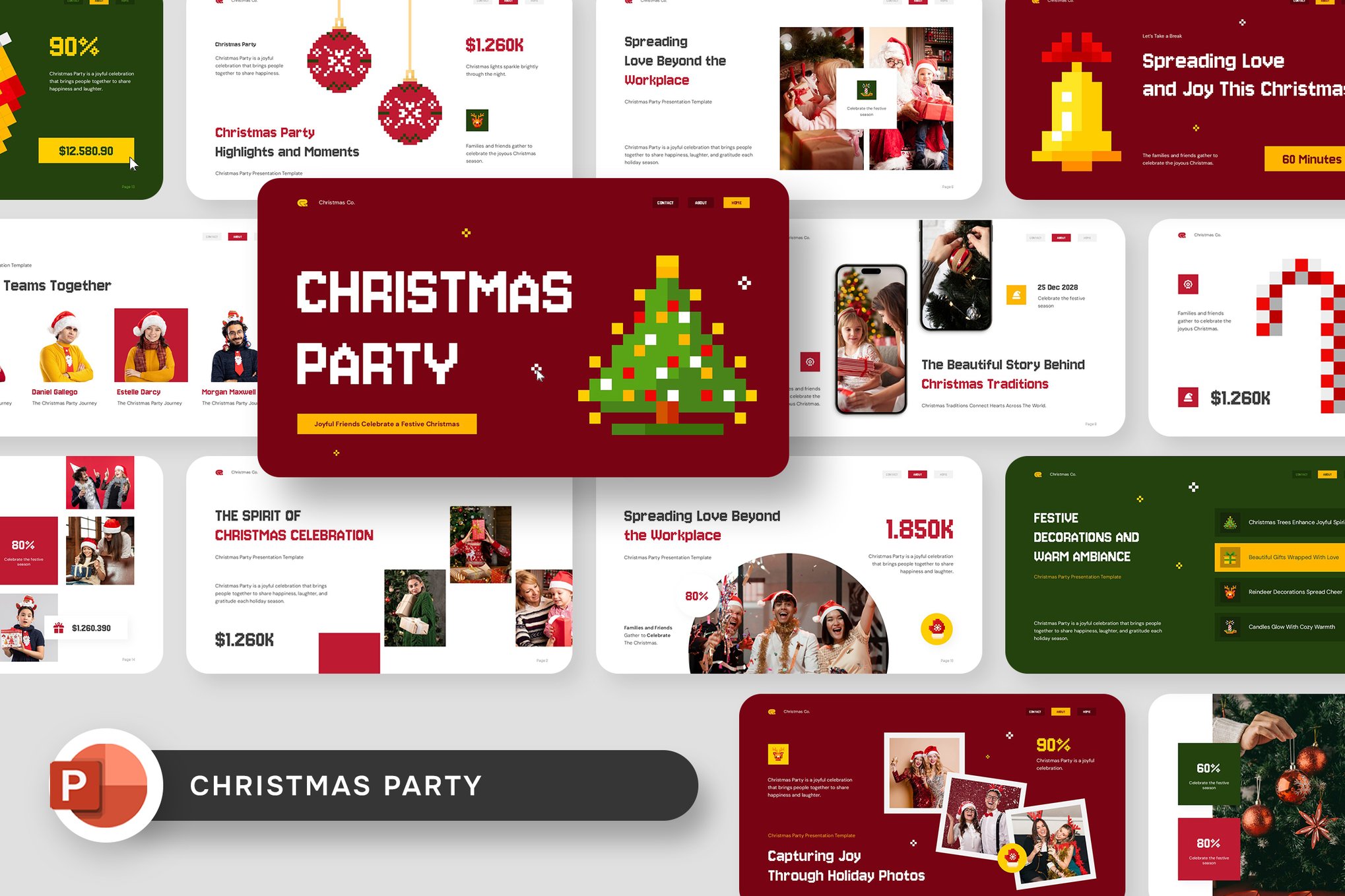
5. Noelvia – Merry Christmas Presentation
The Noelvia template stands out for its sophisticated red and gold color palette. It is designed with high-end corporate events in mind, blending festive motifs with professional typography and editable charts, ensuring that your data remains the hero of the slide.
The Economic and Practical Implications
The decision to utilize a template rather than building a presentation from scratch is both a financial and strategic move.
Time Efficiency: On average, a professional can spend between 10 to 20 hours designing a custom deck from scratch. Pre-made templates reduce this to a matter of minutes, allowing the presenter to focus on the narrative and content quality rather than the technicalities of pixel alignment or color theory.
Cohesion and Branding: High-quality templates are designed by professionals who understand the principles of design hierarchy. When a user swaps in their own images, the underlying structure—the "bones" of the design—remains intact, ensuring the final product looks intentional and cohesive.
Audience Reception: Psychological studies have shown that visual context influences how information is received. A festive, well-organized presentation creates a "halo effect," where the positive emotions associated with the holidays are subconsciously transferred to the content being presented. This makes the presenter more likable and the message more memorable.
Leveraging Free Resources: The Best of Open Access
For students, non-profits, or small businesses on a budget, several high-quality free resources are available that do not compromise on design quality.
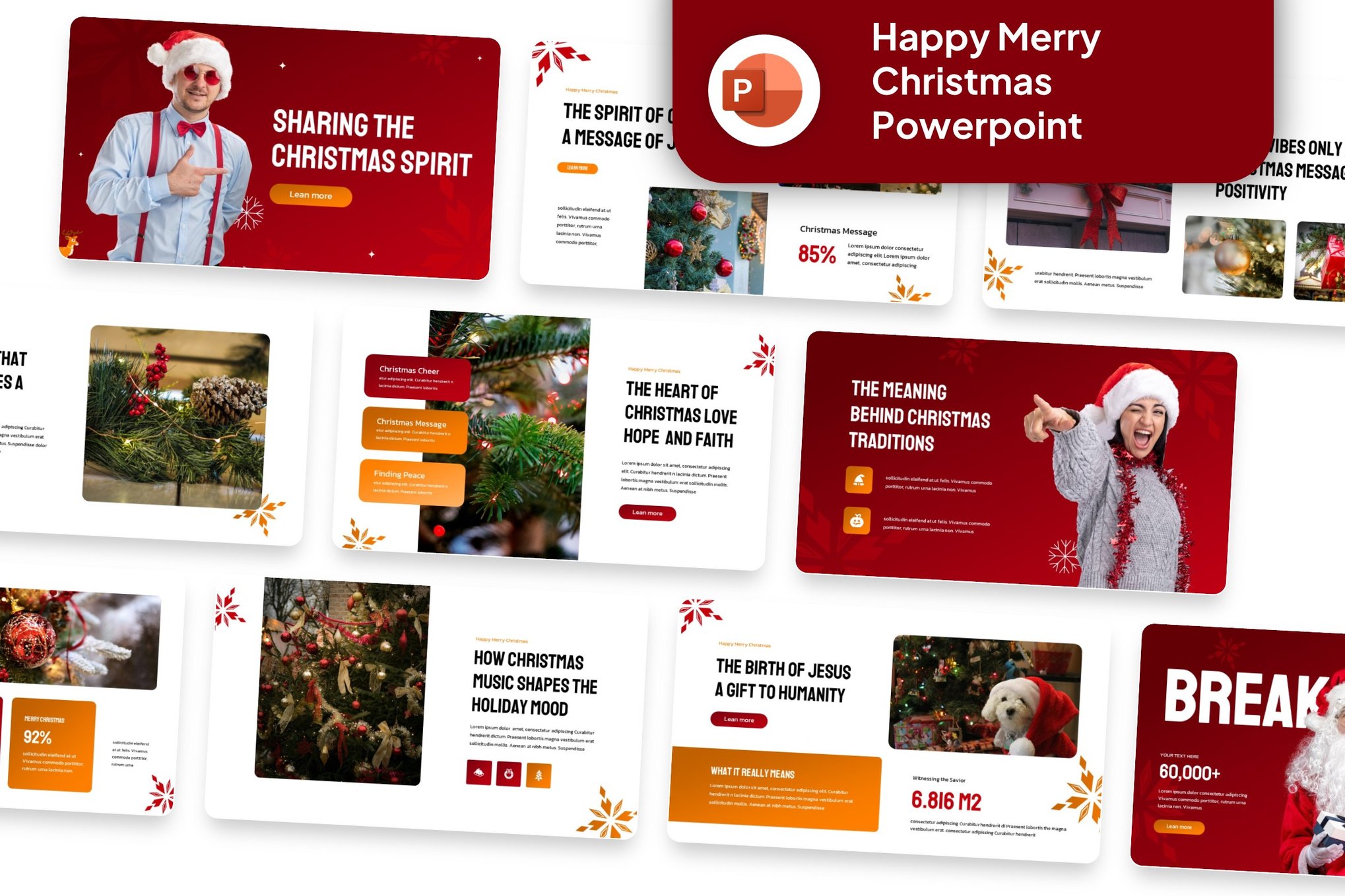
- Christmas Lights Theme: Ideal for marketing campaigns, this template uses high-contrast, glowing elements to draw the eye to key bullet points and call-to-action buttons.
- Christmas Eve Celebration: This template leans into the "cozy" aesthetic. With warm, muted tones, it is perfect for presentations that require an emotional or storytelling element.
- Ready for Christmas: A more playful, upbeat template. It is highly effective for internal company meetings or educational environments where engagement is the primary metric of success.
- Christmas Gift: This template utilizes icon-based design to illustrate points. It is particularly useful for explaining processes or outlining steps in a way that feels like opening a gift.
Official Best Practices for Implementation
To ensure that a festive template enhances rather than distracts from your presentation, consider these professional guidelines:
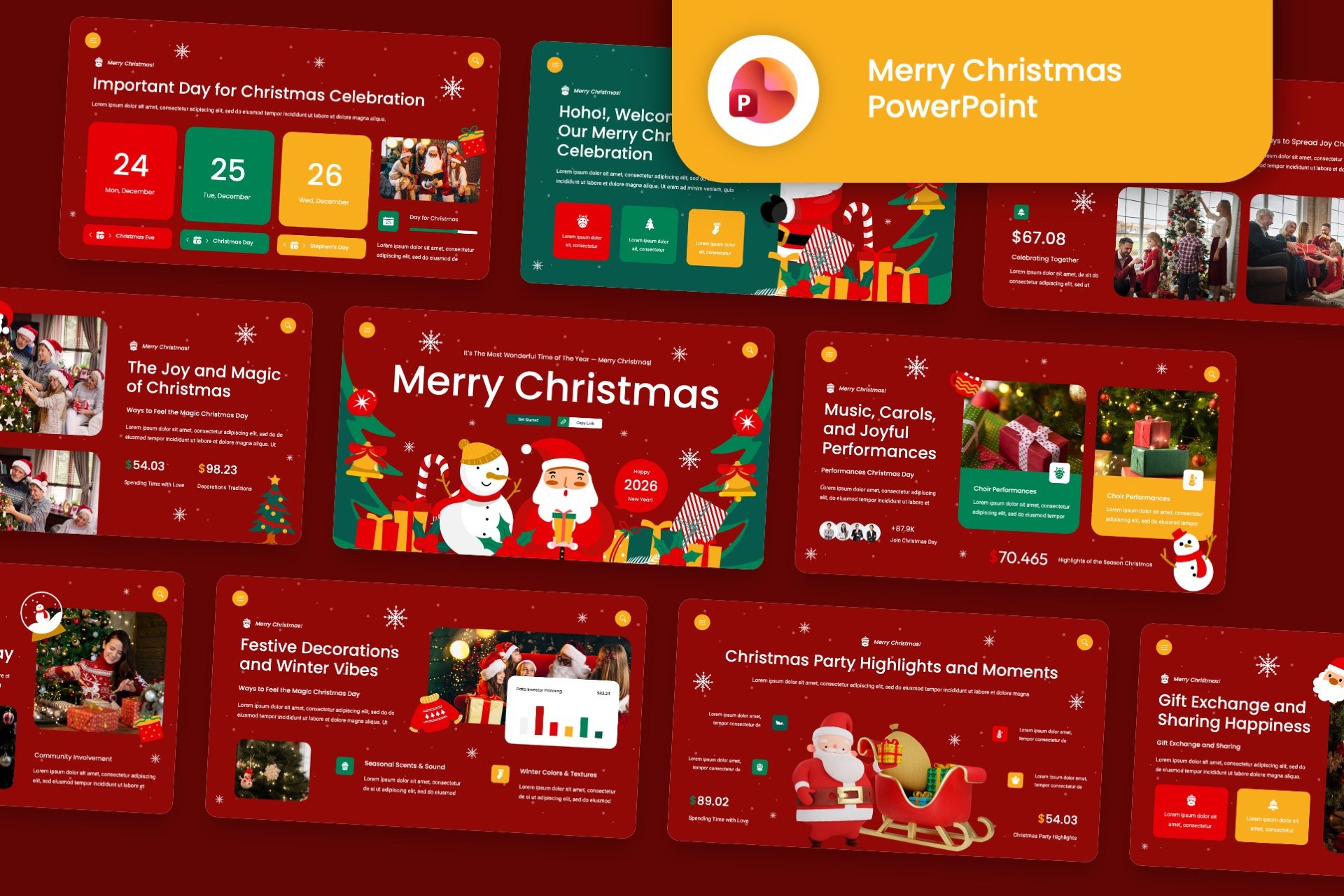
- Maintain Contrast: Ensure that your text is readable against the background. While seasonal designs are beautiful, they can sometimes be busy. If the background is complex, use a solid-colored shape behind your text blocks.
- Limit Animations: While many holiday templates come with festive transitions, use them sparingly. Excessive movement can distract from your message.
- Consistency is Key: If you choose a template with a specific color scheme (e.g., green and gold), ensure that your charts, graphs, and images adhere to that palette. This creates a professional, "designed" look.
- Know Your Audience: A high-energy, illustrated template might be perfect for an office holiday party, but a more subtle, minimalist design is usually more appropriate for a year-end review with executive stakeholders.
Conclusion: The Future of Presentation Design
As we look toward the future of digital communication, the line between "fun" and "functional" continues to blur. The rise of sophisticated, industry-specific PowerPoint templates suggests that the future of work is one where creativity is not just allowed but encouraged.
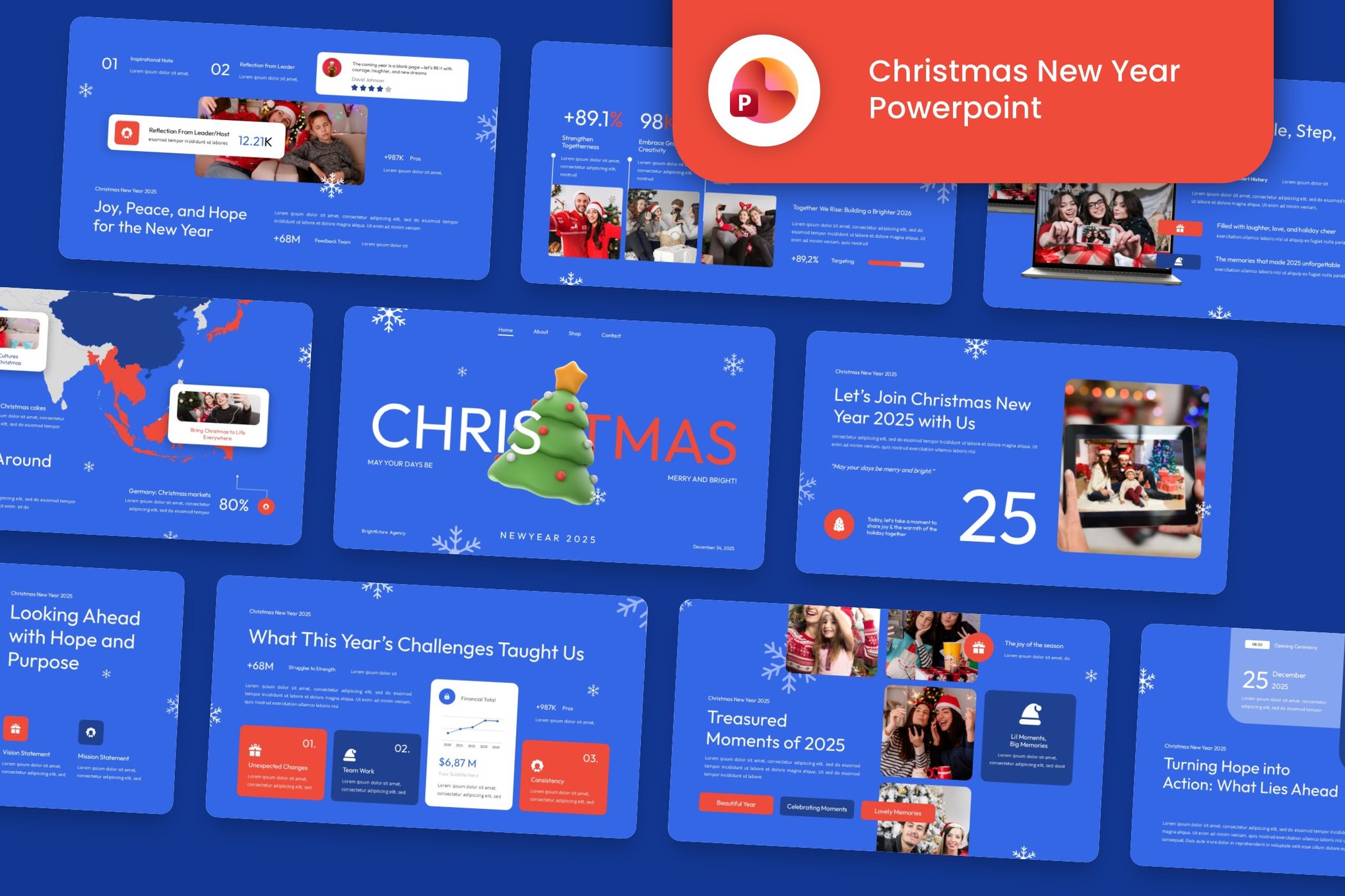
By choosing the right Christmas-themed template, you are doing more than just putting decorations on a slide; you are crafting an atmosphere. You are signaling to your audience that you value their time and that you are committed to delivering information in a way that is as engaging as it is informative. As you prepare your final presentations of the year, take the time to choose a design that reflects the spirit of the season—and watch as your message resonates with newfound warmth and clarity.