When website owners look to accept payments on a WordPress-powered site without building a full-scale e-commerce operation—such as managing a shopping cart, tracking inventory, or configuring complex shipping zones—they are typically met with a surprisingly narrow path. Whether the objective is to charge a client for a professional service, collect a project deposit, gather charitable donations, or sell a standalone digital asset, webmasters generally face a fundamental architectural choice.
That choice defines how the customer experiences the financial transaction: either redirecting the user to a secure, externally hosted checkout environment or keeping the buyer entirely on-site via an embedded payment form.
This comprehensive guide evaluates the two primary solutions for this exact scenario: Stripe Payment Links, which operate natively inside a merchant’s Stripe account, and embedded form plugins (such as WPFullPay), which integrate the checkout flow directly into the native design of a WordPress website. By analyzing setup requirements, branding impact, feature sets, and absolute costs, site administrators can better determine which tool aligns with their operational workflow and business model.
Main Facts: Core Differences at a Glance
To understand the core divergence between these two payment strategies, one must examine where the transaction processing occurs and how administrative oversight is handled.
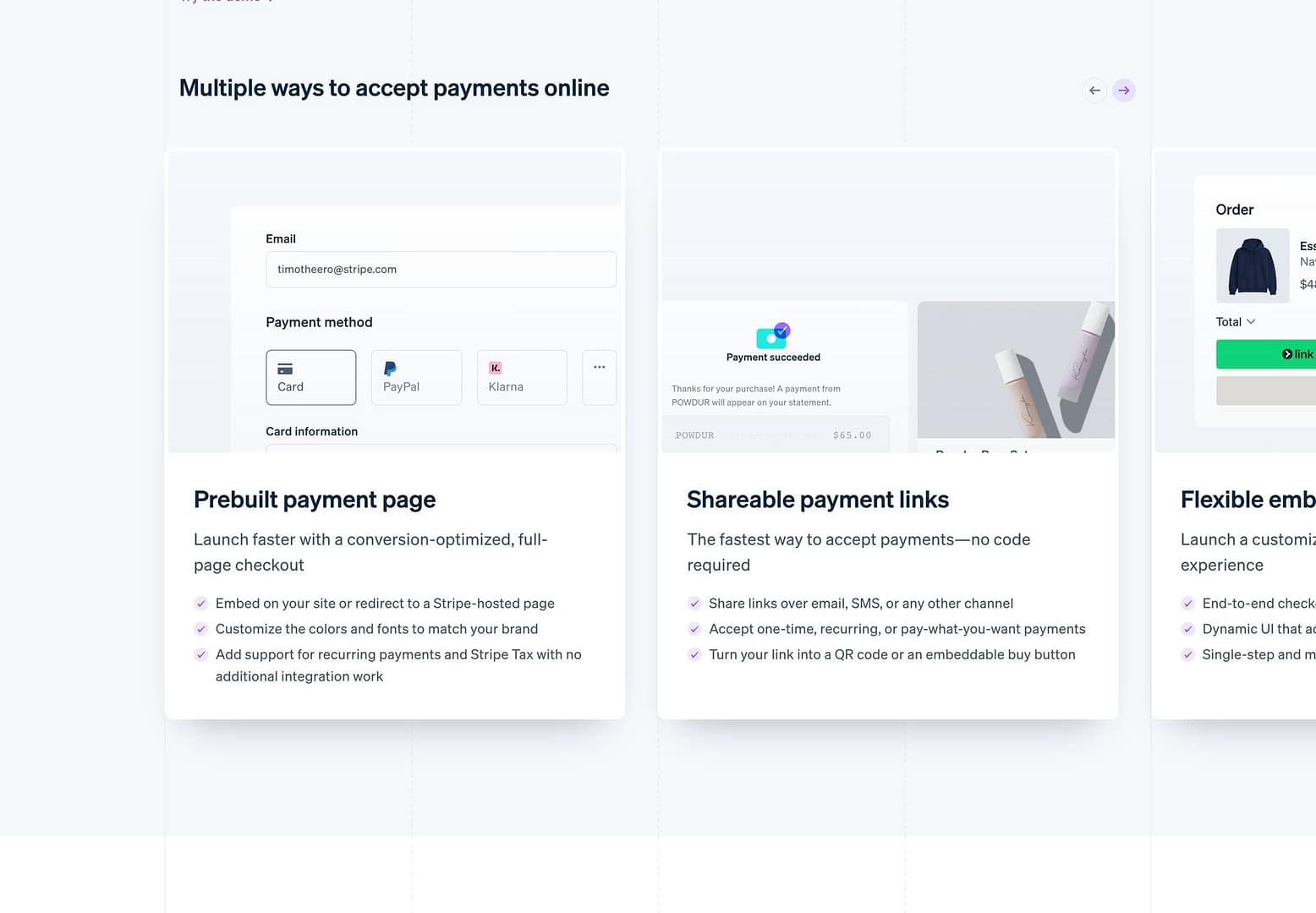
Stripe Payment Links leverage cloud infrastructure managed entirely by Stripe. A merchant creates a product and price within the Stripe Dashboard, which instantly generates a distinct, shareable URL. No coding is required, and nothing needs to be installed on the WordPress site itself. The URL can be deployed virtually anywhere—anchored to a button block within the WordPress block editor, embedded in an email signature, sent via messaging apps like WhatsApp, or printed as a QR code on physical invoices. When clicked, the customer is taken to a Stripe-hosted landing page optimized for conversion, supporting credit cards, Apple Pay, Google Pay, and localized payment methods.
Conversely, embedded form plugins—such as WPFullPay or WP Simple Pay—bring the transaction interface directly into the WordPress post or page. The consumer interacts with a form styled to match the site’s typography and color scheme, ensuring they never leave the domain. Under the hood, card details travel securely via client-side tokens directly from the browser to Stripe’s servers, ensuring the merchant’s hosting environment never handles raw sensitive financial data, thereby simplifying compliance.

| Operational Need | Recommended Approach | Primary Rationale |
|---|---|---|
| Immediate deployment with zero site changes | Stripe Payment Links | No plugins to install; shareable URL functions instantly across any channel. |
| Complete domain retention (on-site checkout) | Embedded Form Plugin | Eliminates redirects; the form natively inherits the host site’s visual design. |
| Donation campaigns with progress trackers | Embedded Form Plugin | Payment Links lack built-in graphical goal meters for fundraising. |
| Infrequent invoicing or isolated product sales | Stripe Payment Links | Completely avoids plugin licensing fees and ongoing maintenance overhead. |
| Customer-managed recurring subscriptions | Embedded Form Plugin | Provides a dedicated customer portal for card updates and plan cancellations. |
| Zero transaction overhead beyond Stripe rates | Stripe Payment Links (or Licensed Plugin) | Free plugin tiers levy an additional 3% to 5% application fee per transaction. |
Chronology and Implementation: Minutes Versus an Afternoon
The deployment timeline is often the deciding factor for solo entrepreneurs, agencies, and small businesses working under tight deadlines.
The Fast Track: Stripe Payment Links
For site administrators who already maintain an active Stripe account, configuring a Payment Link takes less than ten minutes. The workflow requires three simple actions:
- Navigate to the Stripe Dashboard and define a product along with its pricing structure.
- Generate the Payment Link and copy the resulting URL.
- Paste that URL into a standard button or hyperlink block inside the WordPress block editor.
Because the system relies entirely on Stripe’s infrastructure, there are no software updates to manage, no database bloat, and no risk of plugin conflicts following major WordPress core releases.
The Project Track: Embedded Form Plugins
Installing and configuring an embedded form plugin is a more involved undertaking, typically requiring an uninterrupted afternoon for initial setup and rigorous testing. The process involves:
- Installing and activating the plugin within the WordPress administrative dashboard.
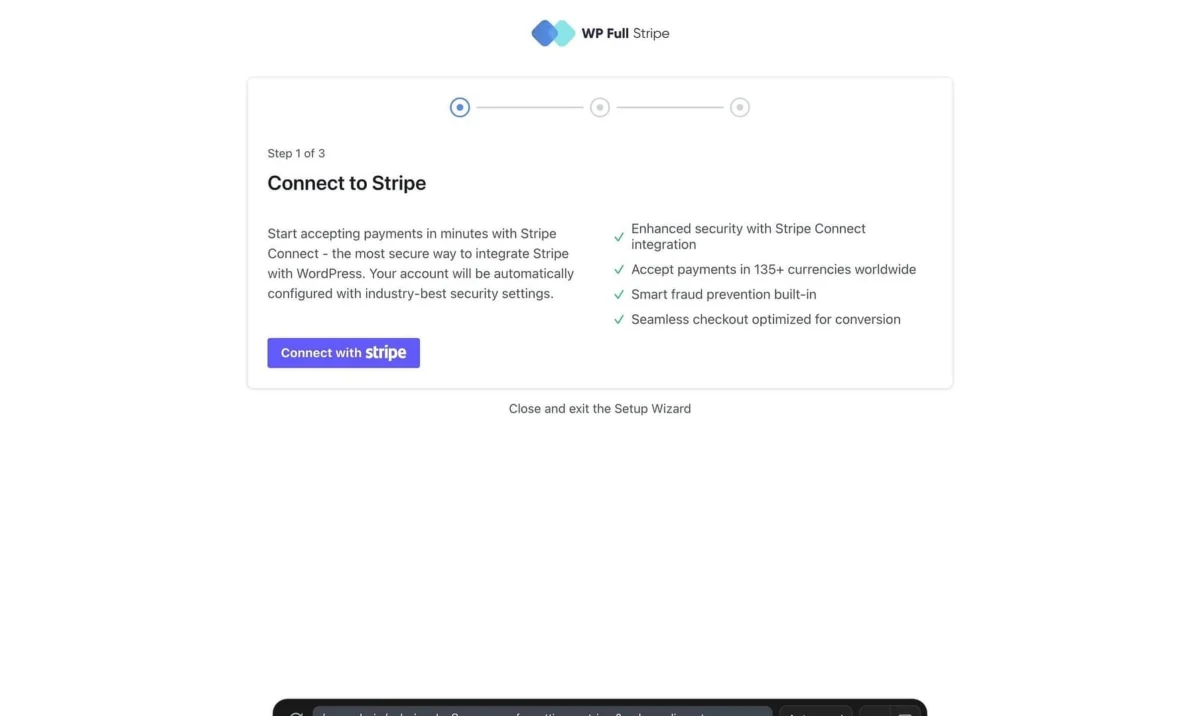
- Connecting the plugin to Stripe using secure API keys (often streamlined via Stripe Connect).
- Designing and configuring the specific form fields, success messages, and notification rules.
- Embedding the shortcode or block into a designated WordPress page.
Crucially, administrators must execute a dual-phase testing protocol: conducting a test payment using Stripe’s designated sandbox mode, followed by a live-mode financial transaction (such as a nominal $1 charge) to ensure that backend webhooks, automated email notifications, and database logging function correctly before directing public traffic to the site.
Supporting Data: Feature Sets and Real-World Costs
When evaluating features, Stripe Payment Links handle the foundational mechanics of commerce exceptionally well—supporting one-time charges, recurring subscription billing, custom "pay-what-you-want" pricing, and promotional discount codes. However, they stop abruptly at the transaction boundary.
Embedded form plugins provide extensive auxiliary capabilities that enhance site utility, particularly for organizations with specific engagement models.
Feature Comparison Matrix
| Capability | Stripe Payment Links | Embedded Form (e.g., WPFullPay Free Tier) |
|---|---|---|
| One-time payments | Supported | Supported |
| Recurring subscriptions | Supported | Supported |
| Pay-what-you-want custom amounts | Supported | Supported |
| Donation progress meters | Not Supported | Supported |
| Promo code application | Supported | Supported |
| Customer self-service portal | External (Stripe-hosted setup) | Built-in subscription portal |
Local transaction records in wp-admin |
Not Supported | Supported |
| Multi-form deployment | One link per product | Unlimited custom forms |
Financial Implications and Cost Structures
While both options incur identical baseline processing fees levied by Stripe (e.g., standard domestic rates of 2.9% + $0.30 per transaction in the United States), the ancillary costs diverge based on software choice.
- Stripe Payment Links add zero additional platform fees. The merchant pays only Stripe’s standard merchant processing rate.
- Free Embedded Plugins typically introduce an application fee to sustain their development models. For instance, the free tier of WPFullPay levies a 5% platform fee per transaction, while WP Simple Pay Lite charges 3%.
For low-volume sites processing minimal revenue, these percentage-based fees represent an economical trade-off for advanced features. However, as transaction volume scales, purchasing an annual software license (such as WPFullPay Basic, which generally retails around €79.50–€159 per year) rapidly becomes more financially efficient than paying ongoing transaction percentages.
Official Responses and Strategic Implications
Industry experts and security auditors emphasize that neither method compromises financial data security, provided standard protocols are observed. Because both Stripe Payment Links and embedded plugins offload sensitive cardholder data collection to Stripe’s PCI-compliant cloud architecture, website owners avoid the crushing compliance burdens associated with handling raw credit card data on local WordPress servers.
Branding, Trust, and User Experience
The psychological impact of the checkout experience heavily influences conversion rates.
- The Embedded Approach: Keeps the user strictly within the brand ecosystem. The visual continuity from the marketing copy down to the payment form reassures first-time visitors or cold traffic, minimizing abandonment hesitation.
- The Payment Links Approach: Requires the user to cross a domain boundary, changing the browser address bar to a Stripe-hosted URL at the exact moment financial commitment is requested.
While Stripe allows extensive customization of its hosted pages—including brand colors, logos, and custom domains on supported plans—enterprise analysts note that B2B clients paying formal invoices rarely object to a Stripe redirect, whereas impulse buyers purchasing lower-cost digital goods online exhibit higher sensitivity to domain consistency.

Administrative Oversight and Record Keeping
The long-term implications of data fragmentation become apparent as sales volume increases. Relying exclusively on Stripe Payment Links means administrative data remains siloed inside the Stripe Dashboard. Conversely, embedded plugins log all transaction metadata directly into the WordPress database (wp-admin), allowing site managers to oversee customer interactions, payment histories, and form submissions from a single centralized dashboard.
Summary Recommendations
Selecting between Stripe Payment Links and an embedded form plugin ultimately depends on the specific operational scope of the WordPress site:
- Choose Stripe Payment Links if: You need to launch a payment mechanism immediately, manage occasional sales or professional invoices, prefer avoiding plugin maintenance, and are comfortable having customers complete transactions on a secure, hosted Stripe page.
- Choose an Embedded Form Plugin if: You run a membership site, collect ongoing donations with visible funding goals, require transactions to remain entirely within your domain branding, and need localized payment records accessible directly inside your WordPress administrative dashboard.
For operations scaling beyond simple service charges—such as managing multi-item shopping carts, complex physical inventory, or automated shipping calculations—neither option is appropriate; such business models require a dedicated e-commerce infrastructure like WooCommerce.