




In the modern digital economy, a logo functions as the face of an enterprise. It appears everywhere: anchored to the header of a corporate website, stamped onto social media profile banners, printed across official invoices, and embossed onto physical packaging. For startups, entrepreneurs, and independent creators, establishing a professional visual identity is a critical first step. Historically, this process required hiring a graphic design agency, incurring costs of hundreds or thousands of dollars, and waiting weeks for conceptual drafts. Today, the landscape has shifted dramatically.
Online logo makers have disrupted traditional branding by democratizing access to professional design. By leveraging artificial intelligence (AI) and extensive template libraries, these platforms allow users to type in a business name, select preferred styles, tweak layouts, and download production-ready files in a matter of minutes.
To help navigate this crowded market, a comprehensive analysis of ten leading online logo makers was conducted. Evaluating pricing structures, file format offerings, ease of use, and licensing terms, industry experts ranked the best solutions available to help startups and creators establish their brand identities efficiently.
Main Facts: The Evolution of Instant Branding Tools
The primary appeal of online logo generators lies in speed, accessibility, and cost-efficiency. However, not all platforms are created equal. The reviewed tools range from specialized, all-in-one branding ecosystems to minimalist, free generators designed for quick placeholder graphics.
Based on the latest October 2026 evaluations, Design.com emerged as the top overall recommendation for most users, balancing an extensive design library with affordable pricing tiers. Other notable contenders, such as BrandCrowd, Canva, and Looka, cater to different niche requirements, ranging from heavy cross-platform designing to advanced AI-driven customization.
Key Factors in Evaluating Logo Makers
When assessing these digital platforms, evaluators prioritized several core criteria beyond the initial price tag:

- File Types and Resolution: The availability of vector files (SVG, EPS, PDF) versus flat raster images (PNG, JPG).
- Licensing Agreements: Whether the commercial license is non-exclusive, exclusive, perpetual, or restricted.
- Editing Flexibility: The ability to make post-purchase revisions or utilize AI chat prompts to modify layouts seamlessly.
- Hidden Costs: Transparency regarding recurring subscriptions, upsold brand kits, and domain or website builder tie-ins.
Chronology: How the Market Shifted Toward AI-Driven Design
The trajectory of online design tools has evolved in distinct phases over the past decade:
- Phase 1: Static Template Libraries (Early 2010s): Early online logo makers relied on static, pre-made vectors where users simply typed text into a fixed placeholder. Customization options were severely limited, and formatting was often restricted to low-resolution PNG downloads.
- Phase 2: The Rise of E-commerce Ecosystems (Mid 2010s): Platforms like Shopify (via Hatchful) and Wix integrated basic logo generation tools directly into their broader website-building and e-commerce ecosystems, allowing users to generate simple matching assets for digital storefronts.
- Phase 3: AI Customization and Advanced Vector Support (2020–Present): Modern platforms integrate artificial intelligence to parse user preferences, business names, and industry niches to generate hundreds of unique variations. Furthermore, platforms now offer comprehensive vector formatting (SVG/EPS) and sophisticated interactive editors, bridging the gap between automated software and freelance human designers.
Supporting Data: Comparative Analysis of the Top 10 Online Logo Makers
To provide a clear side-by-side comparison, the following breakdown outlines the pricing, free options, and ideal use cases for each of the ten platforms evaluated.
| Tool | Free Option | Paid Price to Start | Best For |
|---|---|---|---|
| Design.com | Free to design and edit | $9/mo ($3/mo billed yearly) | Most people & comprehensive asset creation |
| BrandCrowd | Free to design | Shown at checkout | Browsing diverse artistic styles |
| Canva | Free plan available | $144 a year (Pro) | Multi-format creators (flyers, slides, social posts) |
| Looka | Free to design | $20 one-time fee | One-off logo files and clean AI generation |
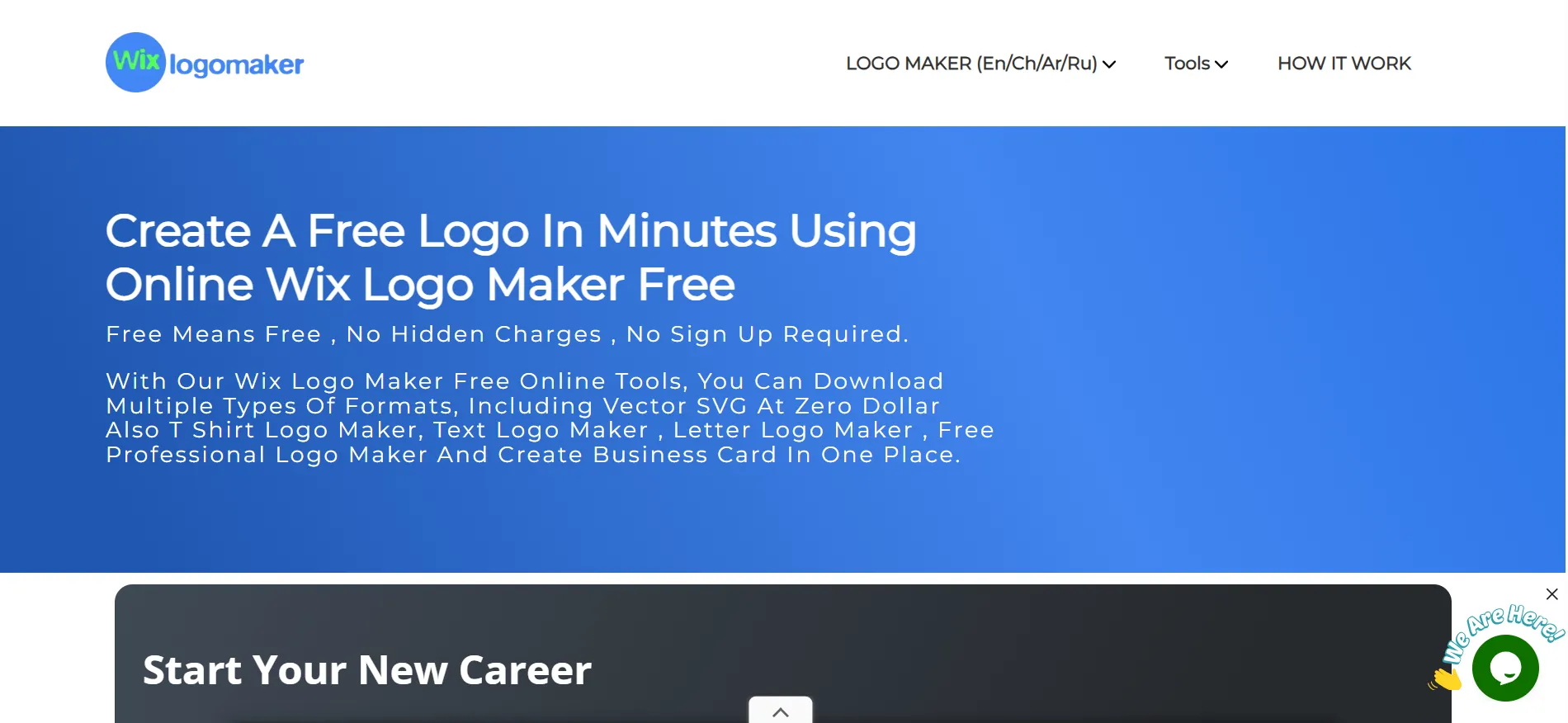
| Wix Logo Maker | Free plan (with credit limits) | $90 a year | Existing Wix website owners |
| Tailor Brands | Free to make, low-res download | Tied to business startup plans | New US-based companies needing incorporation |
| Adobe Express | Free plan available | $9.99 a month | Adobe loyalists and advanced typography fans |
| Logo.com | One free PNG included | $36 for the first year | Tight budgets needing basic web files |
| Fiverr Logo Maker | Free to design | $30 one-time fee | Human-designer-inspired packages |
| Shopify Logo Maker | Fully free | None | Quick, simple placeholder logos |
Detailed Review of the Top 10 Platforms
1. Design.com
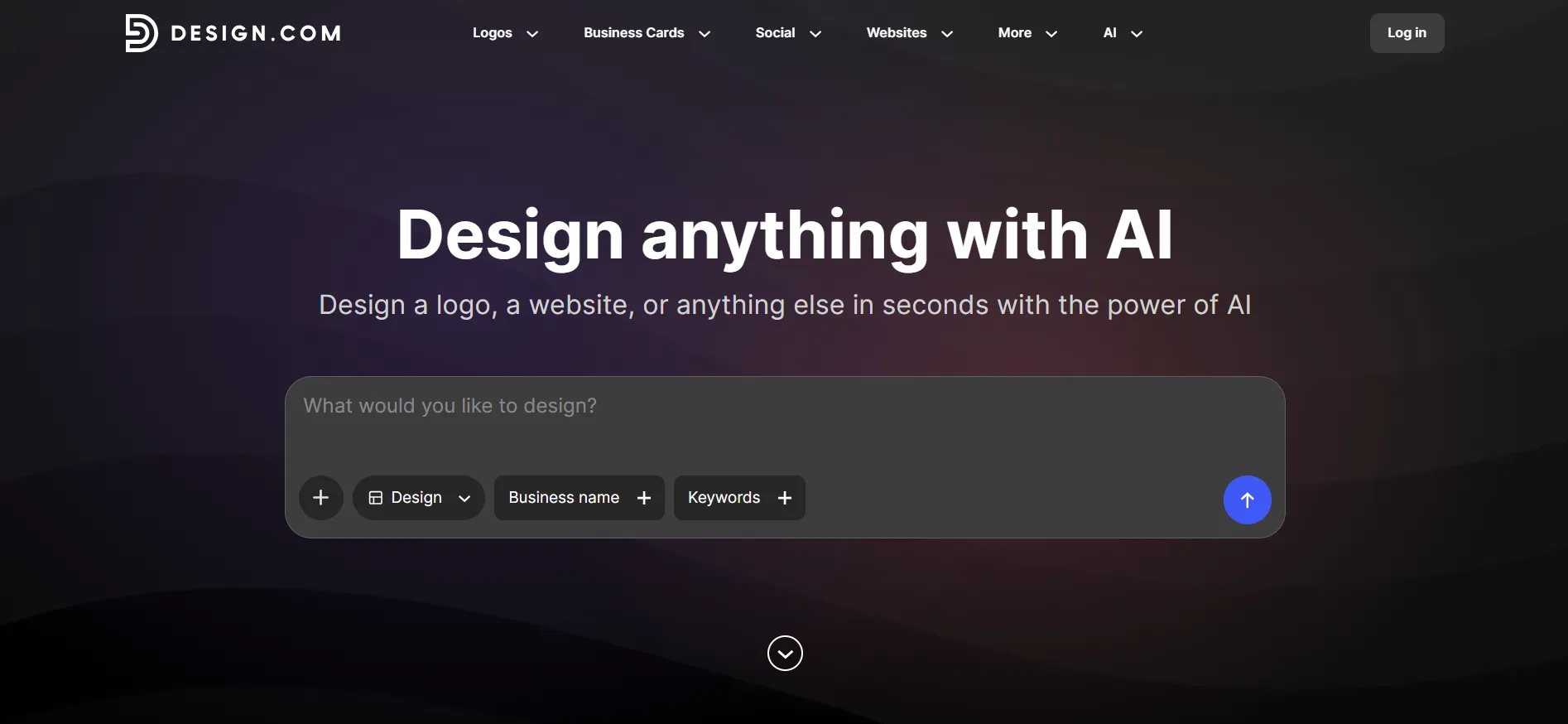
Design.com secures the top spot by offering maximum value for minimal financial investment. Users can build and edit logos completely free of charge, modifying colors, fonts, and layouts indefinitely before committing to a purchase.
- Library & AI Integration: The platform boasts over 458,000 designer-crafted logos, 500 exclusive fonts, and 62,000 vector shapes. Its AI chat assistant allows users to request specific adjustments to fonts, layouts, or colors using natural language prompts.
- File Deliverables & Licensing: Paid plans include web-ready PNG and JPG files alongside print-ready SVG, EPS, and PDF files, all equipped with transparent background versions. Every logo includes a worldwide commercial license.
- Pricing: Paid tiers start at $9 per month (dropping to $3 per month when billed annually). Higher tiers ($14–$19/mo) incorporate digital business cards, social media posts, and website builders.
2. BrandCrowd
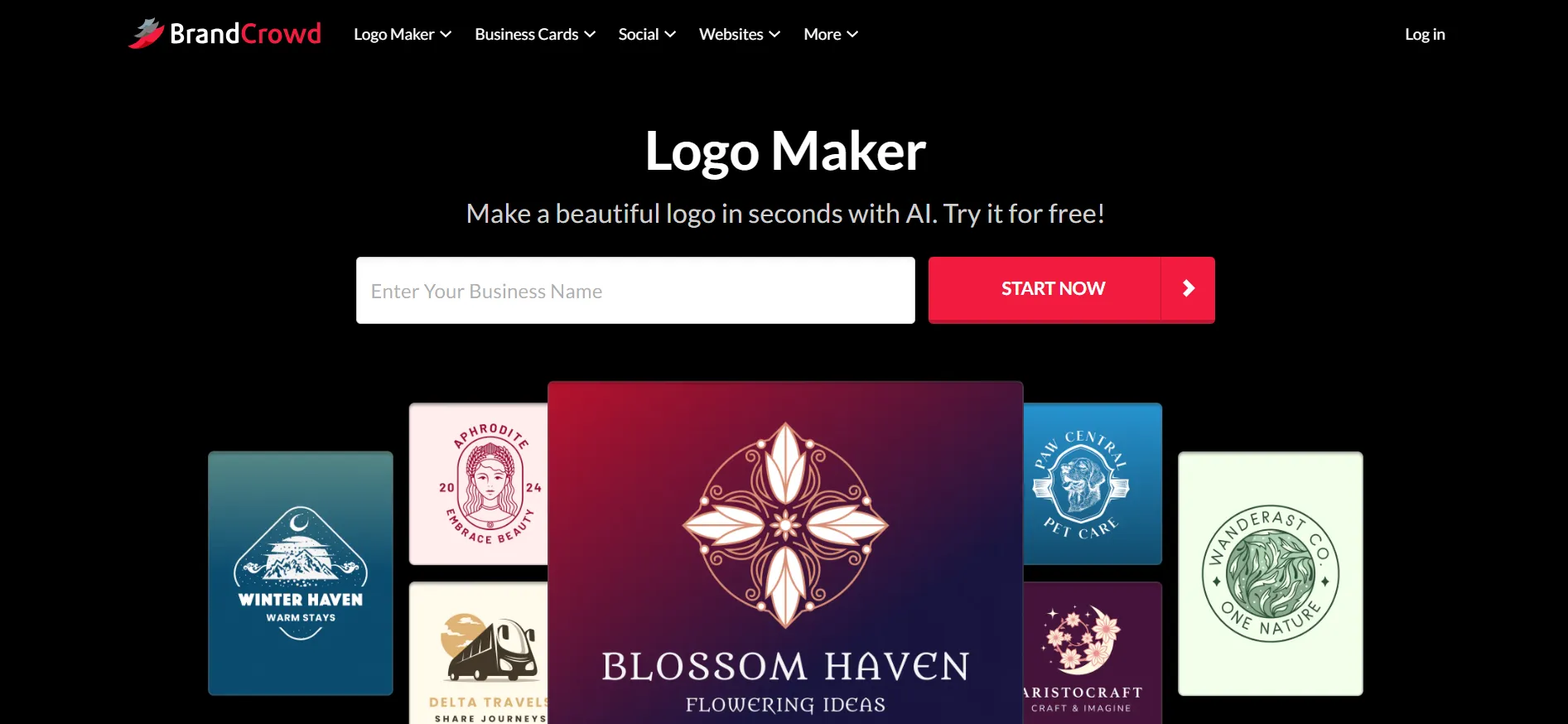
Operating on a framework similar to Design.com, BrandCrowd allows users to browse thousands of templates, customize them extensively, and save iterations at no initial cost.
- Deliverables: High-resolution vector files are included in supported download packages, accompanied by transparent PNGs and JPGs.
- Licensing: The platform provides a worldwide, irrevocable license covering both personal and commercial use.
- Pricing: Paid plans mirror industry standards at $9 per month or $3 per month when billed annually.
3. Canva
While Canva is fundamentally a general-purpose graphic design suite rather than a dedicated logo generator, its vast template ecosystem makes it a popular choice for creators.
- Utility: Users can swap out text and color palettes on pre-existing templates. The free plan exports standard PDF, JPG, and PNG files.
- Limitations: Templates can occasionally feel generic or less tailored to specific corporate identities compared to dedicated generators. However, it excels for entrepreneurs who want to design marketing flyers, presentations, and social media graphics within a single interface.
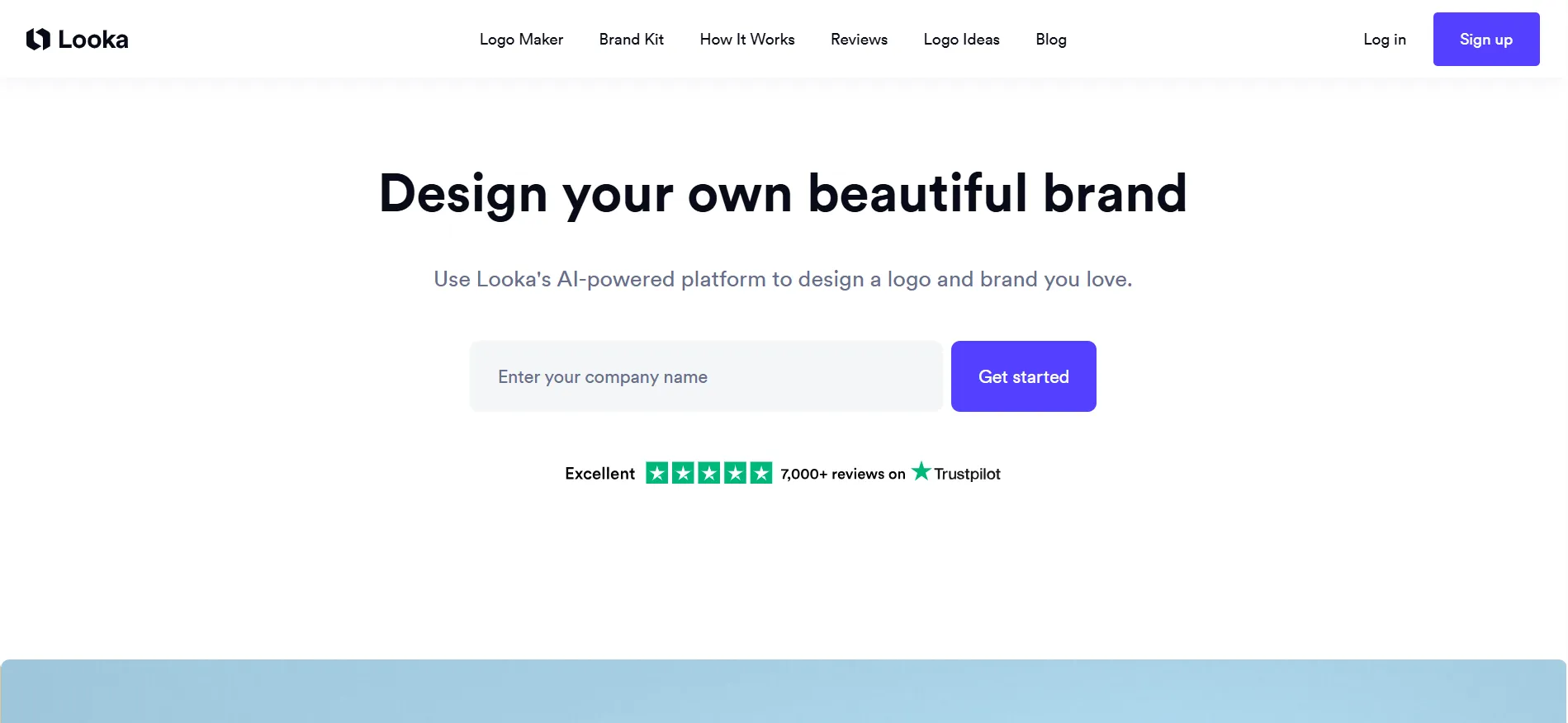
4. Looka
Looka utilizes an AI questionnaire to gather style preferences before generating custom options.
- Pricing Model: While designing is free, payment is required upon downloading.
- Packages: A Basic package ($20) provides a single low-resolution PNG. A Premium package ($65) unlocks full vector files (EPS, SVG, PDF), transparent backgrounds, and lifetime technical support. A Brand Kit subscription is also available at $96 per year for ongoing marketing assets.
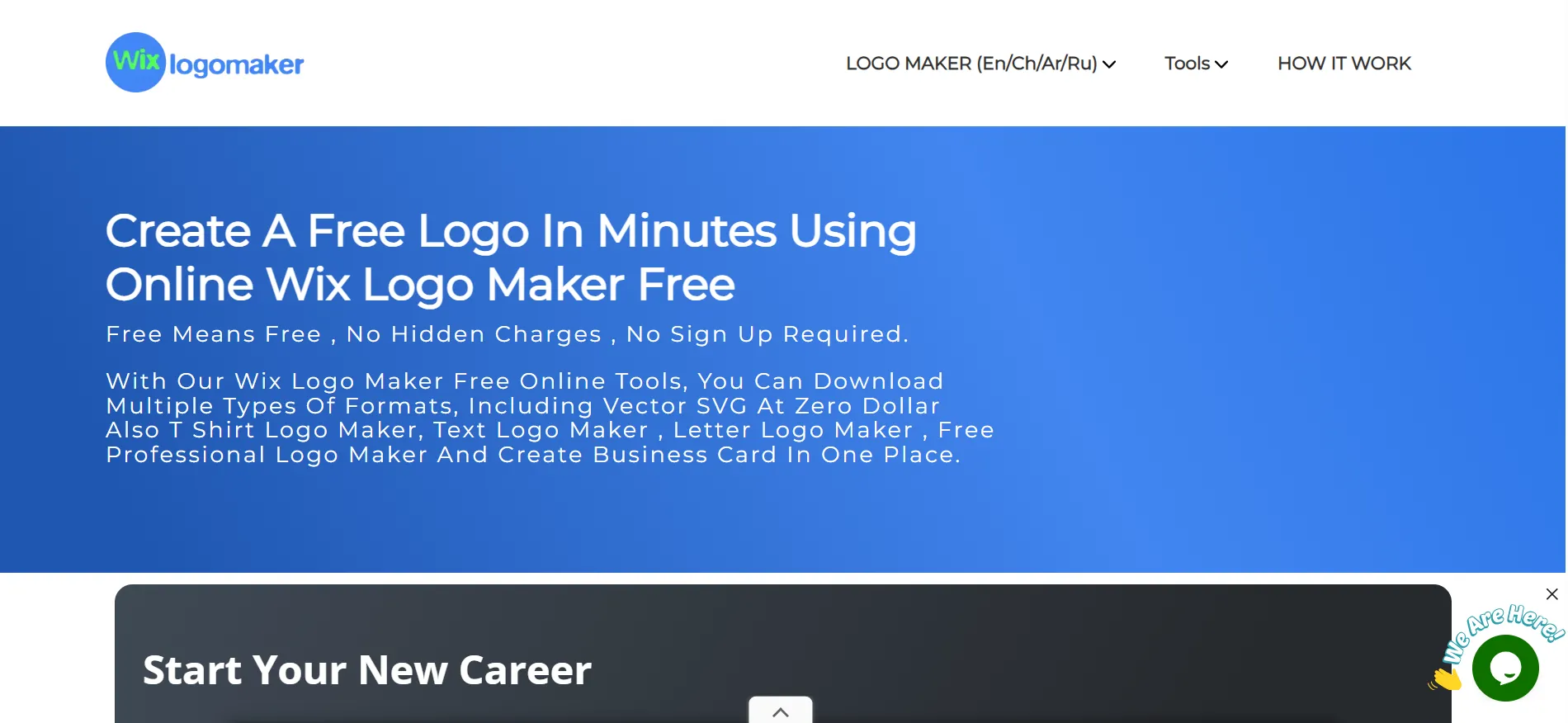
5. Wix Logo Maker
Operated via Wixel, the Wix Logo Maker generates AI-driven suggestions based on user input, which can be manually or algorithmically adjusted.
- Credit System: The free plan allocates 120 AI credits per month (capped at 30 per day). Manual edits are free, but AI prompts consume credits that do not roll over.
- Pricing: Paid plans start at $90 per year for Basic, scaling up for Pro and Max tiers. This tool is optimized primarily for users whose websites are hosted on the Wix ecosystem.
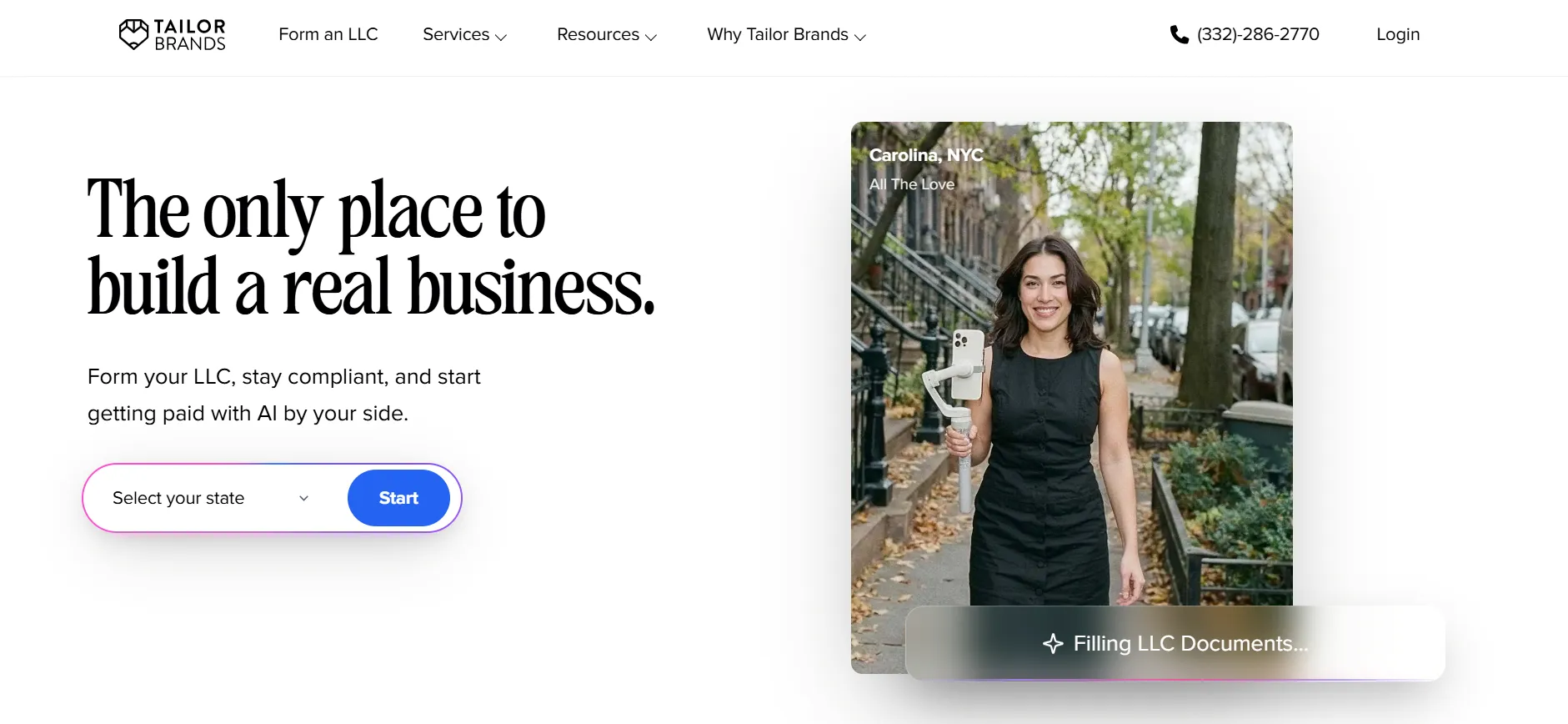
6. Tailor Brands
Tailor Brands offers a free design builder with low-resolution downloads, but high-resolution vector files are bundled directly into its comprehensive business formation packages.
- Bundles: Plans range from Lite ($0) to Essential ($199/yr) and Elite ($249/yr). The Elite tier incorporates website builders, digital business cards, and bookkeeping trials.
- Verdict: Ideal for new entrepreneurs launching formal companies who require legal and administrative services alongside branding, but overly complex for users who simply need a standalone logo.
7. Adobe Express
Adobe Express blends general design tools with an AI logo generator backed by the renowned Adobe ecosystem.
- Features: The free plan offers over 100,000 templates and 5GB of storage. The Premium tier ($9.99/mo) unlocks generative AI credits, premium templates, and access to the massive Adobe Fonts library (30,000 fonts).
- Verdict: A powerful suite for design enthusiasts, though its interface is oriented toward general creation rather than rapid, automated logo generation.
8. Logo.com
Logo.com distinguishes itself by offering one free, fully licensed PNG download upon completion.
- Paid Plans: The Brand Plan costs $36 for the first year (or $15/mo), unlocking vector files, 1,200 branded templates, a website builder, and a complimentary domain for the first year.
9. Fiverr Logo Maker
Capitalizing on the freelance marketplace’s design talent, the Fiverr Logo Maker generates logo concepts derived from professional human designers.
- Pricing Structure: Designing is free, with packages starting at a one-time fee of $30 (Essential), $60 (Professional), and $90 (Unlimited vector edits and revisions). Users can also commission custom follow-up work directly from the original designer.
10. Shopify Logo Maker (Formerly Hatchful)
Formerly known as Hatchful, the Shopify Logo Maker is entirely free with no hidden charges or upfront fees.
- Limitations: The tool exports standard PNG files rather than scalable vector formats, and its template library is noticeably smaller than dedicated commercial generators. It is best utilized for rapid placeholder graphics or early-stage testing.
Official Responses and Industry Insights
Industry analysts note that the rapid proliferation of automated logo tools has fundamentally altered consumer expectations regarding design turnaround times. Traditional branding agencies have responded by shifting their value proposition away from simple vector creation toward holistic brand strategy, corporate identity consulting, and high-end experiential design.
Conversely, automated platform representatives emphasize that AI-driven logo makers bridge the financial gap for micro-entrepreneurs, solo creators, and small business owners in developing regions who would otherwise launch enterprises entirely devoid of professional visual identities.
Implications for Startups and Creators
Choosing the right logo maker carries significant long-term implications for brand equity and operational expenditure. Before finalizing a purchase on any platform, entrepreneurs must evaluate two critical technical considerations:
- File Type Scalability: Acquiring vector files (SVG, EPS, PDF) is essential. Raster images (PNG, JPG) pixelate when enlarged, rendering them useless for physical signage, vehicle wraps, embroidered apparel, or high-definition product packaging. Furthermore, transparent background files prevent awkward white boxes from appearing behind logos placed on colored backgrounds.
- Licensing Restrictions: Users must carefully read terms of service regarding exclusive versus non-exclusive licenses. A non-exclusive license legally permits the platform to sell identical or similar design templates to other entities, posing potential trademarking complications down the line. Startups planning to legally trademark their brand should budget for exclusive licensing options where available.
Ultimately, branding should not paralyze the launch of a new enterprise. By investing a modest amount of time into testing free-tier design generators, entrepreneurs can secure a professional visual identity quickly and cost-effectively, allowing them to focus on growing their core business operations.