





Seven and a half years after the Gutenberg block editor first debuted in WordPress Core, developers have been handed a tool that many thought would never arrive: the ability to build custom blocks using only PHP.
For years, stepping into the world of custom WordPress block development meant entering a complex ecosystem requiring proficiency in React, the configuration of build pipelines (such as Webpack or Babel), and the management of intricate NPM packages. For classic PHP developers who built the foundation of the WordPress ecosystem, this created a steep learning curve and a barrier to modernization.
WordPress 7.0 changes this calculus entirely. By introducing streamlined PHP-only block registration, core contributors have fundamentally shifted how developers can interact with the block architecture. However, while this long-awaited feature is a major win for certain workflows, it comes with strict technical limitations that dictate where—and how—it should be used.

Main Facts: What is PHP-Only Block Registration?
Traditionally, registering a custom WordPress block has been a two-step dance. Developers had to define the block logic on the server side using PHP, and then construct the interactive editor interface and client-side rendering logic on the client side using JavaScript.
WordPress 7.0 eliminates the mandatory JavaScript layer for basic blocks through a new registration argument: 'autoRegister' => true.
When this flag is applied within a standard register_block_type() call, WordPress dynamically generates the required client-side registration and editor preview routines automatically. Developers can now write a render_callback function entirely in PHP, define their attributes, and let WordPress handle the heavy lifting for the editor interface.

function css_tricks_hello_world_block()
  register_block_type(
    'css-tricks/hello-world',
      [
        'title' => 'Hello World',
        'render_callback' => function ()
          return sprintf(
            '<div %s>Hello World!</div>',
            get_block_wrapper_attributes()
          );
        ,
        'supports' => [
          'autoRegister' => true,
        ],
      ]
  );

add_action('init', 'css_tricks_hello_world_block');
This code generates a fully functional block that integrates natively into the WordPress block editor, requiring zero JavaScript, zero configuration files, and zero compilation steps.
Chronology: The Long Road to Server-Side Block Simplicity
To understand the significance of this release, it helps to look at the timeline of block-based development in WordPress:
- December 2018 (WordPress 5.0): Gutenberg is officially merged into WordPress Core, introducing the block editor paradigm. At launch, block creation is strictly tied to JavaScript and React, alienating a vast portion of the legacy theme-building community.
- 2019–2021: Server-side rendering (SSR) is introduced for dynamic blocks, but developers still require a frontend JavaScript file to register the block with the editor (
registerBlockType), forcing them to maintain dual-language workflows. - 2022–2025: The rise of Full Site Editing (FSE) and block themes accelerates. While performance and flexibility improve, classic theme developers and agencies face immense technical debt when attempting to migrate robust PHP-based theme components into blocks.
- Present (WordPress 7.0): Core introduces native PHP-only block registration, bridging the historical divide between traditional WordPress backend development and the modern block-based paradigm.
Supporting Data & Technical Architecture: Capabilities and Constraints
While the prospect of escaping JavaScript fatigue is alluring, WordPress architects emphasize that PHP-only blocks are not a silver bullet. Understanding their architectural boundaries is critical for implementation success.

What PHP-Only Blocks Can Do
- Auto-Generate Sidebar Controls: By defining an
attributesarray (supporting strings, numbers, and booleans), WordPress automatically builds standard input fields, number selectors, checkboxes, and basic dropdowns within the block’s settings sidebar. - Leverage Block Supports: Developers can opt into core features like color customization (text and background), custom alignments (wide, full, left, right), and control visibility using block support flags.
- Isolate Assets Efficiently: Using
wp_register_style()andwp_register_script(), developers can hook stylesheets and frontend view scripts directly into the block registration, ensuring assets load conditionally only when the block is present on a page.
Critical Architectural Limitations
Because PHP-only blocks bypass the single-page JavaScript application powering the modern editor, developers face notable trade-offs:
- No In-Editor Interactions: You cannot build rich, in-place editing experiences. Users must rely entirely on auto-generated sidebar controls. Image upload fields, rich text editors, and multi-line text areas are absent from the PHP-only attribute interface.
- Stale Database Data: PHP-only blocks query the database directly during their REST API render cycle. They are completely decoupled from the editor’s client-side data store. If a user alters the post title or custom fields in the editor, a PHP-rendered block will display stale data until the post is saved and the page is fully reloaded.
- Missing Post Context: Because REST API endpoints are stateless, standard global variables like
$postor template tags relying on The Loop are not automatically available inside editor previews, requiring clever workarounds to fetch current post IDs. - Rigid Dropdown Limitations: The dropdown interface supports basic enums (like strings), but cannot handle keyed arrays (e.g., displaying human-readable category names while storing underlying category IDs). This often forces developers to store fragile slugs instead of robust database IDs.
Official Responses and Developer Sentiment
Reaction across the WordPress community has been pragmatic. Advanced JavaScript engineers note that PHP-only blocks cannot replace React-based blocks for complex, highly interactive components like dynamic dashboards, custom data visualizers, or rich media tools.
However, agency leads and classic theme maintainers have hailed the update as a long-overdue bridge. The consensus among core contributors is that this feature was never designed to compete with advanced JavaScript tooling. Instead, it is an explicit adoption ramp designed to solve a specific, widespread bottleneck: legacy code migration.

Implications: The Killer Use Case for Migrating Legacy Code
The true value of WordPress 7.0’s PHP-only block registration is revealed when tackling the block theme adoption problem.
Thousands of production-grade websites remain locked into classic themes simply because the cost and complexity of rewriting custom PHP-based widgets, shortcodes, and header components into React-based blocks are too high. Businesses cannot justify the engineering hours required to rebuild working codebases from scratch just to conform to modern block architecture.
PHP-only blocks completely remove this obstacle.

A Real-World Migration Path
Imagine an enterprise client running a classic theme with a heavily customized PHP header, custom post-type loops, and legacy shortcode utilities.
- The Old Way: Rewrite every component in React, configure Webpack, manage NPM dependencies, and spend days troubleshooting build pipelines.
- The New Way: Wrap the existing legacy PHP code inside a server-side registered block using
'autoRegister' => true.
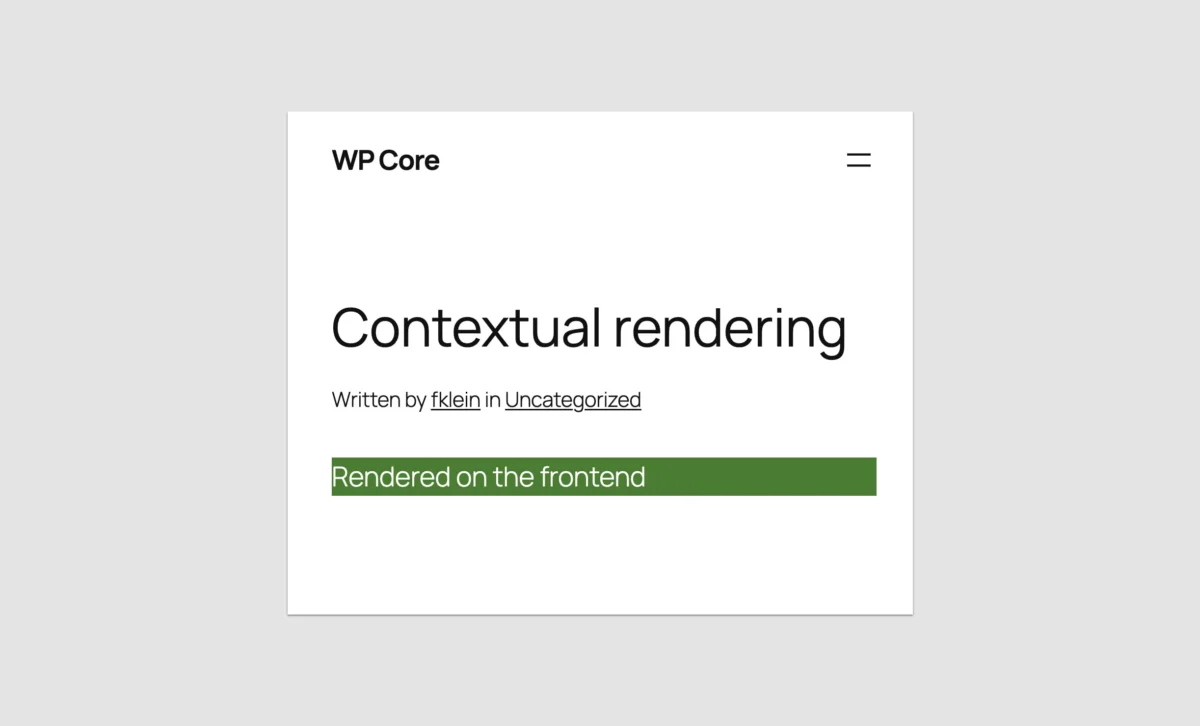
While the editor preview might serve as a simple placeholder or a rudimentary functional box, the frontend renders the exact legacy PHP output flawlessly. Theme migrations that previously took weeks can now be executed in hours.
Best Practices for Building PHP-Only Blocks in WordPress 7.0
Developers diving into this feature should keep several practical strategies in mind to maximize stability and performance:

- Differentiating Render Contexts: To serve different HTML structures or debugging text in the editor versus the frontend, use
wp_is_rest_endpoint()combined with checks against the global$wpquery variables to isolate the Block Renderer REST route. - Targeting CSS with BEM: Leverage
get_block_wrapper_attributes()to output auto-generated core classes (.wp-block-namespace-name), and pair them with unique class prefixes or a BEM (Block, Element, Modifier) methodology to prevent style bleed from admin stylesheets. - Embracing the Iframed Editor: Ensure all blocks target Block API Version 3 or higher. As WordPress 7.1 moves to universally enforce iframed post editors, isolating your block styles inside an iframe guarantees that what you see in the editor precisely matches the frontend.
- Strategic Placeholders: When dealing with complex third-party snippets (such as newsletter JavaScript embeds) that fail inside asynchronous editor previews, implement visual placeholders. This manages user expectations without investing excessive engineering time into unviable editor-side interactivity.
Conclusion: Was the Wait Worth It?
For developers seeking to build state-of-the-art, interactive Gutenberg blocks from scratch, PHP-only registration is not the answer. JavaScript and React remain the undisputed standard for rich, native-feeling user experiences within the WordPress block editor.
However, for the vast community of developers, agencies, and enterprise site maintainers burdened by legacy codebases, the seven-and-a-half-year wait was undeniably worth it.
WordPress 7.0 has successfully dismantled the most formidable barrier to block theme adoption. By allowing developers to port shortcodes, custom template parts, and legacy widgets into the block ecosystem using the PHP skills they already possess, WordPress has signaled a renewed commitment to pragmatic developer experience.

The message to the community is clear: you no longer need to rewrite your entire digital history in JavaScript to step into the future of modern WordPress.