






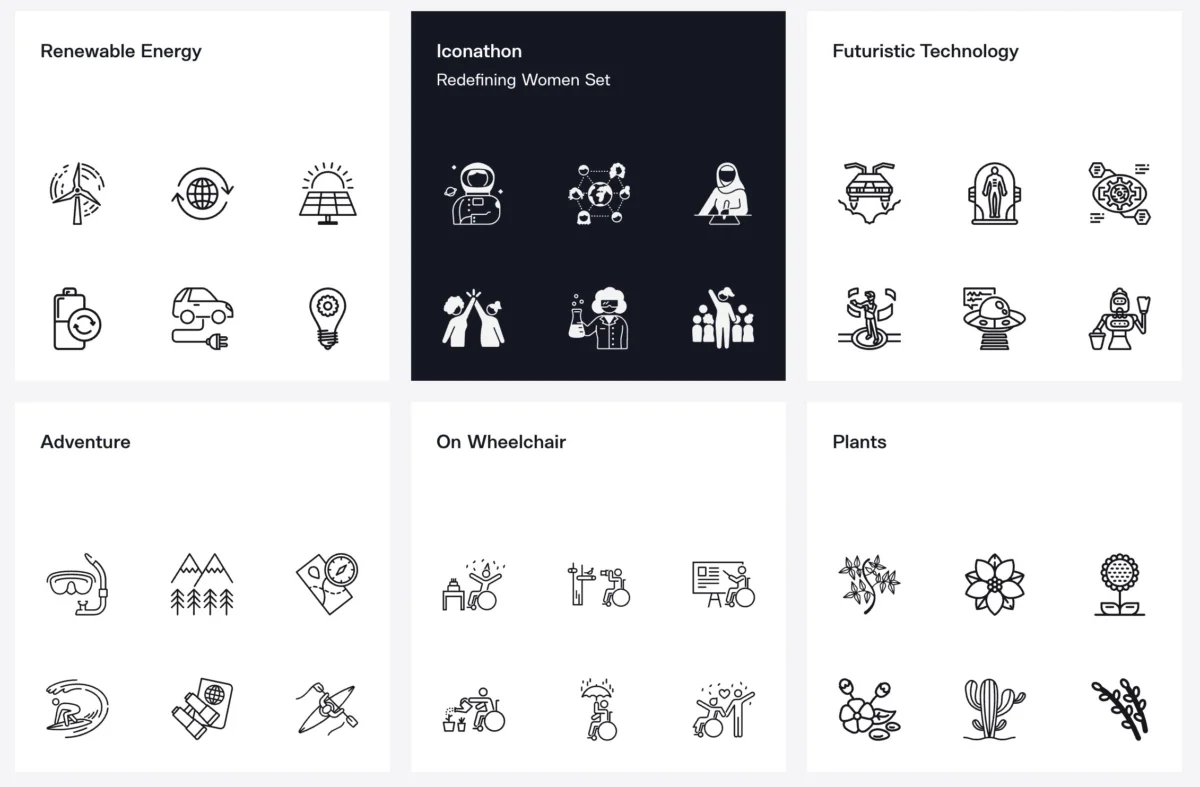
In the fast-paced world of digital product design, efficiency and visual consistency are the ultimate currencies. Every hour spent redrawing a standard hamburger menu, notification bell, or magnifying glass is an hour pulled away from solving complex user experience (UX) challenges. A well-crafted, cohesive icon set not only accelerates user scanning speeds but also reinforces a brand’s visual identity, anchoring complex interfaces in intuitive clarity.
However, the modern design landscape presents a paradox of choice. Finding a library that balances aesthetic pleasure, visual continuity, and massive scale without forcing designers to compromise halfway through a project remains a persistent challenge. To help navigate this crowded space, we have curated 11 of the finest icon systems available today—spanning open-source defaults, robust commercial ecosystems, expansive marketplaces, and distinct style-specific collections.
1. Lucide: The Minimalist’s Open-Source Workhorse
For modern web applications requiring a crisp, neutral aesthetic, Lucide has quickly established itself as a go-to standard. Emerging as a clean, community-driven fork of older open-source projects, Lucide offers lightweight outline icons that integrate seamlessly into complex user interfaces without visual friction.
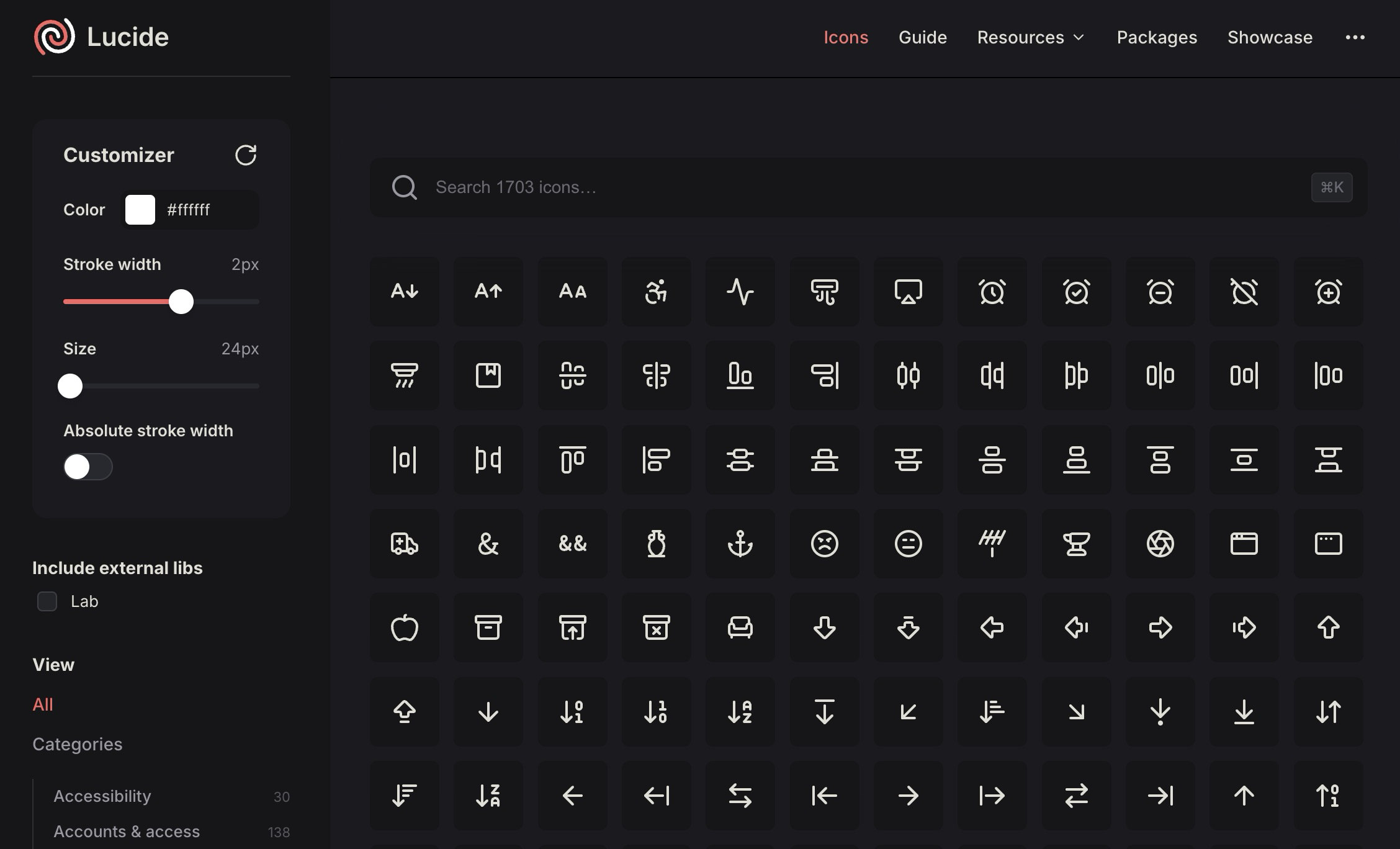
Beyond providing straightforward SVG downloads, Lucide distinguishes itself with native framework packages. Developers can easily drop icons into React, Vue, Svelte, Solid, Astro, and React Native environments. This robust technical integration transforms Lucide from a static asset repository into a practical, engineering-ready tool suitable for production-grade software rather than just one-off mockups.
2. Iconsax: Massive Scale and Commercial Versatility
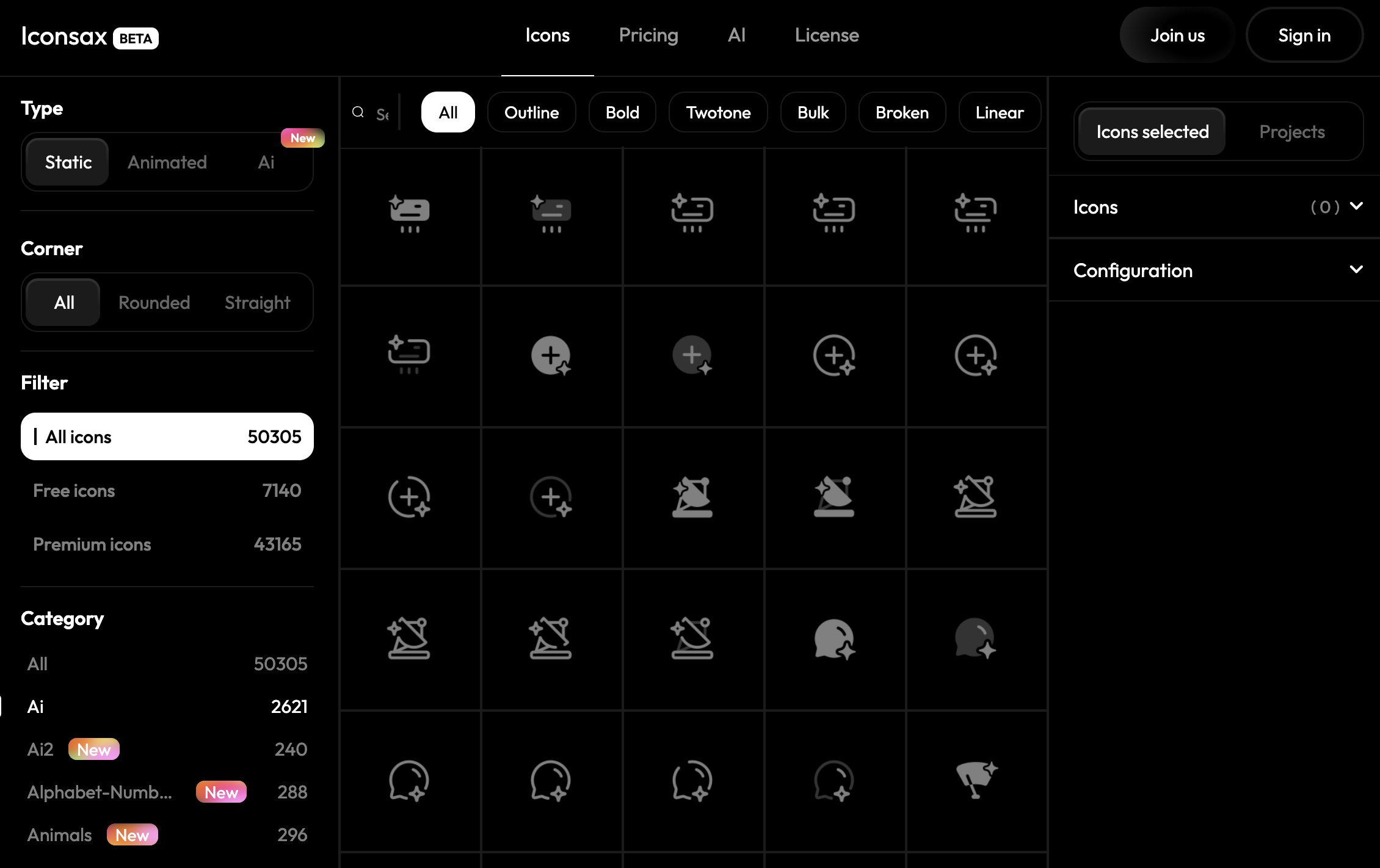
When a project demands vast category coverage across multi-platform dashboards, mobile apps, and enterprise admin panels, Iconsax enters the conversation. Positioned firmly in the commercial tier, its primary selling point is sheer volume.
The platform boasts tens of thousands of icons organized into multiple distinct visual styles. Beyond the extensive asset library, Iconsax provides robust framework integrations, a dedicated Figma plugin, and even AI-assisted icon generation tools. For design teams tackling monolithic projects where edge-case symbols are inevitable, Iconsax ensures they will never run out of options.
3. The Noun Project: The Ultimate Concept Marketplace
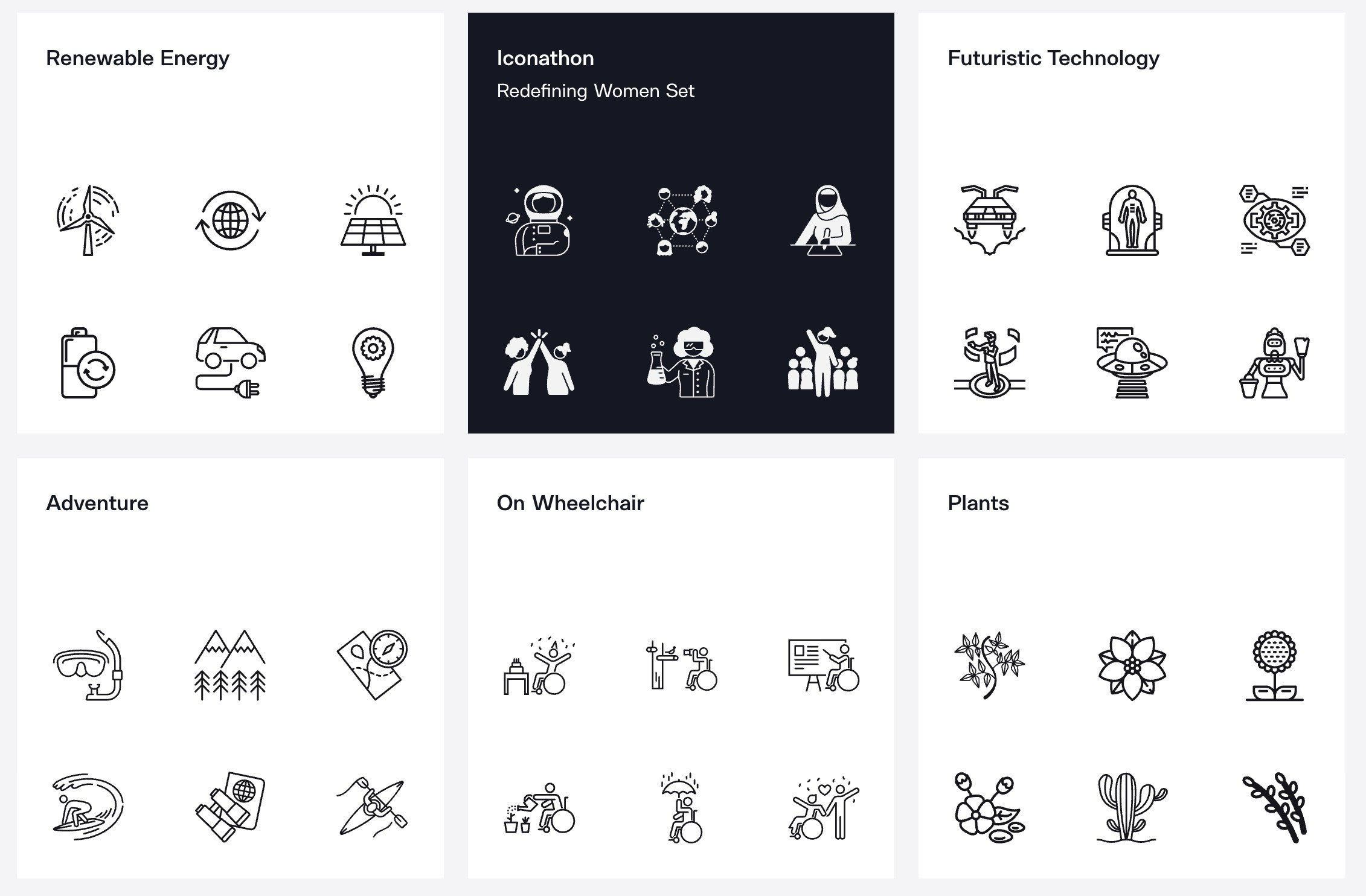
Operating on an entirely different philosophy than unified UI packs, The Noun Project functions as a massive, global marketplace for visual communication. Rather than maintaining strict visual consistency under a single art director, it aggregates contributions from thousands of independent designers worldwide.
This decentralized approach makes it an unparalleled resource for hyper-specific concepts, metaphorical symbols, and niche ideas that standard UI kits routinely overlook. While designers must exercise caution when mixing styles within a single digital product, The Noun Project remains an indispensable companion for editorial graphics, presentations, and concept-driven storytelling.
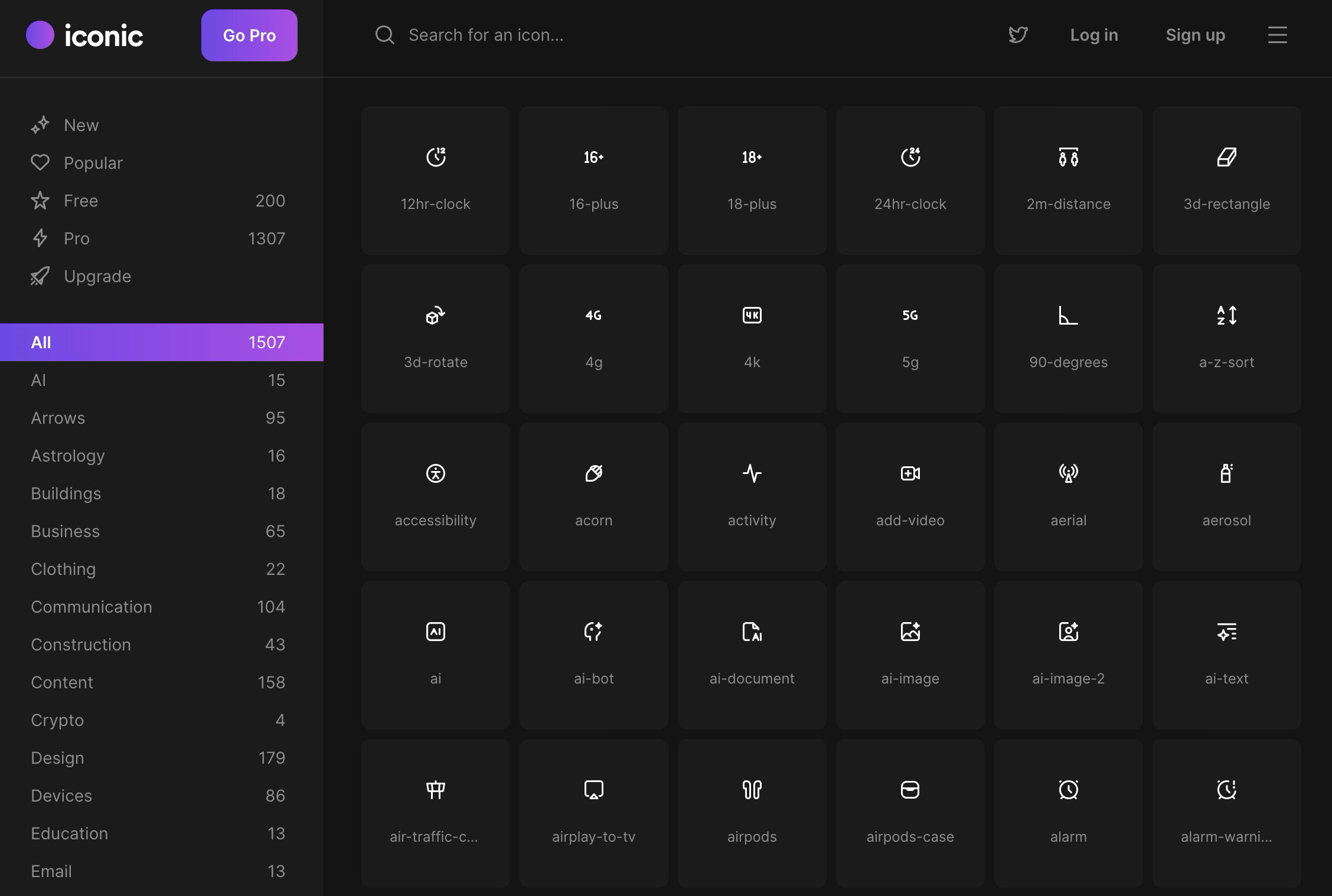
4. Iconic: Pixel-Perfect Precision for the Web
Iconic delivers a refreshing sense of discipline to digital design. Built meticulously on a standard 24×24 pixel grid utilizing a consistent 1.5-pixel stroke, its symbols are engineered for absolute visual harmony.
What sets Iconic apart in a crowded marketplace is its licensing model: the free tier is remarkably generous, offering genuine utility without hiding core functionality behind paywalls. The library focuses heavily on everyday interface shapes and web-friendly categories, ensuring that designers can build entire applications without hitting early roadblocks.
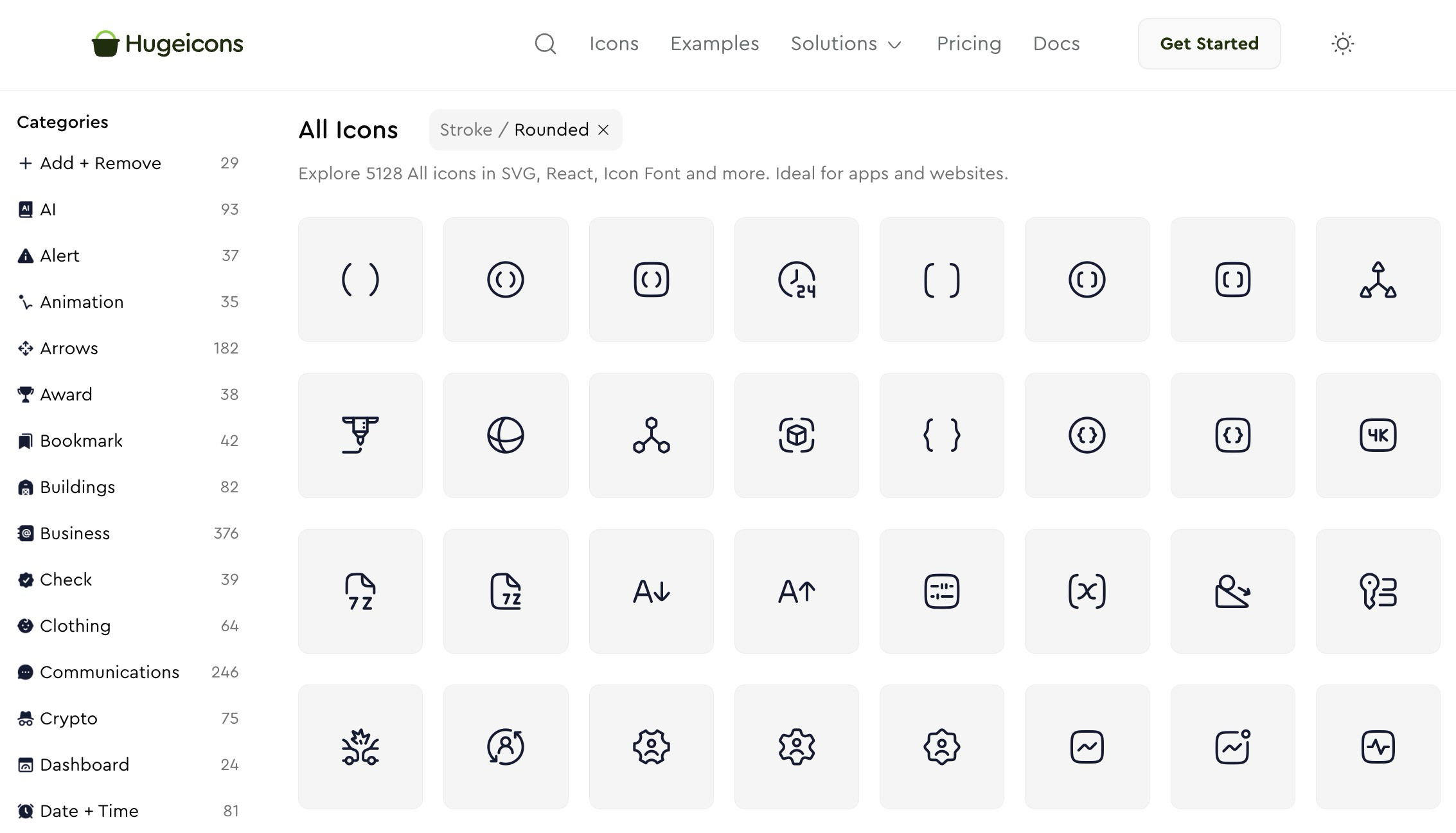
5. Hugeicons: A Comprehensive Commercial Ecosystem
True to its name, Hugeicons is built explicitly around massive scale and systemic integration. Positioned as a giant icon system tailored for both designers and developers, it bridges the gap between design assets and production code.
Hugeicons supplies exhaustive framework packages, dedicated Figma plugins, custom icon fonts, and an expansive catalog capable of covering nearly any vertical—from fintech and healthcare to social media and SaaS. It is the ideal choice for teams that prioritize an overarching commercial ecosystem over a boutique, opinionated aesthetic.
6. Pixelarticons: Embracing Retro and Low-Fi Aesthetics
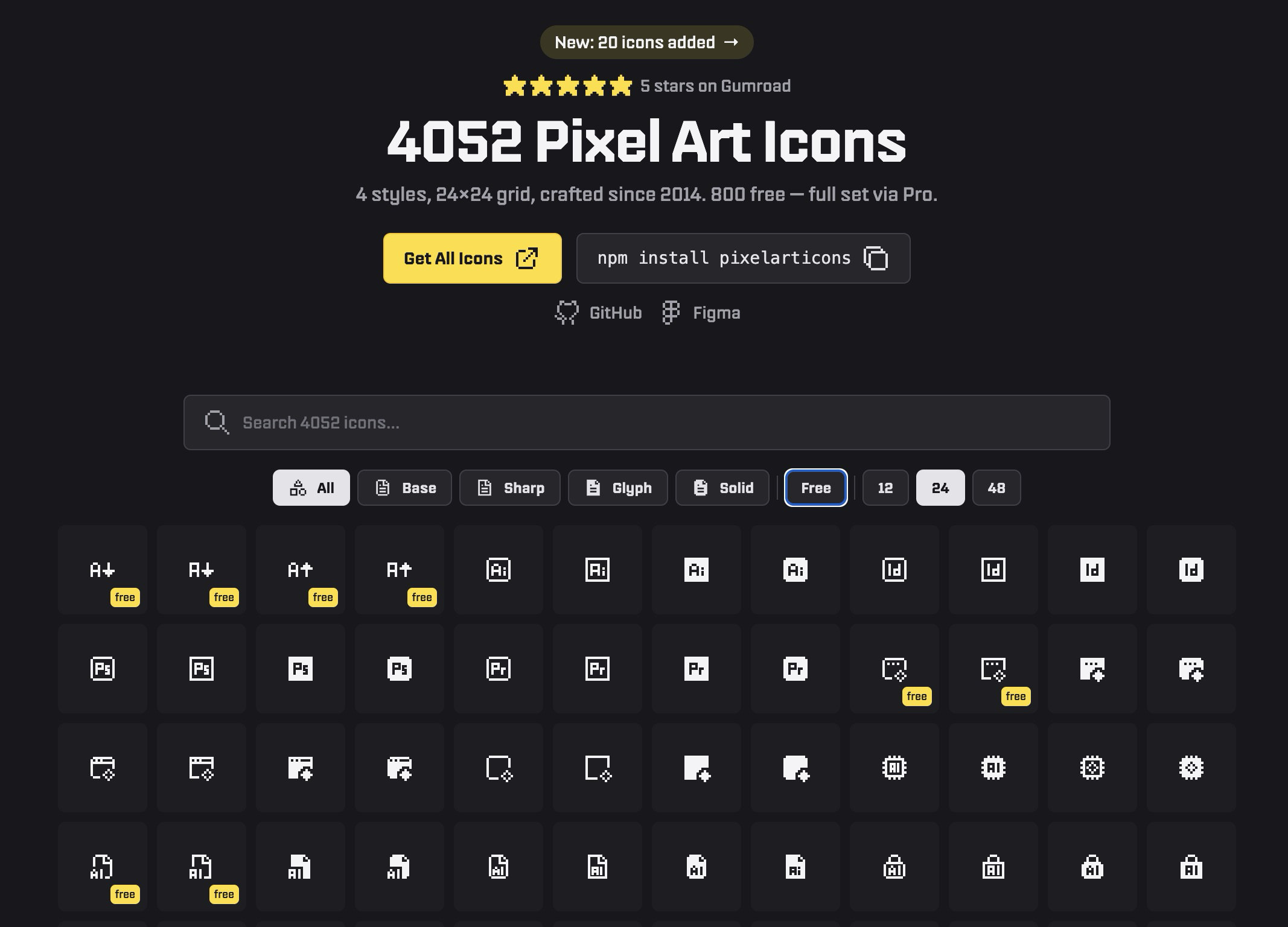
While the vast majority of modern icon libraries strive for hyper-polished, neutral geometry, Pixelarticons boldly moves in the opposite direction. Catering to retro gaming platforms, nostalgic web experiences, and deliberately low-fi digital products, it delivers an authentic pixel-art style.
The library features thousands of icons rendered across multiple variations, offering a free tier alongside a comprehensive professional upgrade. When designing a product that calls for playful nostalgia, forcing a generic vector outline pack into the layout simply will not work—making Pixelarticons an invaluable stylistic shortcut.
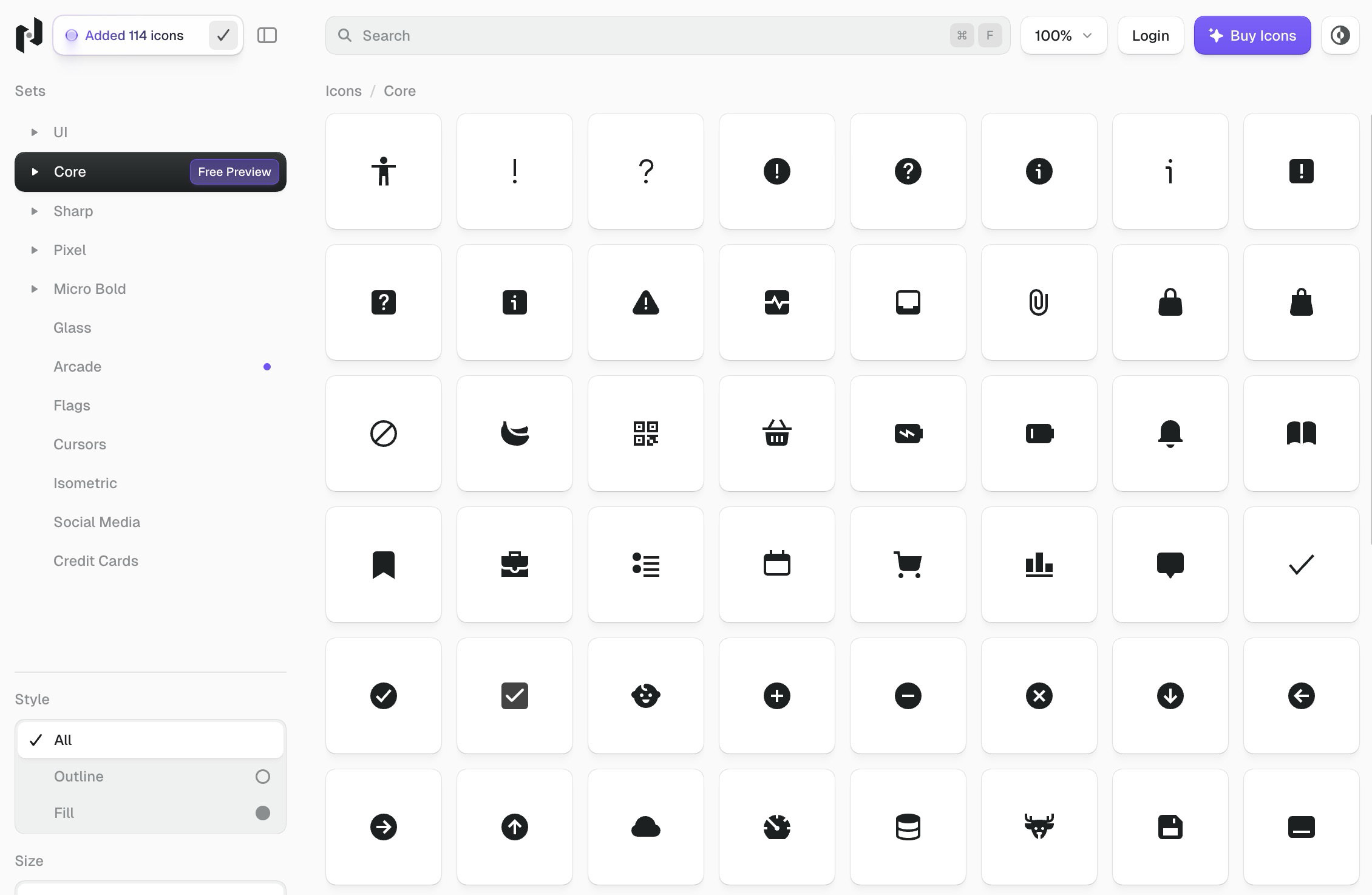
7. Nucleo: A Workflow-First Asset Management Toolkit
Nucleo approaches icon design not merely as a collection of vectors, but as a complete workflow solution. Alongside a vast premium library of icons, Nucleo provides a specialized native desktop application designed specifically for browsing, customizing, organizing, and exporting assets.
For large design systems teams managing thousands of assets across cross-functional departments, this organizational layer solves critical scalability issues. While many platforms stop at simple SVG downloads, Nucleo functions as a fully realized digital asset management toolkit.
8. Iconoir: Open-Source Freedom Without Compromise
Finding a truly free, high-quality open-source icon set that feels genuinely modern can be difficult, but Iconoir bridges that gap effortlessly. Its aesthetic is clean, modern, and carries a subtle expressiveness that avoids feeling clinical.
Iconoir supports an impressive array of technical formats and outputs, including SVGs, icon fonts, React, React Native, Flutter, Figma, and Framer integrations. For developers and designers seeking a robust, uncompromised free library ready for immediate production deployment, Iconoir is an exceptional choice.
9. Feather Icons: Restraint and Simplicity
For those whose design philosophy leans heavily into radical minimalism, Feather Icons provides an antidote to bloated asset libraries. Eschewing complex marketplaces and heavy interface features, Feather offers a tightly curated collection of clean icons with fully adjustable sizes, stroke widths, and colors.
It is designed for creators who value simplicity and do not require thousands of niche symbols cluttering their workspace. Feather serves as an effortless, reliable default for lightweight web projects.
10. Phosphor Icons: The Versatile Multi-Weight Family
Phosphor Icons occupies the sweet spot between sparse minimalism and massive commercial suites. It is a broad, flexible icon family engineered to adapt fluidly across user interfaces, data diagrams, slide presentations, and general digital marketing materials.
Featuring multiple weights—from thin to bold—Phosphor allows designers to establish clear visual hierarchy using a single, unified icon family. When minimalist sets feel too sparse for a project’s needs, Phosphor is frequently the most logical step up.
11. Pikaicons: Bringing Charm Back to the Interface
Rounding out the list is Pikaicons, a library designed to inject personality into modern digital products. Pitching itself as a contemporary icon system for web and mobile platforms, it features over 5,000 distinct icons distributed across multiple visual weights and styles.
Built with a Figma-first workflow in mind, Pikaicons is tailored for designers who want to imbue their user interfaces with charm and warmth without sacrificing underlying structural consistency. It proves that polished software does not have to feel sterile.
Choosing the Right Set for Your Next Project
Selecting an icon library is rarely a one-size-fits-all decision. Factors such as technical stack compatibility, licensing restrictions, aesthetic alignment, and team size will heavily influence your choice. By leveraging specialized resources—such as comprehensive icon search engines—alongside these 11 robust libraries, designers and developers can build faster, cleaner, and more visually harmonious digital experiences.