






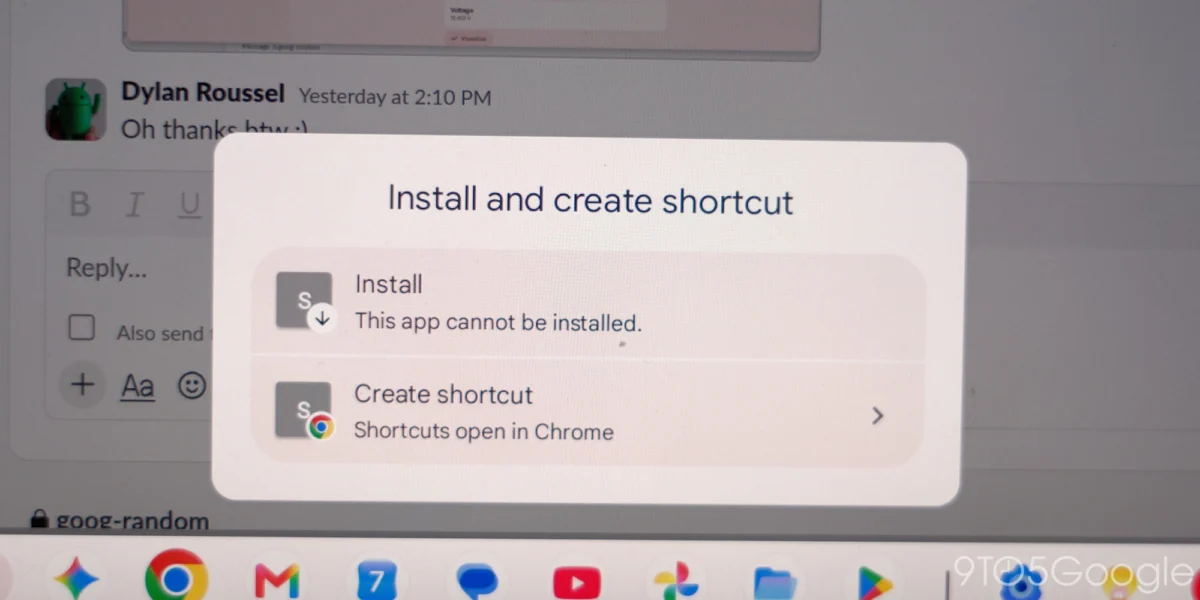
In a significant update that reshapes the user experience on Googlebooks, the latest iteration of Chrome—version 155—has introduced a transformative feature for power users and casual browsers alike. Moving away from a rigid, manifest-dependent architecture, Google is now empowering users to manually install any webpage as a standalone web app. This change, rolling out globally, addresses long-standing community demands for a more flexible, desktop-like environment on the Googlebook platform.
The Main Facts: What Has Changed?
For years, the Googlebook operating environment—which uniquely blends the agility of Android with the robust, desktop-level capabilities required for productivity—maintained a strict "walled garden" approach to web applications. Previously, the "Install" option within the Chrome browser was reserved exclusively for websites that had been specifically configured by developers with a valid web app manifest.
If a site lacked this metadata, users were relegated to viewing the page strictly within a standard browser tab. With the release of Chrome 155 (version 155.0.8059.79), that limitation has been dismantled. Users can now force-install any URL as a dedicated web app, which then operates in its own window. This transition provides a more focused workspace, reduces tab clutter, and offers a cleaner interface for web-based tools that previously lacked formal "app" status.
Chronology: The Evolution of Googlebook Web Integration
The trajectory of Chrome on Googlebooks has been marked by a transition from mobile-first simplicity to a more nuanced, desktop-centric utility.
- The Early Days: When Googlebooks first introduced browser-based shortcuts, they were merely glorified bookmarks. They opened in the standard browser, sharing the same session and window management as every other tab.
- The Manifest Era: As Progressive Web Apps (PWAs) gained traction, Google enabled "Install" functionality, but only for sites that met specific criteria. This was a "conscious design choice," according to Google, intended to ensure that only "true" apps provided a high-quality, native-feeling experience.
- The Community Pushback: Over the last 24 months, power users on forums and feedback channels argued that the definition of a "web app" should be determined by the user, not the developer. A user might prefer to run a simple internal dashboard, a niche project management tool, or a specific document editor as a standalone app, regardless of whether the developer included a manifest file.
- Chrome 155 Launch: This week, Google officially bowed to that pressure. The update, currently pushing to devices via the Play Store, represents the culmination of this feedback cycle, allowing the user to override developer-side restrictions.
Supporting Data and Technical Implications
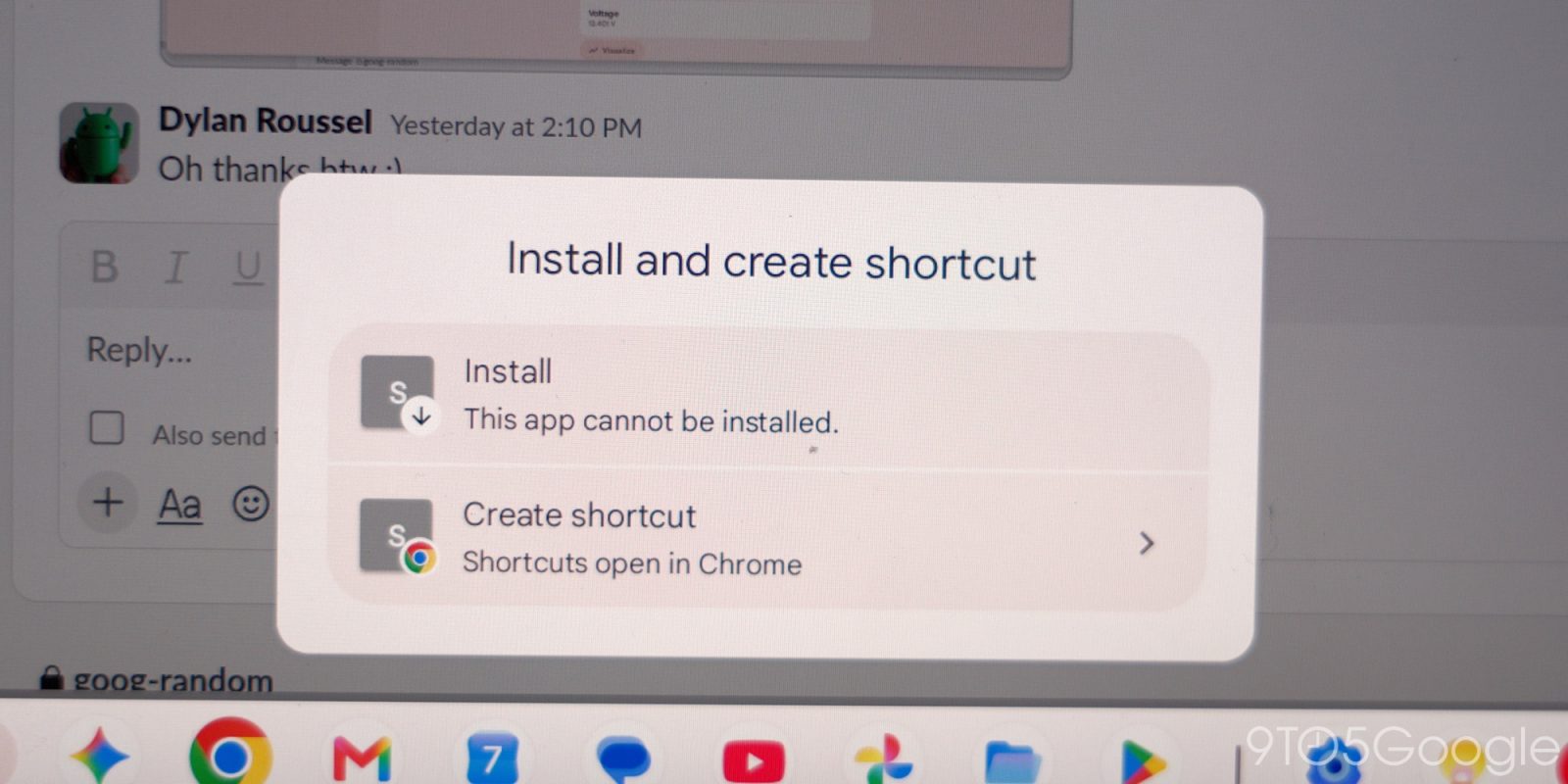
The technical architecture of this update is designed to make the transition as seamless as possible for the end-user. When a user chooses to install a site as an app, the browser effectively encapsulates the page into a windowed environment.
Key Technical Benefits:
- Resource Management: By running in its own window, these apps avoid the memory overhead of being buried in a stack of browser tabs.
- Shared Infrastructure: Despite running in a separate window, these apps maintain continuity. They utilize the same shared Google Account login, cookies, site permissions, and installed browser extensions as the main browser instance. This prevents the "logout" frustration that often occurs when using third-party wrappers.
- Taskbar Integration: Once installed, these web apps can be pinned to the taskbar or homescreen, effectively giving them the same "first-class citizen" status as natively installed Android apps.
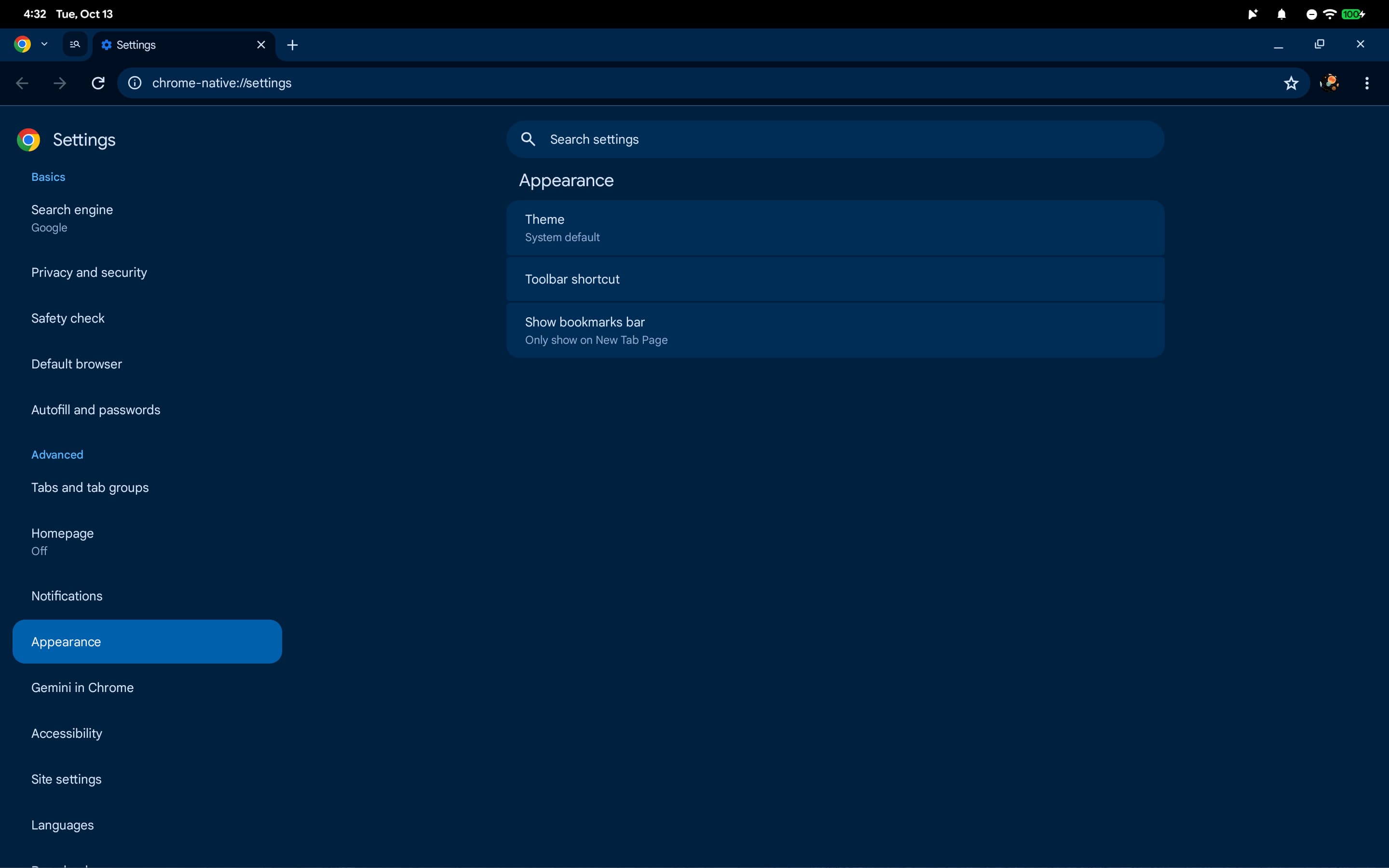
Furthermore, this update brings a subtle but critical change to the Chrome Settings interface. On previous versions, Chrome Settings on Googlebooks occupied a fullscreen mobile-style interface. In version 155, settings now appear as a separate tab. This allows for a split-screen or multi-window workflow where a user can keep their primary work active while simultaneously tweaking browser configurations, significantly improving the multitasking efficiency of the platform.
Official Responses and Strategic Pivot
Google’s messaging regarding this change is a blend of acknowledgment and technical clarification. While the company maintains that the previous restriction was a "conscious design choice"—likely aimed at maintaining a standard of quality and security—the shift to a user-driven model signifies a major strategic pivot.
"We heard the community feedback loud and clear," a Google spokesperson noted during the rollout briefing. The company acknowledges that the rigid adherence to web manifests was preventing users from customizing their digital environments to suit their personal workflows. By offering the manual install option, Google is essentially decentralizing the control of the "app experience," moving it from the website developer to the individual user.
The company has also provided clear guidance for users who previously relied on manual browser-tab shortcuts. Google recommends that users remove these legacy shortcuts and perform a fresh install using the new native capability to ensure full compatibility with the improved windowing and pinning features.
Implications for the Future of the Web
The implications of Chrome 155 are far-reaching, particularly for the ecosystem of web-based SaaS (Software as a Service) platforms.
1. The Death of "App Envy"
For years, users have been envious of platforms that offer dedicated apps while being stuck with browser-based versions of their favorite tools. By allowing any URL to become an app, Google has effectively bridged the gap. Whether it is a niche productivity tool or an obscure web-based utility, the user now has the power to elevate it to an "app" experience.
2. Streamlined Multitasking
The Googlebook platform has always straddled the line between a tablet and a desktop. With the introduction of separate settings tabs and independent web app windows, the platform is leaning further into its desktop identity. This is a massive boon for professionals who use Googlebooks as their primary daily driver.
3. Developer Responsibility vs. User Agency
This move sets a new precedent: developers no longer need to spend significant engineering resources creating a perfect "installable" manifest just to give their users a decent experience. If the developer fails to do so, the user now has a "Plan B" that provides 90% of the functionality of a native app. This shifts the burden of utility from the creator to the consumer, providing a safety net for users who rely on neglected or smaller-scale web projects.
4. Security and Permissions
While the update offers convenience, it does not bypass security protocols. Because these apps continue to use the underlying browser’s session, cookies, and extensions, they are inherently as secure as the main browser window. This is a critical distinction from "wrapper" apps often found in third-party stores, which might ask for excessive permissions or operate outside the security sandbox of the browser.
Conclusion: A More Mature Platform
The release of Chrome 155 is more than just a software update; it is a declaration of maturity for the Googlebook platform. By listening to the community and relaxing its design constraints, Google has made its hardware and software ecosystem significantly more versatile.

As users begin to populate their taskbars with their own curated collection of "web-apps-turned-real-apps," the definition of what constitutes a "native" application continues to blur. In this new landscape, the browser is no longer just a window to the web—it is a launchpad for a fully personalized digital workspace.
For those looking to optimize their workflow, the advice is clear: explore your most-used websites, install them as apps, and take advantage of the new windowing capabilities. As Google continues to refine the integration of these features, we can expect even deeper synchronization between the browser, the desktop environment, and the cloud-based services that define the modern computing experience.
Chrome 155 is currently available for download on all compatible Googlebook devices via the Play Store. If you have not yet received the update, a quick check of your Play Store updates should trigger the download, enabling you to reclaim your screen real estate and customize your digital experience starting today.