





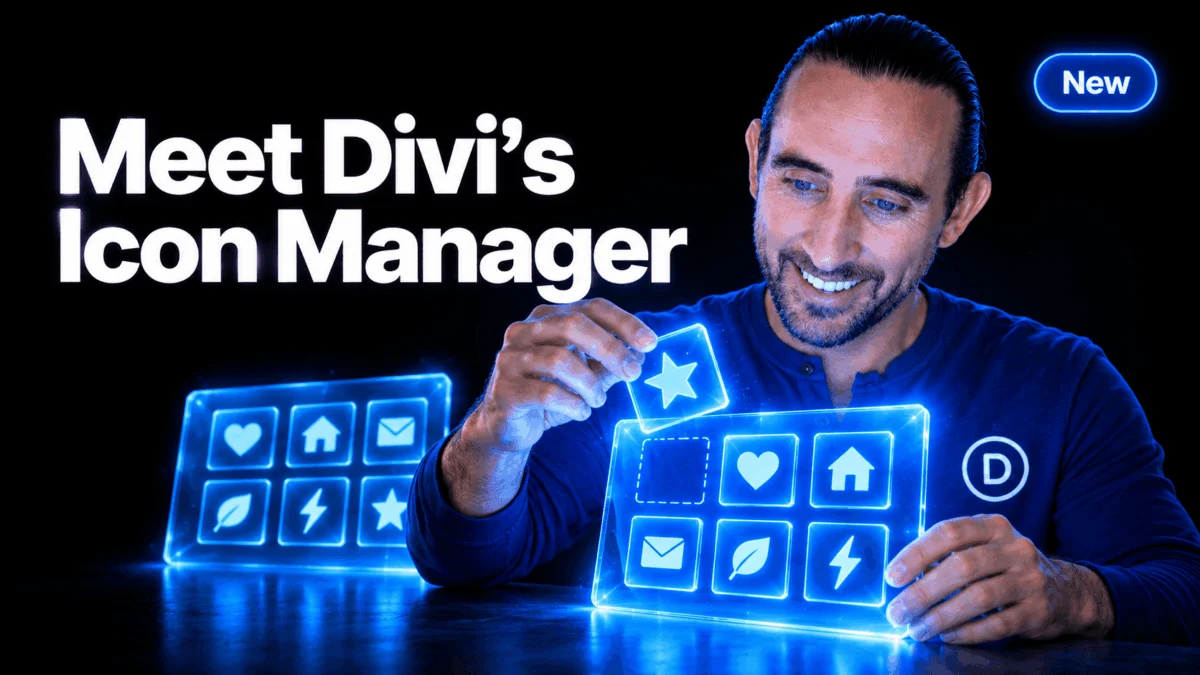
The evolution of website building has reached a new milestone. Elegant Themes, the powerhouse behind the world’s most popular WordPress theme, has officially introduced the Icon Manager for Divi 5. This sophisticated new feature is set to transform how designers handle custom assets, providing a centralized, streamlined, and highly efficient workflow for importing, organizing, and deploying icons across digital projects.
This update represents more than just a convenience; it is a fundamental shift in how Divi 5 interacts with brand-specific visual assets, effectively bridging the gap between generic library content and bespoke, client-focused design.
The Core Functionality: A Central Hub for Assets
At its heart, the Icon Manager is designed to eliminate the fragmented nature of asset management. Previously, integrating custom icons often required complex third-party plugins or manual coding to ensure they played nicely with the theme’s ecosystem. The new Icon Manager centralizes this process into a single, intuitive interface.
Import Custom SVGs and Icon Fonts
The system allows users to bring their own artwork directly into the Divi ecosystem. Whether you are a designer working with vector-based SVG files or a developer utilizing complex icon fonts (WOFF2, WOFF, TTF, or OTF), the manager creates a unified selection workflow.
- SVG Integration: Users can bulk-upload SVGs, which are then automatically categorized. This is particularly beneficial for niche industries—such as landscaping or specialized medical services—where custom iconography is required to communicate specific service offerings.
- Font Mapping: For those using industry-standard icon fonts, the system automatically reads character mappings. To further refine the process, Divi allows the use of JSON-based "Name Mapping Files," which enable developers to assign human-readable names and search terms to complex glyphs, making them searchable within the builder.
Chronology of Development: A Commitment to Efficiency
The release of the Icon Manager is the latest in a rapid-fire series of updates that have defined the Divi 5 rollout. Over the past several months, Elegant Themes has pivoted toward a "productivity-first" development cycle.
- Phase 1: Performance Foundation: The initial release of Divi 5 focused on rebuilding the underlying architecture to ensure lightning-fast rendering and improved responsiveness.
- Phase 2: Workflow Optimization: Following the performance gains, the development team turned their attention to the user experience. The introduction of Multi-Select and Bulk Editing tools last week served as a precursor to the Icon Manager.
- Phase 3: Asset Management Integration: The current release, the Icon Manager, completes the current workflow trio, providing users with the tools to manage their assets, their layout selections, and their global styling changes in one fluid environment.
This deliberate, phased approach demonstrates a clear commitment to reducing the time designers spend on repetitive tasks, allowing them to focus on high-level creative decisions.
Supporting Data and Technical Architecture
The architecture of the Icon Manager is designed to be non-destructive and highly performant. When a user creates a "Collection"—a grouping of icons tailored to a specific project or brand—they are not simply dumping files into a folder.
The Power of Collections
Collections allow for granular control. A user can group "Brand Essentials" (arrows, social icons, and service-specific symbols) regardless of their source file format. This categorization is supported by:
- Selective Toggling: Each collection features an "Enabled" toggle. By turning off collections that are not relevant to a specific client’s site, designers can declutter the icon picker, ensuring that the only icons visible are those authorized for the brand.
- Persistence: Importantly, removing an icon from a collection or deleting a collection does not break existing site designs. Files remain safe in the Media Library, ensuring that legacy content remains intact even if the library management strategy changes.
Portability: The Import/Export Capability
One of the most requested features by agency owners is the ability to transfer assets between projects. The new "Import & Export Icon Collections" tool allows developers to package a set of branded icons—complete with their custom name mappings and organizational structures—and deploy them to a new site with a few clicks. This is a game-changer for multi-site deployments or franchise-based web development.
The Role of AI in Asset Management
Perhaps the most forward-thinking aspect of this update is the integration of the Divi AI Agent. Recognizing that manual management of large libraries can become tedious, Elegant Themes has baked AI functionality directly into the Icon Manager.
Users can now interact with their library using natural language. Commands such as, "Import these icons into a new collection called ‘Services’" or "Find all icons in the ‘Marketing’ collection," are now executed by the AI agent. This removes the need to navigate nested menus, allowing for a conversational design experience.
Furthermore, the AI agent handles administrative tasks, such as moving, renaming, or deleting collections, with a built-in safety confirmation system to prevent accidental data loss. This synergy between AI and asset management positions Divi 5 as an industry leader in intelligent design tools.
Implications for the Web Design Industry
The implications of these updates for the freelance and agency sectors are profound.
1. Enhanced Brand Consistency
For design agencies, the ability to enforce a "Design System" is critical. By creating a standardized collection of icons for a client, an agency ensures that every team member building within the Divi ecosystem is pulling from the same approved asset library. This eliminates "rogue" design elements that dilute brand identity.
2. Streamlined Client Handoffs
When a project is handed off to a client, the Icon Manager allows the developer to provide a "curated experience." By hiding unused or irrelevant collections, the client is presented with a simplified, intuitive tool that is far less intimidating than a generic, thousands-deep icon library. This reduces support tickets and increases client confidence in the platform.
3. Increased Velocity
Combined with the recently released Multi-Select and Bulk Editing features, the Icon Manager drastically reduces the "click count" required for routine operations. When a designer can select multiple elements at once, apply a unified style, and easily swap them for custom branded icons from a well-organized collection, the overall project timeline is compressed significantly.
Official Perspective: The Path Forward
Elegant Themes has been transparent about its roadmap, emphasizing that the current feature velocity is a direct result of the new Divi 5 architecture. The company has urged its user base to continue providing feedback through their community channels, including the Divi newsletter and YouTube channel.
"We aren’t slowing down," the company noted in their release briefing. The focus remains on "feed[ing] the algorithm and spread[ing] the word" through community engagement, which is essential for maintaining the momentum of these updates. The direct, video-based tutorials released alongside the Icon Manager indicate a strategy focused on rapid user adoption and immediate skill acquisition.
Conclusion: A New Era of Professional Design
The Icon Manager for Divi 5 is a testament to the fact that web development is shifting away from the "all-in-one" sprawl of the past toward highly curated, specialized toolsets. By giving designers full control over their icon libraries, incorporating AI-driven management, and prioritizing portability between projects, Elegant Themes has provided a solution that addresses the practical, daily pain points of modern professional designers.
As the industry continues to demand higher efficiency and more bespoke branding, tools like the Icon Manager will not just be "nice-to-have" features—they will be the standard by which professional-grade web development platforms are measured. With more updates promised to be "just around the corner," it is clear that the Divi 5 era is only just beginning.