







Published: May 24, 2026 | Estimated Reading Time: 21 Minutes
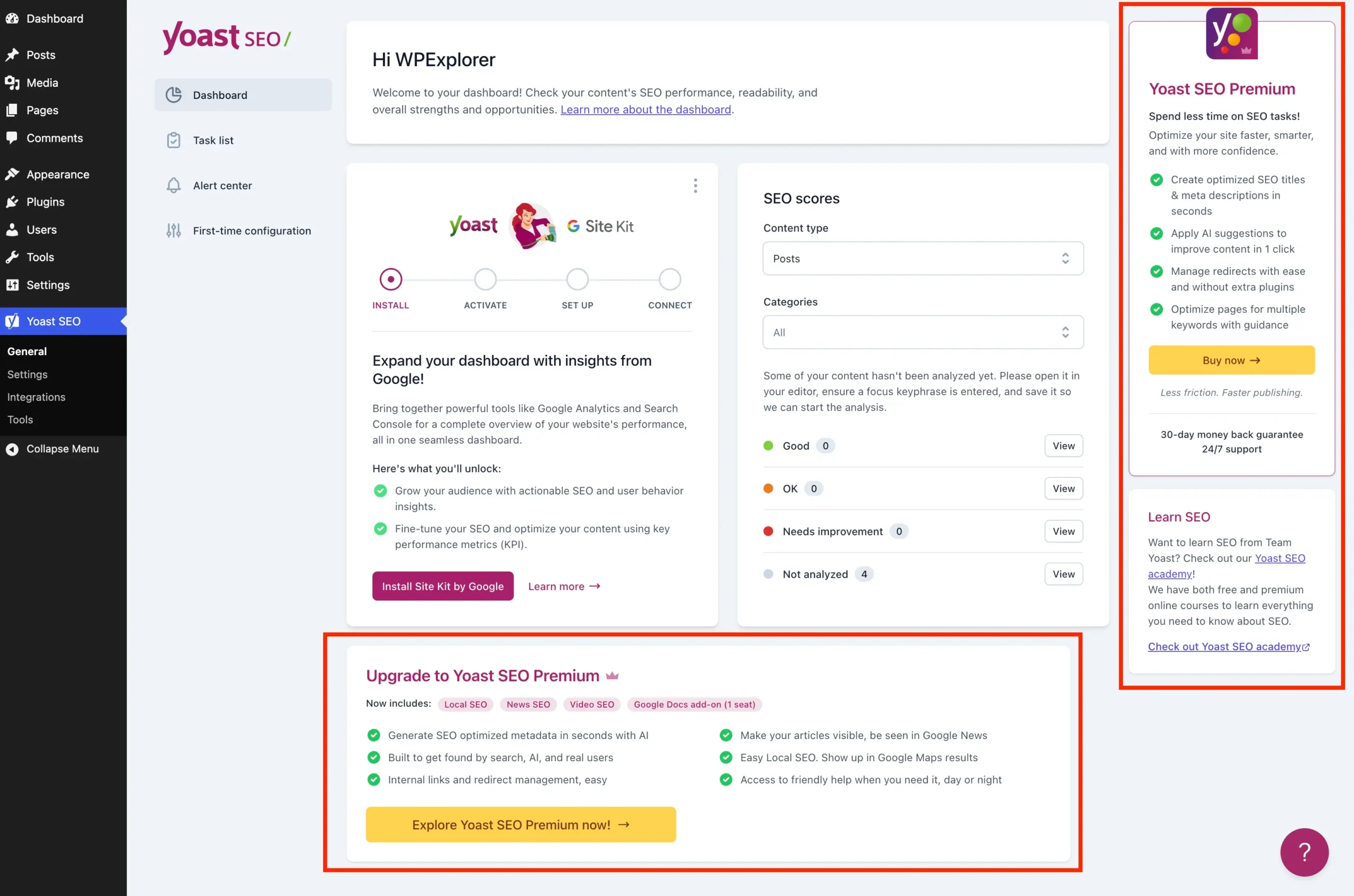
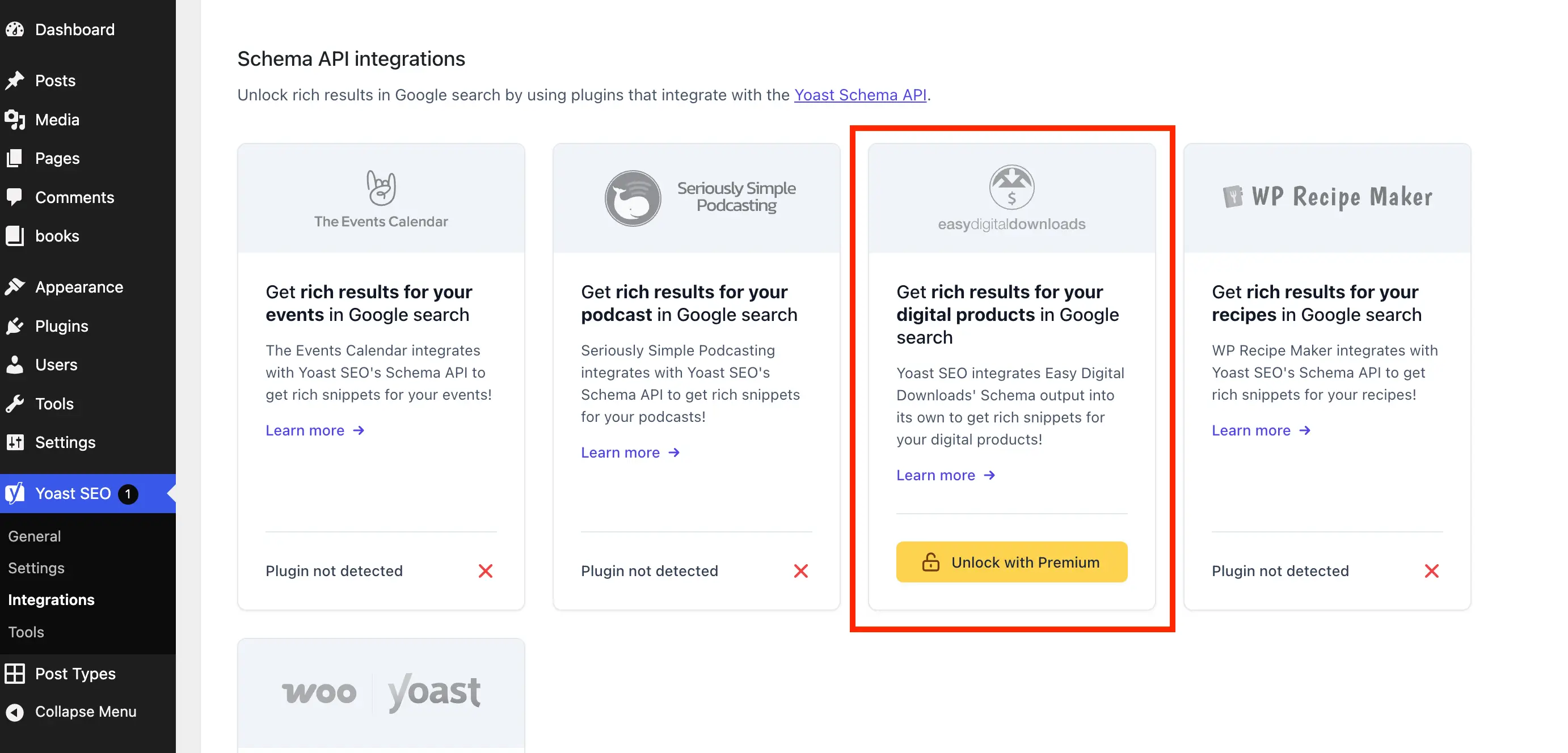
Yoast SEO remains a cornerstone of the WordPress ecosystem, powering search engine optimization for millions of websites worldwide. Its free version is remarkably robust, offering essential tools for meta tag management, XML sitemap generation, and real-time content analysis. However, as the plugin has evolved, so has its marketing strategy. For many developers, site owners, and administrative staff, the modern WordPress dashboard has become increasingly crowded with "upsell noise"—premium upgrade banners, intrusive dashboard widgets, and persistent sidebar advertisements urging users to transition to the paid version.
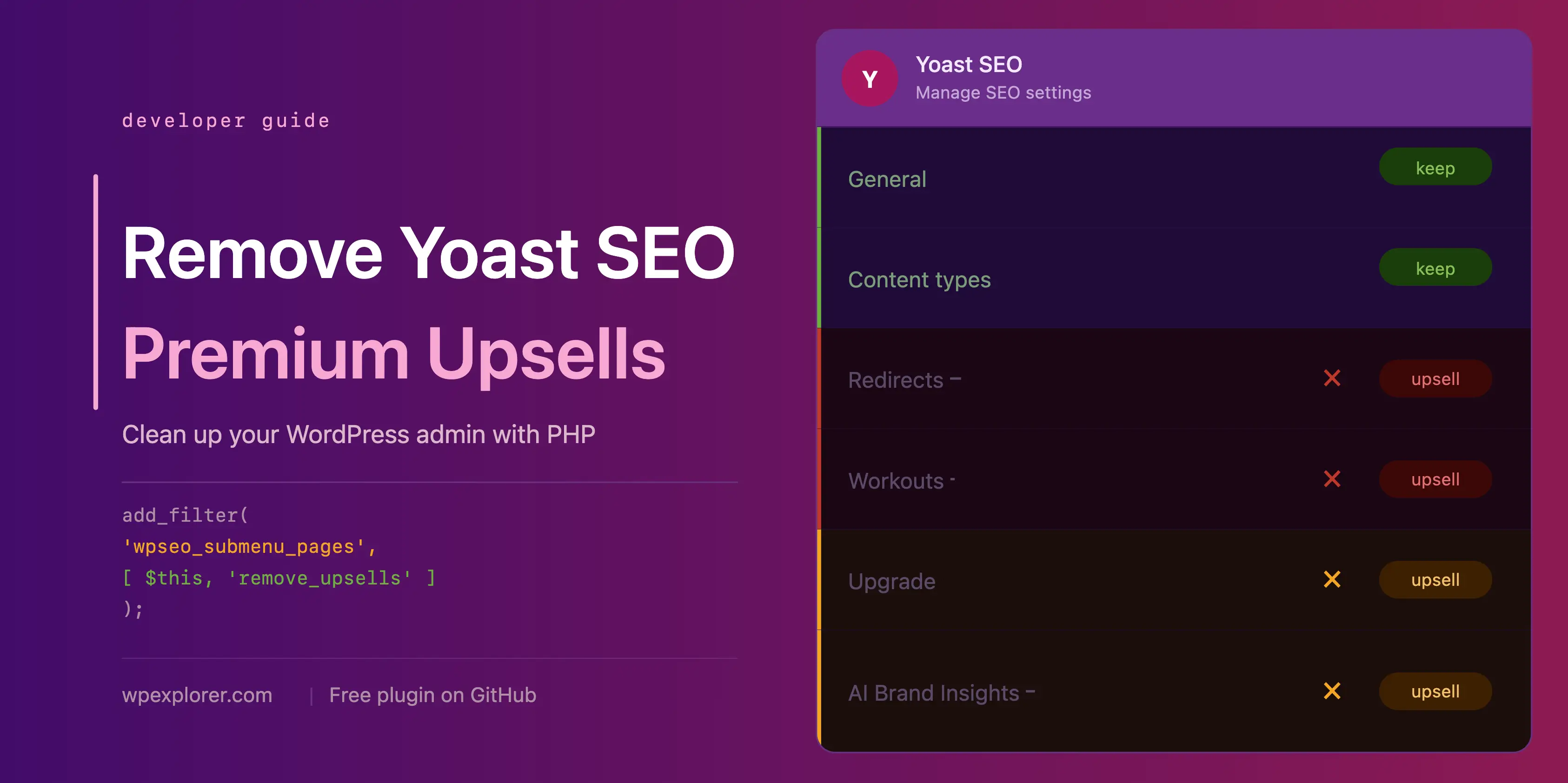
While Yoast SEO Premium offers legitimate value—including AI-generated meta descriptions, internal linking suggestions, and a powerful redirect manager—not every project requires these advanced features. For those who prioritize a clean, distraction-free administrative environment, these promotional elements can hinder productivity. This article provides a comprehensive technical guide on how to reclaim your dashboard by stripping away non-essential upsell elements through targeted PHP and CSS implementations.
The Evolution of Plugin Marketing: A Chronology of "Upsell Fatigue"
The shift toward aggressive in-dashboard marketing is not unique to Yoast; it is a broader trend within the "freemium" software model. However, the trajectory of Yoast SEO’s interface design has become a significant point of discussion within the WordPress community.

- The Early Years (2010–2015): During its initial growth phase, Yoast SEO was largely praised for its minimalist interface. Its primary function was to provide essential SEO tools, with minimal friction between the user and their content.
- The Expansion Phase (2016–2020): As the company scaled, the need for recurring revenue grew. This saw the introduction of more "Premium" features, which were increasingly advertised directly within the plugin’s settings and the post editor’s metabox.
- The Modern Era (2021–Present): With the shift toward Gutenberg-native integration and the implementation of sophisticated AI-driven tools, Yoast has integrated more dynamic marketing components. These include JS-rendered banners and sticky sidebar advertisements that are designed to capture attention—often at the expense of UI cleanliness.
This evolution has created a divide between power users who appreciate the functionality and those who find the "clutter" to be an unnecessary overhead, both visually and in terms of server performance.
Supporting Data: Why "Upsell Noise" Matters
Beyond the aesthetic annoyance, there is a technical argument for removing these elements. Many of the upsell components in Yoast SEO are not static; they are dynamic.
- Dashboard Overhead: The default Yoast SEO dashboard widget performs an uncached HTTP request to the Yoast servers every time the WordPress dashboard is loaded. This request transmits site data—including PHP and WordPress versioning—to the vendor. For developers managing high-traffic multisite networks, this represents unnecessary server overhead and potential privacy concerns.
- Visual Distraction: Research in UI/UX design suggests that excessive promotional elements in a workspace reduce cognitive efficiency. When a content creator is focused on optimizing a post for search, being presented with "Unlock Premium" badges for features they may not need creates a barrier to workflow.
- Code Bloat: Modern WordPress management relies on clean, efficient code. Loading multiple JS-rendered banners and unused admin pages consumes client-side resources, potentially slowing down the browser experience for site administrators.
Implementing a Cleaner Interface: Technical Solutions
To regain control of your WordPress admin area, we can employ a modular PHP approach. By wrapping our code in a custom class, we ensure compatibility and prevent conflicts with other plugins.
Setting Up the Foundation
Before applying any modifications, you should house your code within a custom plugin or a child theme’s functions.php file. The following class structure serves as our base:

if ( ! class_exists( 'WPEX_Remove_Yoast_SEO_Upsells' ) )
    class WPEX_Remove_Yoast_SEO_Upsells
        public function __construct()
            if ( ! defined( 'WPSEO_VERSION' )

    new WPEX_Remove_Yoast_SEO_Upsells;
This code acts as a safeguard. It ensures the script only executes if the free version of Yoast is active, and it automatically disables itself if you ever upgrade to the Premium version, preventing any potential interference with paid features.
Removing Premium Admin Pages
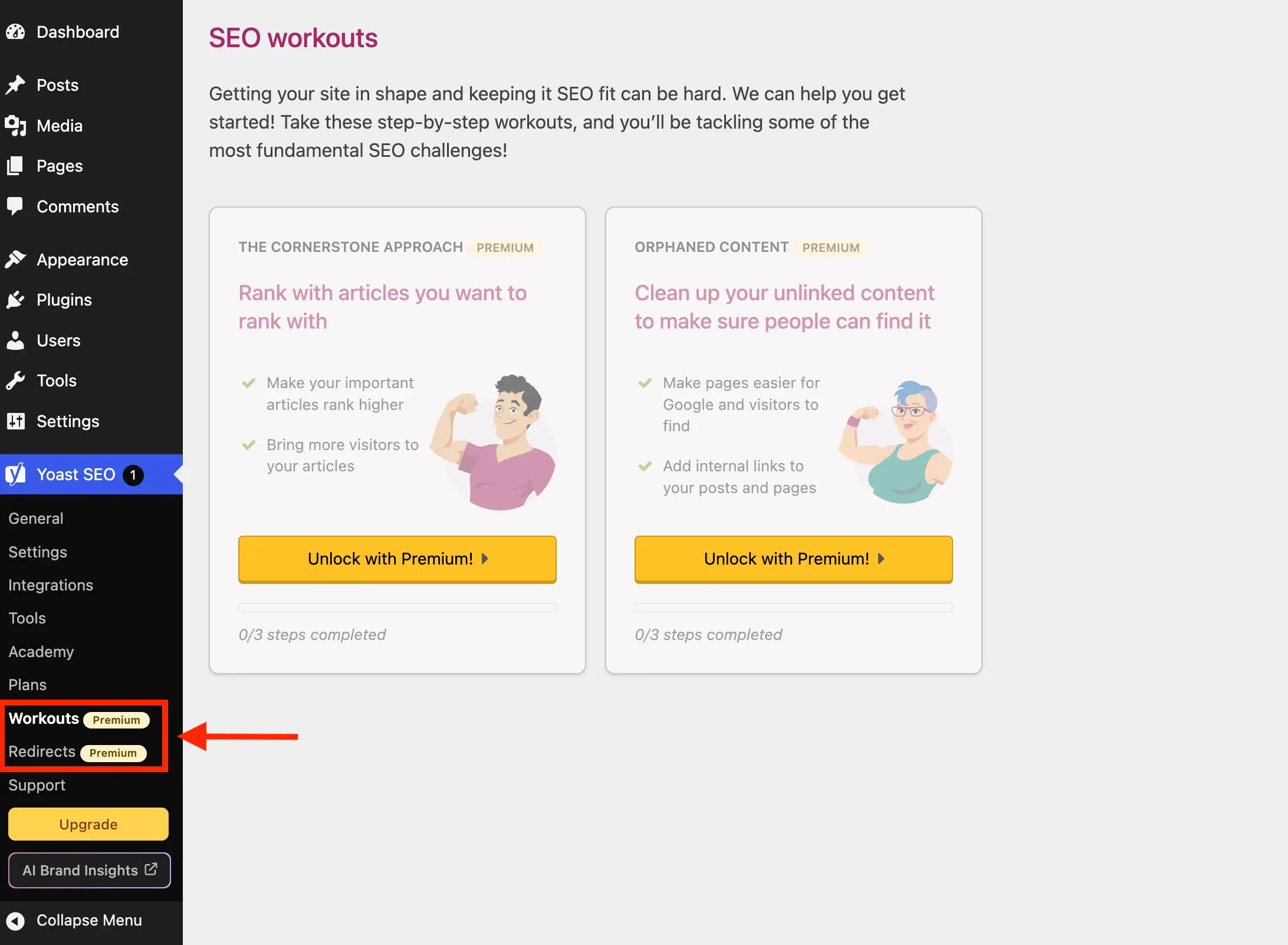
Yoast often populates the sidebar menu with items like "Redirects" or "Workouts," which function as gateways to premium upsells. We can use the wpseo_submenu_pages filter to systematically remove these.

public function remove_premium_admin_pages( array $pages ): array
    $pages_to_remove = ['wpseo_redirects', 'wpseo_workouts', 'wpseo_page_academy'];
    return array_filter( $pages, function( $page ) use ( $pages_to_remove )
        if ( isset( $page[4] ) && in_array( $page[4], $pages_to_remove, true ) ) return false;
        return true;
     );
By targeting the menu slugs directly, you can curate exactly which items remain in your dashboard, removing "Academy" or "Support" links that serve more as sales funnels than functional tools.
Official Responses and Industry Implications
It is important to acknowledge the vendor’s perspective. Yoast, like many developers in the WordPress space, relies on the revenue generated from Premium upgrades to support a large team of developers, designers, and support staff. Their perspective is that these upsells provide users with clear visibility into the "next steps" of their SEO journey.

However, the "implication" for the broader WordPress community is a shift toward third-party maintenance. As plugin developers move toward more aggressive marketing, the community has responded with "de-bloat" utilities. This creates a fascinating tension: the official plugin provides the engine, while the community provides the "trimming" to keep it lightweight.
Advanced Cleanup: Metaboxes and Admin Bars
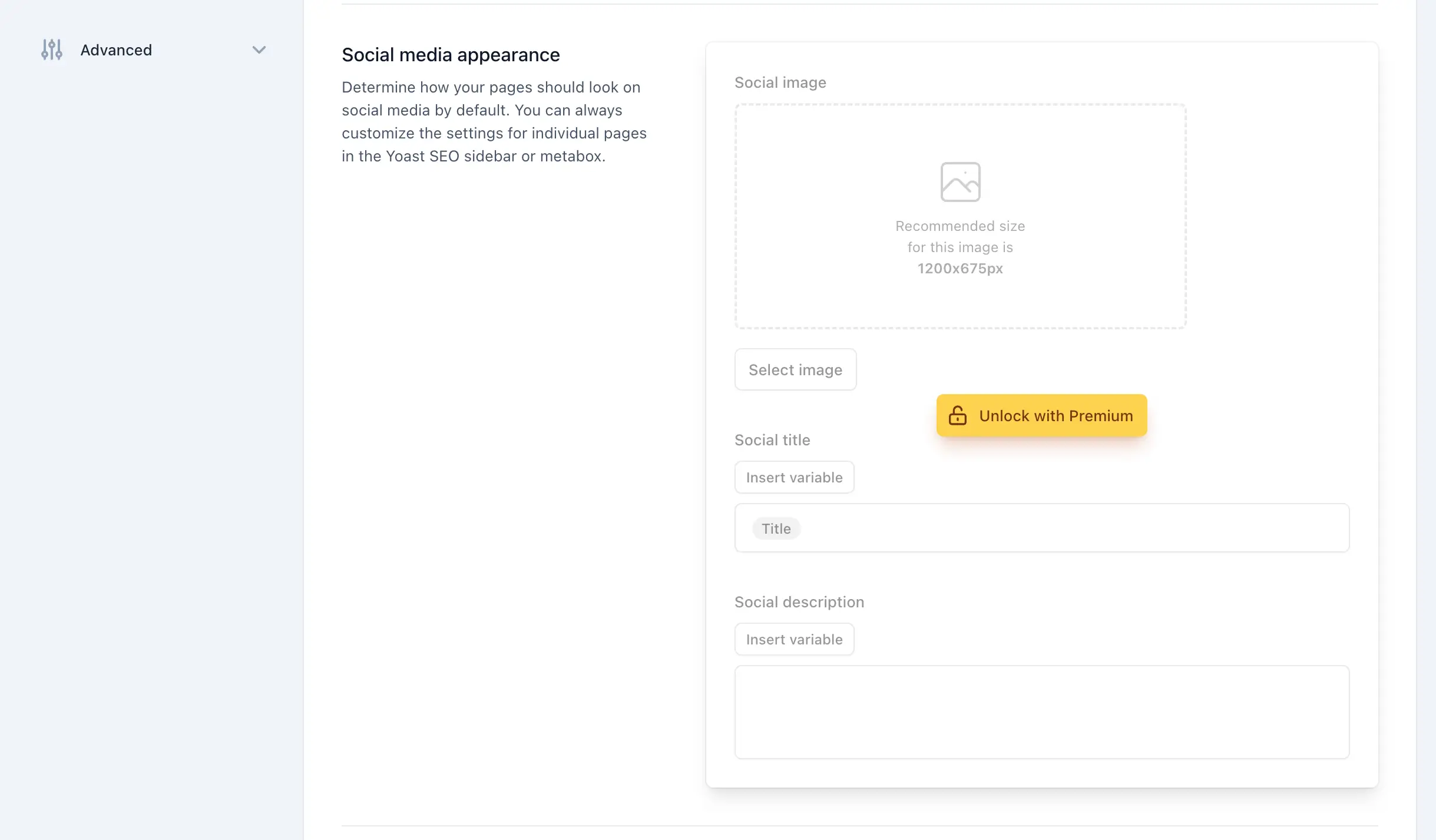
The most intrusive elements are often found within the Post Editor. These JS-rendered components are harder to remove than standard menu items because they lack unique IDs.

Targeting JS-Rendered Upsells
Because these elements are generated via JavaScript, the most reliable method of suppression is targeted CSS injection. We can create an admin style that forces these elements to display: none.
public function remove_upsells_from_metaboxes(): void
    $css = '
        #premium-seo-analysis-upsell-ad-metabox,
        .yst-feature-upsell--card  display: none !important;
    ';
    wp_add_inline_style( 'wpex-remove-yoast-metabox-upsells', $css );
By enqueuing these styles only on post or term edit screens, we ensure the performance impact is negligible while keeping the editor interface clean.
Conclusion: Balancing Functionality and Aesthetics
Managing a website involves balancing the tools you need with the environment you work in. While Yoast SEO is a powerhouse, it is ultimately a tool designed to serve your site, not to overwhelm your workflow. By implementing the techniques outlined in this guide—whether through the custom PHP class provided or by utilizing the wpex-remove-upsells-for-yoast-seo plugin available on GitHub—you can maintain the core functionality of the world’s most popular SEO plugin while stripping away the marketing noise.
Maintenance Note: As with any custom code, monitor your dashboard after major Yoast SEO updates. If the plugin’s internal class structure or CSS naming conventions change, your cleanup scripts may require minor adjustments. Always maintain a backup of your functions.php file and test changes in a staging environment before deploying to production.
If you find that the maintenance of these "clean-up" scripts becomes too burdensome, it may be time to evaluate whether other SEO solutions might better fit your workflow. For those interested in exploring alternatives, our detailed guide on Yoast SEO alternatives provides a deep dive into the current market landscape.