







For seasoned WordPress developers, the "functions.php" file is often both a sanctuary and a liability. It is the place where custom logic lives, yet it is notoriously fragile. One theme update, one accidental deletion, or a client’s unauthorized theme switch, and your meticulously crafted performance tweaks and security patches vanish into thin air.
As of August 2026, the industry standard for maintaining site integrity is shifting away from theme-dependent files toward the more robust mu-plugins (Must-Use Plugins) directory. By leveraging this often-overlooked feature, developers can decouple their site hardening and optimization logic from the visual layer, ensuring that essential code remains active regardless of the active theme or plugin ecosystem.
Main Facts: The Power of the Must-Use Directory
"MU" stands for "must-use." In the WordPress architecture, any PHP file placed within the wp-content/mu-plugins/ directory is automatically executed on every request. Unlike standard plugins, these files require no activation; they are effectively baked into the WordPress core runtime for that specific installation.
This approach offers several strategic advantages:
- Theme Independence: Your performance and security configurations persist even if the site undergoes a complete rebrand or theme migration.
- Administrative Efficiency: Essential site-wide logic is centralized in one directory, making it easier to audit and maintain.
- Security Hardening: By running before standard plugins, mu-plugins can enforce security policies that are harder to bypass.
However, with great power comes responsibility. Because these files execute on every page load, they should be lightweight. This article explores a curated collection of professional-grade snippets designed to strip away the "bloat" that often plagues standard WordPress installs.
Chronology: From Bloat to Optimization
The evolution of WordPress has seen the introduction of numerous features—such as REST API discovery links, emoji support, and AI-integrated tooling—that were designed for ease of use but often act as "dead weight" for professional, high-performance websites.
Phase 1: Cleanup and Performance (The "Lean" Foundation)
Modern WordPress sites often suffer from "header bloat." By default, WordPress injects RSD links, Windows Live Writer manifests, shortlinks, and generator tags into the <head> of every page. While these may assist legacy tools, they serve no purpose for a modern, bespoke build.
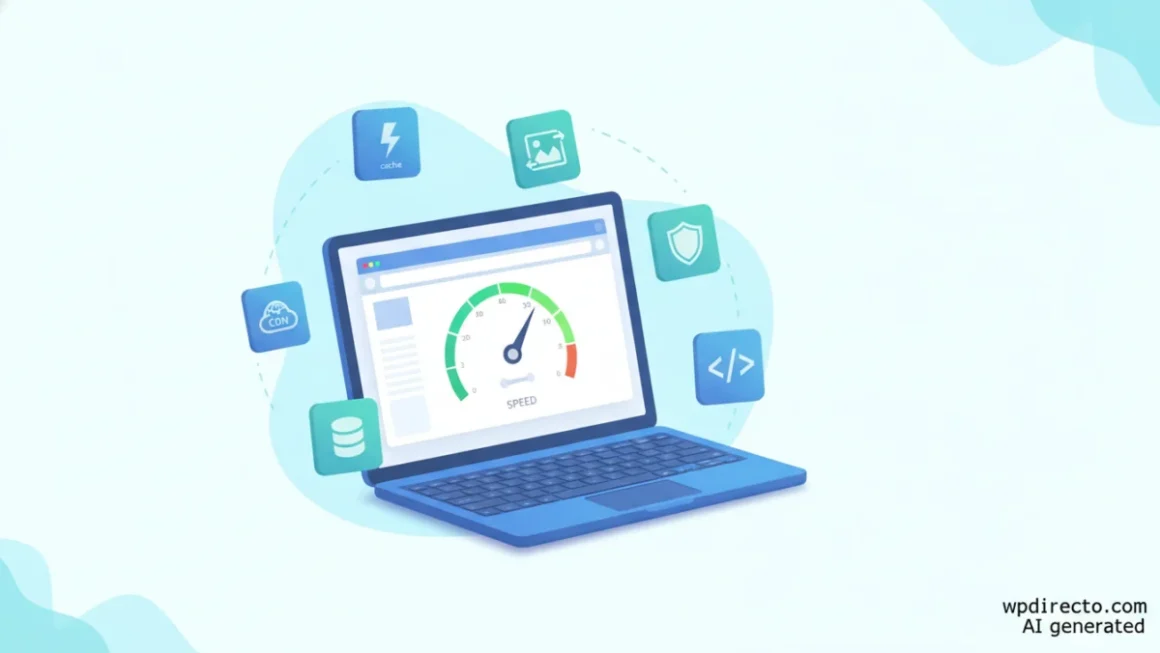
By utilizing the remove_action hook, developers can strip these unused elements, effectively reducing the byte count on every page load. Similarly, the automatic loading of emoji assets—which includes additional JavaScript and stylesheets—is largely redundant in 2026, as modern browsers render emojis natively. Removing these scripts is a simple, high-impact performance win.
Phase 2: Privacy and External Request Management
Third-party dependencies are a primary source of performance degradation and potential privacy liability. Features like Gravatar, while convenient, introduce external DNS lookups and privacy concerns regarding IP and email-hash tracking. For professional sites, disabling these features—or using local caching—is a standard requirement.
Furthermore, the introduction of AI-powered features in WordPress 7.0 necessitates a more proactive stance. For agencies working under strict NDAs or GDPR requirements, disabling core AI support by default is no longer optional; it is a fundamental governance requirement.
Supporting Data: Why Small Tweaks Matter
While a single remove_action might seem negligible, the cumulative effect of these optimizations is significant.
- Attachment Pages: WordPress creates a separate attachment page for every uploaded image. These are widely considered "thin content" by search engines and can result in thousands of indexed pages that add no SEO value. A simple 301-redirect to the parent post effectively cleans up the site structure.
- Image Thresholds: WordPress automatically generates multiple intermediate sizes for every upload. On a large media library, this can lead to massive disk space consumption and increased backup times. Managing these sizes through custom filters ensures only the necessary variations are stored.
- Revision Management: Left unchecked, the
wp_poststable can grow exponentially due to post revisions. Capping revisions at a reasonable number (e.g., five) prevents database bloat without sacrificing the ability to roll back mistakes.
Official Responses and Best Practices
According to the WordPress Advanced Administration Handbook, the mu-plugins folder is the appropriate location for code that is intended to be site-specific rather than feature-specific.
The official guidance emphasizes that the name "must-use" is a legacy term from the days of WordPress MU (Multisite). Today, it is simply a way to ensure that critical code is always active. Developers are encouraged to include a proper plugin header in these files. Without a header, the file will still run, but it will appear as an unnamed, mysterious entry in the "Must-Use" tab of the WordPress admin panel, which can lead to confusion during maintenance.
Implications for Agencies and Developers
The shift toward a "mu-plugin first" strategy has profound implications for site maintenance.
Security Hardening
Disabling user enumeration, XML-RPC, and application passwords significantly reduces the attack surface. XML-RPC, in particular, remains a target for brute-force attacks. By disabling these interfaces at the PHP level, you create a more resilient environment.
The Staging vs. Production Divide
One of the most critical lessons for developers is the distinction between staging and production configurations.
- Disable Emails: This is a life-saver on staging environments. It prevents the "staging-to-live" disaster where test orders trigger real customer emails.
- Password Reset: While useful for demo sites, this must be handled with extreme caution on live sites, as it can lock out legitimate administrators.
Admin Experience
A site is not truly "finished" until the admin experience is polished. Removing unnecessary dashboard widgets (like the "Events and News" feed) and hiding admin notices from non-admin users transforms the WordPress dashboard from a cluttered billboard into a clean, professional workspace.
Conclusion: Building a Standardized Library
The ultimate goal of using these snippets is to create a repeatable "base" for every new project. By maintaining a central repository—such as the WPExplorer GitHub collection—developers can instantly deploy a hardened, optimized environment that is free from the common annoyances of a default installation.
Whether you are stripping unused head tags to improve PageSpeed scores, obfuscating email addresses to deter scrapers, or locking down the admin area to protect client content, the mu-plugins folder is your most powerful tool. It allows you to build sites that are not only performant and secure but also resilient against the inevitable changes that occur over the lifecycle of a web project.
As the WordPress ecosystem continues to evolve, maintaining control over your site’s core behavior—rather than relying on the default settings of themes and third-party plugins—will remain the hallmark of a professional developer. Start small, test thoroughly, and build your own library of must-use plugins to ensure your work stands the test of time.