







The landscape of website management is undergoing a fundamental transformation. For nearly two decades, WordPress administrators have relied on manual input, plugin-based automation, or custom coding to maintain their digital footprints. However, the emergence of the Model Context Protocol (MCP) has introduced a new paradigm: direct, conversational control of your website through advanced Large Language Models (LLMs) like ChatGPT and Claude.
By leveraging the WPVibe plugin, site owners can now bridge the gap between their administrative dashboard and the reasoning capabilities of generative AI. This article explores how this technology works, how to implement it, and the implications for the future of web development.
Main Facts: What It Means to Manage WordPress with AI
The integration of AI into WordPress via WPVibe is not a standard chatbot installation. While many users associate "AI on a website" with customer support widgets, this technology serves an entirely different purpose: administrative agency.
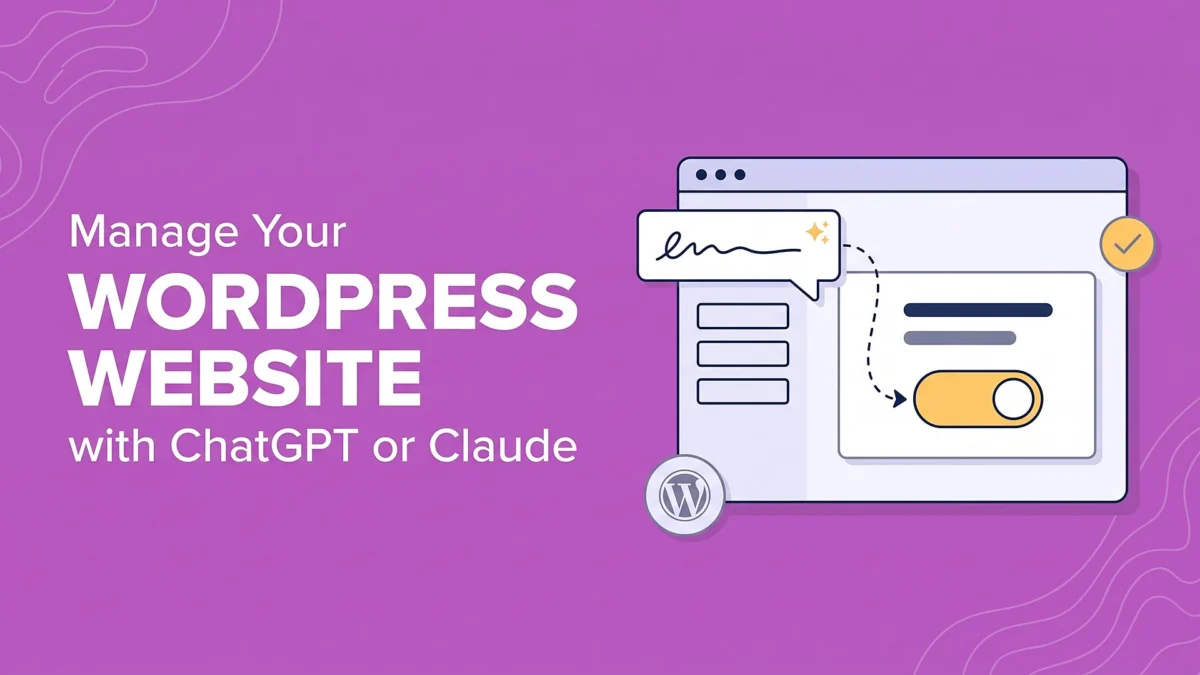
Managing a WordPress site with AI means establishing a secure, persistent, and intelligent connection between an LLM and your site’s database. Using the Model Context Protocol (MCP), your AI assistant—such as Claude or ChatGPT—can read your site’s internal structures, execute commands, and perform maintenance tasks directly from the chat interface you already use.
The Evolution of AI Integration
Historically, AI in WordPress has been limited to three tiers of interaction:
- The Copy-Paste Method: Using AI to write content, then manually pasting it into the WordPress editor. This is efficient for single posts but fails at scale.
- Standard AI Plugins: These usually add a "Generate" button within the WordPress dashboard. While useful, they are typically limited to text generation and cannot handle structural changes like theme updates or plugin management.
- The Connected Agent (MCP): The modern, flexible approach. By using an MCP server, you provide the AI with a "universal connector." This allows the assistant to interface with your site as a human administrator would, subject to the permissions you define.
Chronology of Implementation
Transitioning to an AI-managed site requires a methodical setup to ensure security and functionality.
Phase 1: Installation and Server Handshake
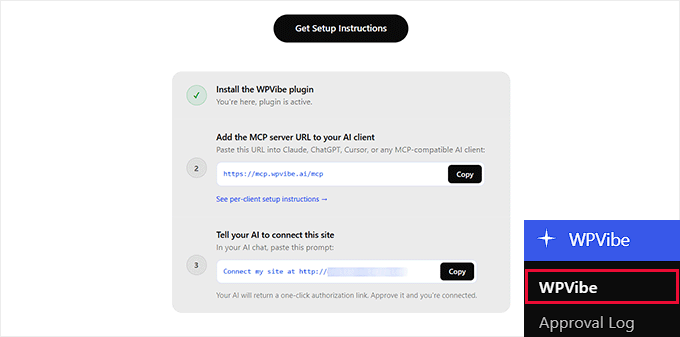
The process begins with the WPVibe plugin, which serves as the MCP server. After installing and activating the plugin via the WordPress repository, the system generates a unique server address and an authorization prompt.
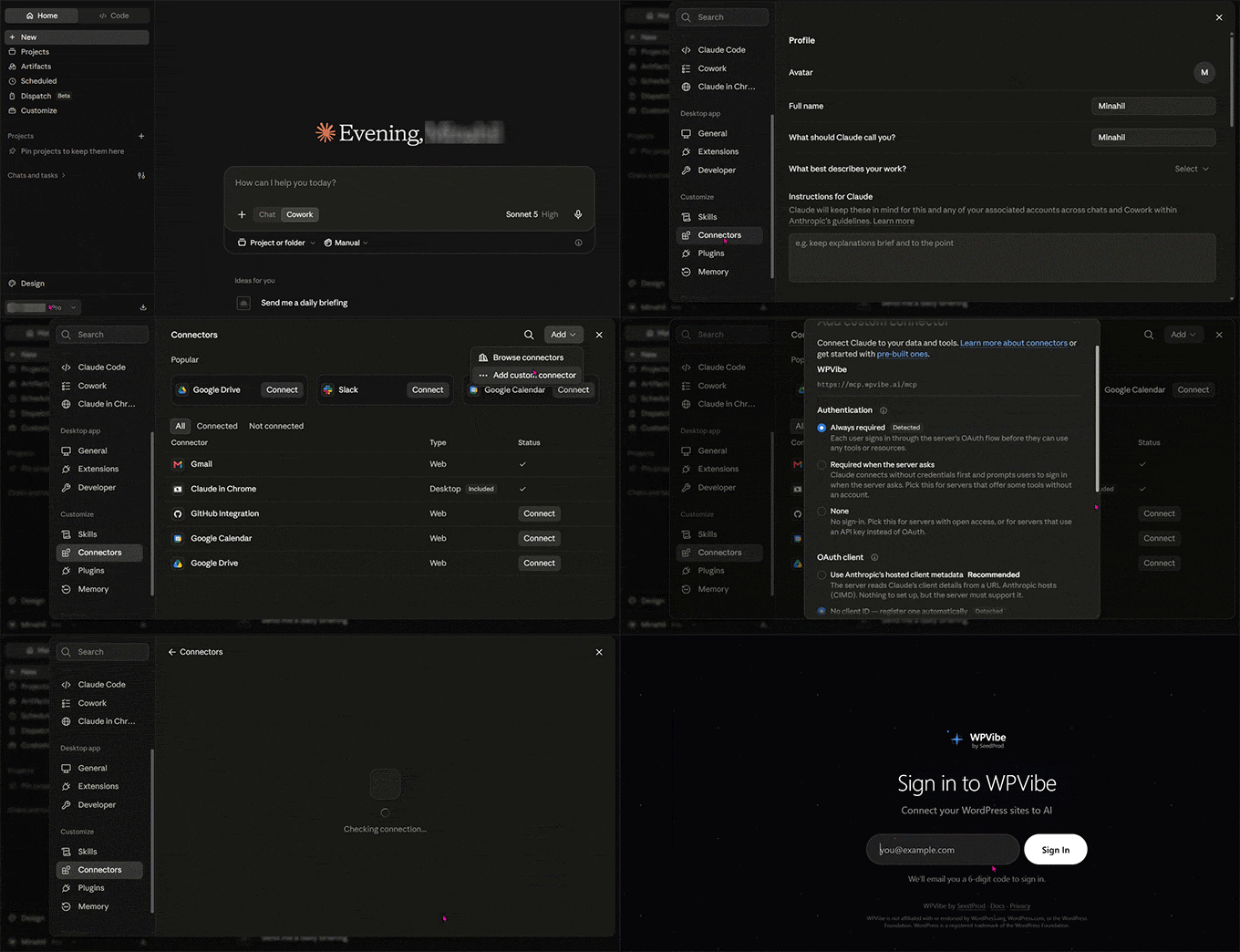
- For Claude Users: You navigate to Settings > Connectors in the Claude interface, select "Add custom connector," and input the provided WPVibe URL.
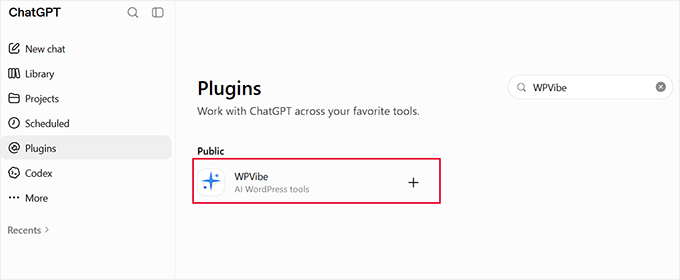
- For ChatGPT Users: You utilize the "Plugins" or "GPTs" directory to locate and activate the WPVibe tool.
Phase 2: Verification and Authorization
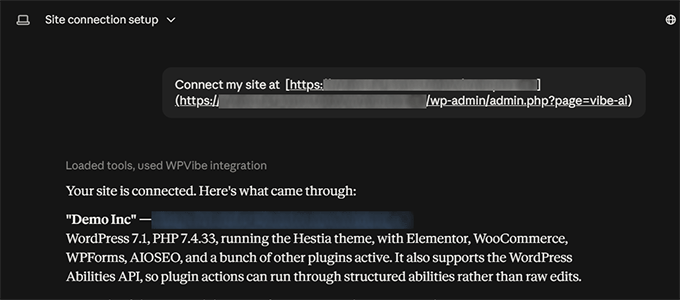
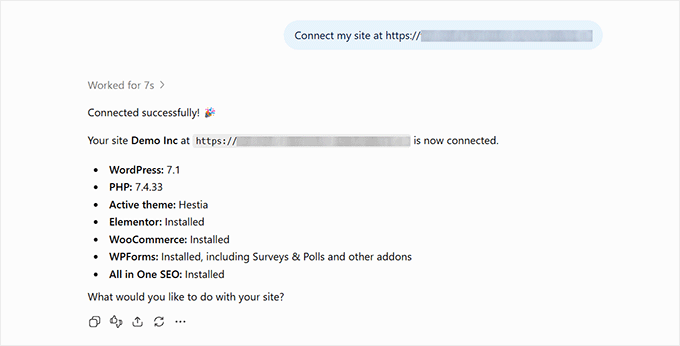
Once the connection is initiated, the system triggers an authentication handshake. This involves a secure email-based verification code. Once verified, you copy the authorization prompt from your WordPress dashboard and paste it into your active chat session with the AI. This effectively "unlocks" the site for the AI, granting it the specific permissions required to interact with your database.
Supporting Data: Efficiency Gains in Real-World Testing
To test the efficacy of this integration, we deployed a demonstration travel site. The results were quantifiable and suggest a massive reduction in administrative overhead.
Performance Metrics
- Content Generation: A request for a comprehensive guide on "Packing Light" was fulfilled in under 60 seconds, including category assignment and block formatting.
- Audit Capabilities: When prompted to find errors, the AI identified a broken link within a legacy article and flagged four themes and one plugin requiring updates. It verified the broken link by performing a live ping to the target URL, confirming it was a true 404 error rather than a false positive.
- Media Management: Perhaps the most impressive feat was the batch processing of image alt text. We tasked the assistant with updating 50 images that lacked metadata. The process was completed in approximately 10 minutes—a task that would have taken a human user over an hour of manual clicking and typing.
Scalability and Costs
The WPVibe plugin operates on a tiered model. The free tier supports 100 tool calls per day, which is sufficient for most hobbyist blogs. For professional publishers, the Pro plan offers 500 calls per day and priority support for $99 annually, providing a cost-effective alternative to hiring manual labor for routine site audits and content optimization.
Official Perspectives and Technical Implications
The shift toward MCP-based management is supported by a growing consensus among developers that universal standards for AI connectivity are essential. By using a standard protocol rather than proprietary API keys for every single function, WPVibe ensures that the "connection" is resilient.
Compatibility with Page Builders
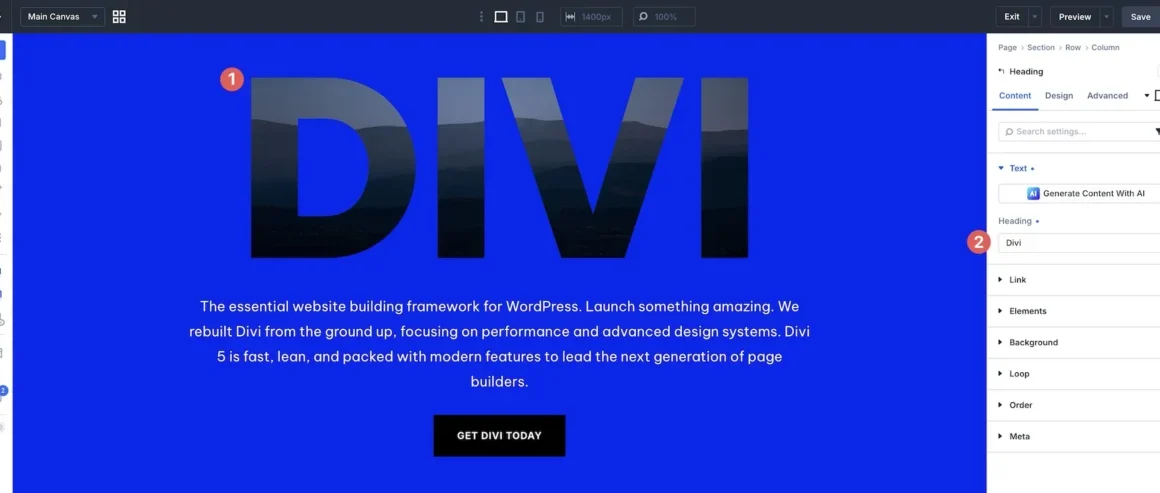
A common concern among WordPress users is the interaction between AI and page builders like Elementor, Divi, or Bricks. Unlike the standard block editor, these builders store content in complex serialised formats. WPVibe has been architected to recognize these structures, ensuring that when the AI updates a page, it does not inadvertently destroy the visual layout.
The Security Framework
The most critical implication of this technology is security. Because the AI has the power to edit, publish, and update your site, "guard rails" are mandatory. WPVibe includes built-in verification, meaning the AI must request confirmation before performing sensitive actions. Users are encouraged to maintain a policy of "Review-Before-Commit" for any high-impact changes, such as bulk plugin updates or global theme CSS edits.
Implications for Future Web Management
The integration of AI into the core of WordPress management signals the end of the "manual era." As we look toward the future, the implications are profound:
- Democratization of SEO: The ability to perform site-wide audits using tools like All in One SEO (AIOSEO) in tandem with AI allows small businesses to compete with larger enterprises. A blog with 300 recipes, previously unable to manage its own metadata, can now maintain perfect SEO standards with a single command.
- Continuous Maintenance: The "set it and forget it" nature of site maintenance is now a reality. AI can be scheduled to run checks for broken links, outdated plugins, and configuration issues (such as incorrect permalink structures) daily, ensuring the site remains healthy without human intervention.
- The Rise of the "Architect-User": In this new era, the human site owner evolves from an "editor" to an "architect." Your role shifts from writing every sentence to defining the strategy, auditing the AI’s output, and managing the high-level health of the digital ecosystem.
Conclusion: Proceeding with Caution
While the power to automate your WordPress site is immense, it requires a disciplined approach. We recommend that users start by connecting the AI to a staging site to familiarize themselves with the command syntax and the AI’s behavior.
The WPVibe and MCP-based approach represents a significant leap forward in web technology. By bridging the gap between natural language processing and database management, we are entering a phase where the website works for you, rather than the other way around. As long as users maintain their "human-in-the-loop" oversight, the potential for growth and efficiency is nearly limitless.