The landscape of professional web development is undergoing a seismic shift. For years, the "no-code" revolution empowered designers to build complex websites without touching a line of CSS or PHP. Today, that evolution has reached its next logical stage: the transition from manual drag-and-drop interfaces to conversational AI-driven construction. With the launch of Divi AI Agents inside the Divi 5 Visual Builder, Elegant Themes has fundamentally changed how designers interact with their digital canvas.
No longer a passive tool, Divi AI Agents act as an active collaborator, capable of inspecting site architecture, manipulating complex module settings, and executing design changes in real-time. This is not merely a generator that spits out static images; it is a structural engineer that understands the nuances of the Divi ecosystem.
The Core Mechanics: How Divi AI Agents Operate
At its heart, the Divi AI Agent is a bridge between natural language processing and the technical framework of WordPress. By integrating directly into the Visual Builder, the agent bypasses the need for exporting and importing assets. Instead, it interacts with the site’s "DOM" (Document Object Model) through Divi’s proprietary tools.

Two Modes of Operation
The agent operates under two distinct paradigms: Ask Mode and Build Mode.
- Ask Mode serves as the intelligence layer. It is designed for discovery, troubleshooting, and strategic planning. By inspecting your current page—including Design Variables, Presets, and the underlying knowledge base—it provides insights into how to best implement a change or resolve a technical bottleneck.
- Build Mode is the execution engine. Once a plan is established, the agent transitions to this mode to apply physical changes. It manipulates sections, rows, and modules in real-time, providing a transparent "work report" so the user can audit each step as it happens.
A Chronology of Integration: From Concept to Deployment
The journey toward Divi AI Agents began with the broader adoption of Generative AI in web design, but it faced a significant hurdle: the lack of "architectural awareness." Most AI tools generate flat, disconnected content. Elegant Themes addressed this by ensuring their agent is "Divi-native."
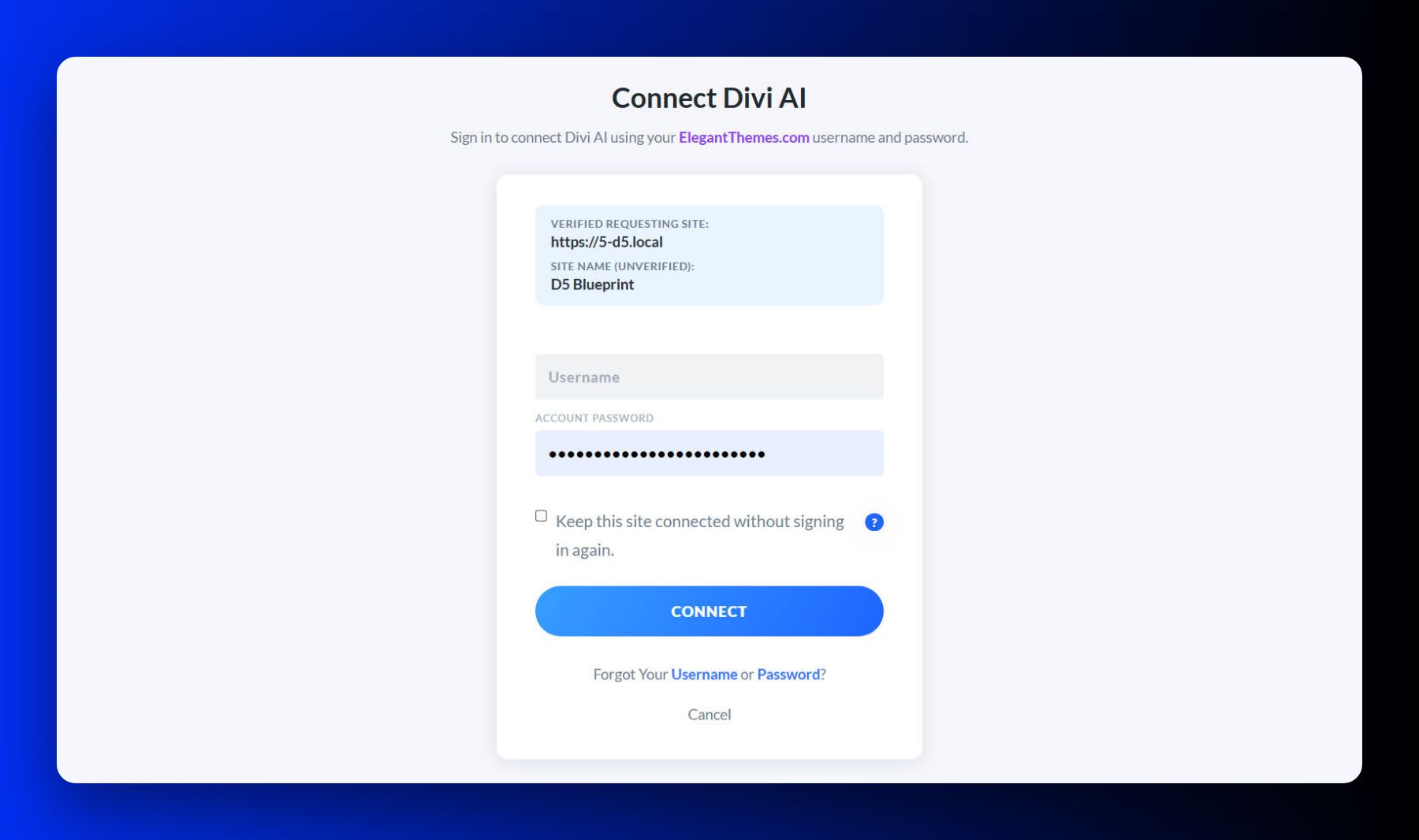
- Phase One: Authentication and Connection: Upon the first launch within the Visual Builder, the user connects their Elegant Themes account. This link establishes the security protocol required for the AI to make changes to your specific server environment.
- Phase Two: The Learning Loop: The agent scans the page structure. Because it understands the hierarchy of sections and rows, it avoids the "breaking" of layouts that often occurs with generic AI tools.
- Phase Three: Contextual Evolution: As users provide feedback—either through manual edits or chat corrections—the agent builds a session-specific context, allowing for iterative design that feels like a conversation with a junior developer.
Supporting Data: Efficiency and Resource Management
One of the most critical aspects of the Divi AI Agent is its metered usage model. Unlike "unlimited" text-based chatbots, the agent performs heavy-lifting tasks that consume significant computational resources.
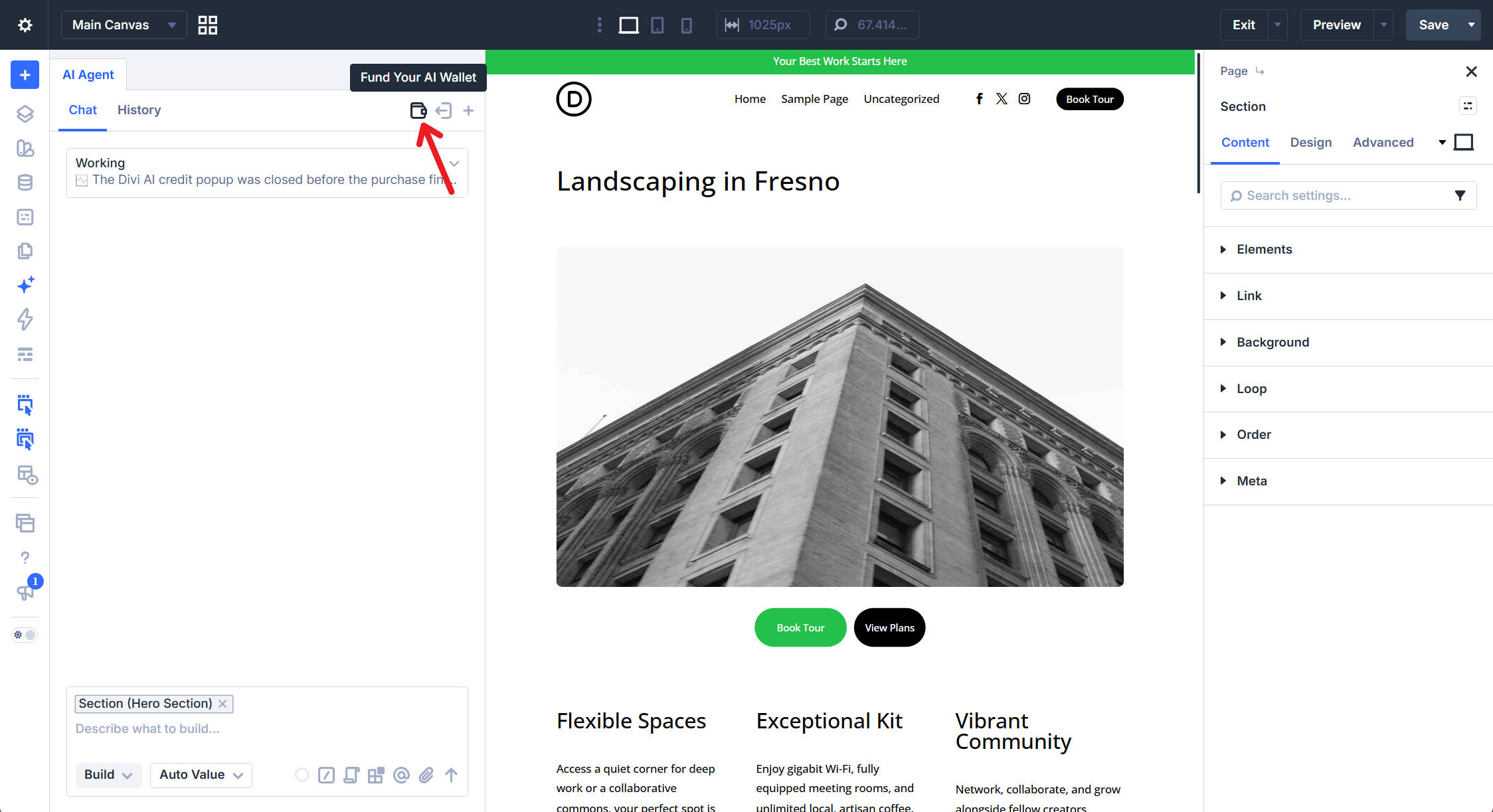
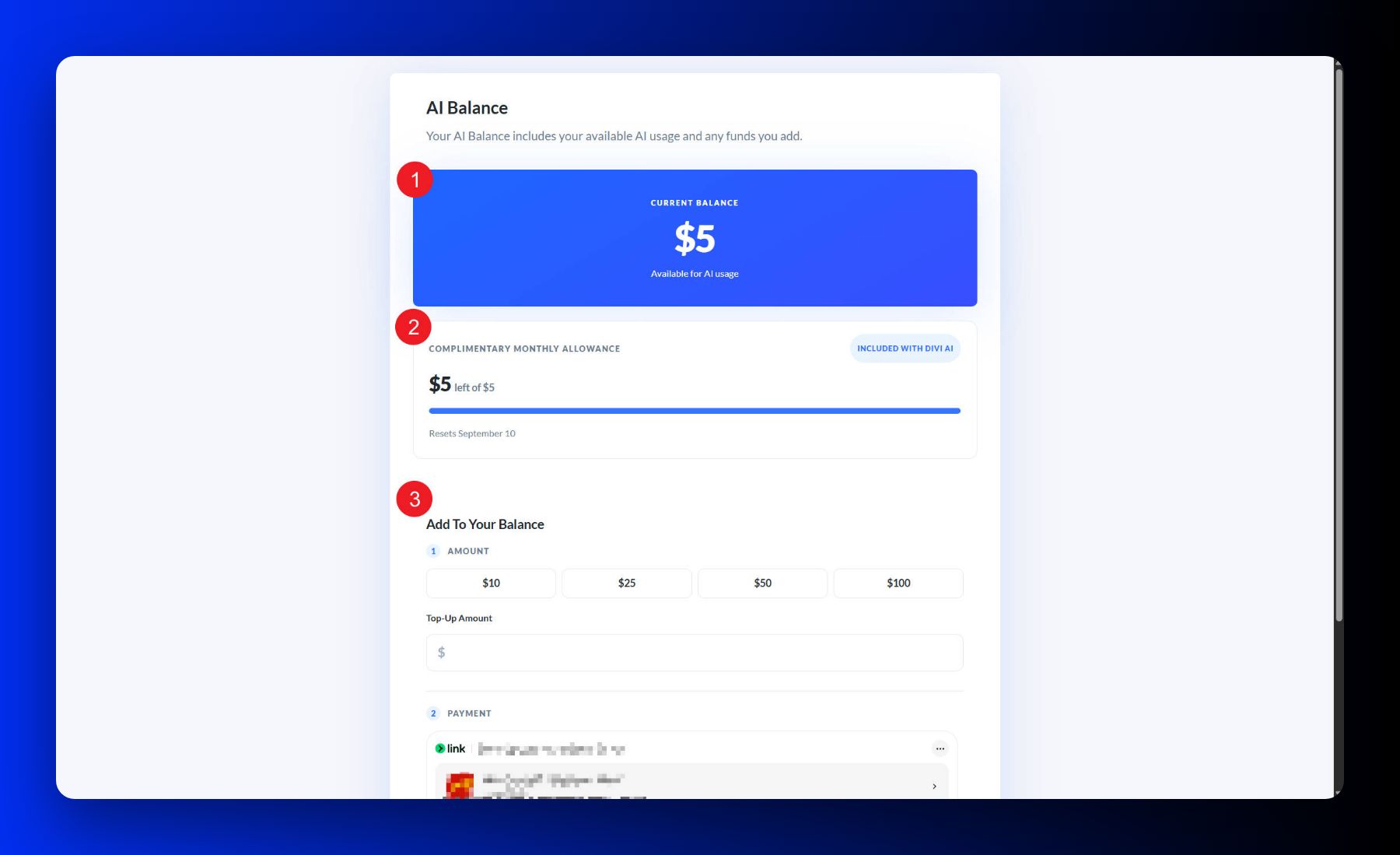
- Cost Transparency: Every request is logged. Users can track their "AI Wallet" directly within the dashboard. Whether it is a $0.10 layout generation from a screenshot or a more intensive redesign of a complex landing page, the pricing is modular.
- Model Flexibility: Elegant Themes provides a selector that allows users to pick from hundreds of AI models. For simple tasks like proofreading, a user might opt for a low-cost, high-speed model. For complex architectural overhauls, they might select a more capable, high-reasoning model. This puts the ROI (Return on Investment) back into the hands of the designer.
Strategic Implications: Redesigning the Workflow
The introduction of this technology carries massive implications for agencies and freelancers. It forces a change in the definition of a "web designer."
1. The Rise of the "Prompt Engineer"
The quality of the output is directly proportional to the quality of the input. Designers are now moving away from pixel-pushing toward "prompt engineering." By saving Rules—pre-defined sets of instructions regarding brand voice, color palettes, and layout conventions—designers can ensure that every AI-generated element adheres to the company’s style guide.
2. Automation of Maintenance
One of the most tedious aspects of web management is ensuring consistency. With the ability to convert static, inconsistent values into global Design Variables or Presets, the AI Agent can audit an entire page for design drift. Simply asking, "What is inconsistent on this page?" allows the agent to suggest changes that would have taken a human developer hours to identify and correct.
3. Accelerated Prototyping
The ability to paste a screenshot of a competitor’s layout and ask the AI to "recreate this using my site’s variables" effectively compresses the prototyping phase from days to minutes. This allows for rapid A/B testing that was previously cost-prohibitive for smaller teams.
Official Perspective: Maintaining Human Control
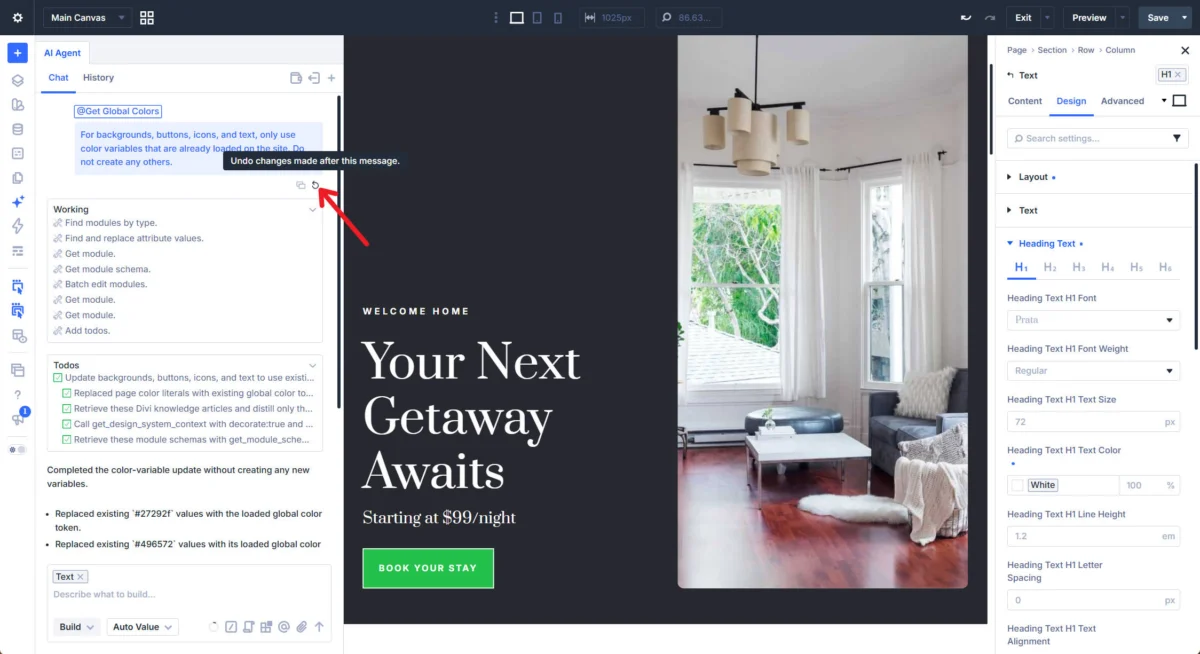
Elegant Themes has been careful to emphasize that the agent is an assistant, not a replacement. The inclusion of the "Restore" feature is evidence of this philosophy. If an agent’s change is not to the designer’s liking, they can roll back to a specific checkpoint in the conversation.
Furthermore, for high-impact actions—such as deleting a template or modifying global site-wide menus—the agent is programmed to pause and request explicit human confirmation. This "Human-in-the-Loop" architecture ensures that while the AI accelerates the process, the designer remains the final arbiter of the site’s integrity.
Future Outlook: The Evolution of the Digital Agent
As we look toward the future of Divi 5, the role of the AI Agent is expected to expand. Current capabilities—such as converting legacy Block layouts to modern Flexbox layouts—are just the beginning.
The potential for "Autonomous Site Maintenance" is the next frontier. Imagine an agent that proactively monitors for broken links, suggests SEO optimizations based on live traffic data, or automatically adjusts responsive breakpoints based on the most common devices hitting a specific landing page.
Best Practices for Users
To maximize the utility of the Divi AI Agent, users should adopt these three habits:
- Modularize Your Tasks: Don’t ask the agent to build an entire site in one go. Break it down into sections, headers, and individual module configurations.
- Utilize Commands: If you find yourself performing the same SEO audit or accessibility check, save it as a custom Command. This makes your workflow repeatable and consistent.
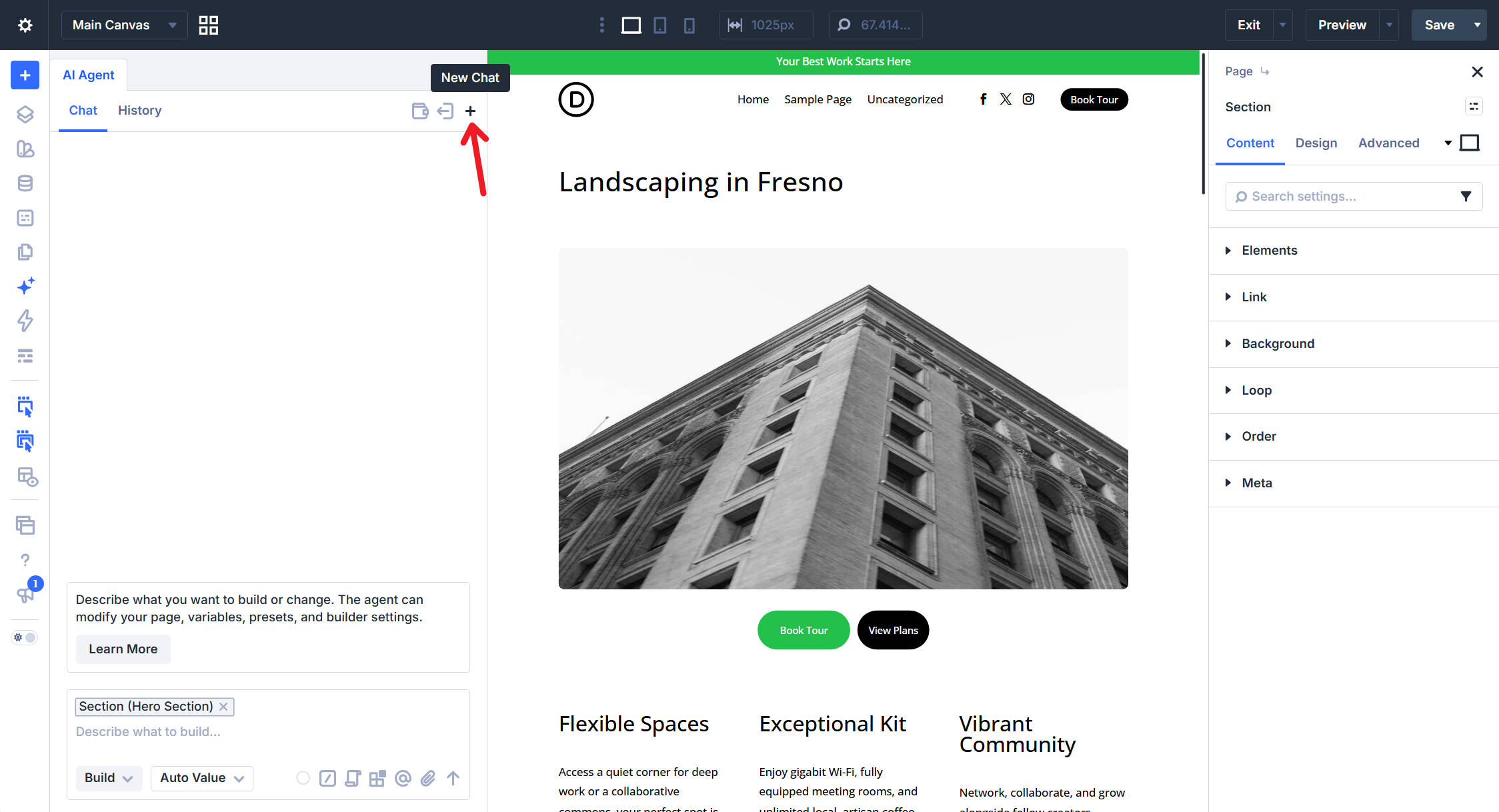
- Leverage Context: Always select the specific element you are working on before prompting the agent. This "anchoring" technique significantly reduces hallucinations and increases the accuracy of the agent’s work.
Conclusion: A New Era of Collaboration
The Divi AI Agent represents a fundamental pivot from "building with tools" to "directing with intent." By offloading the mechanical aspects of layout creation—the spacing, the module alignment, the CSS variable application—designers are free to focus on the higher-level goals of user experience, conversion optimization, and brand storytelling.
For the modern WordPress professional, the message is clear: the most successful developers of the next decade will not be those who fight against AI, but those who learn to lead it. Through the thoughtful integration of Divi AI, the power of enterprise-level design is now available to anyone with a browser, a vision, and a prompt.