








The current generation of AI coding agents is undeniably proficient at writing functional code. Ask Claude Code, Cursor, or Codex to spin up a full-stack application, and within seconds, you will have a working prototype complete with API routes, database schemas, and reactive state management.
Yet, there has always been a glaring Achilles’ heel to AI-generated software: it usually looks terrible.
Left to their own devices, default AI layouts gravitate toward a homogenous, over-engineered aesthetic. They lean heavily on predictable purple gradients, overly rounded corners, a ubiquitous reliance on the Inter font family, and uninspired layouts that check functional boxes without an ounce of visual conviction.
Crucially, this is rarely the fault of the model itself. An AI coding agent lacks innate visual taste; it does not "see" a page the way a human designer does. Without explicit instructions regarding hierarchy, whitespace, and color theory, the agent defaults to what it has seen most frequently in its training data—generic web templates.
However, a new paradigm is shifting how agents approach aesthetics. Enter AI skills: lightweight Markdown files and configuration schemas that can be dropped into environments like Claude Code, Cursor, and Codex to instill specific, highly sophisticated design languages. By equipping agents with these modules, developers can transform an AI from a generic code monkey into a disciplined design engineer.
Here is a comprehensive breakdown of the emerging ecosystem of design-focused AI skills, their capabilities, and what this transition means for the future of software development.
Main Facts: The Anatomy of an AI Design Skill
At its core, an AI skill is a modular instruction set—usually housed in a Markdown file (SKILL.md or DESIGN.md) or structured configuration directory—that dictates how an LLM handles design tokens, layouts, and UX patterns.
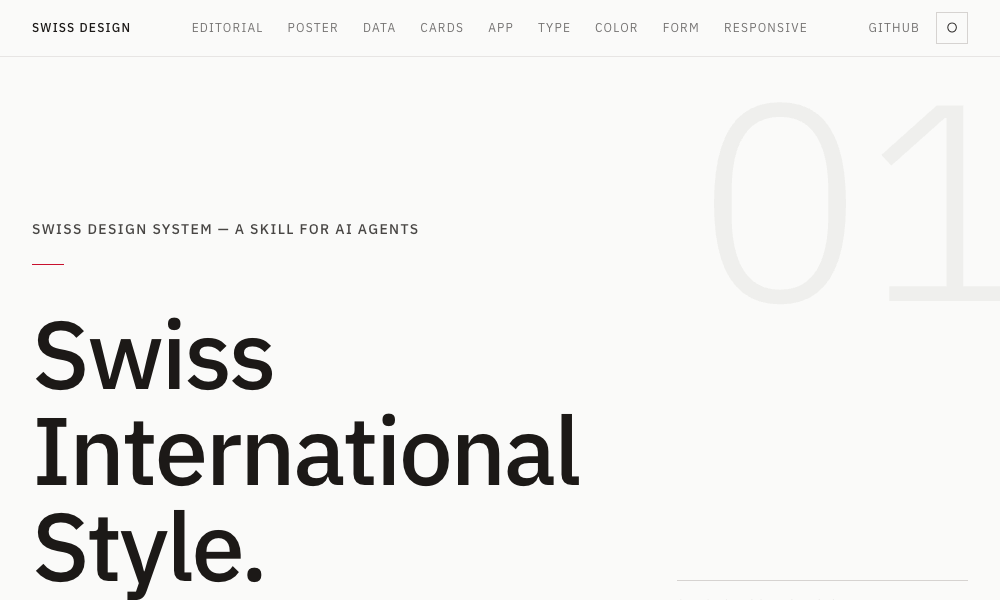
Rather than relying on vague prompts like "make this look modern," installing an AI skill injects deterministic rules into the agent’s system prompt or working memory. These rules can range from advanced color mathematics (such as the OKLCH color space) to strict typographic constraints (such as the Swiss International Style).
The movement has rapidly gained traction thanks to CLI tools (like npx skills) and open-source directories that allow developers to frictionlessly download, install, and customize these design engines. Instead of humans translating static design systems from Figma into code, these skills act as executable design systems that agents run autonomously.
Chronology: The Evolution from Prompts to Executable Design
The journey toward aesthetically conscious AI code generation has evolved rapidly over the past several years:
- The Prompt-Engineering Era (2022–2023): Developers relied entirely on verbose natural language prompts ("Act as a senior UI/UX designer and use Tailwind CSS…"). Results were highly inconsistent, as models drifted from the instructions over long coding sessions.
- The Static Component Library Era (2024): Developers began feeding agents pre-built component libraries (like shadcn/ui or Radix). While this improved baseline UI consistency, agents still struggled with custom layout composition, spacing discipline, and unique brand identities.
- The Executable Skills Era (Late 2024–Present): The introduction of agentic architectures supporting modular skills (pioneered by tools like Claude Code and Cursor) allowed for persistent context files. Developers began packaging design systems, color science engines, and animation frameworks directly into discoverable markdown directories and CLI packages.
Supporting Data: 10 Essential AI Skills Transforming Agent Aesthetics
The open-source community has responded to the AI "purple gradient" problem with a flurry of specialized toolkits. Below are ten of the most impactful design-focused AI skills and directories available today.
1. OKLCH Color Skill
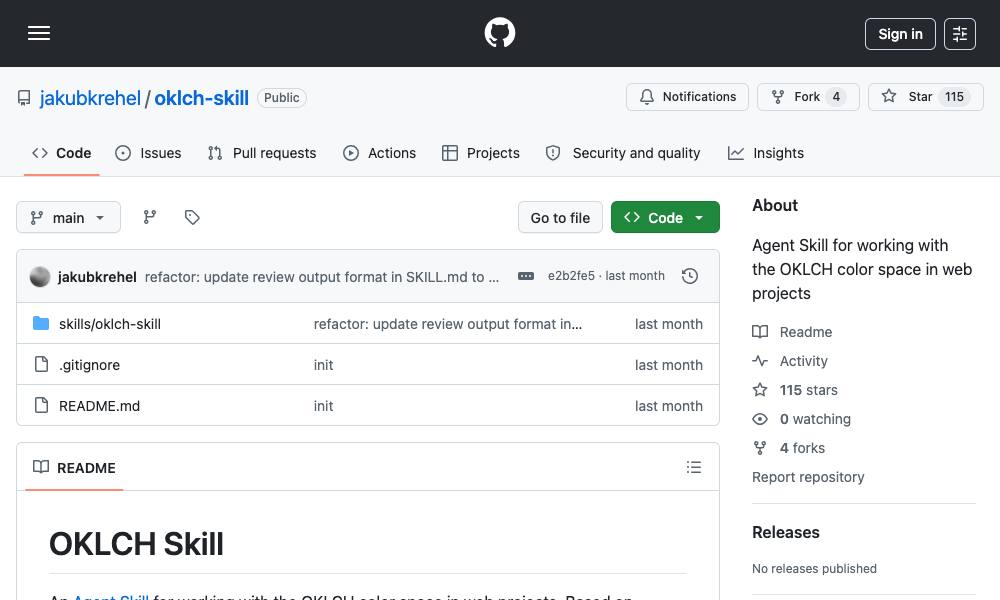
- What it does: Teaches agents to utilize the OKLCH color space—a perceptually uniform alternative to HSL that eliminates hue drift and ensures mathematically predictable palette scales.
- Key Capabilities: Converts between color formats, generates uniform scales (50 to 950), derives dark-mode variants through precise lightness manipulation, and verifies contrast against WCAG 2 and APCA accessibility standards.
- Installation:
npx skills add jakubkrehel/oklch-skill
2. Swiss Design System Skill
- What it does: Brings the principles of the Swiss International Style (International Typographic Style) directly to your agent.
- Key Capabilities: Instructs the agent to utilize grotesque sans-serif typography (Helvetica, Univers, Neue Haas Grotesk), rigorous grid systems (drawing from Josef Müller-Brockmann), generous whitespace, and restrained color palettes via Tailwind CSS.
- Installation:
npx skills add zeke/swiss-design-skill
3. Transitions.dev
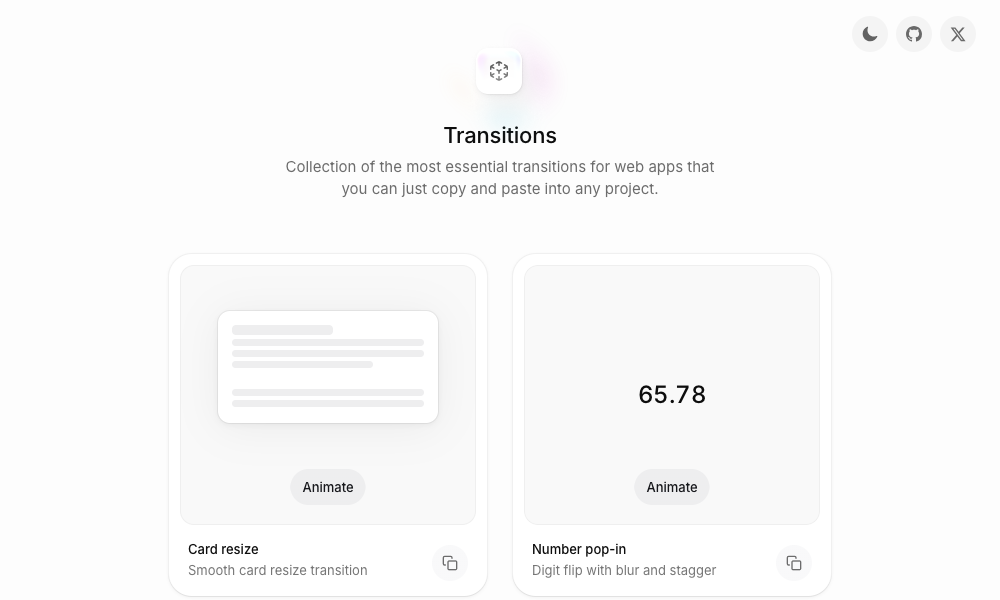
- What it does: A curated collection of essential, production-ready UI transitions and micro-interactions.
- Key Capabilities: Provides pre-optimized CSS for complex interactions—such as card resizes, digit-flip number pop-ins, and diagonal notification badge slides—preventing agents from making elements pop into existence jarringly.
- Installation: Available via GitHub repository cloning (
github.com/Jakubantalik/transitions.dev).
4. DESIGN.md Directory
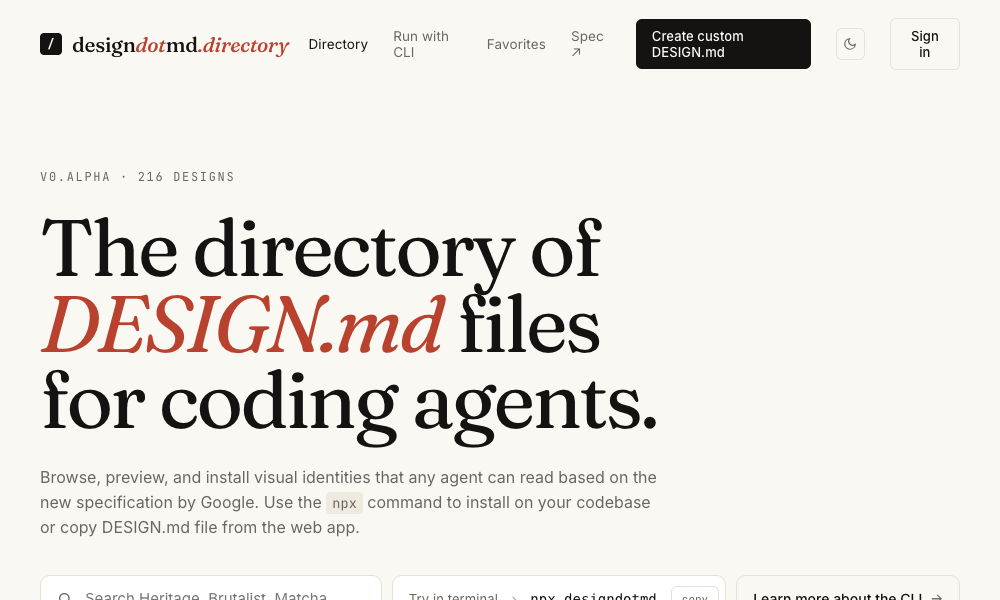
- What it does: A low-friction directory of drop-in Markdown files detailing complete design systems.
- Key Capabilities: Contains color tokens, typography rules, spacing systems, and component specs. Developers simply copy a file into their project root as
DESIGN.md, and the agent immediately adopts that aesthetic. - Installation: Direct manual copy from
designdotmd.directory.
5. Agents with Taste
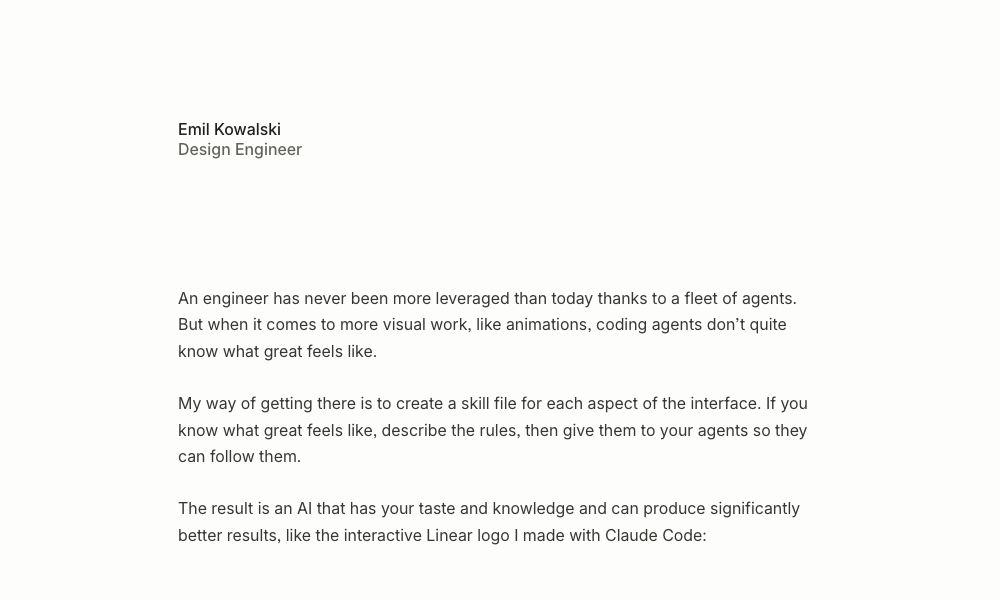
- What it does: An opinionated design engineering skill created by Emil Kowalski.
- Key Capabilities: Focuses on animation curves, easing decision flows, duration guidelines (e.g., 100-150ms for micro-interactions; 200-300ms for modals), and strict typography constraints (such as capping body copy at 65 characters).
- Installation:
npx skills add emilkowalski/skill
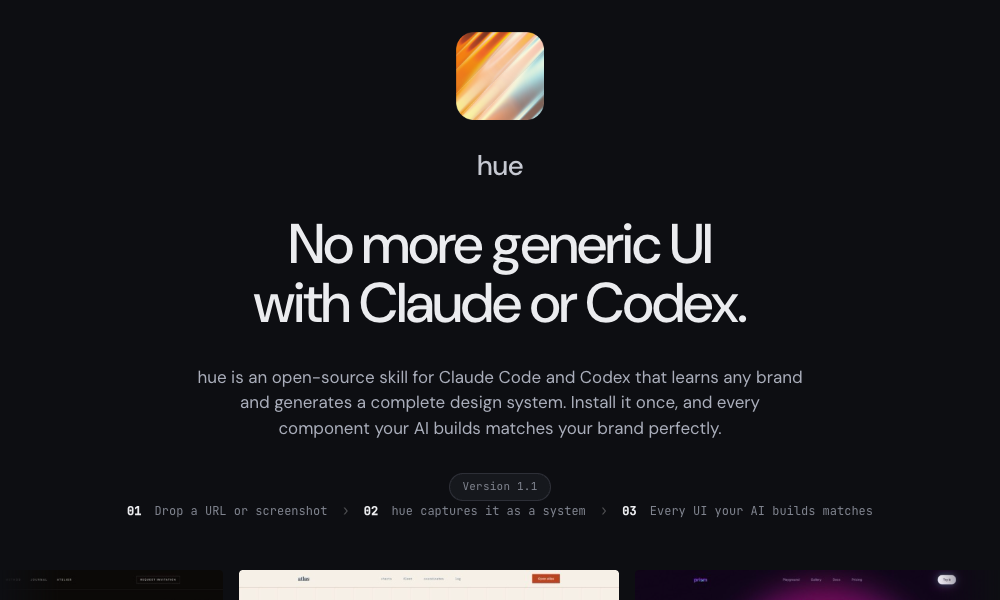
6. Hue
- What it does: An open-source skill by Dominik Martin that reverse-engineers brand aesthetics from a URL, name, or screenshot.
- Key Capabilities: Analyzes target sites (like Cursor or Raycast) and generates a complete
design-model.yamlcontaining brand-specific color tokens, typography, spacing, and icon recommendations. - Installation:
git clone https://github.com/dominikmartn/hue ~/.claude/skills/hue
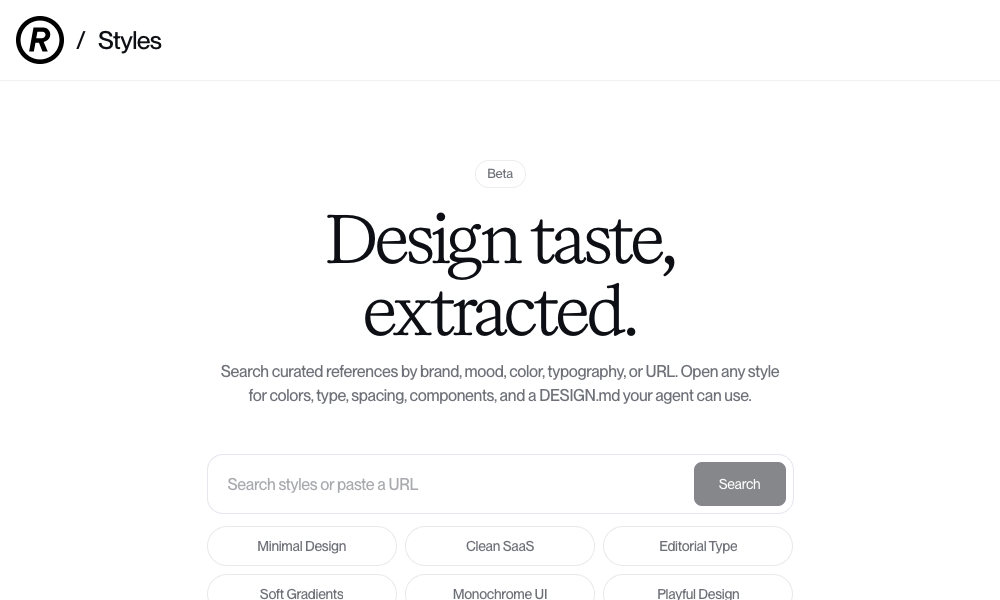
7. Refero Styles
- What it does: Connects your agent to a visual search engine indexing over 150,000 real-world app screens and 6,000 user flows from products like Stripe, Linear, and Notion.
- Key Capabilities: Generates complete style breakdowns and
DESIGN.mdfiles based on top-tier commercial software interfaces. - Installation: Integrates via web directories and specialized MCP (Model Context Protocol) servers.
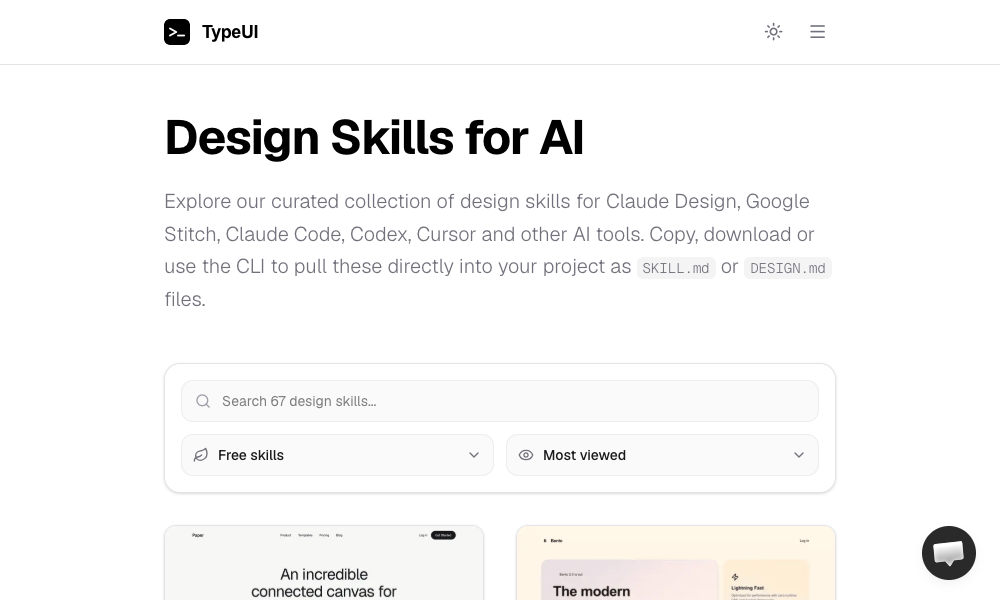
8. TypeUI Design Skills
- What it does: A multi-tool framework supporting Claude Code, Cursor, Codex, and OpenClaw agents.
- Key Capabilities: Provides a robust gallery of optimized
SKILL.mdfiles that dictate hyper-specific visual identities for local and cloud-based coding agents. - Installation:
npx typeui.sh pull [name]
9. UI/UX Pro Max Skill
- What it does: The most comprehensive heavy-duty design framework available, featuring 161 reasoning rules and 67 distinct UI styles.
- Key Capabilities: Includes a full Design System Generator that analyzes project requirements (e.g., "a premium tour booking app") and builds a holistic design system spanning layout, color, and accessibility rules.
- Installation:
npx ui-pro init
10. AI UX Playground
- What it does: A specialized repository dedicated entirely to UX patterns unique to AI-native products (such as conversational interfaces in ChatGPT, Claude, and Perplexity).
- Key Capabilities: Provides platform-specific documentation and implementation strategies for designing chat-driven UI elements.
- Installation: Manual pattern integration via
aiuxplayground.com/skills.
Official Responses and Industry Perspectives
While major foundation model providers—such as Anthropic, OpenAI, and Google—have focused heavily on boosting raw computational reasoning and code execution benchmarks, industry leaders are increasingly acknowledging the importance of aesthetic scaffolding.
Design engineers and frontend pioneers have long argued that code quality cannot be separated from visual presentation. Emil Kowalski, creator of the Agents with Taste skill, notes that while LLMs understand syntax, they fundamentally lack the spatial awareness required to make software feel polished. By packaging expert heuristics into modular markdown files, developers are effectively bridging the gap between raw machine intelligence and human artistic standards.
Furthermore, platform architects view MCP (Model Context Protocol) servers and skill registries as the natural evolution of developer tooling. Instead of hardcoding UI guidelines into a monolith application, developers can dynamically swap out design paradigms depending on whether they are building an enterprise dashboard, an editorial blog, or a consumer-facing mobile app.
Implications: The Future of Design and Development
The rise of executable AI design skills carries profound implications for the software industry:
- The Shift from Static to Dynamic Design Systems: Historically, design systems lived in rigid Figma libraries or bulky documentation sites that developers frequently ignored. Now, design systems are becoming executable code that AI agents read and enforce in real-time.
- Redefining the Role of the Designer: As design knowledge transitions from human-read documentation to machine-readable rules, designers will increasingly become "prompt architects" and "taste curators." Those who learn to encode their aesthetic philosophies into markdown skills will scale their influence across hundreds of AI-generated projects.
- Democratization of High-End Aesthetics: Small startups and solo founders who lack the budget to hire dedicated UI/UX agencies can now leverage enterprise-grade design languages—like Swiss grid systems or OKLCH color palettes—at the command line, instantly elevating the perceived value of their software.
What’s Next?
We are still in the absolute infancy of AI design skills. The current tooling has rough edges, and agents will occasionally still misinterpret nuanced layout instructions. However, the vector is unmistakable.
The era of defaulting to purple gradients and generic templates is drawing to a close. By picking a skill, installing it into your coding agent, and observing how it fundamentally transforms generated output, developers can take their first step toward building software that is not only functionally sound, but genuinely beautiful.