






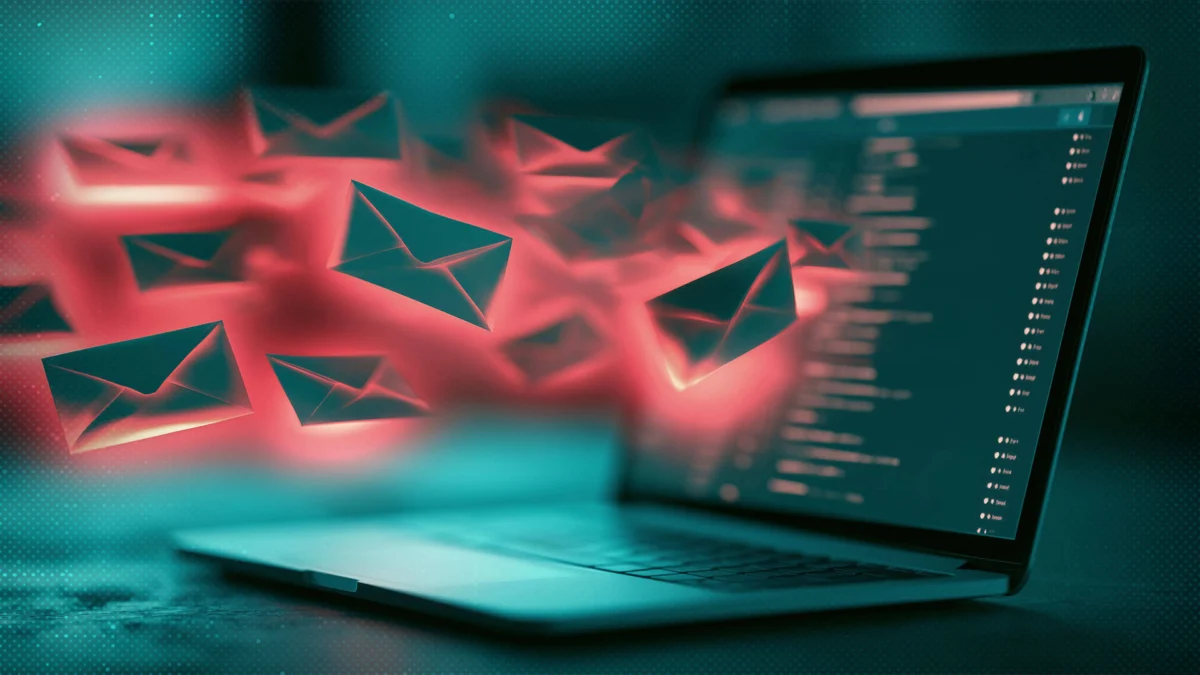
In September, a Virginia resident found herself the victim of a sophisticated digital ambush. Within a 24-hour period, her inbox was rendered unusable, submerged under a tidal wave of hundreds of automated newsletters, promotional sign-ups, and subscription confirmations. While at first glance the incident appeared to be a malicious but standard spam campaign, the reality was far more sinister. The deluge of junk mail was a tactical maneuver—a "smokescreen" designed to bury a single, critical notification from her bank alerting her to a fraudulent laptop purchase.
This technique is known as "email bombing," and it represents a growing trend in cyber-fraud. By flooding a target’s inbox, attackers effectively weaponize legitimate email traffic to hide the "paper trail" of their illicit activities. For the victim, the experience is not just an inconvenience; it is often a precursor to identity theft, financial fraud, or full-scale account takeover.
What is Email Bombing?
Email bombing—often categorized in cybersecurity circles as "form bombing," "list bombing," or "subscription bombing"—is a method of disrupting a target’s ability to monitor their own digital correspondence. The process is deceptively simple and relies on the automation of legitimate services.
Once an attacker acquires a victim’s email address—often through historical data breaches, leaked marketing databases, or prior phishing campaigns—they deploy bot-powered scripts. These scripts systematically submit the target’s email address to hundreds or thousands of legitimate online services, such as newsletters, mailing lists, free trials, and competition sign-up forms.
Because these services are reputable, their automated "Welcome!" or "Confirm your subscription" emails bypass standard spam filters, which are designed to flag unsolicited commercial bulk email (UCE) rather than legitimate transactional messages. The cumulative effect is an inbox that hits capacity within hours, rendering it a chaotic mess where crucial security alerts are easily overlooked.
The Chronology of an Attack: How the Smokescreen Works
An email bombing attack typically follows a calculated, multi-stage lifecycle:
- Reconnaissance and Data Acquisition: The attacker harvests the target’s email address. This is rarely a random act; it is usually preceded by the acquisition of credentials or personal data from the dark web.
- The Trigger Event: The attacker initiates the primary crime. This could be unauthorized access to a banking portal, a change in password for a cryptocurrency exchange, or a fraudulent e-commerce transaction.
- The Bombing Phase: Simultaneously with the trigger event, the attacker launches the script to flood the inbox. The goal is to ensure that the notification email—sent by the bank or service provider—is pushed to the second, third, or fourth page of the inbox, effectively hidden from the user’s immediate view.
- The Exploitation: While the victim is busy trying to manage the flood or searching for the source of the spam, the attacker completes the transaction, moves funds, or exfiltrates sensitive information.
- The "Help Desk" Ploy: In many instances, the attacker follows up with a phone call or a spoofed email claiming to be from the company’s "IT Security" or "Fraud Department," offering to "clear out" the spam for a fee or through remote access software.
Supporting Data and Strategic Implications
The motivation behind email bombing generally falls into two distinct categories: distraction and disruption.
In corporate environments, email bombing is frequently used to distract internal security teams. By overwhelming an organization’s mail server or a specific high-value employee’s inbox, attackers create a "noise floor" that allows them to slip a more serious breach, such as Business Email Compromise (BEC) or invoice fraud, past the security perimeter.
Furthermore, ransomware groups have increasingly integrated email bombing into their workflows. By disrupting operations, they create a sense of urgency and chaos, which they then exploit by posing as "technical support" or "consultants" to gain the victim’s trust. In some cases, disgruntled former employees have been identified as the culprits, using public-facing tools to harass or disrupt the operations of their former employers.
The Anatomy of Response: What to Do If You Are Targeted
If you log in to discover your inbox has been overwhelmed, the most important rule is: do not panic. The attacker is banking on your frustration and haste.
1. Prioritize the Threat, Not the Cleanup
Your immediate priority is not to "unsubscribe" from the spam, but to identify the legitimate notification that the attacker is trying to hide. Search your inbox and your spam folders for keywords such as:
- "Security alert"
- "Password change"
- "New device login"
- "Purchase confirmation"
- "Recovery phone number/email changed"
2. Audit Sensitive Accounts
If you cannot find the notification, assume the worst and proactively audit your most critical accounts:
- Banking and Financial Portals: Check for unauthorized transactions or new payment methods.
- Primary Email Account: Verify your recovery email address and phone number.
- Social Media and Cloud Storage: Look for unauthorized device authorizations.
- Shopping/Marketplace Accounts: Ensure your shipping address has not been changed.
3. Implement Hardened Security
If you identify unauthorized activity, act immediately to lock the attacker out. Change your passwords to unique, long, and complex credentials. Most importantly, enable multi-factor authentication (MFA) using an authenticator app or a hardware key (passkey). SMS-based 2FA is better than nothing, but app-based authentication is significantly more resilient against modern phishing techniques.
4. Preservation and Cleanup
Do not delete the "bomb" emails until you are certain you have found the underlying security alert. Once you have identified the threat and secured your accounts, you can begin bulk-deleting the spam. Most email providers allow you to search by specific senders or domain names; use these filters to delete the messages in batches rather than one by one.
Official Perspectives and Security Best Practices
Cybersecurity experts emphasize that while no single solution can prevent an email bomb, a "defense-in-depth" strategy is essential.
Limiting Exposure: The most effective defense is reducing the availability of your primary email address. Avoid posting your email on public-facing social media profiles or forums where web-scraping bots can easily harvest it.
The "Secondary" Strategy: Many security professionals recommend maintaining a "burner" email address for non-essential activities, such as retail newsletters, loyalty programs, and trial sign-ups. By keeping your primary, high-security email address isolated from these services, you ensure that even if your secondary account is bombed, your banking and government notifications remain clear and actionable.
The Danger of "Tech Support" Scams: It is a critical red flag if anyone contacts you claiming to be a technical expert who can "fix" your email problem. These individuals are almost certainly the perpetrators of the attack. They will use the opportunity to install remote access tools, which can lead to the installation of malware, keyloggers, or the total exfiltration of your personal data. Always contact official support channels using phone numbers or websites verified independently from the emails you received.
Implications for the Future of Digital Identity
The prevalence of email bombing serves as a stark reminder of the vulnerability of our digital communications. As we rely more heavily on email as a primary conduit for identity verification—from password resets to two-factor authentication codes—the inbox becomes a high-value target for bad actors.
This tactic forces us to re-evaluate our reliance on email-based alerts. Many organizations are now moving toward "out-of-band" authentication, such as push notifications within banking apps or dedicated security tokens, to bypass the vulnerabilities inherent in the SMTP (Simple Mail Transfer Protocol) system.
For the average user, the takeaway is clear: the inbox is no longer just a place for communication; it is a critical security asset. Treating it with the same level of care as a physical mailbox or a bank account is no longer optional—it is a necessity in the modern threat landscape. By maintaining strict hygiene, utilizing password managers, and adopting robust MFA, users can turn the tables on attackers, ensuring that even if their inbox is flooded, their identity remains secure.
Frequently Asked Questions (FAQs)
Why is my inbox suddenly full of hundreds of sign-up emails?
You are likely the target of an email bomb. Attackers use automated tools to flood your inbox with legitimate newsletters and sign-up confirmations to bury a notification regarding a fraudulent login, purchase, or account compromise.
Has my email account been hacked?
Not necessarily. Your email address may have been harvested from a public source or a previous data breach. However, the reason for the bomb is often to hide a successful breach of another account (like your bank or Amazon account). Check your sensitive accounts immediately for suspicious activity.
Should I unsubscribe to all these new emails?
No. Unsubscribing can inadvertently confirm to the attacker that your email is active and monitored. Instead, search for the legitimate security notification they are trying to hide, secure your accounts, and then bulk-delete the spam messages by domain or sender.
What if someone calls me saying they can fix this?
Hang up. This is a common follow-up scam. They will likely try to trick you into granting them remote access to your computer, which will lead to further theft or malware infection. Only contact your service providers through their official, verified support channels.