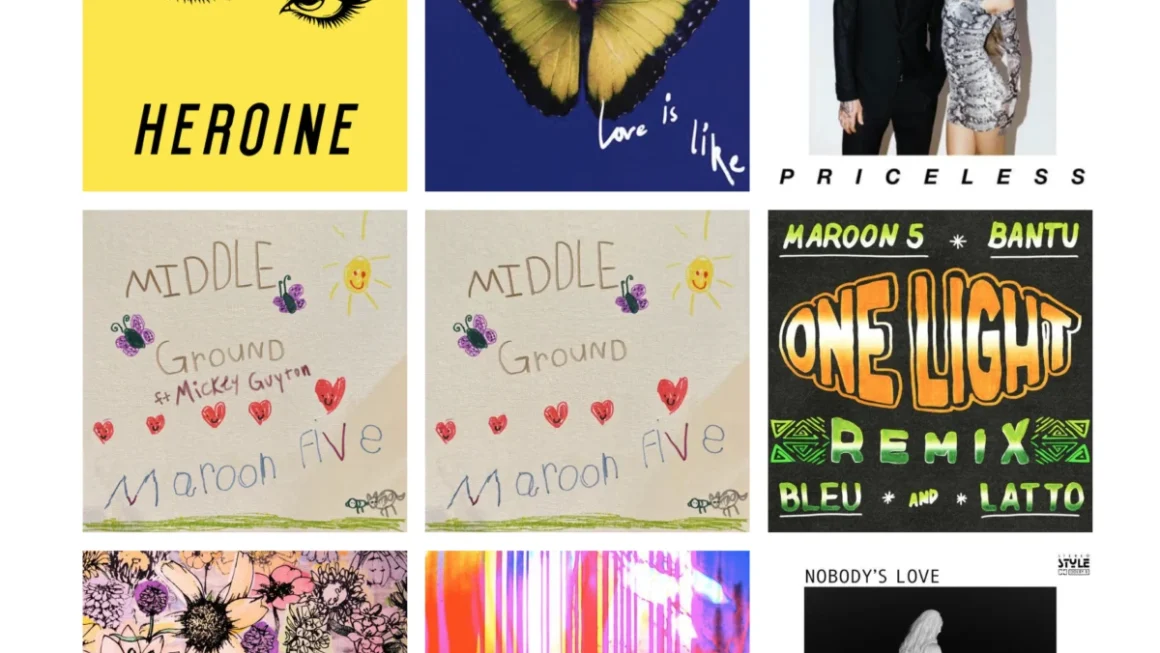








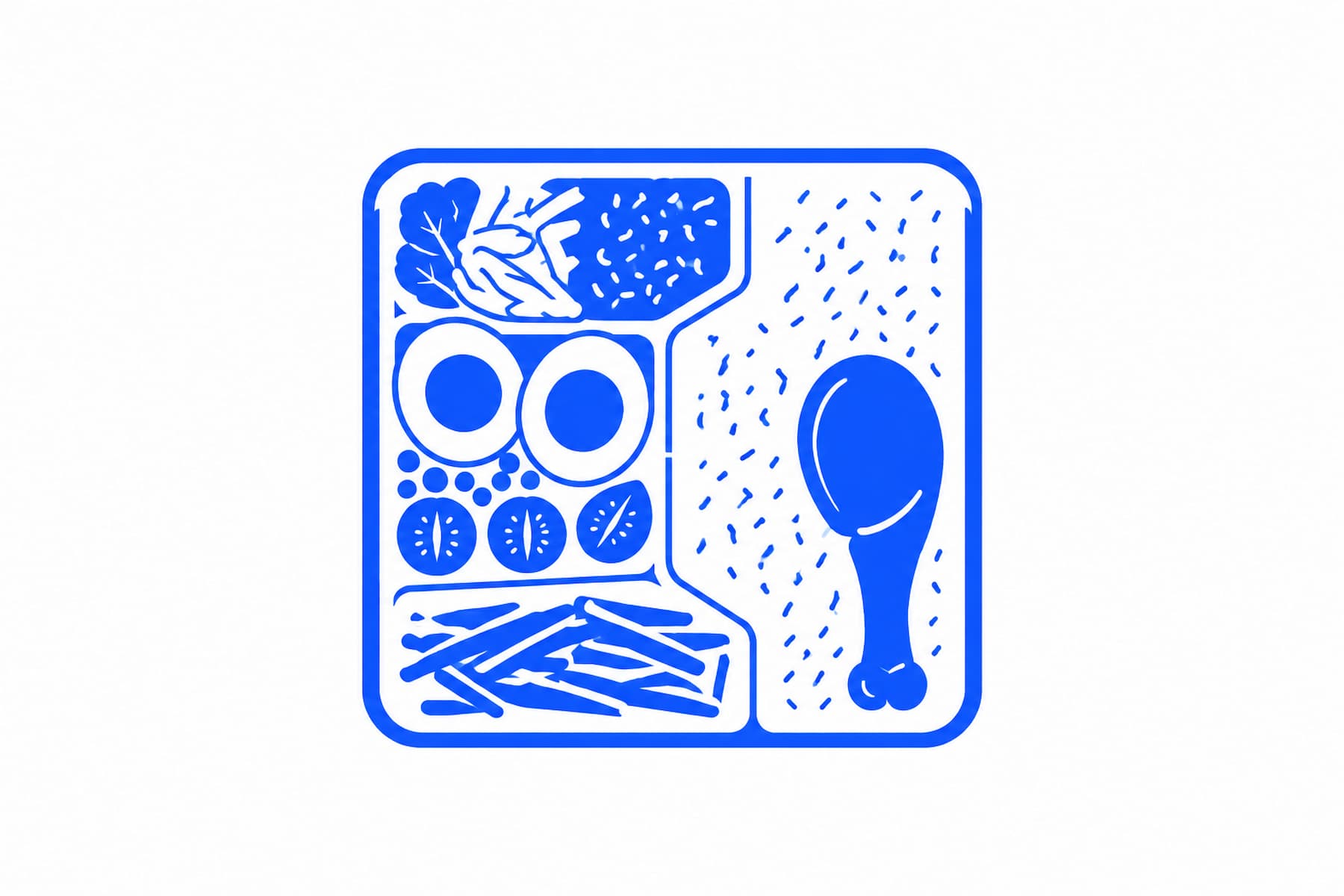
In the rapidly evolving landscape of digital design, the "Bento Grid" has emerged as the definitive aesthetic for modern interfaces. Inspired by the Japanese bento box—a container where various food items are neatly organized into individual, compartmentalized sections—the bento grid brings order to the chaos of web content. By utilizing differently sized cards, shared edges, and consistent spacing, designers can create layouts that are both visually striking and inherently hierarchical.
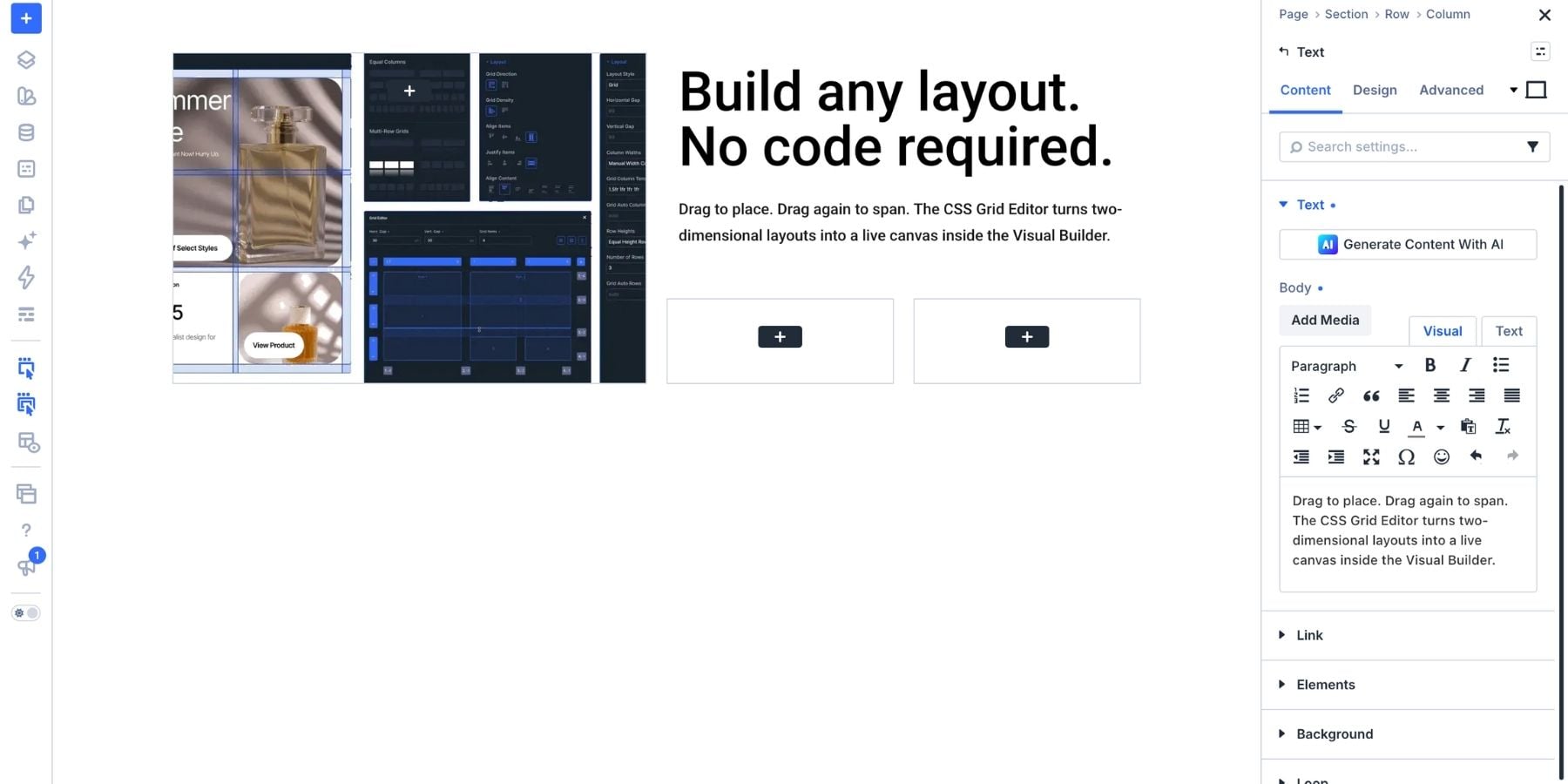
With the release of Divi 5 and its revolutionary CSS Grid Editor, this sophisticated design pattern is no longer reserved for those comfortable writing complex custom code. Designers can now drag, drop, and refine grid structures in a visual environment, bringing professional-grade layouts to the WordPress ecosystem with unprecedented ease.
Main Facts: The Anatomy of a Bento Layout
A bento grid is more than just a collection of boxes; it is a strategic approach to information architecture. The fundamental premise is that not all content deserves equal weight. By utilizing a grid, a designer can assign "real estate" based on importance.
- Visual Hierarchy: Larger cards draw the eye, serving as the focal point for hero images or primary value propositions, while smaller cards provide essential supporting details.
- Cohesive Composition: Shared edges and consistent gaps create a unified "container" feel, ensuring that disparate elements—text, images, statistics, and buttons—function as a singular, cohesive experience.
- Scalability: The logic of a bento grid allows for complex data to be presented without overwhelming the user, as the modular nature of the grid keeps information digestible.
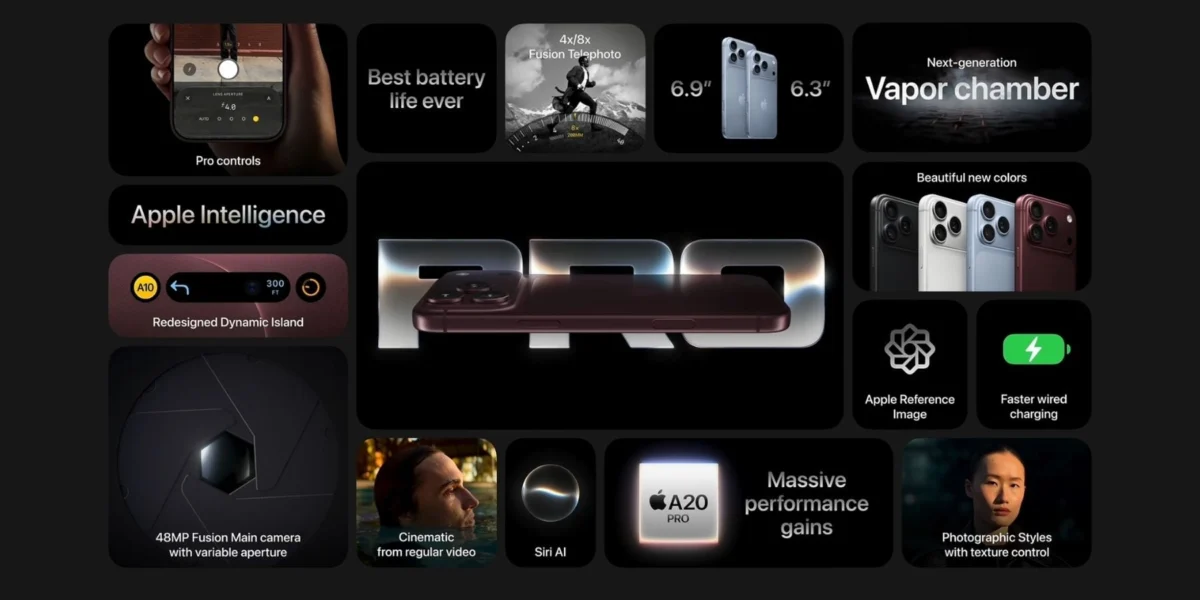
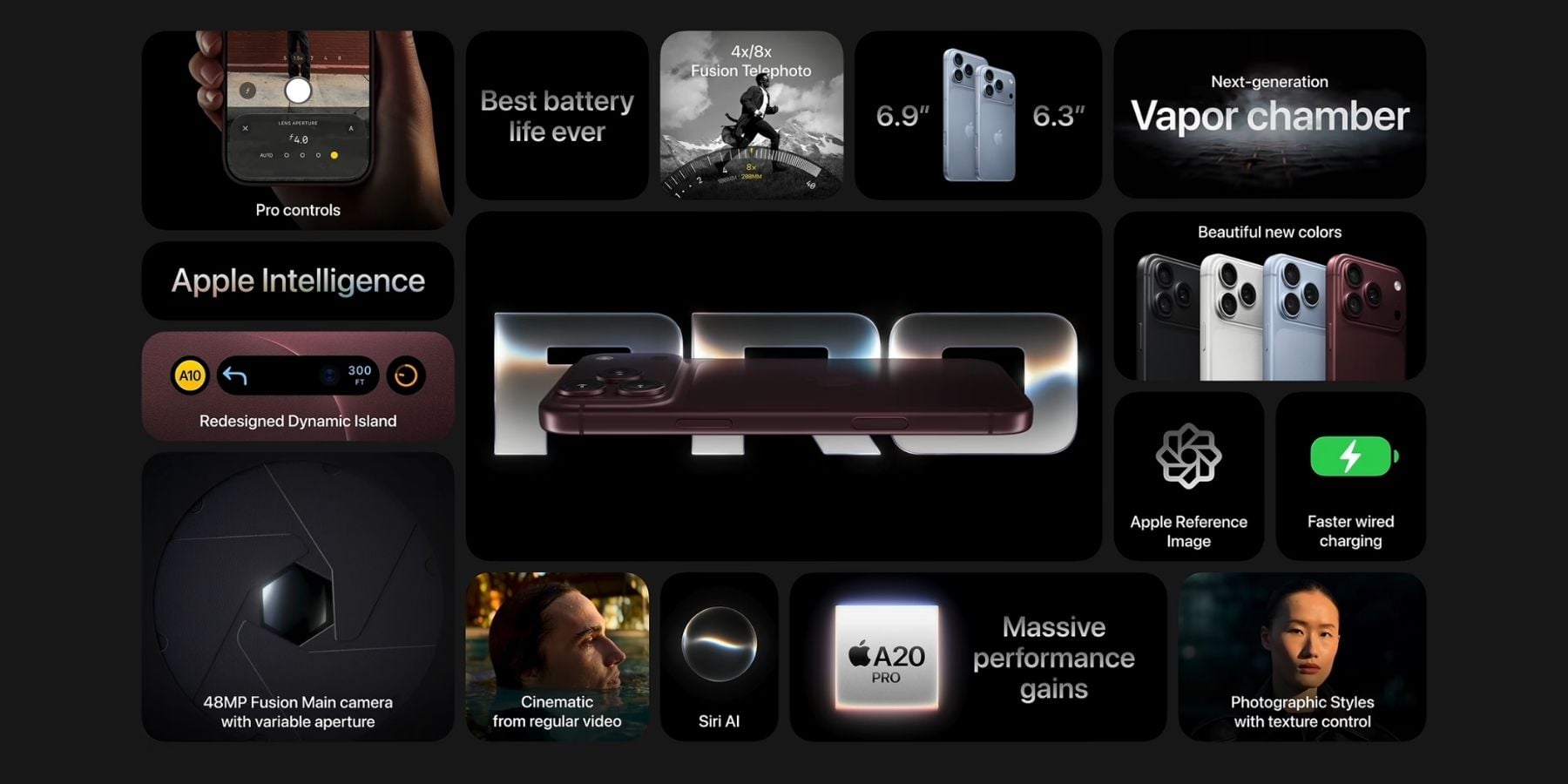
Industry giants like Apple have popularized this style in their product presentations. By varying the size of information blocks, they guide the user’s journey, ensuring the "big idea" is absorbed before the supporting technical specifications are presented.
Chronology: The Evolution of Layout Design
The journey toward visual grid editing has been a multi-year effort in the web design industry. For decades, designers relied on rigid table layouts, followed by the "float" era, and eventually the more flexible Flexbox. However, CSS Grid represented a paradigm shift, allowing for true two-dimensional control.
- The Pre-Grid Era: Designers struggled with complex nesting, often resulting in "div soup" and brittle code that was difficult to maintain.
- The Rise of CSS Grid: While powerful, native CSS Grid remained intimidating for non-developers, requiring a deep understanding of syntax like
grid-template-areasandfrunits. - The Divi 5 Breakthrough: Elegant Themes addressed this gap by introducing a visual abstraction layer. By creating a dedicated Grid Editor within the Visual Builder, Divi 5 transformed complex grid mathematics into a drag-and-drop experience. This evolution empowers creators to experiment with layout proportions in real-time, drastically reducing the feedback loop between conceptualization and implementation.
Supporting Data and Technical Implementation
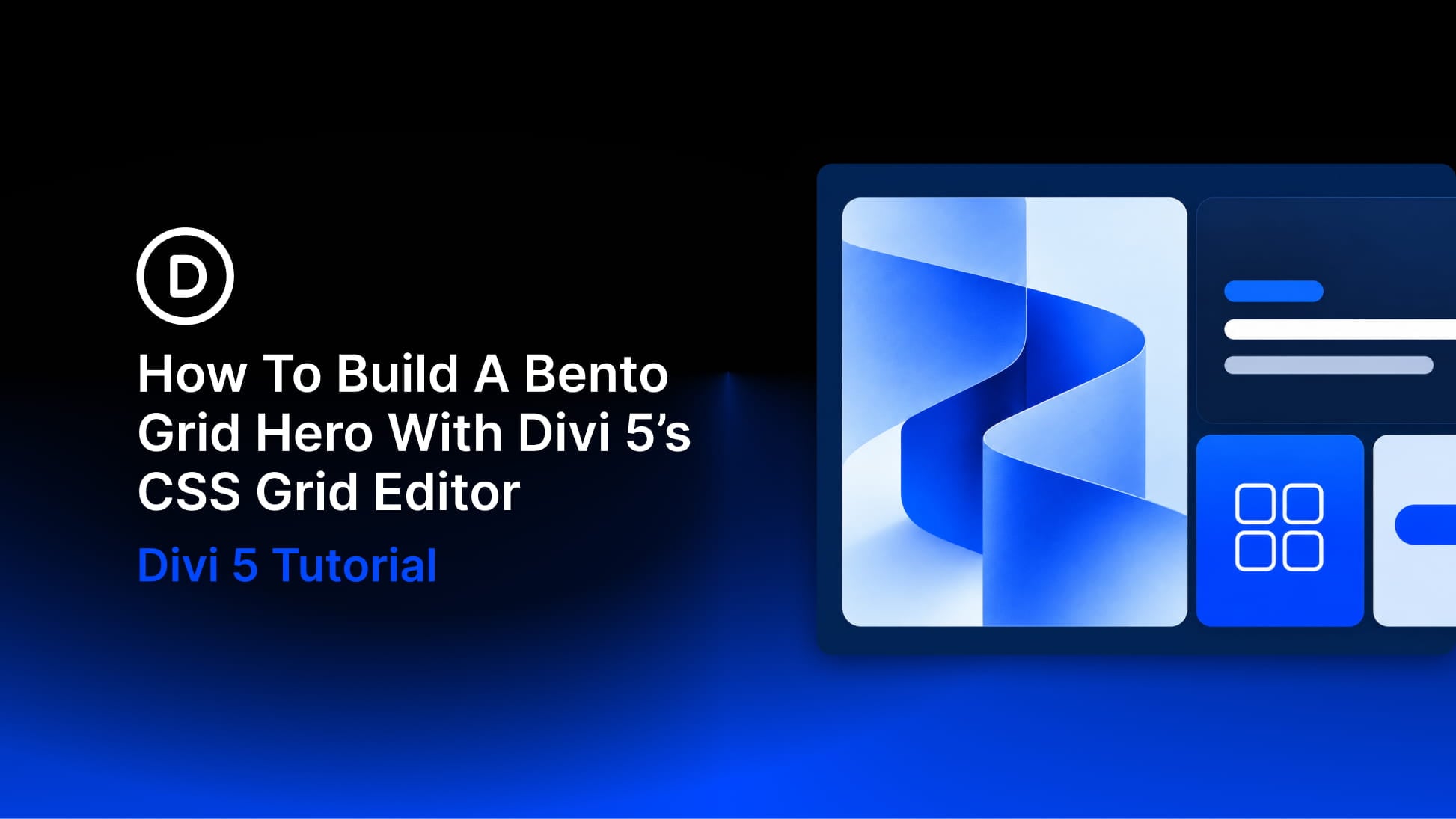
Building a four-card bento hero in Divi 5 is a systematic process that prioritizes efficiency and aesthetic balance.
Setting the Foundation
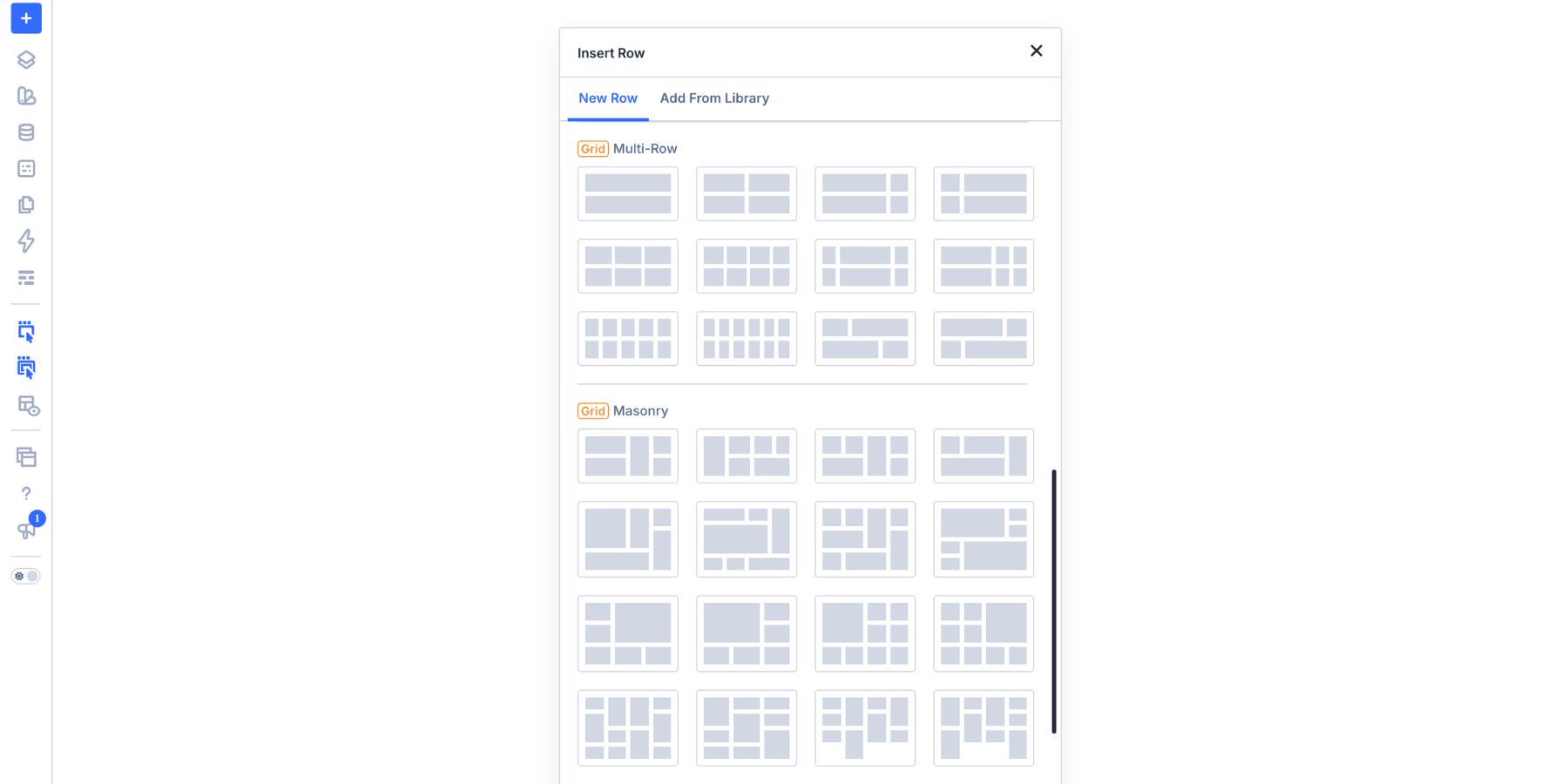
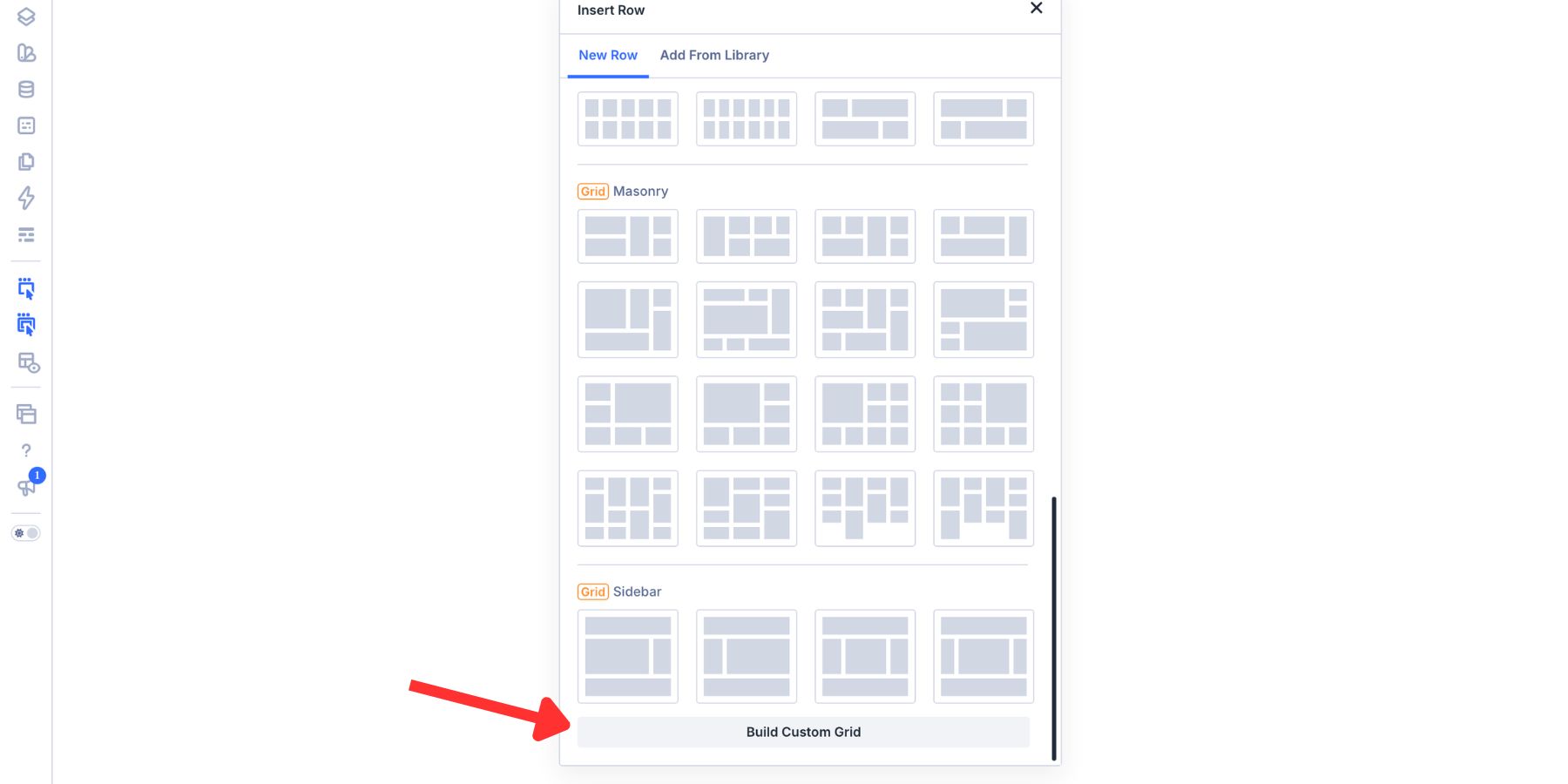
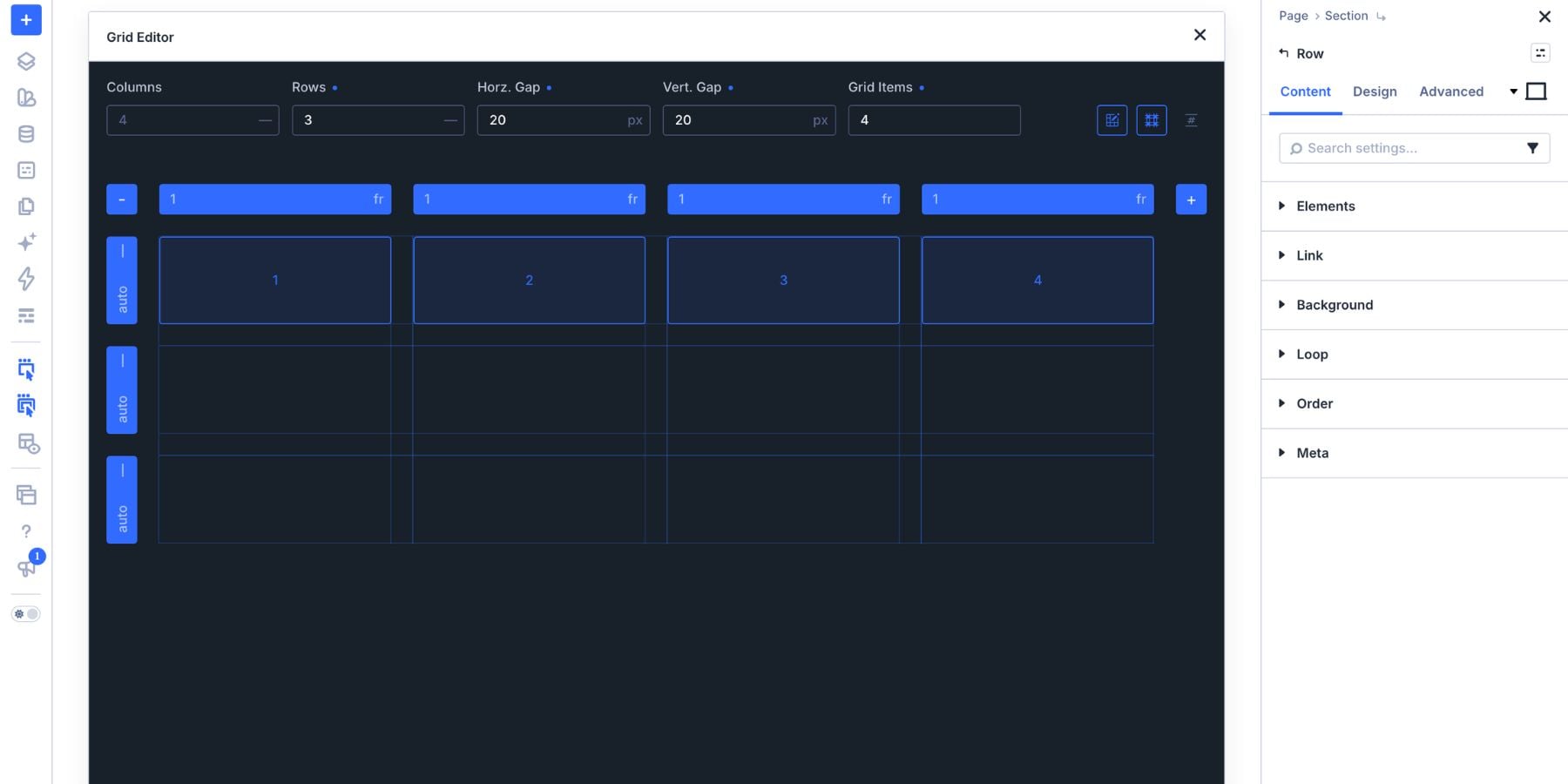
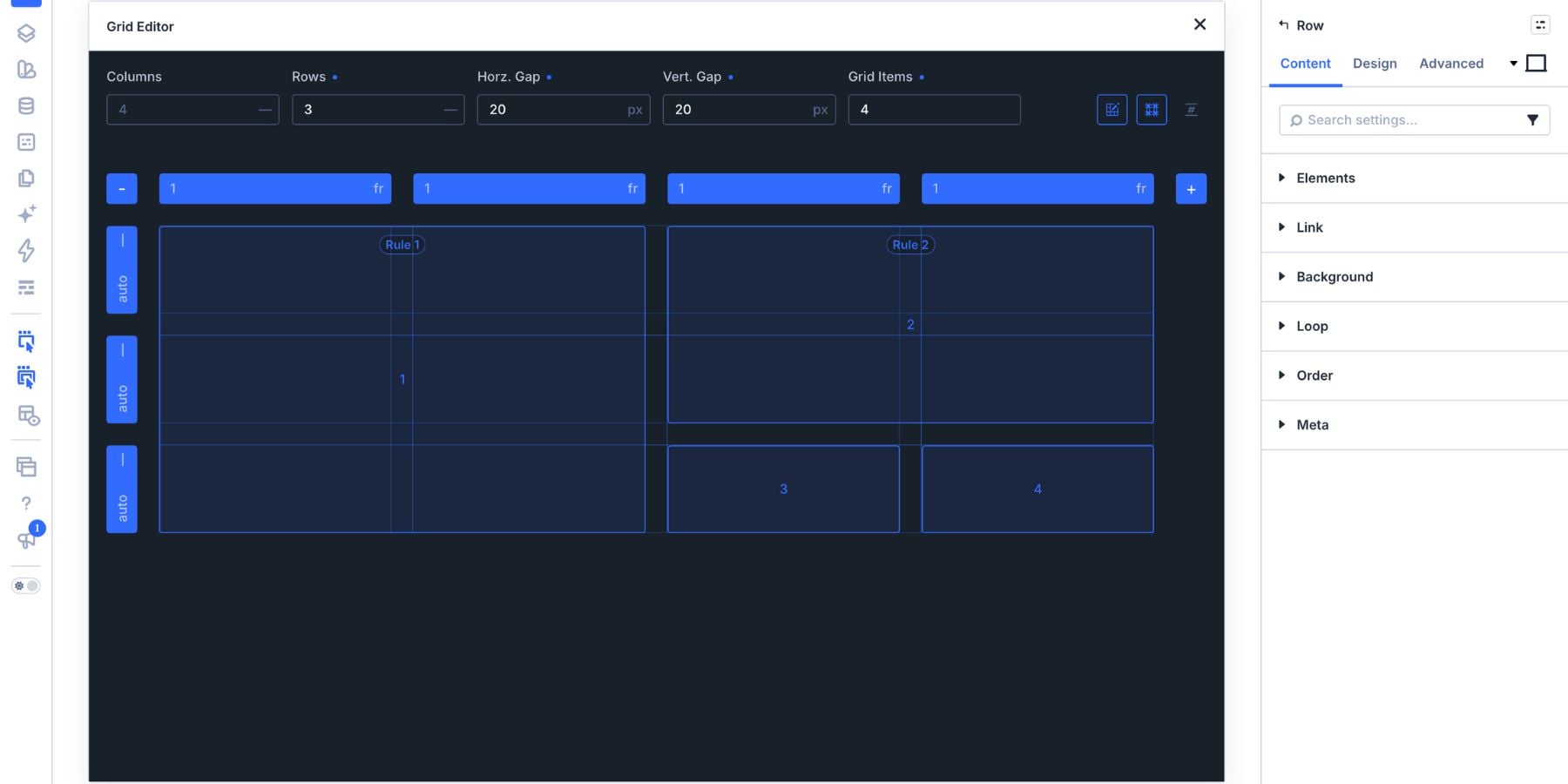
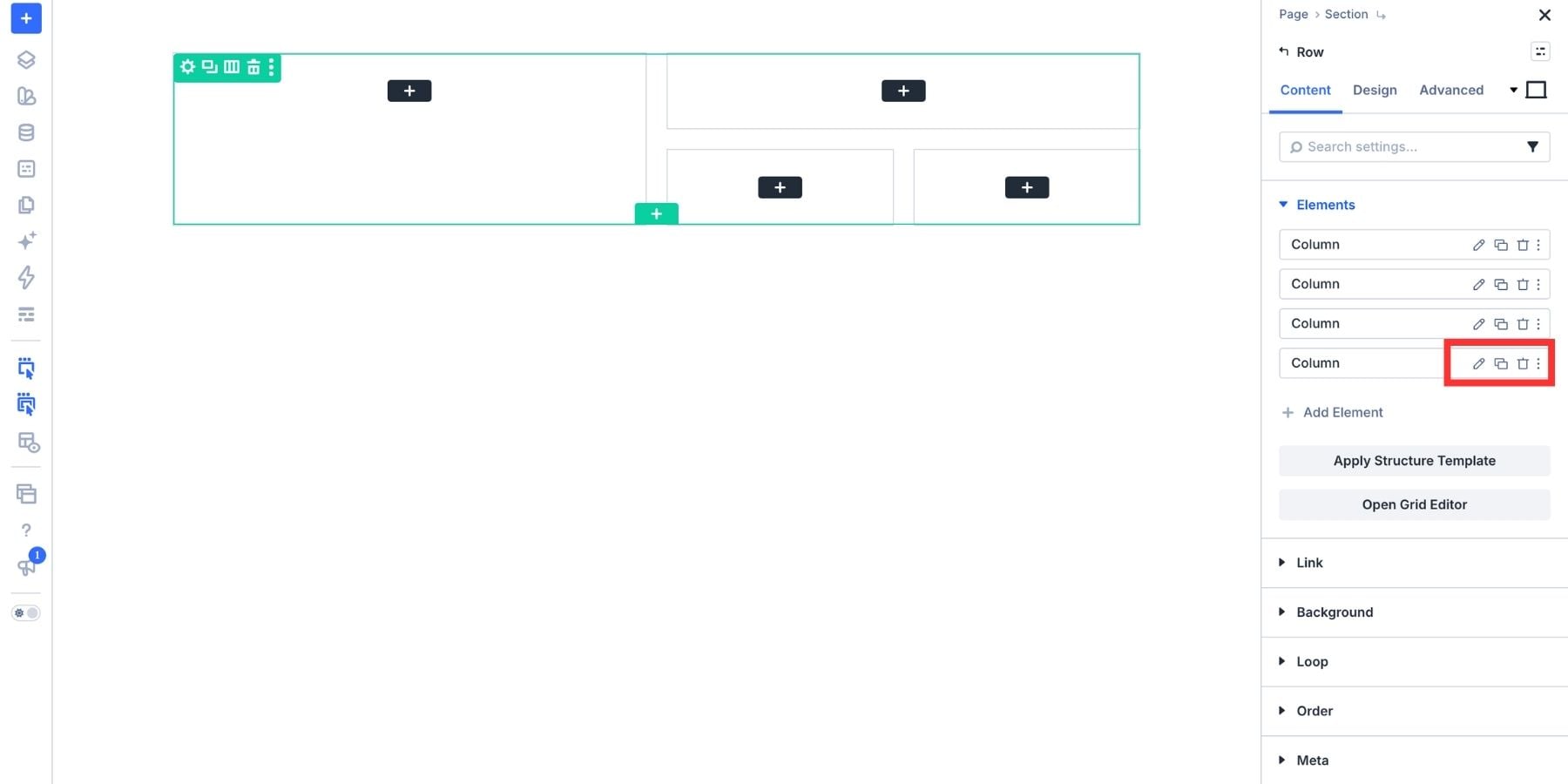
To begin, one must add a new Section within the Divi 5 Visual Builder. By selecting "Build Custom Grid" from the row insertion options, the user enters the Grid Editor. Here, the grid structure is defined at the container level, allowing for the definition of rows and columns before any content is added.
For a balanced hero section, a common configuration involves:
- 4 Columns / 3 Rows: Providing enough flexibility to house a large visual alongside three distinct content cards.
- The Main Visual: A card spanning columns 1 and 2, extending across all three rows.
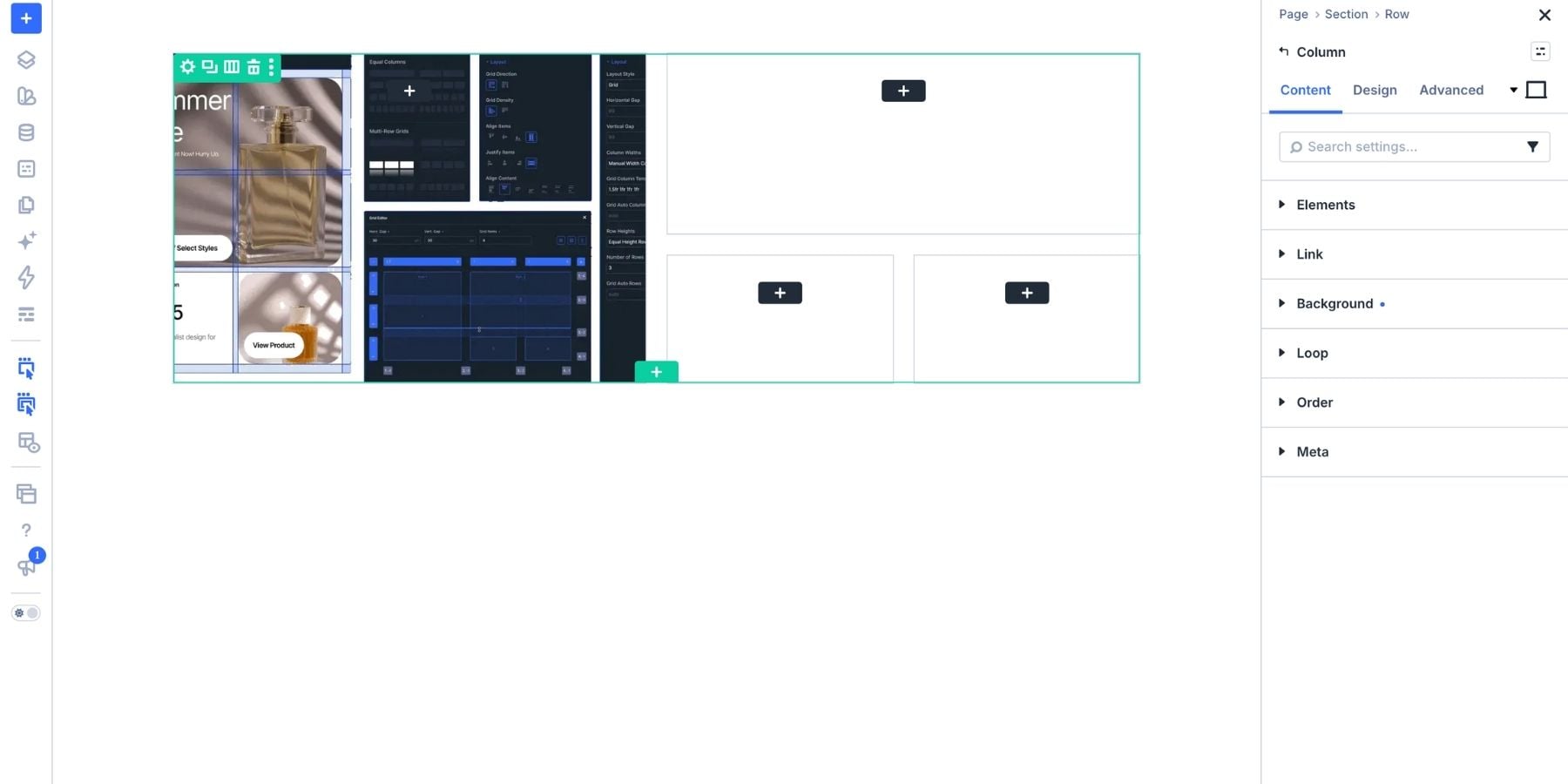
- The Content Blocks: A headline card (spanning columns 3 and 4, rows 1 and 2), a statistic card, and a primary call-to-action (CTA) button.
Styling with Design Variables
The true power of Divi 5 lies in its integration of Design Variables. Rather than hard-coding values like border-radius or padding, users can define these once in the Variable Manager. Whether it is a "Card Border Radius" or a "Hero Heading Size," updating a single variable ripples across the entire design. This ensures consistency and makes global rebranding tasks take seconds rather than hours.
Furthermore, the Variable Generator allows users to derive color palettes from a single source color. By generating tints, shades, and analogous colors, designers can maintain a professional color harmony without the need for external design tools like Adobe Color or Coolors.
Official Perspectives and Expert Insight
The design philosophy behind the Divi 5 Grid Editor is centered on "democratizing design." By moving the technical heavy lifting to the background, the platform allows the designer to focus on the intent of the layout rather than the syntax of the layout.
"The goal," notes the development team, "is to give each piece of content an appropriate amount of space while keeping the composition cohesive. When we see a hero section, we want the visitor to instantly understand the hierarchy. The bento grid provides the structure, but the content provides the purpose."
Professional designers emphasize that the strength of the bento layout is its ability to handle "negative space" effectively. By using consistent gaps between the cards, the layout breathes, preventing the "cluttered" feel that often plagues traditional, text-heavy landing pages.
Implications for Future Web Design
The adoption of bento grids has profound implications for how we structure the internet.
Enhanced User Engagement
By isolating distinct pieces of information into clear, distinct cards, businesses can improve conversion rates. Users are less likely to experience "analysis paralysis" when a layout clearly segments a compelling visual, a supporting fact, and a singular, clear call to action.
Responsive Challenges and Solutions
The primary challenge of a bento layout is responsiveness. What looks perfect on a 27-inch monitor can be a disaster on a mobile device. Divi 5 mitigates this through responsive breakpoint settings.
The strategy for smaller screens is to transition from a two-dimensional grid to a vertical, single-column stack. It is vital during this process to ensure that the content order remains logical. A common mistake is to lose the narrative flow when the grid is collapsed; designers must ensure that the "Headline" remains at the top, followed by the supporting evidence, and finally the CTA. By manually adjusting the responsive layout, designers can maintain the "bento" feel while ensuring optimal readability for mobile users.
The Shift Toward Modular Design
The long-term implication of this technology is the shift toward modular, component-based design. As more agencies and freelancers adopt bento-style grids, the web will become more consistent and easier to navigate. The ability to save these grids as templates means that high-quality, high-conversion layouts can be deployed rapidly, raising the bar for the entire industry.
Conclusion: A New Standard for Digital Storytelling
The bento grid is not merely a passing trend; it is a mature design language that solves the fundamental problem of digital information density. By leveraging the visual, intuitive tools provided by Divi 5, creators can build layouts that are as functional as they are beautiful.
Whether you are designing a SaaS landing page, an agency portfolio, or a product showcase, the principles remain the same:
- Define the Grid: Use the Grid Editor to establish the spatial logic.
- Assign Roles: Give every card a specific purpose—a visual, a hook, a fact, or an action.
- Manage Consistency: Use Design Variables to ensure your styling remains cohesive.
- Optimize for All: Never neglect the mobile experience, ensuring your grid collapses into a readable, logical flow.
As we move forward, the barrier between professional design and amateur execution continues to shrink. With the right tools and a solid understanding of structural hierarchy, the bento grid is a powerful weapon in any designer’s arsenal, ready to turn flat, static pages into dynamic, engaging, and highly effective digital experiences.